
1. Introduction
This manual provides essential instructions for setting up, operating, and maintaining your CNBRO Smart Ring with Display. Please read this manual thoroughly before using the device to ensure proper function and longevity.
Package Contents:
- 1 x CNBRO Smart Ring
- 1 x Charging Case
- 1 x Charging Cable for Case
- 1 x User Manual (this document)
2. Setup
2.1 Charging the Smart Ring
Before first use, fully charge your Smart Ring. Place the ring into the provided charging case. Connect the charging case to a power source using the included charging cable. The ring's display or an indicator on the case will show charging status.

Image: The Smart Ring placed in its transparent charging case, indicating the charging process.

Image: A hand placing the Smart Ring into its charging case, highlighting the magnetic charging connection.
2.2 App Installation and Pairing
- Download the 'Jring' app from your smartphone's app store (compatible with iOS 10.0 or above, and Android 9.0 or above).
- Ensure your smartphone's Bluetooth is enabled.
- Open the Jring app and follow the on-screen instructions to create an account or log in.
- Select 'Add Device' or a similar option within the app to search for your Smart Ring.
- Confirm the pairing request on both your phone and the Smart Ring (if prompted).
3. Operating Instructions
3.1 Basic Display Controls
The Smart Ring features a touch-sensitive display for quick access to information:
- Touch once: Display time.
- Double touch: Show step count.
- Touch three times: Display heart rate.
- Touch four times: Display blood oxygen.
- Touch five times: Display sleep mode.
- Touch six times: Display battery level.

Image: Close-up of the Smart Ring's LED display illustrating how different touch gestures reveal time, steps, heart rate, and other metrics.
3.2 Health Monitoring
The Smart Ring continuously monitors various health metrics:
- Heart Rate Monitoring: Supports 24-hour continuous heart rate tracking. View detailed data in the Jring app.
- Sleep Tracking: Automatically monitors sleep duration and quality, including deep sleep, light sleep, and wake-up times. Access comprehensive analysis in the Jring app to develop better sleep habits.
- Blood Oxygen Monitoring: Check your blood oxygen saturation levels at any time.

Image: Visual representation of the Smart Ring's health monitoring capabilities, showing heart rate and blood oxygen tracking.

Image: The Smart Ring tracking sleep, displaying deep sleep, light sleep, and awake times.
3.3 Fitness Tracking and Sport Modes
The ring automatically tracks steps, calories consumed, and distance. Activate sport modes in the Jring app to additionally track your activity time, heart rate, and route during exercise.
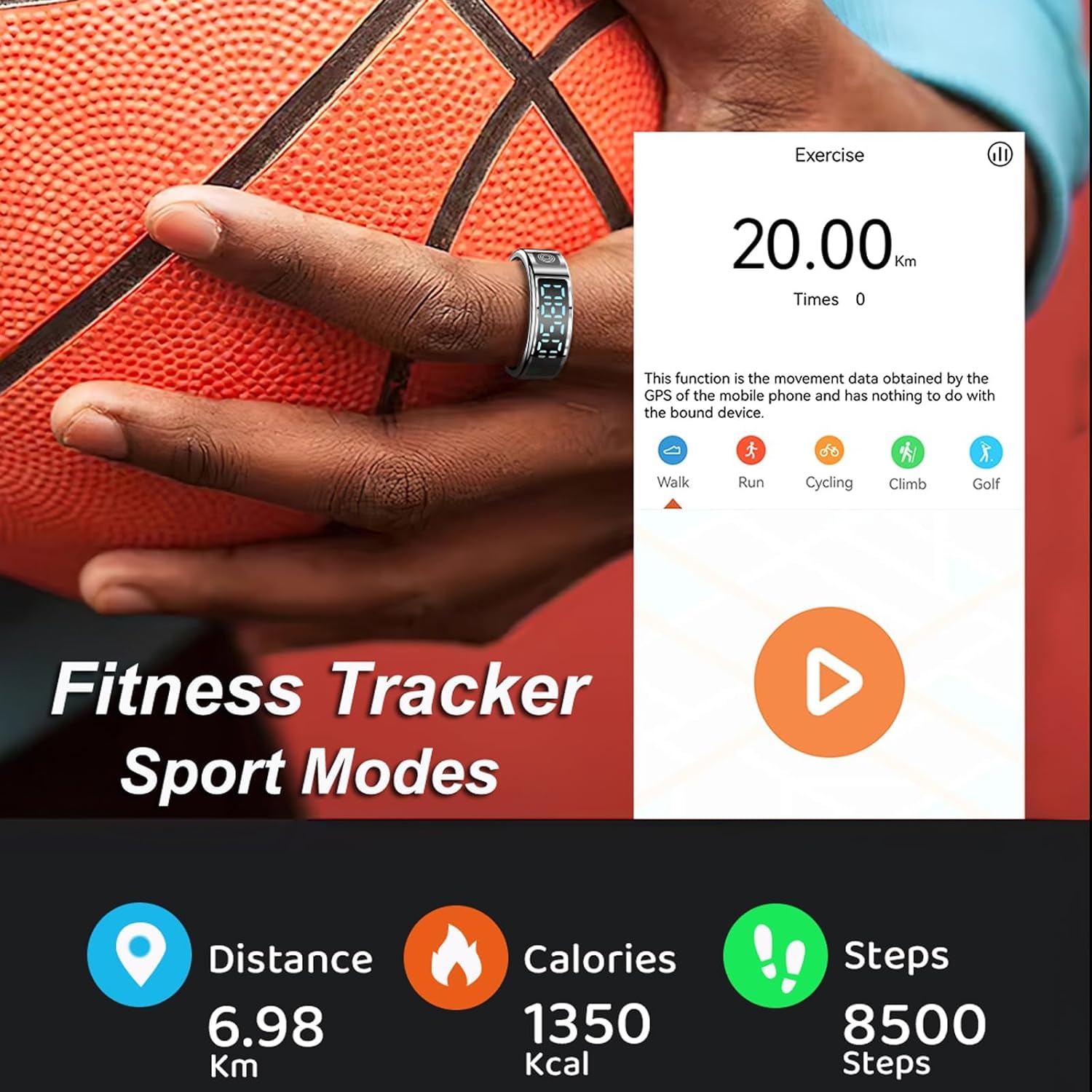
Image: The Smart Ring on a finger during exercise, with a smartphone screen showing fitness data like distance, calories, and steps.
3.4 Gesture Control
The Smart Ring supports gesture interaction for remote control of your smartphone:
- Remote Camera: Take photos on your phone remotely.
- Media Control: Switch short videos, pause, or play music.
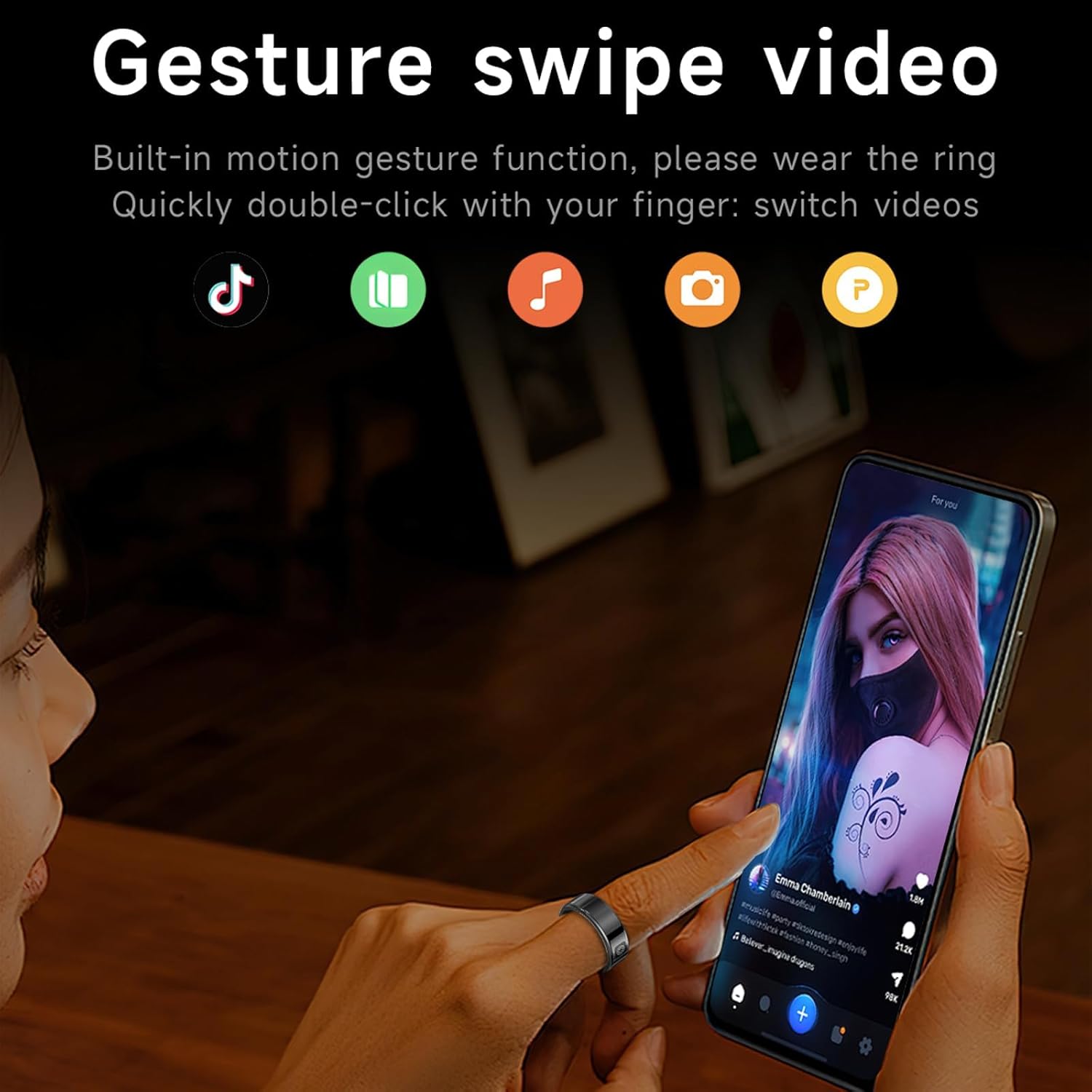
Image: A user wearing the Smart Ring and using a gesture to control a smartphone, demonstrating video switching functionality.
3.5 Water Resistance
The Smart Ring features IP68 waterproof technology, making it suitable for cold showering, washing hands, and rain. Do not use the ring in hot water.

Image: The Smart Ring partially submerged in water, illustrating its IP68 waterproof capability.
4. Maintenance
4.1 Cleaning
To clean your Smart Ring, gently wipe it with a soft, damp cloth. Avoid using harsh chemicals or abrasive materials that could damage the finish or electronic components.
4.2 Charging Best Practices
Always use the provided charging case and cable. Ensure the charging contacts on the ring and in the case are clean and dry before charging. Store the charging case in a dry environment.
4.3 Water Exposure
While the ring is IP68 waterproof, prolonged exposure to water, especially hot water, should be avoided. Do not wear the ring in saunas, hot tubs, or during activities involving high-pressure water.
5. Troubleshooting
- Ring not connecting to phone: Ensure Bluetooth is enabled on your phone, the ring is charged, and you are within range. Try restarting both the ring (if applicable) and your phone. Re-pair the device through the Jring app.
- Charging issues: Verify the charging cable and case are properly connected and undamaged. Ensure the charging contacts on the ring and case are clean. If the charging case itself is not working, contact customer support.
- Inaccurate data: Ensure the ring is worn correctly and snugly on your finger. Environmental factors or improper fit can affect sensor readings.
- Display not responding: Ensure the ring is charged. If the issue persists, try cleaning the display area.
6. Specifications
| Feature | Detail |
|---|---|
| Brand | CNBRO |
| Model | Smart Ring with Display |
| Operating System Compatibility | Android 9.0+, iOS 10.0+ |
| Connectivity Technology | Bluetooth 5.1 |
| Battery Capacity (Ring) | 16mAh Lithium Polymer |
| Charging Type | Magnetic Charging (via case) |
| Water Resistance Level | IP68 Waterproof |
| Special Features | Activity Tracker, Gesture Control, Lightweight, Time Display, Touchscreen |
| Item Weight | 3.53 ounces |
| Package Dimensions | 1.97 x 1.97 x 1.97 inches |
6.1 Ring Sizing Guide
To ensure accurate health monitoring and comfortable wear, select the correct ring size. Measure your finger using the following method:
- Wrap a thin, non-stretchy wire or strip of paper around your index finger. Mark the point where it overlaps.
- Straighten the wire/paper and measure its length with a ruler.
- Compare your measurement to the perimeter in the table below to find your size. Ensure the fit is snug but not too tight.

Image: A table displaying ring sizes (No. 8-12) with corresponding inner diameters and perimeters, alongside a visual guide for measuring finger size.
7. Product Video Overview
Video: An official product video demonstrating the features and functionality of the CNBRO Smart Ring with Display, including its design, health tracking, and interactive display.
8. Warranty and Support
For warranty information or technical support, please refer to the contact details provided with your purchase documentation or visit the official CNBRO website. Ensure you have your product model and purchase date available when contacting support.
For any questions, please contact the seller 'Fusong' directly through the platform where the product was purchased.