
Ikarao Shell S2
Ikarao Shell S2 Karaoke System User Manual
Model: Shell S2
Introduction
The Ikarao Shell S2 is a portable karaoke system designed for versatile entertainment. It features an integrated screen, two wireless microphones, and offers multiple connectivity options including Wi-Fi, HDMI, and Bluetooth. This manual provides essential information for setting up, operating, and maintaining your device.
What's in the Box
- Ikarao Shell S2 Smart Karaoke Machine
- 2 Wireless Microphones
- Charging Cable
- Warranty Card
- Quick Start Guide
- User Manual

Image: The Ikarao Shell S2 karaoke machine with its included accessories.
Product Overview
The Ikarao Shell S2 combines a powerful speaker with an interactive display and wireless microphones for a complete karaoke experience. Key features include:
- Integrated Screen: For displaying lyrics and navigating menus.
- Wireless Microphones: Two microphones with independent controls and charging compartments.
- 140W Peak Power: Delivers clear and powerful audio.
- Multiple Connectivity: Wi-Fi, HDMI, Bluetooth, USB, AUX IN/OUT.
- Portable Design: Lightweight with an aluminum alloy handle for easy transport.
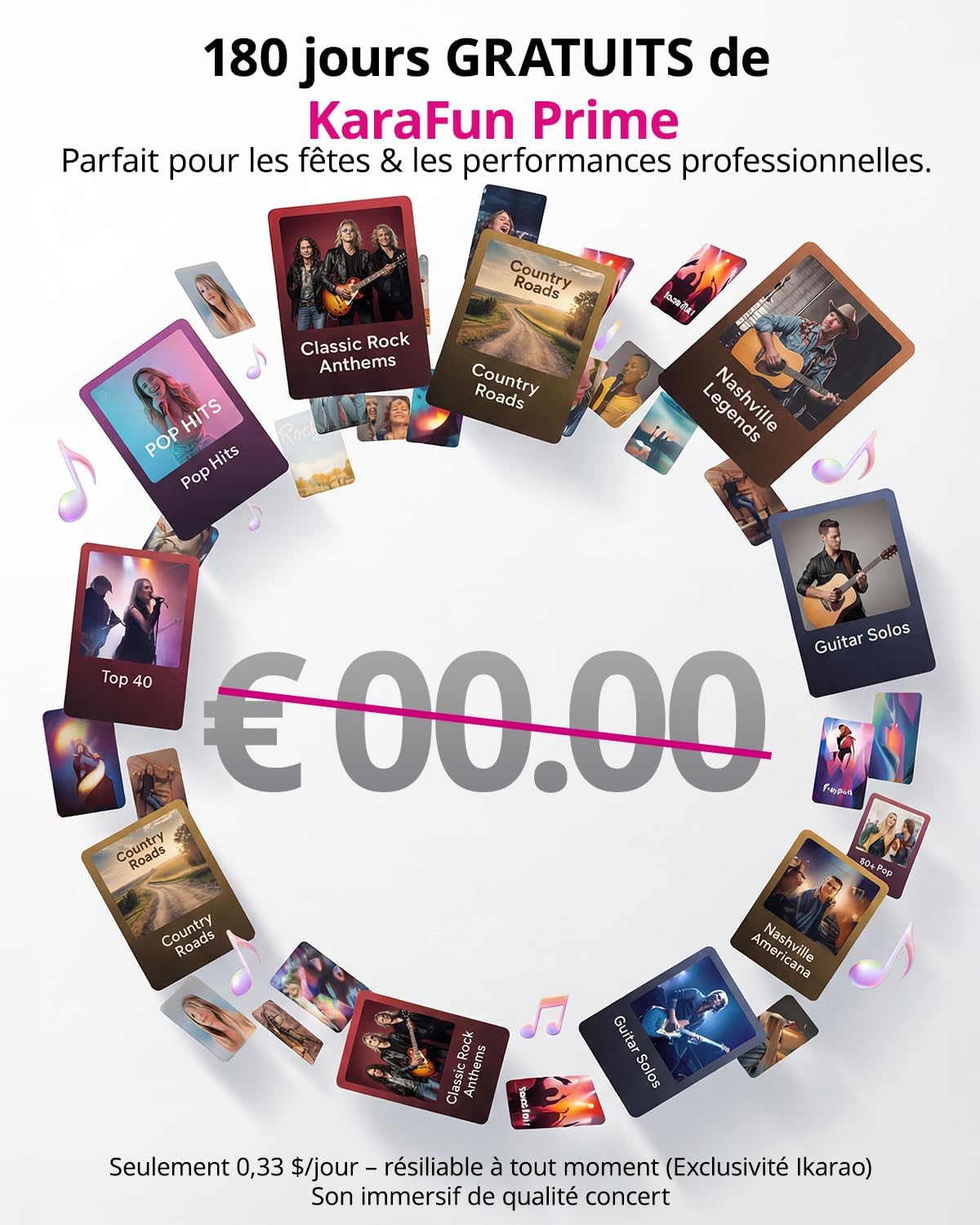
Image: The Ikarao Shell S2 with its screen open, revealing the two wireless microphones stored inside.

Image: An exploded view diagram illustrating the internal speaker components of the Ikarao Shell S2.
Setup Instructions
- Unboxing: Carefully remove all components from the packaging. Verify that all items listed in "What's in the Box" are present.
- Charging: Before first use, fully charge the karaoke machine and both wireless microphones. The microphones charge when placed in their dedicated compartments on top of the speaker.
- Power On: Press and hold the power button on the main unit to turn it on. The integrated screen will light up.
- Microphone Pairing: The wireless microphones are typically pre-paired. If not, refer to the "Operating Instructions" for manual pairing.
- Initial Connection:
- Wi-Fi: Navigate to the settings menu on the integrated screen to connect to your local Wi-Fi network for online content and KaraFun access.
- HDMI (Optional): Connect an HDMI cable from the karaoke machine to your TV for a larger display of lyrics and video.
- Bluetooth (Optional): To use the device as a Bluetooth speaker, activate Bluetooth on your external device and select "Ikarao Shell S2" from the available devices.
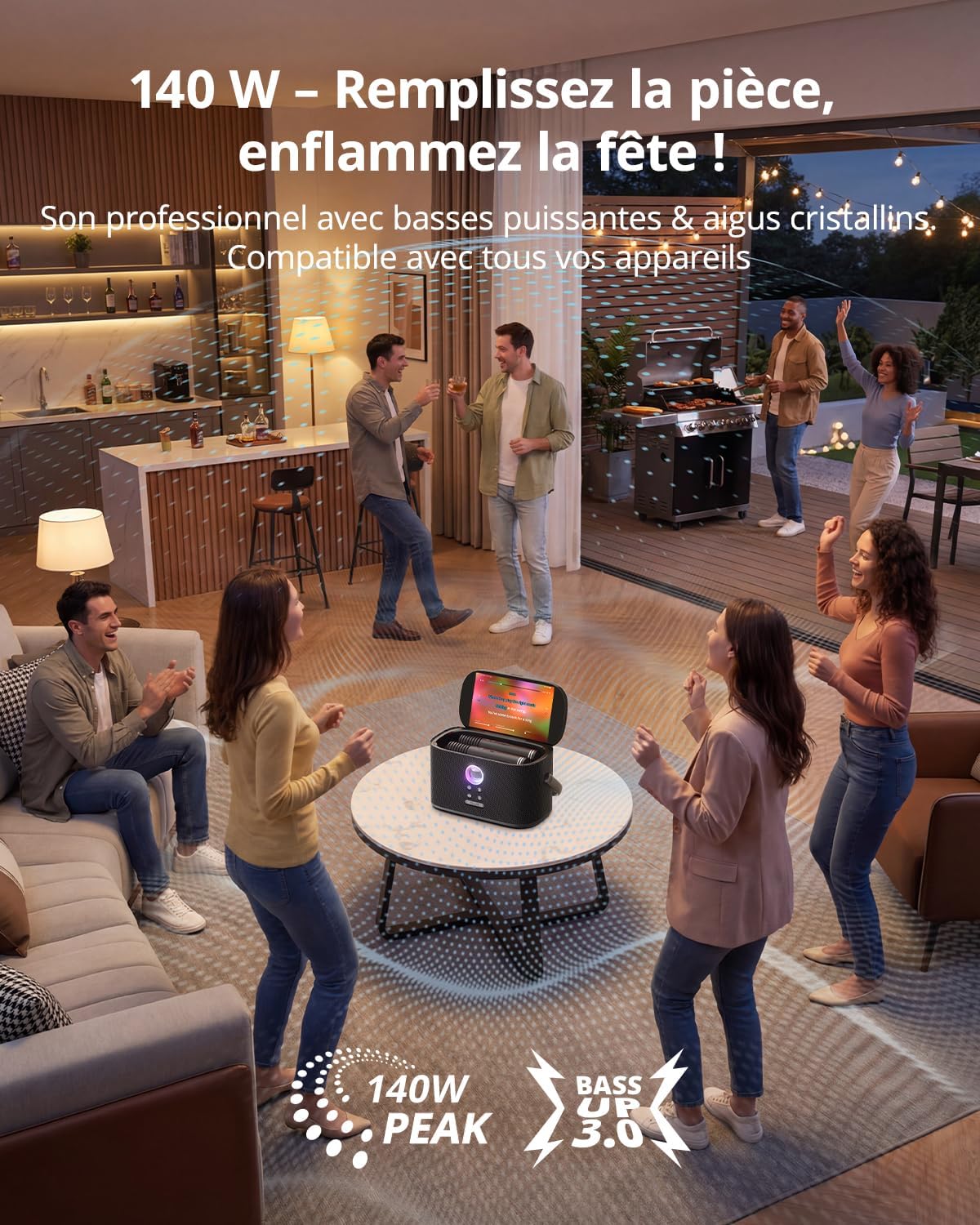
Image: The Ikarao Shell S2 connected to a charging cable, with wireless microphones ready for use.
Operating Instructions
Power On/Off
Press and hold the power button on the main unit for 3 seconds to turn the system on or off.
Microphone Usage
- Power: Each microphone has its own power button. Press to turn on/off.
- Volume & Effects: Use the controls on each microphone to adjust individual volume, echo, and select from 8 sound effects.
- Charging: Place microphones in their designated slots on the main unit to recharge.

Image: A close-up view of one of the wireless microphones, showing its control buttons for volume and effects.
Karaoke Features
- KaraFun Access: Connect to Wi-Fi and use the pre-installed KaraFun application to access a library of over 50,000 songs.
- Lyric Display: Lyrics are displayed on the integrated screen or on a connected TV via HDMI.
- Sound Adjustment: Use the main unit's controls for overall volume, bass boost, and other audio settings.

Image: The Ikarao Shell S2 karaoke system connected to a television, displaying song lyrics for a karaoke session.

Image: A user interacting with the karaoke system via a smartphone, likely selecting songs or adjusting settings.
Connectivity Options
- Bluetooth: Pair with smartphones, tablets, or other Bluetooth-enabled devices.
- HDMI: Output video and audio to an external display like a TV.
- USB: Play media from USB drives.
- AUX IN/OUT: Connect external audio sources or output audio to other sound systems.
Maintenance
- Cleaning: Use a soft, dry cloth to clean the exterior of the unit and microphones. Avoid liquid cleaners.
- Storage: Store the device in a cool, dry place away from direct sunlight and extreme temperatures. Ensure microphones are stored in their charging compartments.
- Battery Care: For optimal battery life, fully charge the unit before long periods of storage and recharge every 3-6 months.
Troubleshooting
| Problem | Possible Cause | Solution |
|---|---|---|
| No power | Battery drained; Power cable not connected. | Charge the unit; Ensure power cable is securely connected. |
| Microphones not working | Microphones off; Not paired; Low battery. | Turn on microphones; Re-pair if necessary; Charge microphones. |
| No sound from speaker | Volume too low; Incorrect input source; Muted. | Increase volume; Select correct input (Bluetooth, AUX, etc.); Unmute. |
| Wi-Fi connection issues | Incorrect password; Out of range; Router issue. | Verify password; Move closer to router; Restart router. |
| Echo/feedback from microphones | Microphone too close to speaker; Echo effect too high. | Increase distance between microphone and speaker; Reduce microphone echo level. |
Specifications
| Brand | Ikarao |
| Model Name | Shell S2 |
| Special Features | Integrated Microphone, Portable, Rechargeable, Digital Tuner, Indicator Light |
| Color | Noir (Black) |
| Power Source | Battery Powered |
| Number of Speakers | 2 |
| Connectivity Technology | Auxiliary, Bluetooth, HDMI, USB, Wi-Fi |
| Connector Type | HDMI, OTG, Type-C, USB, AUX IN, AUX OUT, Wired Microphone |
| Total USB Ports | 1 |
| Compatible Devices | Television, Sound System, Home Theater, Laptop, Tablet, Smartphone |
| Item Weight | 2.83 Kilograms |
| Dimensions (L x W x H) | 27P x 19l x 18H centimeters |
Warranty Information
The Ikarao Shell S2 Karaoke System comes with a 1-year warranty from the date of purchase. Please retain your proof of purchase for any warranty claims. For detailed terms and conditions, refer to the included Warranty Card or contact Ikarao customer support.
Customer Support
For technical assistance, troubleshooting not covered in this manual, or warranty inquiries, please contact Ikarao customer support through their official website or the contact information provided on your warranty card.
Relevant Videos
Video: Overview of the karaoke system for adults, featuring two microphones. This video demonstrates the product's general use and features.
Please note that some videos may feature similar products or general usage demonstrations. Always refer to this manual for specific instructions regarding your Ikarao Shell S2 model.
Related documentsShell S2


Ask a question about this manual
Ask about setup, troubleshooting, compatibility, parts, safety, or missing instructions. Manuals+ will review the question and use this page’s manual context to help answer it.