
1. Setup
1.1 Unboxing and Initial Inspection
Carefully remove all items from the packaging. Verify that all components are present and undamaged. The box contents typically include:
- OnePlus 13 Smartphone
- Phone Case
- Power Adapter
- SIM Tray Ejector
- Screen Protector (pre-applied or in box)
- USB Cable (Type-C)
1.2 Inserting the SIM Card
The OnePlus 13 supports Dual Nano SIM cards. Follow these steps to insert your SIM card(s):
- Locate the SIM card tray on the side of the device.
- Insert the SIM tray ejector tool into the small hole next to the tray and press firmly until the tray pops out.
- Place your Nano SIM card(s) into the tray with the gold contacts facing down, ensuring they are correctly oriented.
- Carefully reinsert the SIM tray into the phone until it clicks into place.

Side view of the OnePlus 13 smartphone, showing volume and power buttons, and SIM tray.
1.3 Powering On and Initial Setup
Press and hold the Power button until the OnePlus logo appears. Follow the on-screen instructions to complete the initial setup, which includes selecting your language, connecting to Wi-Fi, setting up your Google account, and configuring security features like fingerprint recognition.

OnePlus 13 smartphone, front view, displaying the screen.
2. Operating Your Device
2.1 Basic Navigation
The OnePlus 13 features a responsive touchscreen for all interactions. Swipe, tap, and pinch gestures are used for navigation, app interaction, and content manipulation. Familiarize yourself with the OxygenOS 15 interface, based on Android 15, for a smooth user experience.
2.2 Camera Features
The device is equipped with a 5th-Gen Hasselblad Camera for Mobile, featuring a triple 50MP rear camera system (Wide, 3X Telephoto, Ultra-wide) and a 32MP front camera. Key camera modes include:
- Automatic: Standard mode for everyday photos.
- Landscape: Optimized for wide scenic shots.
- Macro: For close-up photography of small subjects.
- Night Mode: Enhances photos taken in low-light conditions.
- Portrait: Creates a depth-of-field effect for subjects.
- Telephoto: Utilizes the 3X optical zoom lens for distant subjects.
- Clear Burst: Captures multiple frames rapidly to select the best shot.
OnePlus 13 screen showing the Clear Burst camera feature capturing multiple frames.
2.3 AI Features and OxygenOS 15
OxygenOS 15 integrates advanced AI capabilities, including:
- Intelligent Search: Quickly find information on your device or the web.
- AI Imaging Power: Features like AI Reflection Eraser, AI Unblur, and AI Detail Boost enhance your photos.
- Gemini AI Assistant: Google's AI assistant for various tasks and queries.

OnePlus 13 screen showing the Intelligent Search feature with an AI answer.

OnePlus 13 screen showing the Gemini AI Assistant interface.
2.4 Connectivity
The OnePlus 13 supports various connectivity options:
- Cellular: 5G, LTE (Unlocked)
- Wireless: Wi-Fi, Bluetooth, NFC
- Wired: USB Type-C
3. Maintenance
3.1 Battery Care
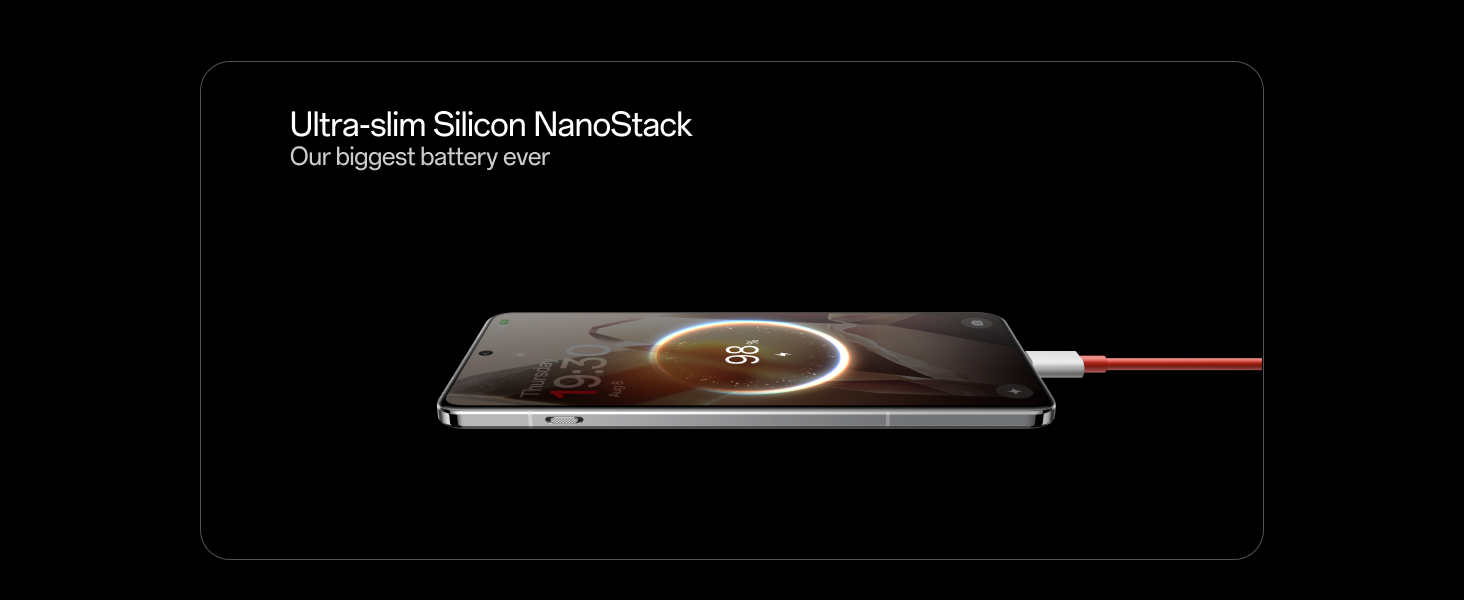
The OnePlus 13 is equipped with a 6000 mAh silicon-carbon battery. To maximize battery life and performance:
- Use the provided Power Adapter and USB Cable for optimal 100W wired fast charging.
- Avoid extreme temperatures.
- Do not let the battery drain completely regularly.
Side view of the OnePlus 13 showing the ultra-slim Silicon NanoStack battery.
3.2 Water and Dust Resistance
The device features an IP69 and IP68 rating for water and dust resistance. While designed to withstand splashes and brief immersion, it is not fully waterproof. Avoid intentional submersion, exposure to pressurized water, or use in extreme conditions. If the device gets wet, dry it thoroughly before charging or using the USB port.
Two OnePlus 13 phones submerged in water, illustrating IP68/69 water resistance.
3.3 Cleaning Your Device
Use a soft, lint-free cloth to clean the screen and body of your phone. Avoid abrasive materials or harsh chemicals. For stubborn smudges, a slightly damp cloth with water can be used, followed by immediate drying.
4. Troubleshooting
4.1 Common Issues and Solutions
- Device not turning on: Ensure the battery is charged. Connect to the power adapter and wait a few minutes before attempting to power on again.
- Screen unresponsive: Perform a forced restart by holding the Power button and Volume Down button simultaneously for about 10 seconds.
- Connectivity problems (Wi-Fi/Bluetooth/5G): Try toggling the respective connection off and on. If the issue persists, restart the device. For network issues, ensure your SIM card is properly inserted and your plan is active.
- Apps crashing: Clear the cache and data for the problematic app in Settings > Apps. If the issue continues, uninstall and reinstall the app.
- Slow performance: Close unnecessary background apps, clear cache, and ensure your device has sufficient storage space.
4.2 Factory Reset
If you encounter persistent software issues, a factory reset may be necessary. Warning: This will erase all data on your device. Back up important information before proceeding. To perform a factory reset, go to Settings > System > Reset options > Erase all data (factory reset).
5. Specifications
| Feature | Specification |
|---|---|
| Brand | OnePlus |
| Model Series | OnePlus 13 |
| Operating System | Android 15, OxygenOS |
| CPU Model | Snapdragon 8 Elite |
| CPU Speed | 3.2 GHz |
| RAM | 12 GB |
| Internal Storage | 256 GB (variant dependent) |
| Display Type | AMOLED |
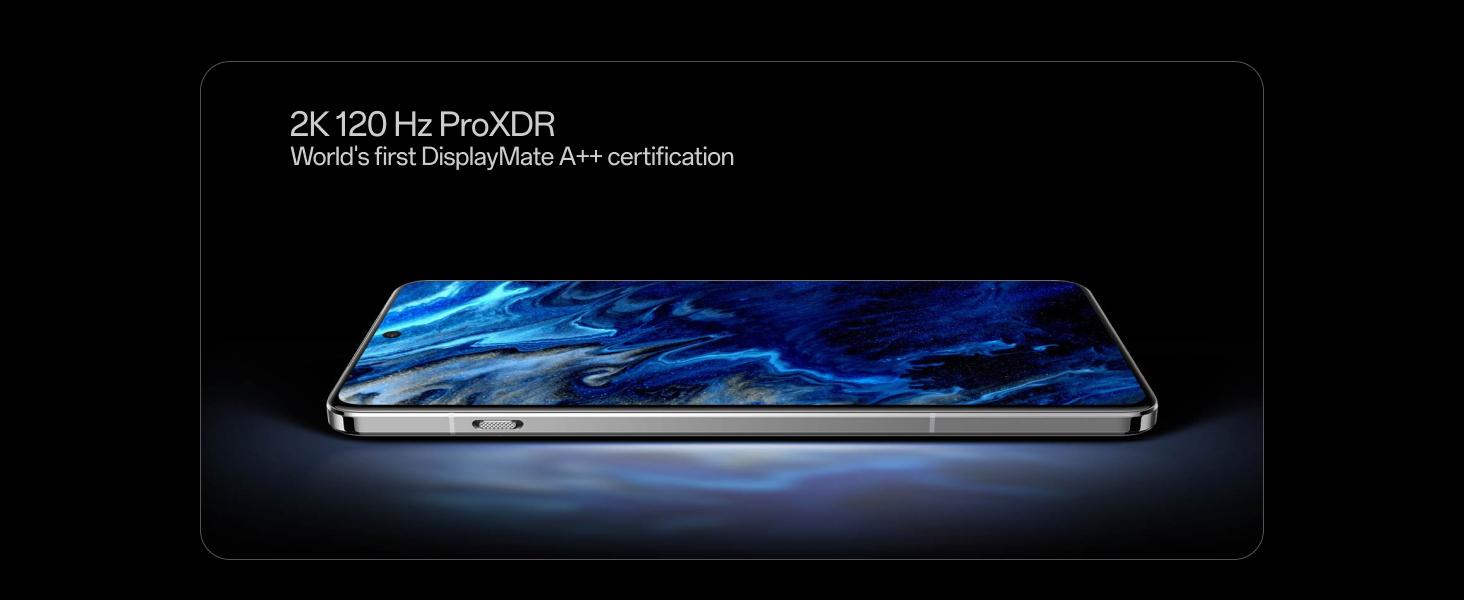
| Display Resolution | 3168 x 1440 Pixels (2K ProXDR) |
| Refresh Rate | 120 Hz |
| Rear Camera System | Triple 50MP (Wide, 3X Telephoto, Ultra-wide) |
| Front Camera | 32 MP |
| Video Capture Resolution | 4K |
| Battery Capacity | 6000 mAh |
| Wired Fast Charging | 100W (36 minutes for 100% charge) |
| Dimensions (L x W x H) | 16.3 x 7.7 x 0.9 Centimeters |
| Weight | 210 Grams |
| SIM Card Type | Dual Nano SIM |
| Water Resistance | IP69 and IP68 |
| Biometric Security | Fingerprint Recognition |

OnePlus 13 smartphone, Midnight Ocean color, front view.
6. Warranty Information
6.1 Standard Manufacturer Warranty
The OnePlus 13 comes with a 1-year manufacturer warranty for the device itself and 1-year manufacturer warranty for in-box accessories, including batteries, from the date of purchase. This warranty covers manufacturing defects under normal use.
6.2 Lifetime Display Warranty
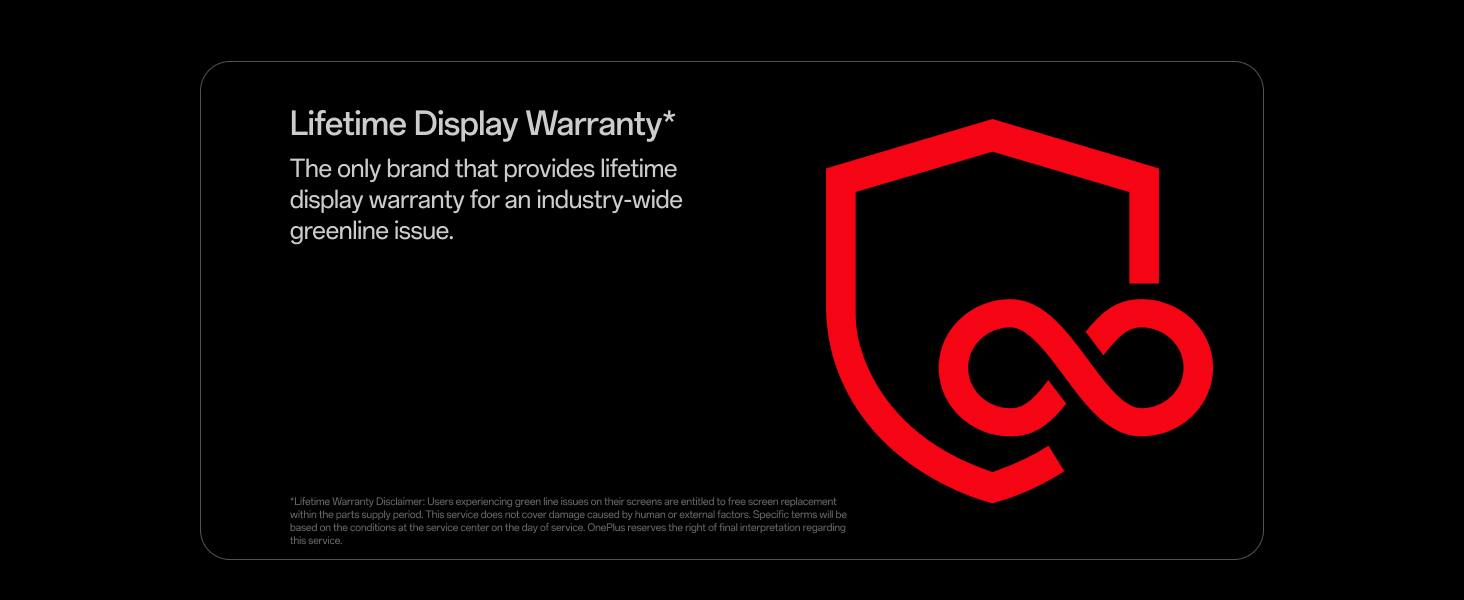
OnePlus provides a Lifetime Display Warranty specifically for industry-wide greenline issues. This warranty ensures free screen replacement for eligible issues within the product's supply period. This service does not cover damage caused by human error or external factors. Specific terms and conditions apply and are available from OnePlus customer service.
OnePlus 13 screen displaying the Lifetime Display Warranty logo and text.
7. Support
7.1 Contacting Customer Service
For technical assistance, warranty claims, or any other support inquiries, please contact OnePlus Customer Service:
- Customer Service Number: 1800 102 8411
- WhatsApp Support: +91-9289606888
Manufacturer Address: OPPO Mobiles India Private Limited, PLOT-NO.1, SECTOR ECOTECH-VII, GREATER, NOIDA, UTTAR PRADESH, India-201306


