1. Introduction
This manual provides essential instructions for the safe and efficient operation of your FirstPower Pro 48V 15A Golf Cart Battery Charger. This charger is specifically designed for 48V lead-acid battery systems in EZGO RXV and TXT golf carts, featuring a 3-pin triangular plug for direct compatibility.
Package Contents:
- FirstPower Pro 48V 15A Golf Cart Battery Charger
- User Manual (this document)

Image 1.1: The FirstPower Pro 48V 15A Golf Cart Battery Charger, showcasing its compact design and 3-pin triangular connector.
2. Safety Information
Read all safety instructions before using the charger. Failure to follow these instructions may result in electric shock, fire, or serious injury.
General Safety Precautions:
- Use the charger only for 48V lead-acid batteries. Do not attempt to charge other battery types (e.g., lithium-ion).
- Ensure the charger is connected to a properly grounded outlet.
- Do not operate the charger if it has been damaged in any way.
- Keep the charger away from flammable materials and liquids.
- Avoid exposing the charger to excessive moisture or rain, despite its IP67 rating.
- Do not disassemble the charger. Refer all servicing to qualified personnel.
Smart Protection Features:
The charger incorporates multiple safety functions to protect both the device and your battery:
- Low-Voltage Protection: Prevents damage from excessively low battery voltage.
- Over-Voltage Protection: Safeguards against charging at too high a voltage.
- Overheat Protection: Automatically shuts down if internal temperature exceeds safe limits.
- Empty-Load Protection: Ensures safe operation when not connected to a battery.
- Short/Reverse Protection: Protects against short circuits and incorrect polarity connections.
- Automatic Shutdown: Charger stops charging once the battery is fully charged.

Image 2.1: Visual representation of the charger's integrated safety mechanisms, including protection against low voltage, overcurrent, overcharge, overvoltage, reverse polarity, and over temperature.
3. Setup
Follow these steps to properly set up your FirstPower Pro golf cart charger.
Connecting the Charger:
- Position the Charger: Place the charger on a stable, dry, and well-ventilated surface. Ensure the cooling fan is not obstructed.
- Connect to Golf Cart: Insert the 3-pin triangular plug of the charger into the charging port of your EZGO RXV or TXT golf cart. Ensure a secure and firm connection.
- Connect to Power Outlet: Plug the AC power cord into a standard 120V AC wall outlet. The charger features a 16-foot power cable for extended reach.

Image 3.1: The charger's 16-foot extended power cable allows for flexible placement and convenient charging from various distances.
On-Board Computer (OBC) Bypass (If Applicable):
Some EZGO models are equipped with an On-Board Computer (OBC) that controls charging. If your golf cart's OBC interferes with the new charger, an OBC bypass may be necessary. This typically involves a simple wiring modification to allow the new charger to directly manage the battery charging process. Consult a qualified technician or your golf cart's specific service manual for detailed instructions on OBC bypass procedures if required.
4. Operating Instructions
Once properly connected, the charger will automatically begin the charging process.
Charging Process:
- After connecting the charger to the golf cart and then to the AC power outlet, the charger will initiate a diagnostic check.
- The charger will then enter its 5-stage charging cycle, which includes bulk, absorption, and intelligent trickle charge modes.
- The intelligent trickle charge technology ensures the battery is fully charged without overcharging, automatically switching to maintenance mode once full. This allows for safe overnight charging.

Image 4.1: The intelligent charging process, showing how the charger adjusts current and voltage through various stages, including a trickle charge phase to prevent overcharging.
LED Indicator States:
The charger features an LED indicator to provide real-time status updates:
- LED (Red-Green) Flash: Standby mode.
- LED (Red) Flash: Battery power 0-80% charged.
- LED (Green) Flash: Battery power 80-100% charged.
- LED (Green) ON: Full charge.

Image 4.2: Detail of the charger's LED indicator, which communicates the charging status, along with a view of the cooling fan and pure copper core.
5. Maintenance
Proper maintenance ensures the longevity and optimal performance of your charger.
Cleaning and Storage:
- Disconnect the charger from both the golf cart and the power outlet before cleaning.
- Wipe the exterior of the charger with a soft, dry cloth. Do not use harsh chemicals or abrasive cleaners.
- Store the charger in a cool, dry place when not in use.
Environmental Considerations:
The charger is designed with an IP67 waterproof rating and thermal compensation for various conditions:
- IP67 Waterproof: The robust internal coating provides protection against dust and water ingress, making it suitable for outdoor use in various weather conditions.
- Fan Design: An integrated cooling fan helps dissipate heat, preventing overheating during operation. Ensure the fan vents are clear.
- Thermal Compensation: The charger is designed to operate effectively across a wide temperature range, from -4°F to +185°F, adjusting its charging parameters to prevent over-charging in extreme cold or hot weather.

Image 5.1: The charger's durable construction features IP67 waterproofing, a drop-proof design, overheat protection, and a pure copper core for enhanced reliability.
6. Troubleshooting
If you encounter issues with your charger, refer to the following common problems and solutions.
Common Issues and Solutions:
- Charger Not Activating / No Indicator Light:
- Ensure both the golf cart plug and the AC power plug are securely connected.
- Verify the wall outlet has power by testing with another device.
- Check for any visible damage to the cables or charger unit. - Slow Charging:
- Confirm the charger is rated for 48V and 15A. Lower amperage chargers will charge slower.
- Ensure the battery is in good condition. Old or damaged batteries may not accept a full charge efficiently.
- Verify that the charger's cooling fan is operating and not obstructed, as overheating can reduce charging efficiency. - Charger Shuts Off Prematurely:
- This could indicate an internal safety feature activating due to overheating or a fault. Ensure adequate ventilation around the charger.
- If the battery is fully charged, the charger will automatically shut off or enter maintenance mode (Green LED ON). This is normal operation. - Charger Plug Feels Loose in Golf Cart Port:
- Ensure the 3-pin triangular plug is fully inserted and seated correctly. Sometimes a slight adjustment or 'wiggle' may be needed to establish a solid connection.
- Inspect the golf cart's charging port for debris or damage. - Golf Cart Not Charging Despite Charger Indicator:
- If your golf cart has an On-Board Computer (OBC), it might be preventing the new charger from functioning correctly. An OBC bypass may be required. Consult your golf cart's service manual or a professional.
If these troubleshooting steps do not resolve the issue, please contact customer support.
7. Specifications
| Product Dimensions | 4.84 x 7.48 x 3.94 inches |
| Item Weight | 4.95 pounds |
| Brand | FirstPower Pro |
| Model Number | For 48V Lead Acid EZGO |
| Output Voltage | 48 Volts (DC) |
| Input Voltage | 48 Volts (AC) |
| Charging Current | 15 Amps |
| Charging Time | Approximately 4-6 Hours (depending on battery state) |
| Waterproof Rating | IP67 |
| Cable Length | 16 feet (total power cable) |
8. Warranty and Support
Warranty Information:
FirstPower Pro offers a 3-Year Replacement Promise for this golf cart battery charger. This warranty covers defects in materials and workmanship under normal use. Please retain your proof of purchase for warranty claims.

Image 8.1: The FirstPower Pro charger comes with a 3-Year Replacement Promise, ensuring product reliability and customer satisfaction.
Customer Support:
For any questions, technical assistance, or warranty claims, please contact FirstPower Pro customer support. We are committed to providing:
- 12-Hour Rapid Response: Expect a prompt reply to your inquiries.
- Professional Technician Guidance: Access to expert advice for troubleshooting and product usage.
Please refer to the contact information provided with your product packaging or visit the official FirstPower Pro website for support details.
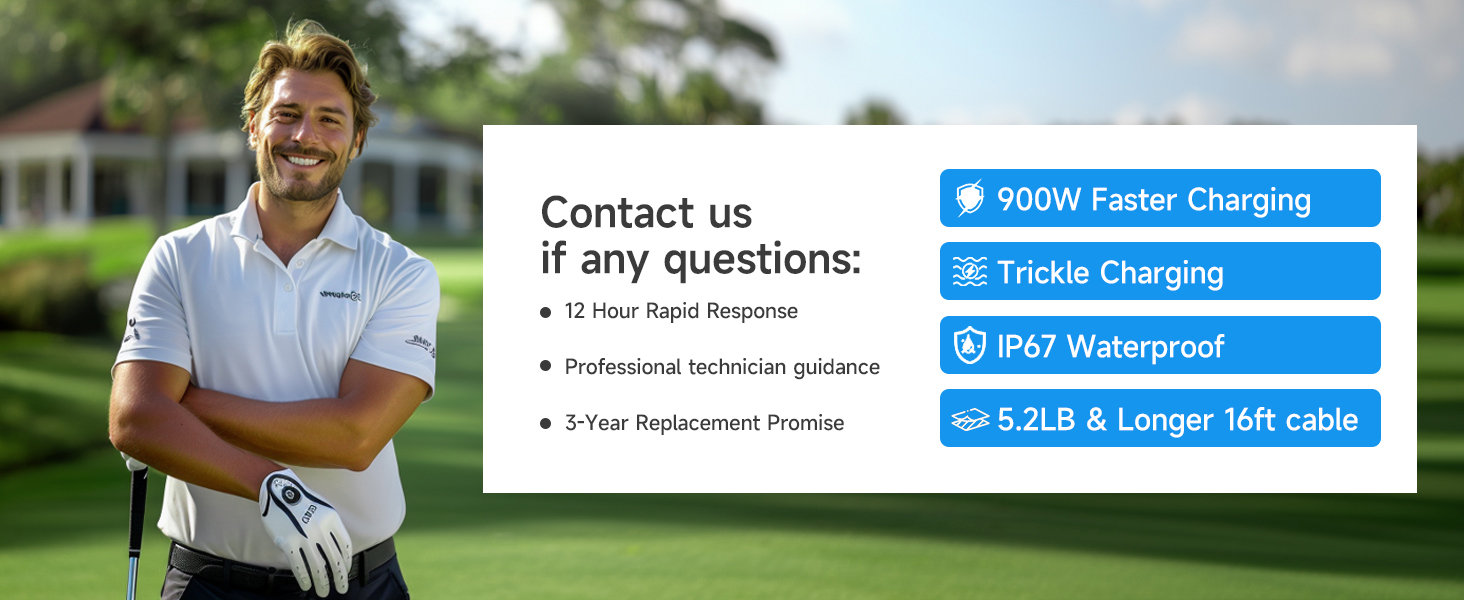
Image 8.2: FirstPower Pro customer support is available to assist with any questions, offering rapid response and professional guidance.


