
Retevis RT68H, RB66P
Retevis RT68H and RB66P FRS Two-Way Radios Instruction Manual
Models: RT68H, RB66P
Brand: Retevis
Introduction
This manual provides detailed instructions for the safe and efficient operation of your Retevis RT68H and RB66P FRS two-way radios. Please read this manual thoroughly before using the devices and retain it for future reference.
Package Contents
Your package should contain the following items:
- 2x RT68H Walkie-Talkies
- 2x RB66P Walkie-Talkies
- 4x Li-ion Batteries
- 4x Charger Adapters
- 4x Belt Clips
- 2x User Manuals
- 2x Charger Bases
Key Features
- Ease of Use and Intuitive Design: Hidden LED display for channel and power information, with backlight for all-weather use.
- Long Battery Life: Built with a 1200mAh lithium battery (RT68H) or 1500mAh Li-ion battery (RB66P), providing up to 10-15 hours of continuous use.
- Versatile Charging: Desktop charger and direct Type-C charging port for convenient recharging.
- Robust Construction: Made of sturdy and durable ABS materials, offering shockproof, drop-proof, and splash-proof protection.
- Fast Charging: Three times faster charging compared to traditional walkie-talkies.
Setup
1. Battery Installation
Ensure the radio is powered off before installing or removing the battery. Align the battery with the compartment on the back of the radio and slide it into place until it clicks securely.
2. Charging the Battery
The radios can be charged using the provided desktop charger or directly via the Type-C port. Ensure the radio is turned off during charging.
Video: This video demonstrates how the indicator light appears when charging the Retevis walkie-talkie. The charger indicator light turns red when the radio is charging and green when fully charged. It also shows how to remove the battery and charge it separately.
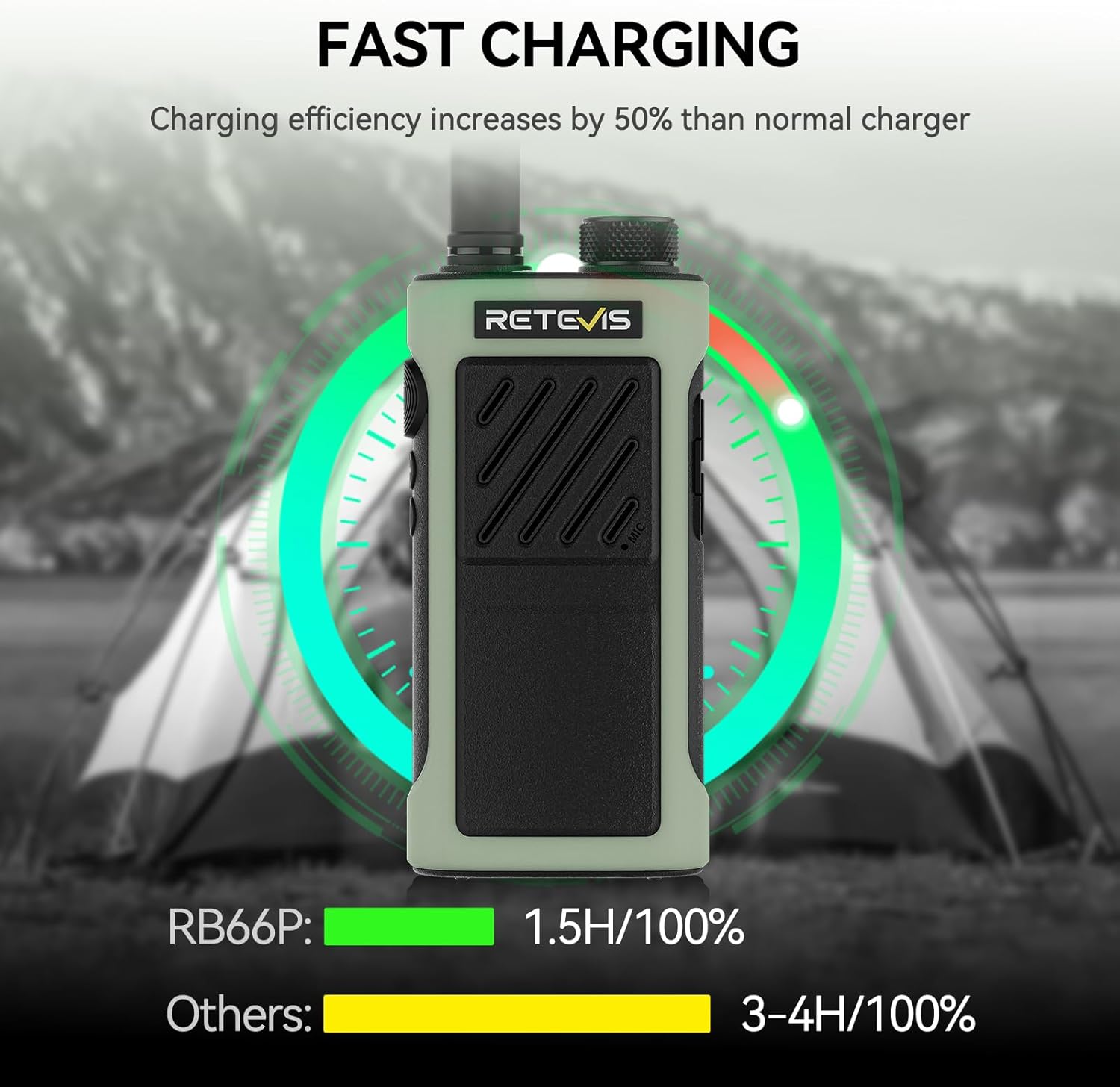
Image: The RB66P walkie-talkie is shown charging, illustrating its fast charging feature. It indicates that the RB66P charges to 100% in 1.5 hours, significantly faster than other models which take 3-4 hours.
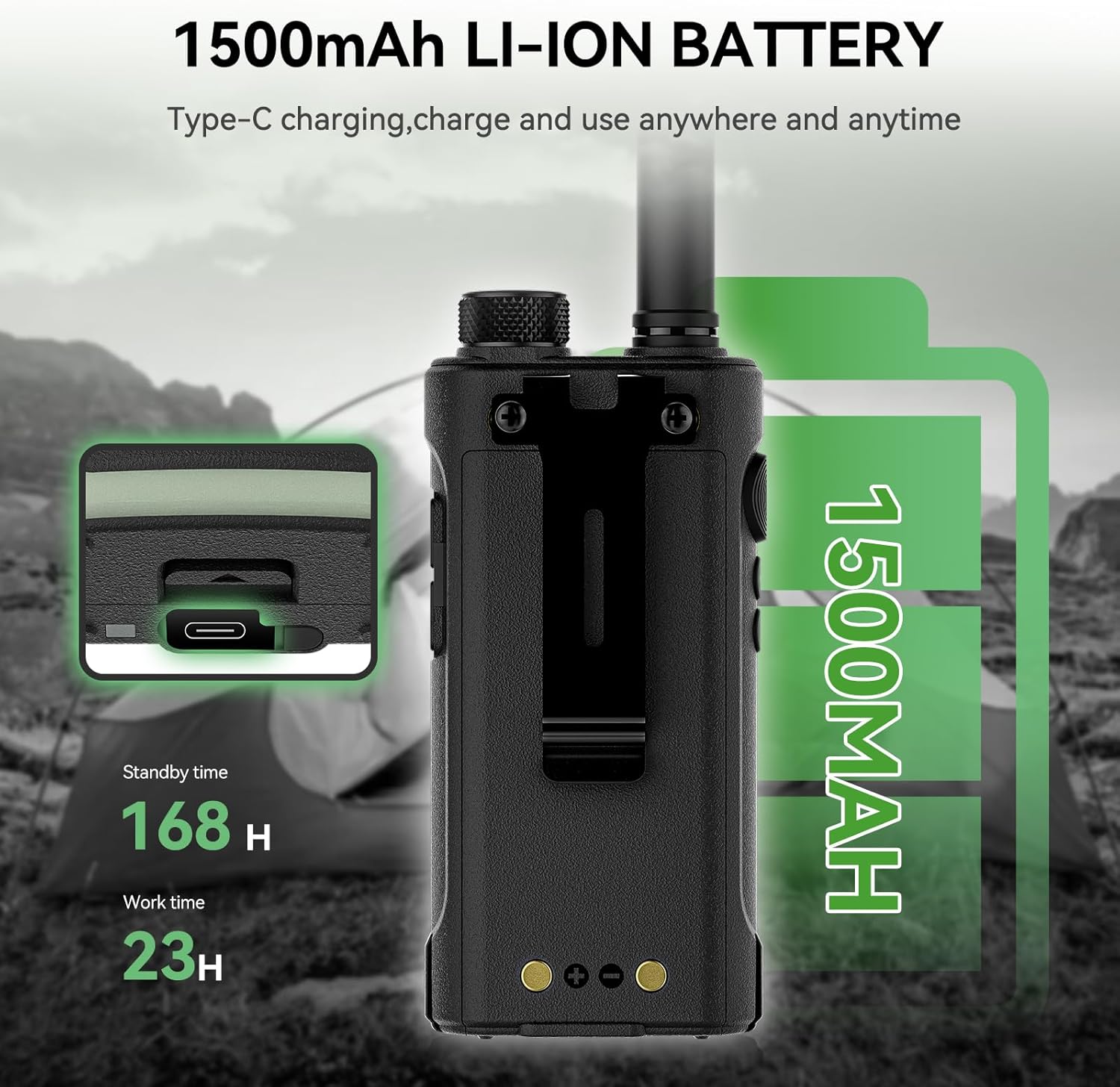
Image: This image showcases the RB66P walkie-talkie's 1500mAh Li-ion battery, emphasizing its long standby time of 168 hours and work time of 23 hours. The Type-C charging capability is also visible.
Operating Instructions
1. Power On/Off and Channel Adjustment
To power on the radio, rotate the top knob clockwise. To power off, rotate it counter-clockwise. Rotate the same knob to adjust the channel. The radio will announce the channel number.
Video: This video demonstrates the simple operation of the Retevis walkie-talkie, including powering on, adjusting channels, and activating the VOX function. It also shows how to record and play back messages, and activate the emergency alarm.
2. VOX Hands-Free Function
The VOX (Voice Operated eXchange) function allows for hands-free communication. When activated, you can talk directly without pressing the Push-To-Talk (PTT) key.

Image: A person is shown using the Retevis RT68H walkie-talkie hands-free, demonstrating the VOX function. The radio is clipped to their backpack strap, allowing for communication without manual operation.
3. Key Lock
To prevent accidental channel changes or function activation, you can use the key lock feature. A short press of the designated key will lock the current channel for constant communication.

Image: This image demonstrates the Key Lock feature of the Retevis RT68H walkie-talkie. A hand is shown pressing a side button, indicating how to lock the current channel for uninterrupted communication.
4. One-Key Pairing
For easy communication between two radios, use the one-key pairing function. Ensure both radios are on the same channel and powered off. Then, simultaneously press the side key and power on both radios until a pairing signal is heard.
Video: This video provides instructions on how to achieve one-key pairing for the Retevis RB66P walkie-talkies. It demonstrates the steps to synchronize two devices for immediate communication.
5. Emergency Alarm
In case of an emergency, long-press the designated side key to activate the emergency alarm. This will emit a loud alert signal.
6. Active View Display
The radios feature an active view display that provides shatterproof and easy-to-read information, including channel and battery status.

Image: The Retevis RT68H walkie-talkie is displayed, showcasing its Active View Display. The screen clearly shows the current channel and battery level, designed for easy readability.
Maintenance
- Cleaning: Use a soft, damp cloth to clean the radio's surface. Do not use harsh chemicals or solvents.
- Battery Care: To prolong battery life, avoid overcharging and fully discharging the battery. Store the radio and battery in a cool, dry place when not in use.
- Storage: If storing the radio for an extended period, remove the battery.
Troubleshooting
- No Power: Ensure the battery is correctly installed and fully charged. Check the power knob.
- Cannot Transmit/Receive: Verify both radios are on the same channel and within range. Check battery level.
- Poor Audio Quality: Adjust the volume. Ensure the antenna is securely attached. Move to an area with less interference.
- Charging Issues: Confirm the charger adapter and base are properly connected. Check the charging indicator light.
Specifications
| Feature | Detail |
|---|---|
| Item Model Number | RT68H, RB66P |
| Brand | Retevis |
| Color | Black, Green |
| Number of Channels | 10 |
| Special Features | Long Range, Noise Reduction, Rechargeable, Voice Operated Transmission (VOX), Water Resistant |
| Frequency Range | 462-467 MHz |
| Voltage | 5 Volts (DC) |
| Water Resistance Level | Water Resistant |
| Included Components | 4 x Li-ion Battery, 4 x Charger adapter, 2 x Rechargeable Battery |
| Compatible Devices | RT68H, RB66P, Type-C/USB-C compatible accessories |
| Manufacturer | Retevis |

Image: The Retevis RT68H walkie-talkie is highlighted for its solid and durable construction from ABS material, designed to be wear-resistant and withstand drops from up to 2 meters.
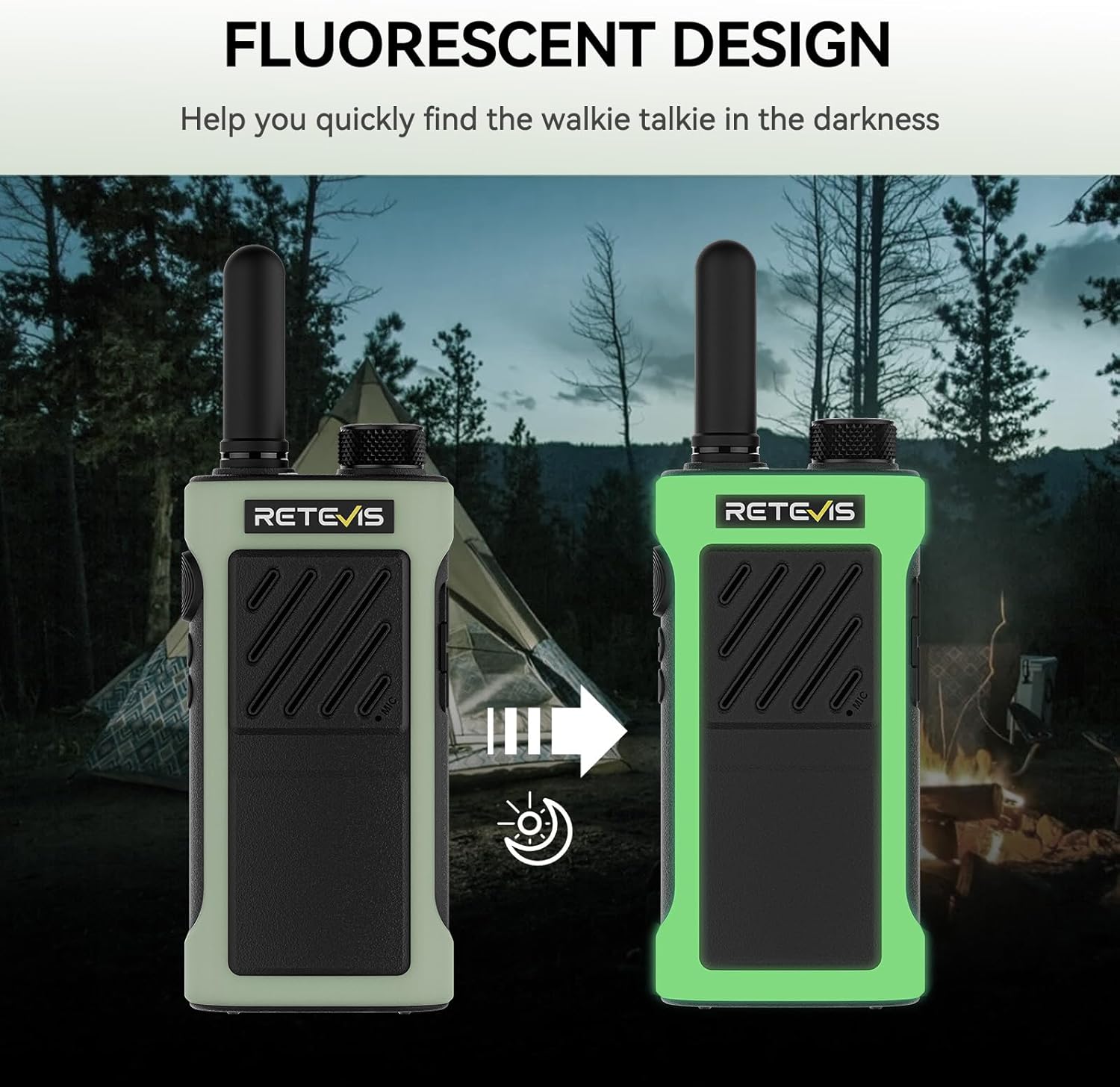
Image: This image demonstrates the fluorescent design of the Retevis RB66P walkie-talkie. It shows the radio's green casing glowing in the darkness, aiding in quick location during low-light conditions.

Image: A detailed view of the back of the Retevis RT68H walkie-talkie, clearly showing the model number (RT68H), frequency (FRS), FCC ID (2A3OORT68H), and manufacturing information.
Warranty and Support
For warranty information, technical support, or to explore other products, please visit the official Retevis Store.
Related documentsRT68H, RB66P


Ask a question about this manual
Ask about setup, troubleshooting, compatibility, parts, safety, or missing instructions. Manuals+ will review the question and use this page’s manual context to help answer it.