
Introduction
The powkey S99 Portable Power Station is a versatile and compact power solution designed to keep your electronic devices charged on the go. Featuring a high-capacity 96Wh LiFePO4 battery and multiple fast-charging ports, it is ideal for travel, camping, office use, and emergency backup. This manual provides essential information for safe and efficient operation of your device.

Image: The powkey S99 Portable Power Station is shown on an airplane tray table, charging a laptop and a phone, highlighting its flight-ready design and portability for long adventures.
Package Contents
- 1 x powkey S99 Portable Power Station
- 1 x USB-C Charging Cable (with detachable lanyard)
- 1 x User Manual
Product Overview
The powkey S99 is designed for convenience and efficiency. It features a compact and lightweight design, making it easy to carry. The device includes multiple output ports and a clear display to monitor its status.

Image: A detailed front view of the powkey S99 Portable Power Station, highlighting its power button, digital display, LED light, and the USB-C (In/Out), USB-C (24W Max), and USB-A (18W Max) ports.
Key Features:
- High Capacity: 96Wh / 30000mAh LiFePO4 battery.
- Multiple Outputs: 1x USB-C1 (100W Max In/Out), 1x USB-C2 (24W Max Out), 1x USB-A (18W Max Out).
- Wireless Charging: Integrated wireless charging pad on top.
- LED Light: Built-in LED light with multiple modes (brightness, strobe, SOS).
- Smart Display: LCD screen shows battery level, input, and total output wattage.
- Durable & Safe: LiFePO4 battery cells offer over 3000 charge cycles and advanced BMS protection.
Real-Time Smart Display:
The integrated LCD display provides real-time information about the power station's status. It shows the current battery percentage, input wattage (when recharging), and total output wattage (when charging devices.
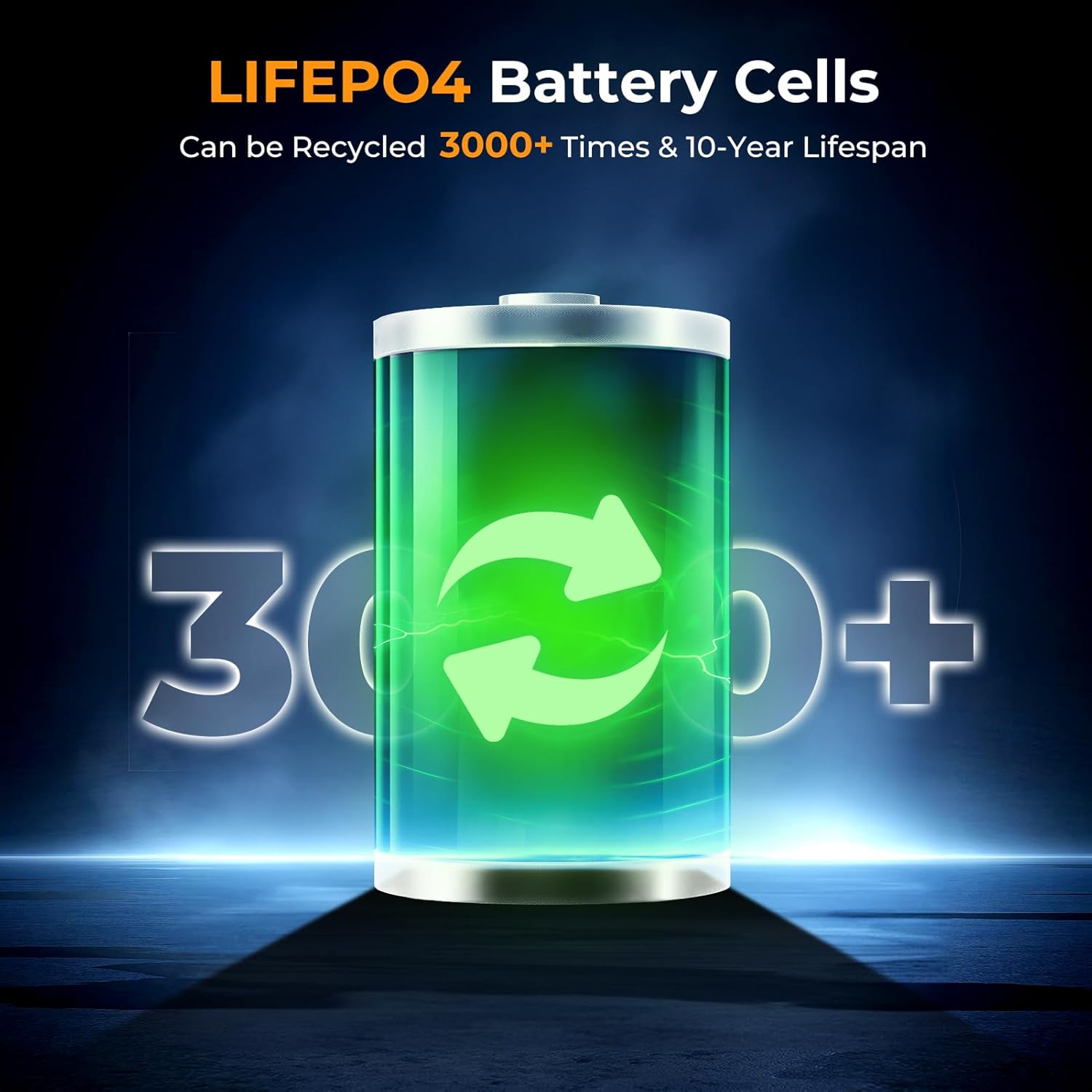
Image: A close-up view of the powkey S99's smart display, indicating power input, battery level, and USB output, with a charging cable connected to a wall adapter.
Setup
Initial Charging:
- Before first use, fully charge the power station using a compatible USB-C PD charger (not included) connected to the USB-C1 (In/Out) port.
- The LCD display will show the input wattage and battery percentage as it charges.
Attaching the Lanyard:
The included USB-C cable doubles as a detachable lanyard for easy carrying. Connect the lanyard to the designated attachment point on the power station.

Image: The powkey S99 Portable Power Station is shown with its detachable USB-C lanyard, illustrating its lightweight and portable design for convenient transport.
Operating Instructions
Powering On/Off:
- To power on, press and hold the POWER button for a few seconds until the LCD display illuminates.
- To power off, press and hold the POWER button again until the display turns off.
Charging Devices:
The power station supports charging up to four devices simultaneously using its various ports and wireless charging pad.
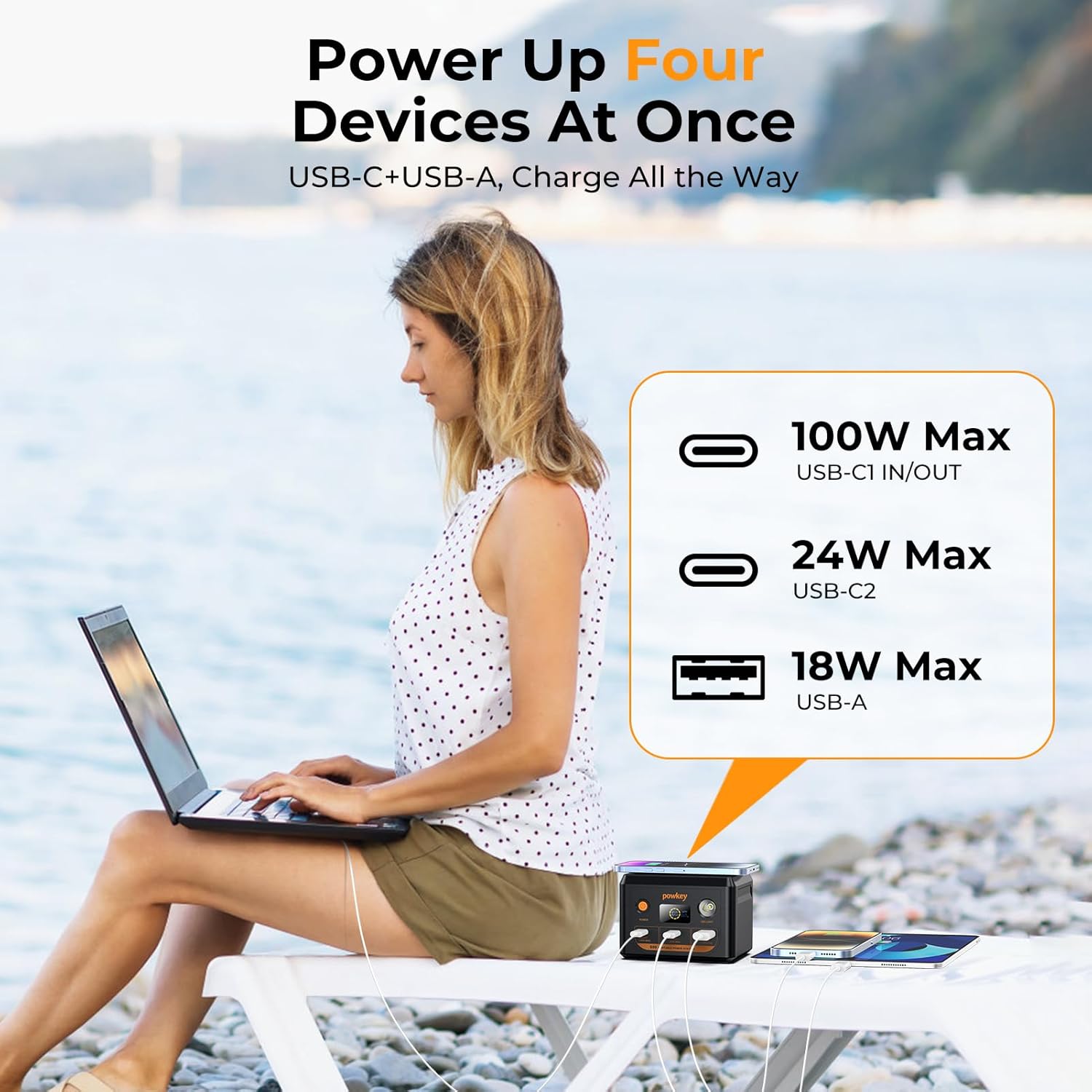
Image: The powkey S99 Portable Power Station is depicted charging four devices concurrently, including a laptop, two smartphones, and an earphone case, demonstrating its multi-device charging capability.
- USB-C1 (In/Out - 100W Max): Connect your laptop or other high-power devices for fast charging. This port also supports recharging the power station.
- USB-C2 (24W Max): Ideal for charging smartphones, tablets, and other USB-C compatible devices.
- USB-A (18W Max): Use this port for devices requiring a standard USB-A connection.
- Wireless Charging: Place your Qi-compatible smartphone on the top surface of the power station to initiate wireless charging. Ensure the phone is centered for optimal performance.
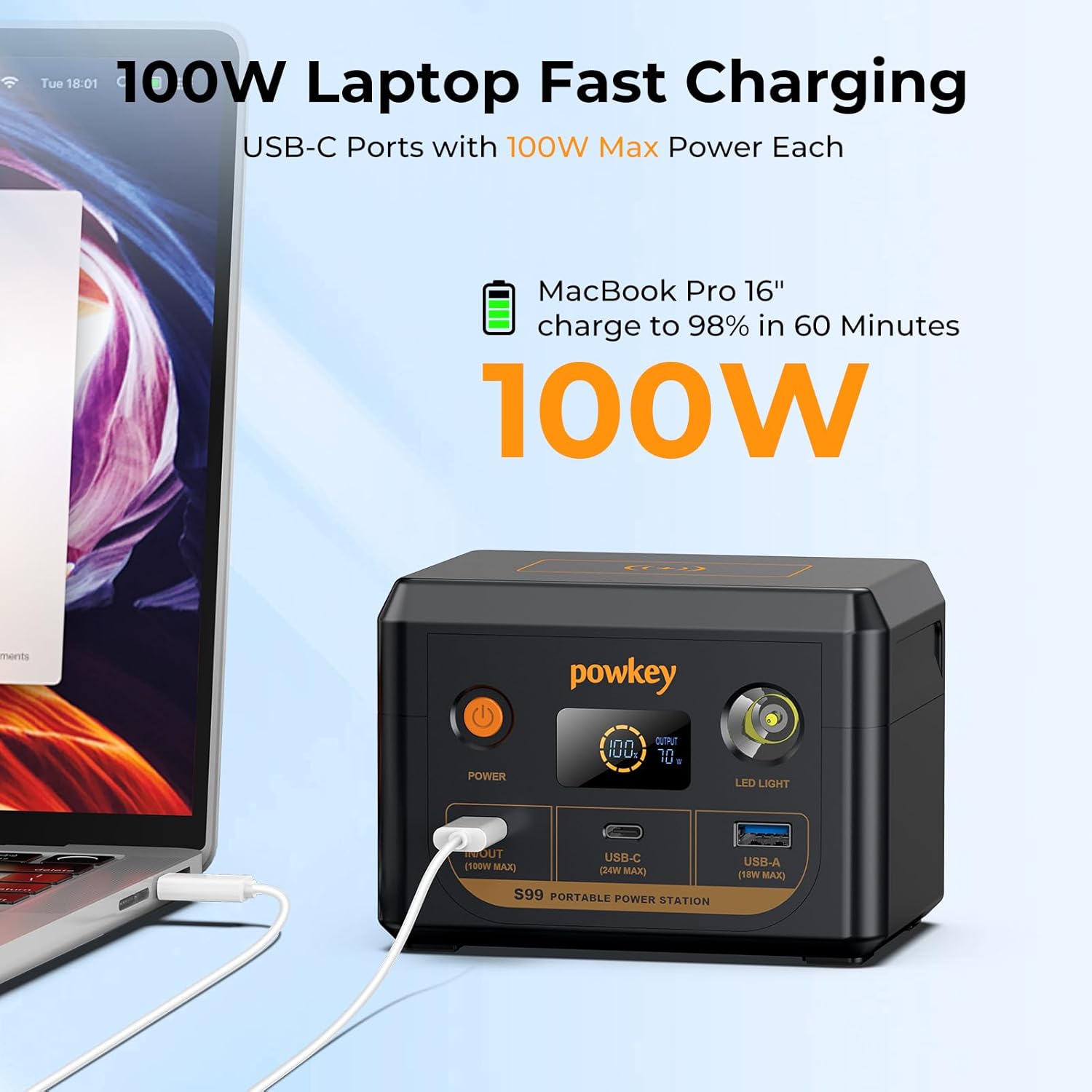
Image: The powkey S99 Portable Power Station is shown connected to a MacBook Pro 16-inch, illustrating its 100W fast charging capability for laptops.
Recharging the Power Station:
To recharge the powkey S99, connect a compatible PD 100W charger (not included) to the USB-C1 (In/Out) port. The power station can reach 90% charge in approximately 1 hour with a 100W charger.
LED Light Functions:
The built-in LED light offers multiple modes for various situations:
- To activate: Press and hold the LED Light button for a few seconds.
- To cycle modes: Short press the LED Light button to switch between 50% brightness, 100% brightness, Strobe mode, and SOS mode.
- To turn off: Press and hold the LED Light button again.

Image: The powkey S99 Portable Power Station is shown with its LED light activated, illustrating the four available lighting modes for different needs.
Safety Information
The powkey S99 is equipped with a LiFePO4 battery and an advanced Battery Management System (BMS) for enhanced safety and longevity. The BMS monitors voltage, current, and temperature to prevent overcharging, over-discharging, and overheating.
- Do not expose the device to extreme temperatures or direct sunlight.
- Avoid dropping or subjecting the device to strong impacts.
- Keep away from water and moisture.
- Do not attempt to disassemble or modify the power station.
- Use only compatible charging cables and adapters.
- This 96Wh portable laptop charger complies with airline regulations for carry-on batteries under 100Wh and must be placed in your carry-on luggage.

Image: An illustration highlighting the durability and safety of LiFePO4 battery cells, indicating a lifespan of over 3000 cycles.
Maintenance
- Store the power station in a cool, dry place away from direct sunlight.
- If the portable charger is not used for an extended period, it is recommended to charge the battery every three months to help extend its lifespan.
- Clean the device with a soft, dry cloth. Do not use harsh chemicals or abrasive materials.
Troubleshooting
- Device not charging: Ensure the power station is turned on and has sufficient battery charge. Check that the charging cable is securely connected to both the power station and the device. Try a different cable or port.
- Power station not recharging: Verify that the charging adapter is functioning correctly and is connected to the USB-C1 (In/Out) port. Ensure the adapter meets the required power specifications (e.g., PD 100W).
- LED display not working: Press the power button to wake the display. If the issue persists, ensure the power station has charge.
Specifications
| Model Number | S99 |
| Battery Capacity | 30000mAh / 96Wh |
| Battery Cell Type | LiFePO4 |
| USB-C1 (In/Out) | 100W Max |
| USB-C2 (Output) | 24W Max |
| USB-A (Output) | 18W Max |
| Dimensions | 3.62 x 3.58 x 5.03 inches |
| Item Weight | 2.46 pounds |
| Power Source | Battery Powered |
Warranty and Support
The powkey S99 Portable Power Station comes with a 30-day free return policy and 1 year technical support. For any questions or assistance, please contact powkey customer service.
For further support, visit the official powkey store: powkey Store