Introduction
The RuoShui 328B is a compact and versatile thermal imaging camera designed for use with Android smartphones and tablets via a USB-C connection. It offers a high-resolution thermal imaging experience with a 256x192 detector resolution enhanced to 640x480 imaging resolution through its Super Resolution algorithm. With a 25Hz refresh rate and high thermal sensitivity, it captures detailed thermal information for various applications, including HVAC, home inspection, electrical, plumbing, and automotive diagnostics. This manual provides essential information for setting up, operating, maintaining, and troubleshooting your device.
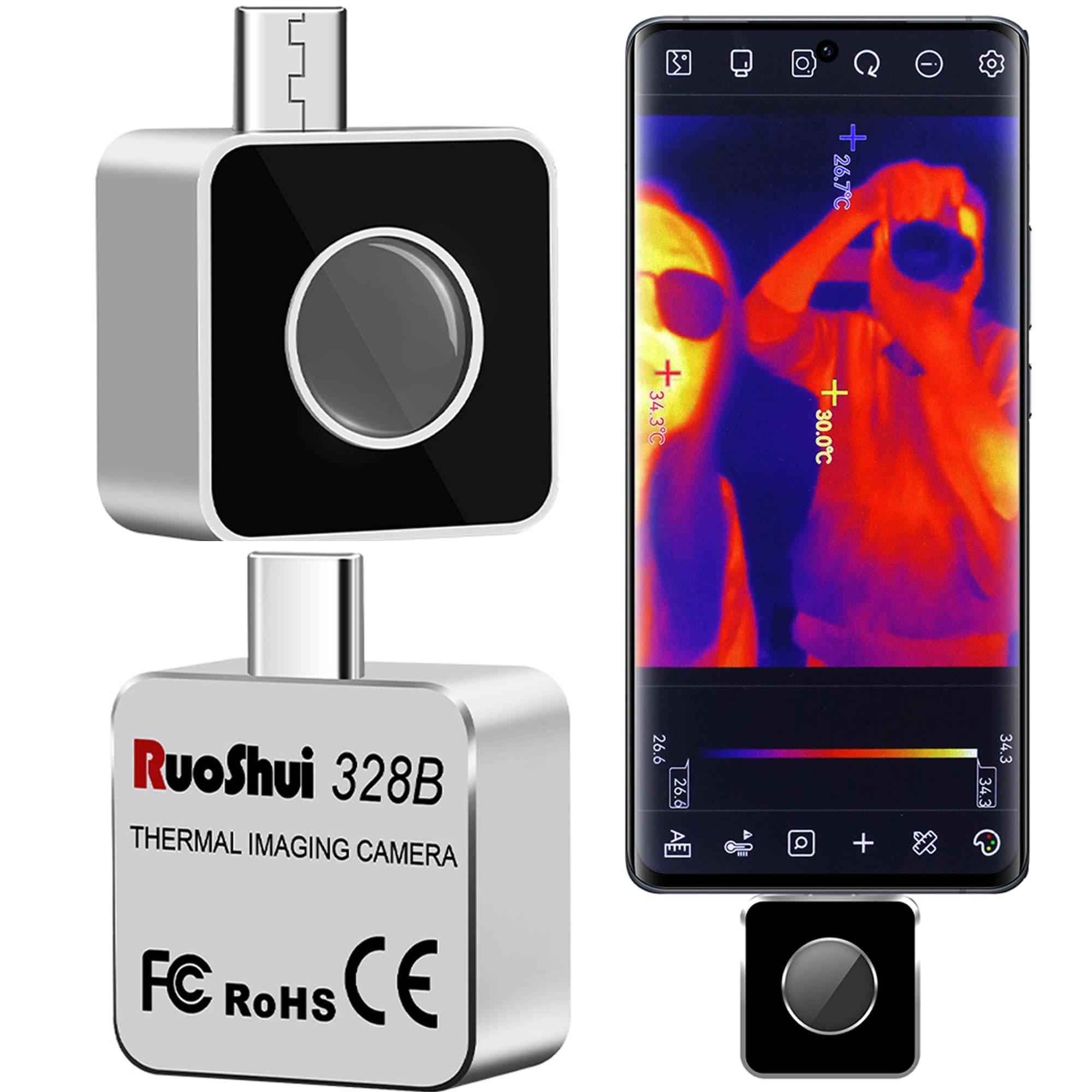
Image: The RuoShui 328B Thermal Imaging Camera connected to an Android smartphone, displaying a thermal image of power lines, highlighting its superior thermal imaging capabilities and smooth video performance with 256x192 IR resolution and 25Hz refresh rate.
Package Contents
Before you begin, please ensure all items are present in your package:
- 1 x RuoShui 328B Thermal Imaging Camera
- 1 x Cleaning cloth
- 1 x Storage Case
- 1 x User Manual (this document)
Setup
- Compatibility Check: Ensure your Android smartphone or tablet supports OTG (On-The-Go) functionality and has a USB-C port. The camera is designed exclusively for Android devices.
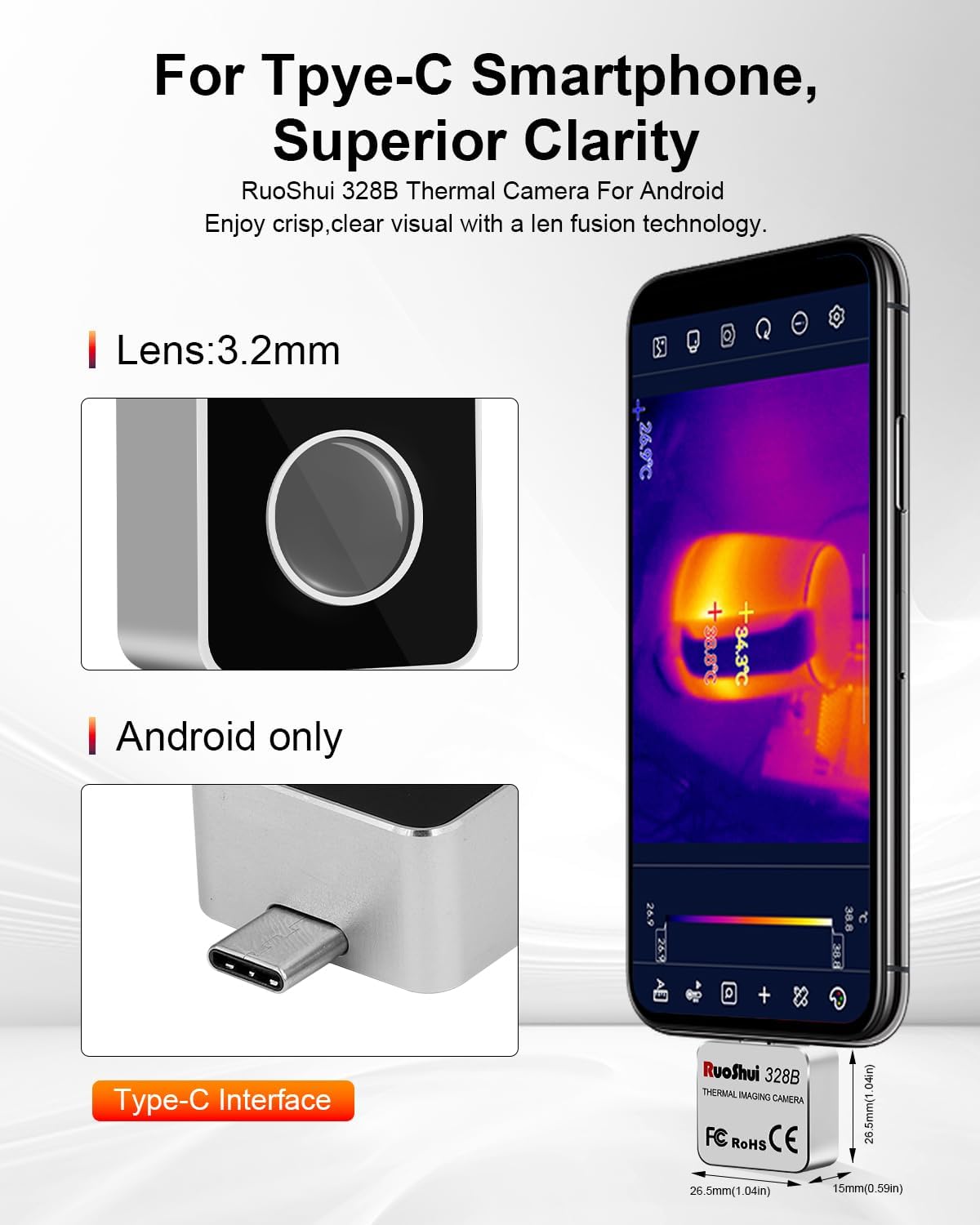
Image: The RuoShui 328B camera highlighting its 3.2mm lens and Type-C interface, demonstrating its compact design and compatibility with Android devices.
- App Installation: Download the official "RuoShui Thermal" application from the Google Play Store. Note: The QR code in some manuals may not link to the correct app. Search directly on the Play Store.
- Phone Reboot: After installing the app, it is recommended to reboot your smartphone or tablet before connecting the camera for the first time. This can resolve potential connection issues.
- Connect the Camera: Carefully plug the RuoShui 328B Thermal Imaging Camera into your device's USB-C port. Ensure a secure connection.
- Grant Permissions: When prompted, grant the "RuoShui Thermal" app full access permissions, especially for photos and media, to ensure proper operation and image/video storage.
- Phone Case Consideration: Depending on your phone case design, you may need to remove it to ensure the camera can be fully and securely plugged into the USB-C port. A USB-C extension cable (not included) can be used if frequent case removal is inconvenient.
Operating Instructions
Once connected and the app is running, the camera will display thermal images on your device's screen. The app provides various features to enhance your thermal imaging experience.
Key Features and Functions:
- Temperature Measurement: The camera supports measurement of the highest, lowest, and central points, as well as specific areas.

Image: The RuoShui 328B app interface demonstrating its multi-tool capabilities, including displaying highest, lowest, and center point temperatures, various color palettes, and options for photography, video storage, and area temperature marking.
- Continuous Measurement & Waveform Graphs: Monitor temperature variations over time with continuous measurement capabilities and generate waveform graphs for detailed analysis.
- Color Palettes: Choose from six customizable color palettes (Iron, White Hot, Black Hot, Rainbow, Red Hot, Cold Blue) to visualize temperature differences effectively.
- Emissivity Settings: Adjust emissivity settings based on the material being inspected to ensure more accurate temperature readings.
- Distance Adjustment: Calibrate the distance to objects for improved measurement precision.
- Photography and Video Storage: Capture thermal images and record videos directly through the app. Data reporting and recording for each image are supported, with the ability to export charts for every pixel point.
- Temperature Units: Easily switch between Celsius (℃) and Fahrenheit (℉) within the app settings.
- Enhanced Infrared Image: The camera utilizes a 100W visible light lens and fusion technology to seamlessly merge infrared and visible information, providing enhanced image clarity.
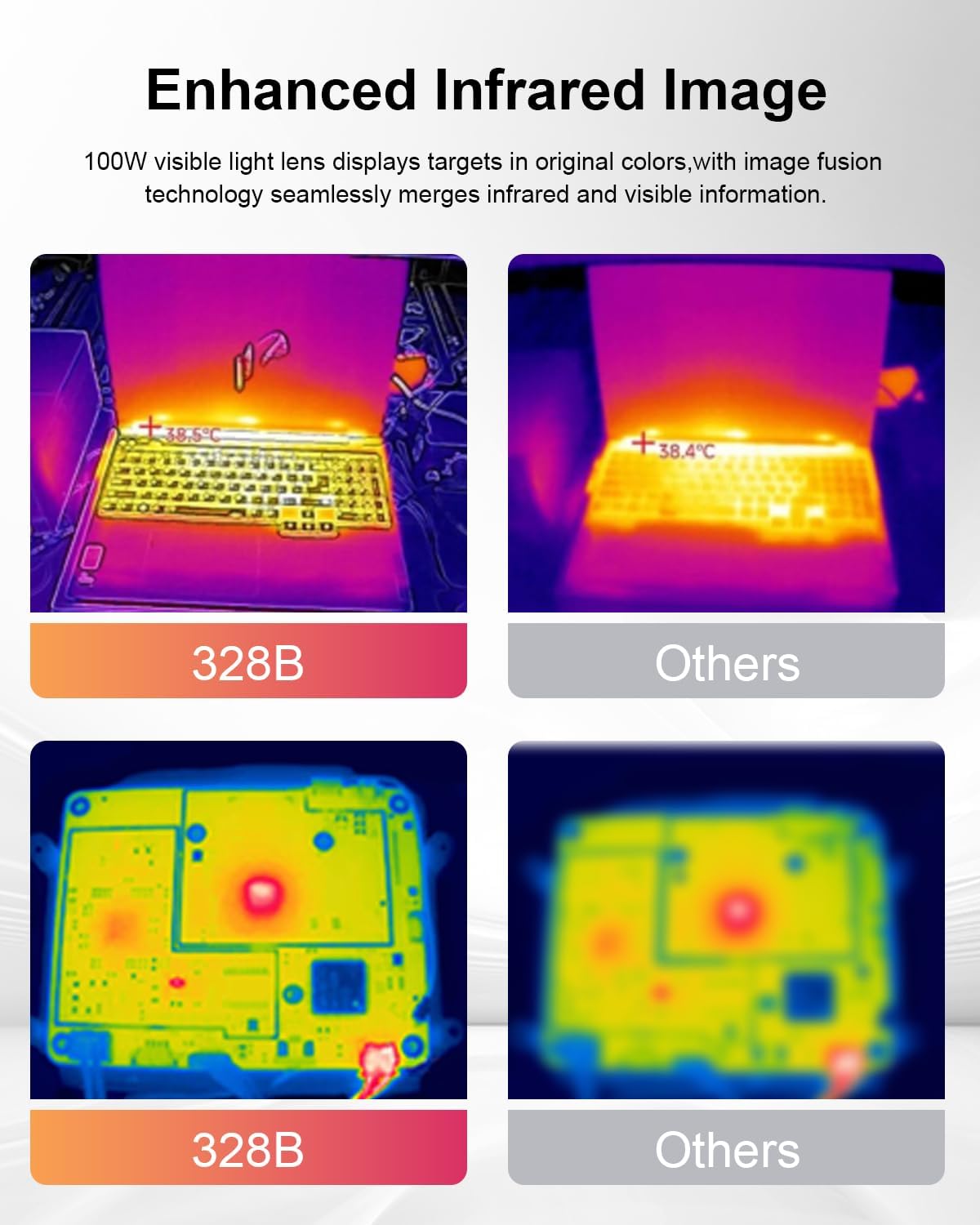
Image: A visual comparison demonstrating the enhanced infrared image quality of the RuoShui 328B (left) compared to other thermal cameras (right), showing clearer thermal details on a laptop and circuit board.
Applications:
The RuoShui 328B is suitable for a wide range of professional and home applications:
- HVAC inspection (e.g., identifying drafts, insulation issues)
- Home inspection (e.g., moisture detection, energy loss)
- Electrical inspection (e.g., detecting hotspots in wiring, circuit breakers)
- Plumbing inspection (e.g., locating leaks, hot water pipes)
- Automotive diagnostics (e.g., engine overheating, brake issues)
- Pet search and wildlife observation
- IR Thermal Night Vision
- Underfloor heating inspection

Image: Examples of wide applications for the RuoShui 328B thermal camera, including inspecting underfloor heating, electrical equipment, assisting in pet searches, providing IR thermal night vision, conducting house inspections, and troubleshooting automotive issues.
Maintenance
- Cleaning: Use the provided cleaning cloth to gently wipe the camera lens and body. Avoid abrasive materials or harsh chemicals.
- Storage: Store the camera in its provided storage case when not in use to protect it from dust and physical damage.
- Environmental Conditions: The camera has an IP54 rating, indicating protection against dust ingress and splashing water. Avoid submerging the device or exposing it to extreme moisture.
- Operating Temperature: -10℃ to 75℃ (14℉ to 167℉).
- Storage Temperature: -45℃ to 85℃ (-49℉ to 185℉).
Troubleshooting
- Camera Not Detected / No Image:
- Ensure your Android device supports OTG functionality.
- Verify the "RuoShui Thermal" app is installed from the Google Play Store.
- Reboot your phone after app installation and before connecting the camera.
- Check that the camera is securely plugged into the USB-C port. Remove phone case if necessary.
- Confirm that the app has been granted all necessary permissions (especially for photos/media).
- Inaccurate Temperature Readings:
- Adjust the emissivity settings in the app to match the material being measured.
- Ensure the distance to the object is correctly set in the app.
- Clean the camera lens with the provided cloth.
- App Crashing or Freezing:
- Close and restart the app.
- Reboot your smartphone or tablet.
- Ensure your phone's operating system is up to date.
Specifications
| Model | 328B |
| Infrared Resolution | 256 x 192 pixels |
| Imaging Resolution (with Super Resolution algorithm) | 640 x 480 pixels |
| Wavelength | 8-14 µm |
| Frame Rate | 25 Hz |
| NETD (Thermal Sensitivity) | <50mK @25℃ |
| FOV (Field of View) | 56° x 42° |
| Lens | 3.2mm |
| Temperature Measurement Range | -15℃ to 600℃ (-4℉ to 1112℉) |
| Temperature Measurement Accuracy | ±2℃ or ±2% |
| Working Temperature | -10℃ to 75℃ (14℉ to 167℉) |
| Storage Temperature | -45℃ to 85℃ (-49℉ to 185℉) |
| IP Rating | IP54 |
| Dimensions | 34mm x 26.5mm x 15mm (1.34 x 1.04 x 0.59 inches) |
| Net Weight | 19g (0.67 oz) |
| Connectivity | USB-C |
| Power Consumption | 0.31W (battery-free design) |

Image: A comparison chart highlighting the superior specifications of the RuoShui 328B, including its 256x192 IR resolution, 25Hz refresh rate, -4℉ to 1112℉ temperature range, and <50mK thermal sensitivity, compared to other models.
Warranty and Support
The RuoShui 328B Thermal Imaging Camera comes with a 1-year warranty for the device. Additionally, RuoShui provides lifetime firmware updates and technical support to ensure optimal performance and user satisfaction.
For technical assistance or warranty claims, please refer to the contact information provided with your purchase or visit the official RuoShui website.


