
1. Introduction
The Rockville MINI RF4 V2 is a compact, powerful, and versatile LED wash up light designed for various lighting applications. Featuring RGBWA+UV LEDs, app control, remote control, wireless DMX capabilities, and a rechargeable battery, this unit offers dynamic lighting effects for events, parties, and stage setups. This manual provides detailed instructions for the safe and effective operation of your MINI RF4 V2 light.

Image 1.1: The Rockville MINI RF4 V2 LED Wash Up Light and its accompanying remote control.
2. Safety Instructions
- Read all instructions carefully before operating the device.
- Keep this manual for future reference.
- Do not expose the unit to rain or moisture to avoid electric shock.
- Ensure the power source matches the voltage requirements of the unit.
- Do not attempt to service this unit yourself. Refer all servicing to qualified personnel.
- Avoid direct eye exposure to the light source, as it can cause eye damage.
- Operate the unit in a well-ventilated area.
- Do not block ventilation openings.
- Clean the unit only with a dry cloth.
3. Package Contents
Please ensure all items are present in the package:
- Rockville MINI RF4 V2 Wash Up Light
- RF Remote Control
- Power Adapter
4. Product Features
The Rockville MINI RF4 V2 offers a range of advanced features:
- App Control: Control up to 4 groups of lights from your smartphone or tablet (100-200 feet away). Group lights, set colors, or activate sound modes.
- LCD Display & DMX Addressable: The LCD display allows easy DMX group/channel settings for seamless integration.
- Compact & Bright: The MINI RF4 V2 is significantly brighter than previous models, with a lightweight and portable design.
- Wireless DMX & Master/Slave Modes: Enjoy wireless DMX control and master/slave functionality for synchronized lighting effects.
- 4 Sound Modes & 6 Color Wheels: Choose from 4 sound modes, including color cycling and strobe effects. Access 6 color wheels with 48 colors and brightness control via remote.
5. Setup
5.1 Initial Charging
Before first use, fully charge the internal battery. Connect the included power adapter to the charging port on the rear of the unit and plug it into a standard electrical outlet. The LCD display will indicate charging status.

Image 5.1: Connecting the power adapter to the MINI RF4 V2 for charging.
5.2 Placement
Position the light on a stable, flat surface or use its adjustable bracket for mounting. Ensure there is adequate space around the unit for ventilation. The compact design allows for versatile placement.
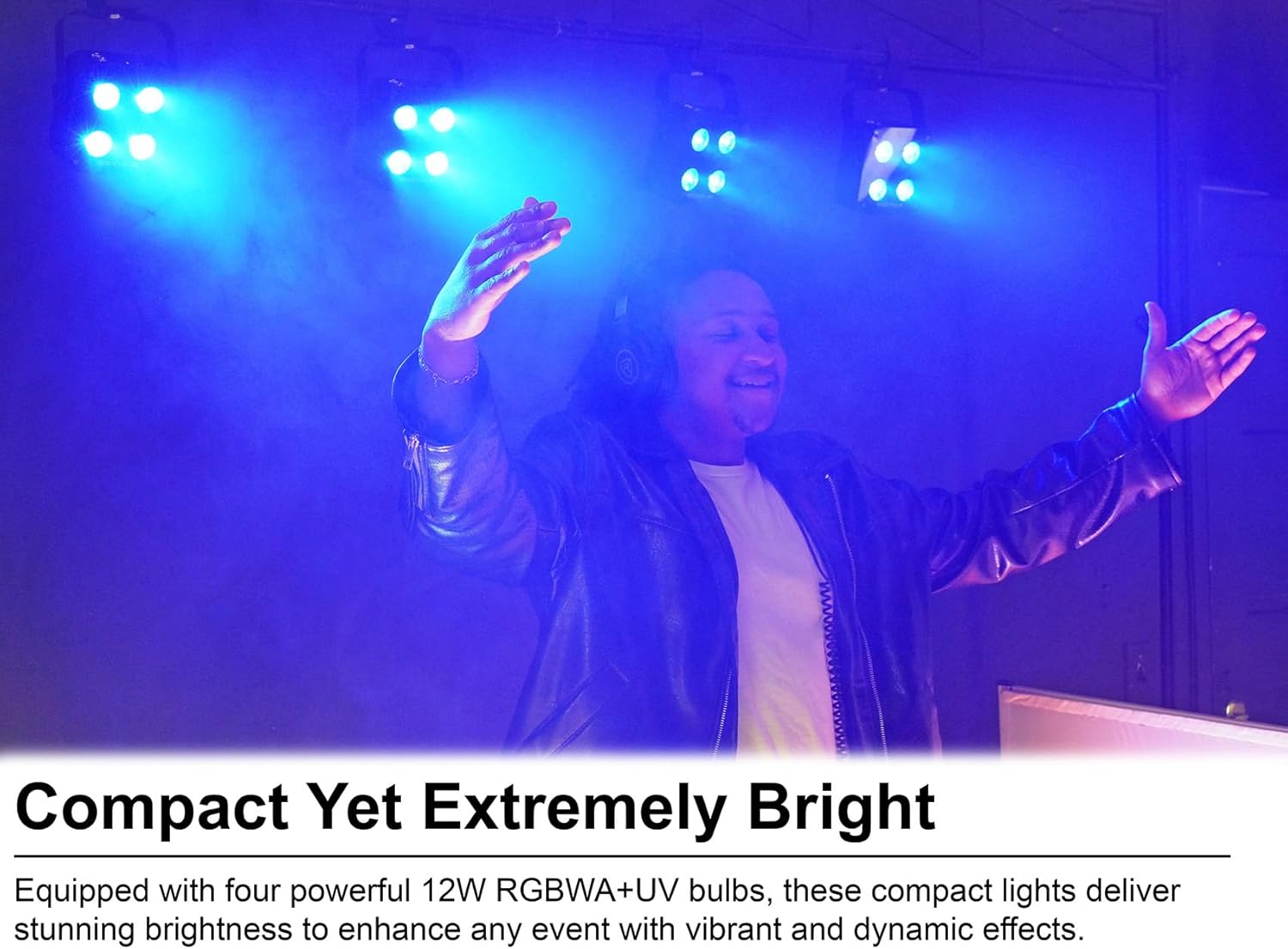
Image 5.2: The compact size of the MINI RF4 V2 allows for discreet yet powerful lighting setups.
6. Operating Modes
6.1 Power On/Off
Press and hold the power button located on the rear panel to turn the unit on or off.
6.2 App Control
Download the dedicated Rockville lighting app to your smartphone or tablet. Follow the in-app instructions to connect to your MINI RF4 V2 lights. The app allows for grouping lights, selecting colors, and activating various modes from a distance of 100-200 feet.
6.3 Remote Control
The included RF remote control provides direct access to various functions, including color selection, sound modes, strobe, pulse, fade, and color cycle effects. Point the remote towards the front of the light for optimal response.

Image 6.1: Using the RF remote control to adjust the lighting effects.
6.4 DMX Addressing
The rear LCD display allows for easy DMX group and channel settings. Use the control buttons next to the LCD to navigate menus and set the desired DMX address for integration into a larger DMX system.

Image 6.2: The LCD display on the rear panel for DMX addressing and settings.
6.5 Master/Slave Mode
To synchronize multiple MINI RF4 V2 units, set one unit as the master and the others as slaves. The slave units will mirror the lighting effects of the master unit. Refer to the LCD menu for master/slave configuration options.
6.6 Sound Modes
The unit features four sound-activated modes: Color Cycling, Strobing, Pulsing, and Club Mode. These modes allow the light effects to synchronize with ambient music, creating an immersive experience.
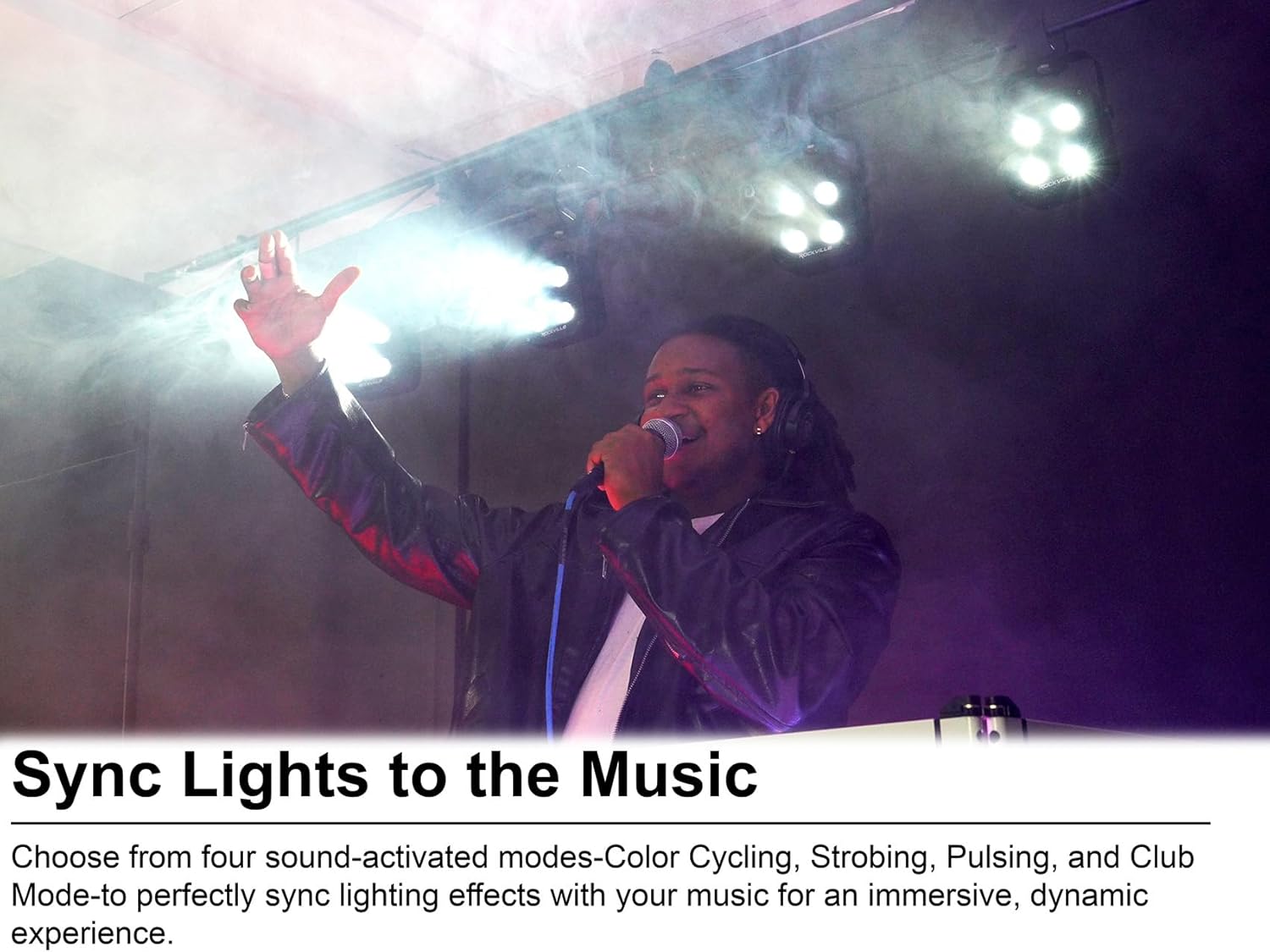
Image 6.3: Lights synchronizing with music in a sound-activated mode.
6.7 Color Selection (RGBWA+UV)
The MINI RF4 V2 utilizes RGBWA+UV technology, incorporating Red, Green, Blue, White, Amber, and Ultraviolet LEDs. This expanded color spectrum allows for a wider range of vivid and varied lighting effects beyond standard RGB.

Image 6.4: Demonstrating the expanded color spectrum capabilities of the RGBWA+UV LEDs.
7. Maintenance
7.1 Cleaning
Regularly clean the exterior of the unit with a soft, dry cloth. Do not use harsh chemicals or abrasive materials. Keep the lens free of dust and debris to maintain optimal light output.
7.2 Storage
When not in use, store the unit in a cool, dry place away from direct sunlight and extreme temperatures. If storing for extended periods, ensure the battery is partially charged (around 50%) to prolong its lifespan.
8. Troubleshooting
| Problem | Possible Cause | Solution |
|---|---|---|
| Light does not turn on | Battery is depleted or power adapter is not connected. | Charge the unit using the power adapter. Ensure the power adapter is securely connected to a working outlet. |
| Remote control not working | Remote battery is low or line of sight is blocked. | Replace the remote control battery. Ensure there are no obstructions between the remote and the light. |
| DMX control issues | Incorrect DMX address or mode setting. | Verify the DMX address and operating mode on the light's LCD display. Check DMX cable connections if using wired DMX. |
| App connection failure | Bluetooth/wireless interference or app not properly paired. | Ensure Bluetooth is enabled on your device. Restart the app and the light. Re-pair the device within the app. |
9. Specifications
| Feature | Specification |
|---|---|
| Model | MINI RF4 V2 |
| Color | Black |
| Light Source Type | LED (RGBWA+UV) |
| Number of Light Sources | 4 |
| Maximum Compatible Light Source Wattage | 12 Watts |
| Brightness | 3306 Lux |
| Voltage | 110 Volts (AC) |
| Power Source | Battery Powered |
| Battery Life (Red Light) | Up to 22 hours |
| Battery Life (All Colors On) | Up to 6.5 hours |
| Mounting Type | Floor Mount |
| Bulb Features | Dimmable |
| Material | Plastic, Stainless Steel |
| Product Dimensions | 9"L x 7"W x 4"H |
| Item Weight | 2.6 Pounds |
10. Warranty and Support
Rockville products are designed for reliability and performance. This product comes with a limited warranty. Please refer to the warranty card included in your package for specific terms and conditions. For technical support or service inquiries, please contact Rockville customer service through the official website or your retailer.


