
1. Introduction
The Reyke Slim Wallet Tracker Card (Model HB12) is a compact, rechargeable Bluetooth tracking device designed to help you locate your personal items using the Apple Find My network. This manual provides instructions for setup, operation, and maintenance to ensure optimal performance of your device.
2. Product Overview
The Reyke Slim Wallet Tracker Card is engineered for convenience and reliability. Key features include:
- Ultra-Slim Design: At approximately 1.8mm thin, it fits seamlessly into most wallets.
- Apple Find My Network Compatibility: Utilizes the extensive Apple Find My network for location tracking (iOS devices only).
- Rechargeable Battery: Features wireless charging with a battery life of up to 5 months on a single charge.
- Audible Alert: Built-in speaker for locating items within Bluetooth range.
- Left-Behind Reminders: Notifies you when the tracker card is out of range of your paired iPhone.
- Lost Mode: Enables global tracking through the Find My network if your item is lost.
- Item Sharing: Allows sharing of the tracker's location with up to 5 other Apple users (requires iOS 17 or later).
- IP68 Waterproof Rating: Provides protection against water immersion up to 3 feet for 30 minutes and dust ingress.
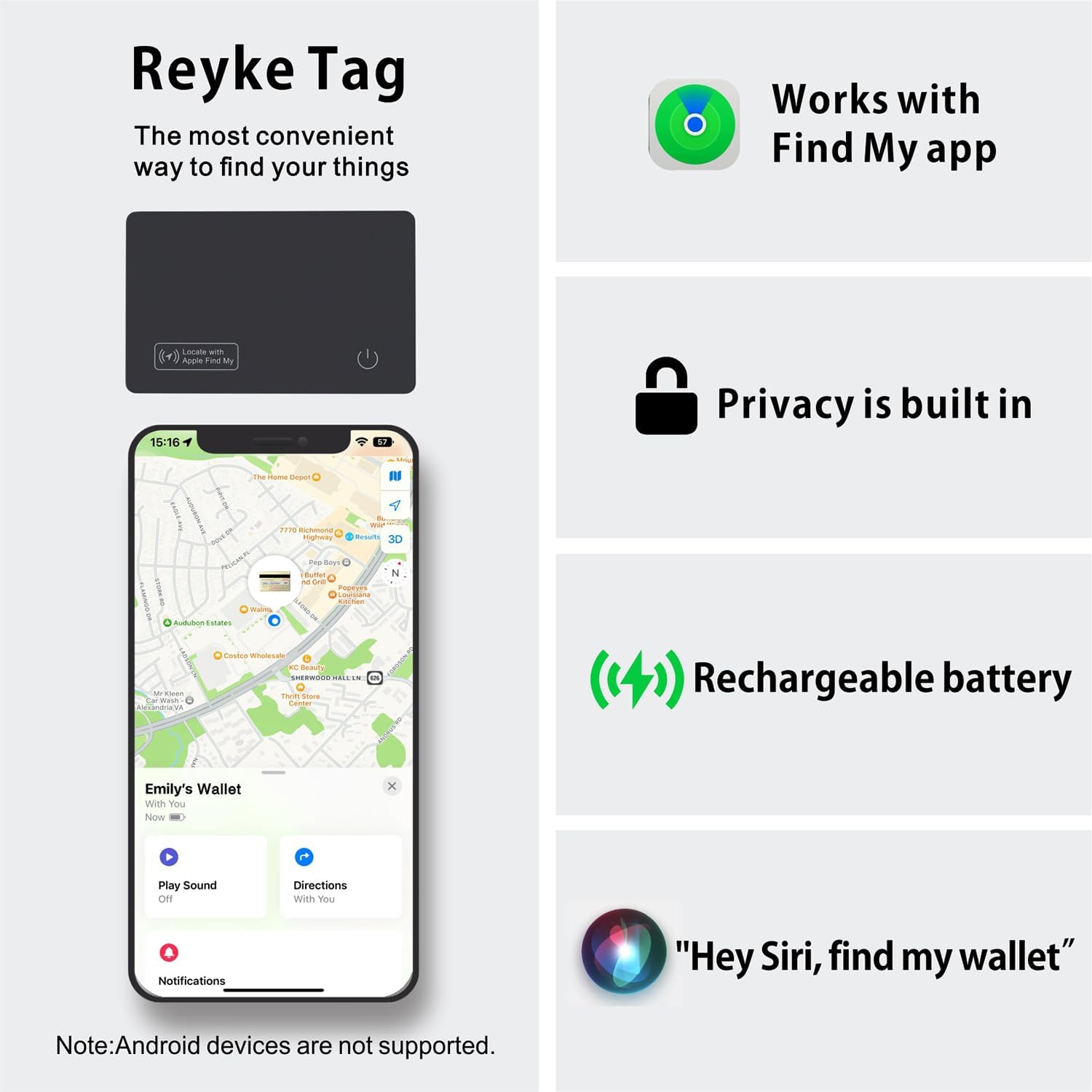
Image: Overview of the Reyke Slim Wallet Tracker Card and its features, including Find My app integration, privacy, rechargeable battery, and Siri compatibility.
3. Setup Instructions
3.1 Initial Charging
Before first use, ensure your Reyke Tracker Card is fully charged.
- Place the tracker card on a wireless charging pad.
- Ensure the side with the power icon is facing downward on the charging pad.
- A color-changing LED light will indicate charging status. A full charge typically lasts up to 5 months.

Image: Correct and incorrect placement of the Reyke Tracker Card on a wireless charging pad. The side with the power icon should face down for proper charging.
3.2 Pairing with Apple Find My
The Reyke Tracker Card is compatible only with Apple devices (iPhone, iPad, Mac, Apple Watch) running the Find My app.
- Ensure your Apple device's Bluetooth is enabled.
- Open the Find My app on your iPhone or iPad.
- Navigate to the Items tab.
- Tap the + icon and select Add Other Item.
- Follow the on-screen instructions to connect your Reyke Tracker Card. The device should be nearby to facilitate pairing.
- Once connected, you can name your item and assign an emoji for easy identification.

Image: The Reyke Tracker Card shown with an iPhone displaying the Find My app, illustrating how the card's location appears on a map.
4. Operating Instructions
4.1 Finding Nearby Items
When your item is within Bluetooth range (up to 164 feet or 50 meters), you can use the Find My app to locate it.
- Open the Find My app.
- Select the Reyke Tracker Card from your list of items.
- Tap Play Sound to trigger the built-in speaker on the tracker card, helping you pinpoint its exact location.

Image: An illustration of the Reyke Tracker Card playing a sound, with the Find My app on an iPhone showing the 'Play Sound' option to help locate the item.
4.2 Left-Behind Reminders
Receive notifications if you leave your tracked item behind.
- In the Find My app, select your Reyke Tracker Card.
- Under Notifications, enable Notify When Left Behind.
- You can also set specific locations where you do not want to be notified (e.g., your home).
When the tracker card moves out of Bluetooth range from your iPhone, you will receive a notification indicating its last known location.

Image: A Reyke Tracker Card placed in a wallet, with an iPhone showing a notification that the item has been left behind, including its last detected location.
4.3 Lost Mode
If your item is lost, activate Lost Mode for enhanced tracking capabilities.
- In the Find My app, select your Reyke Tracker Card.
- Scroll down and tap Enable under Lost Mode.
- Follow the prompts to enter a contact phone number or email address.
When Lost Mode is active, the Reyke Tracker Card can be detected by any Apple device within the Find My network. If another Apple device comes into range of your lost tracker, its location will be anonymously and securely relayed to you via the Find My network, and you will receive a notification.
4.4 Sharing Items
For iOS 17 and later, you can share the location of your Reyke Tracker Card with others.
- Ensure your iPhone is updated to iOS 17 or a later version.
- In the Find My app, select your Reyke Tracker Card.
- Tap Share This Item and follow the instructions to add up to 5 borrowers.
Shared users can view the item's location on a map. They will not receive tracking notifications as the item moves with them.

Image: Two iPhones demonstrating the 'Share This Item' functionality within the Find My app, allowing multiple users to track the Reyke Tracker Card.
5. Charging
The Reyke Slim Wallet Tracker Card features convenient wireless charging.
- Place the tracker card on any compatible wireless charging pad.
- A full charge provides power for up to 5 months of use.
- The LED indicator light will change color to show charging status and completion.
This reusable charging mechanism offers an economical and environmentally friendly solution compared to disposable battery trackers.

Image: The Reyke Tracker Card undergoing wireless charging on a white charging pad, with a red light indicating the charging process.
6. Maintenance
The Reyke Slim Wallet Tracker Card is designed for durability and minimal maintenance.
6.1 Waterproof and Dust Resistant
With an IP68 rating, your tracker card is protected against:
- Water Immersion: Can withstand immersion in water up to 3 feet (1 meter) for up to 30 minutes.
- Dust Ingress: Fully protected against dust.
This makes it suitable for various environments and can handle splashes, rain, or brief submersion without damage. No special cleaning procedures are required beyond wiping with a soft, dry cloth if needed.
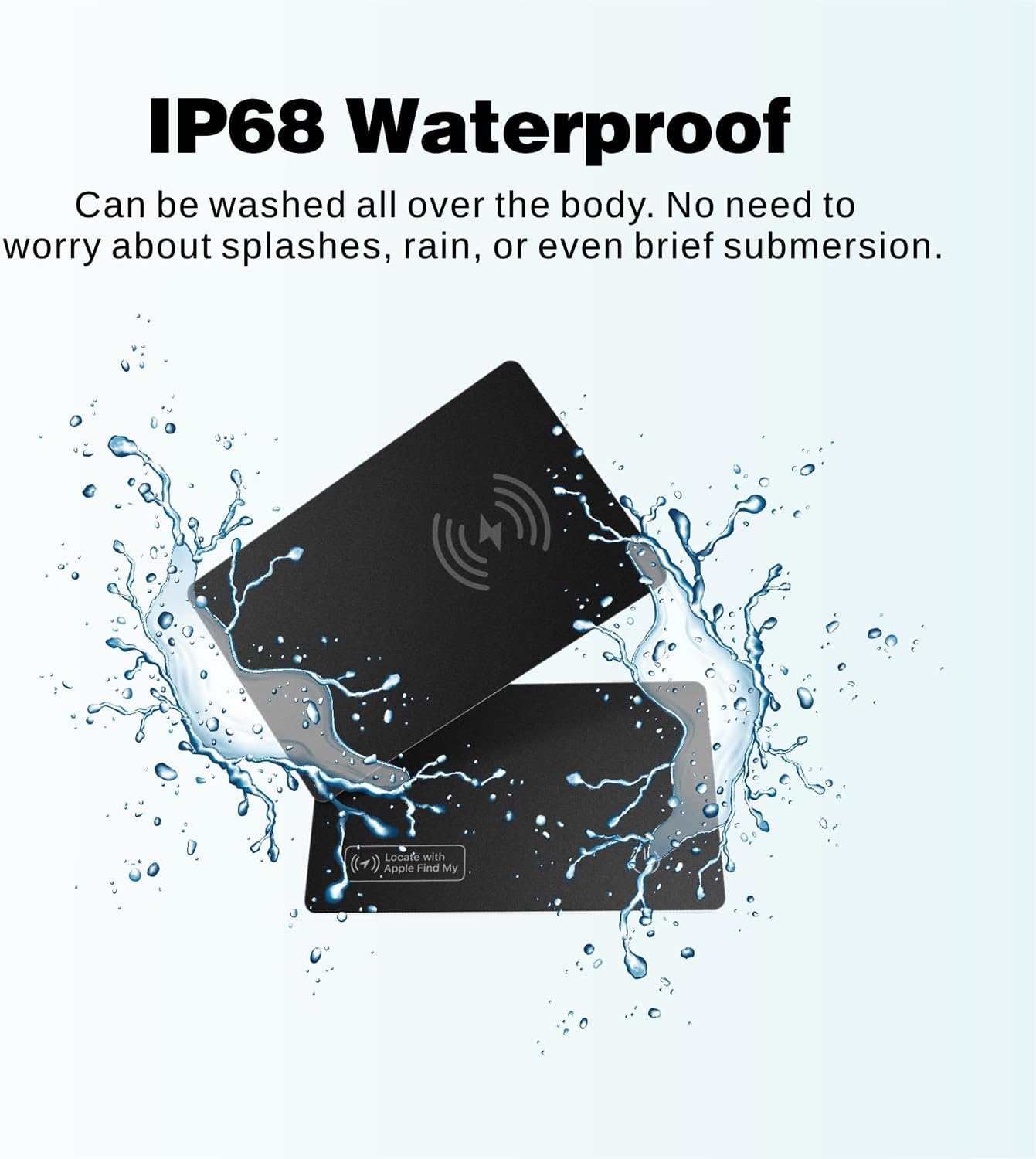
Image: Two Reyke Tracker Cards shown with water splashing around them, demonstrating their IP68 waterproof capability.
7. Troubleshooting
If you encounter issues with your Reyke Slim Wallet Tracker Card, refer to the following common solutions:
- Device Not Connecting:
- Ensure the tracker card is charged.
- Verify Bluetooth is enabled on your Apple device.
- Restart your Apple device.
- Try re-pairing the device through the Find My app.
- Sound Not Playing or Too Quiet:
- Ensure the tracker card is within Bluetooth range of your Apple device.
- Check for any obstructions that might muffle the sound.
- The sound level is fixed and cannot be adjusted.
- Inaccurate Location:
- Location accuracy depends on the density of Apple devices in the Find My network. In areas with fewer Apple devices, location updates may be less frequent or precise.
- Ensure your Apple device has a stable internet connection for accurate map data.
- Left-Behind Reminders Not Working:
- Verify that "Notify When Left Behind" is enabled in the Find My app settings for the tracker card.
- Check that you haven't added your current location to the exclusion list for notifications.
- Android Device Compatibility:
- The Reyke Slim Wallet Tracker Card is not compatible with Android devices. It functions exclusively with the Apple Find My network.
8. Specifications
| Feature | Specification |
|---|---|
| Brand | Reyke |
| Model | HB12 |
| Dimensions | Approximately 85.6 x 54 x 1.8 mm (L x W x Th) |
| Weight | Approximately 30 g |
| Connectivity | Bluetooth |
| Compatible Devices | Apple devices (iOS Only) |
| Waterproof Rating | IP68 |
| Battery Type | Lithium Ion (Rechargeable) |
| Battery Life | Up to 5 months on a single charge |
| Charging Method | Wireless Charging |
| Sound Level | 90-100dB |
9. Warranty and Support
9.1 Warranty Information
For specific warranty details, please refer to the documentation included with your product packaging or contact your retailer. Warranty terms typically cover manufacturing defects for a specified period from the date of purchase.
9.2 Customer Support
If you require further assistance or have questions not covered in this manual, please consult the manufacturer's official website or contact their customer support channels. Contact information is usually provided on the product packaging or on the Reyke brand website.


