
TCL 43Q5K
TCL Smart TV 2025 QLED 4K User Manual
Model: 43Q5K
Introduction
Welcome to the user manual for your new TCL Smart TV 2025 QLED 4K. This television, model 43Q5K, features a stunning 43-inch QLED display, Google TV operating system, and advanced audio-visual technologies like Dolby Vision and Dolby Atmos. It also includes gaming enhancements such as 120Hz Game Accelerator, Auto Low Latency Mode (ALLM), and Variable Refresh Rate (VRR). This manual provides essential information for setting up, operating, maintaining, and troubleshooting your TV to ensure you get the most out of its capabilities.

The TCL 43Q5K Smart TV, featuring QLED PRO technology and a 120Hz Game Accelerator for enhanced visual performance.
What's in the Box
Before you begin, please ensure all components are present in the packaging:
- TCL Smart TV (43Q5K)
- Remote Control
- Tabletop Stand (2 pieces)
- Power Cable
- Instruction Manual (this document)
- Warranty Card

This image illustrates the dimensions of the TCL 43Q5K TV and lists the items typically included in the box, such as the TV, remote, stand, power cable, and documentation.
Setup
Physical Setup
- Unpacking: Carefully remove the TV from its packaging. It is recommended to have two people for larger sizes.
- Stand Installation: If using the tabletop stand, attach the two stand pieces to the bottom of the TV using the provided screws. Ensure they are securely fastened. For wall mounting, refer to your wall mount's instructions and ensure proper installation for the TV's weight and size.
- Connecting Power: Plug the power cable into the TV's power input and then into a wall outlet.
- Connecting External Devices: Connect your external devices (e.g., cable box, gaming console, Blu-ray player) to the appropriate HDMI ports on the back of the TV. The TV supports multiple HDMI inputs.
Initial Software Setup
- Power On: Press the power button on the remote control or on the TV itself.
- Language Selection: Follow the on-screen prompts to select your preferred language.
- Network Connection: Connect your TV to your home Wi-Fi network. Select your network from the list and enter the password. A stable internet connection is required for smart features and updates.
- Google TV Setup: Sign in with your Google account to access Google TV features, including personalized recommendations, app downloads, and Google Assistant.
- Voice Control Setup: Enable hands-free voice control through Google Assistant or connect your TV to Alexa for voice commands.

A side profile view of the TCL 43Q5K Smart TV, highlighting its slim design, which is beneficial for both stand placement and wall mounting.
Operating Your TV
Basic Functions
- Power On/Off: Use the power button on the remote or TV.
- Input Selection: Press the 'Input' button on your remote to switch between connected devices (HDMI 1, HDMI 2, TV, etc.).
- Volume Control: Use the volume up/down buttons on the remote.
Smart Features (Google TV)
Your TCL Smart TV runs on Google TV, providing a personalized and intuitive user experience.
- Navigation: Use the directional pad and 'OK' button on your remote to navigate the Google TV interface.
- App Access: Access a wide range of apps from the Google Play Store, including streaming services like Netflix, YouTube, and Amazon Prime Video.
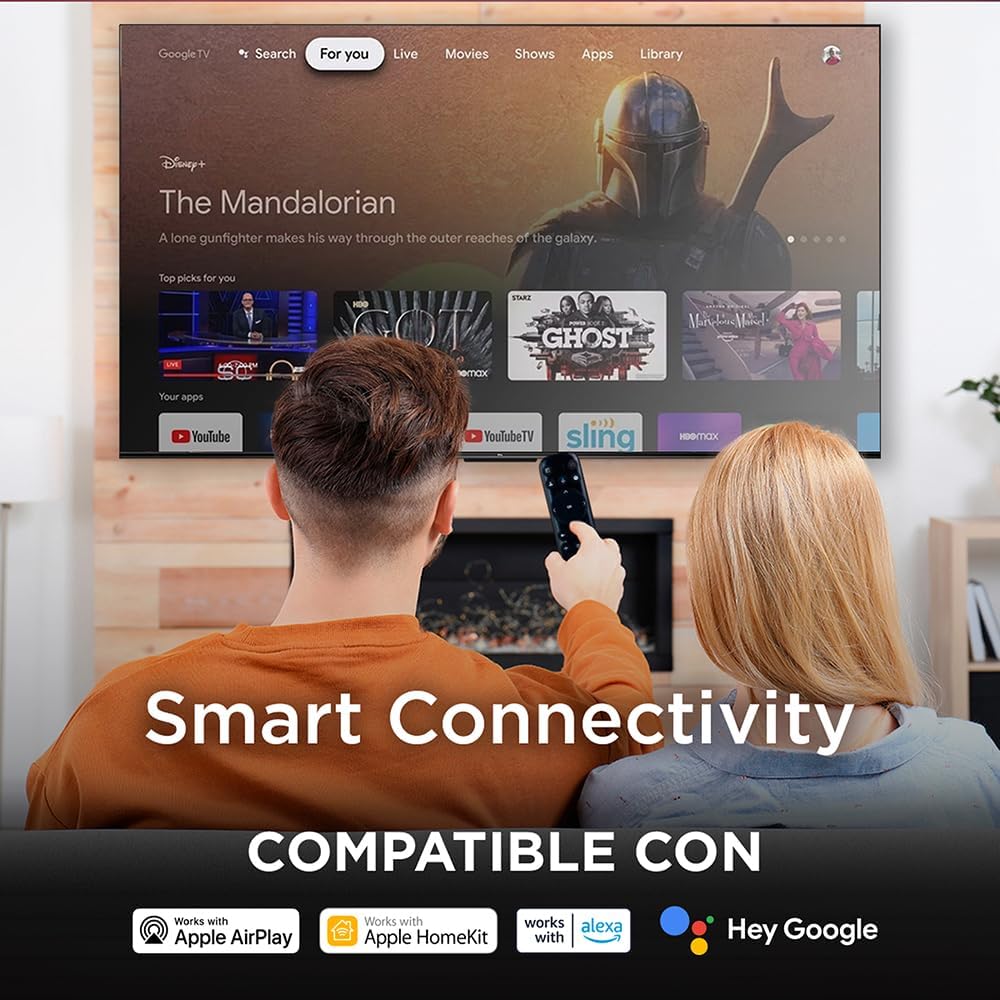
- Voice Control: Utilize the built-in Google Assistant for hands-free voice commands. Simply say "Hey Google" or press the Google Assistant button on your remote to search for content, control smart home devices, and more. The TV is also compatible with Alexa.
- Chromecast Built-in: Cast content directly from your smartphone, tablet, or computer to your TV using Chromecast.

A user interacting with the TCL Smart TV using voice commands, demonstrating the convenience of integrated voice assistants like Google Assistant.

This image highlights the smart connectivity features of the TCL TV, including compatibility with Apple AirPlay, Apple HomeKit, Alexa, and Google Home, allowing for seamless integration into your smart home ecosystem.
Picture and Sound Settings
Your TV offers advanced picture and sound technologies for an immersive viewing experience.
- QLED Technology: Enjoy vibrant colors and exceptional brightness thanks to Quantum Dot technology. Adjust picture modes (Standard, Dynamic, Movie, etc.) in the settings menu to suit your content.
- Dolby Vision & HDR10+: Experience enhanced contrast, brightness, and color detail with support for Dolby Vision and HDR10+ content.
- Dolby Atmos: Immerse yourself in multi-dimensional audio with Dolby Atmos. Adjust sound modes (Standard, Movie, Music, etc.) and equalizer settings in the audio menu.
- Micro Dimming: This feature analyzes the TV content in hundreds of separate zones to adjust brightness and darkness independently, improving contrast and picture quality.
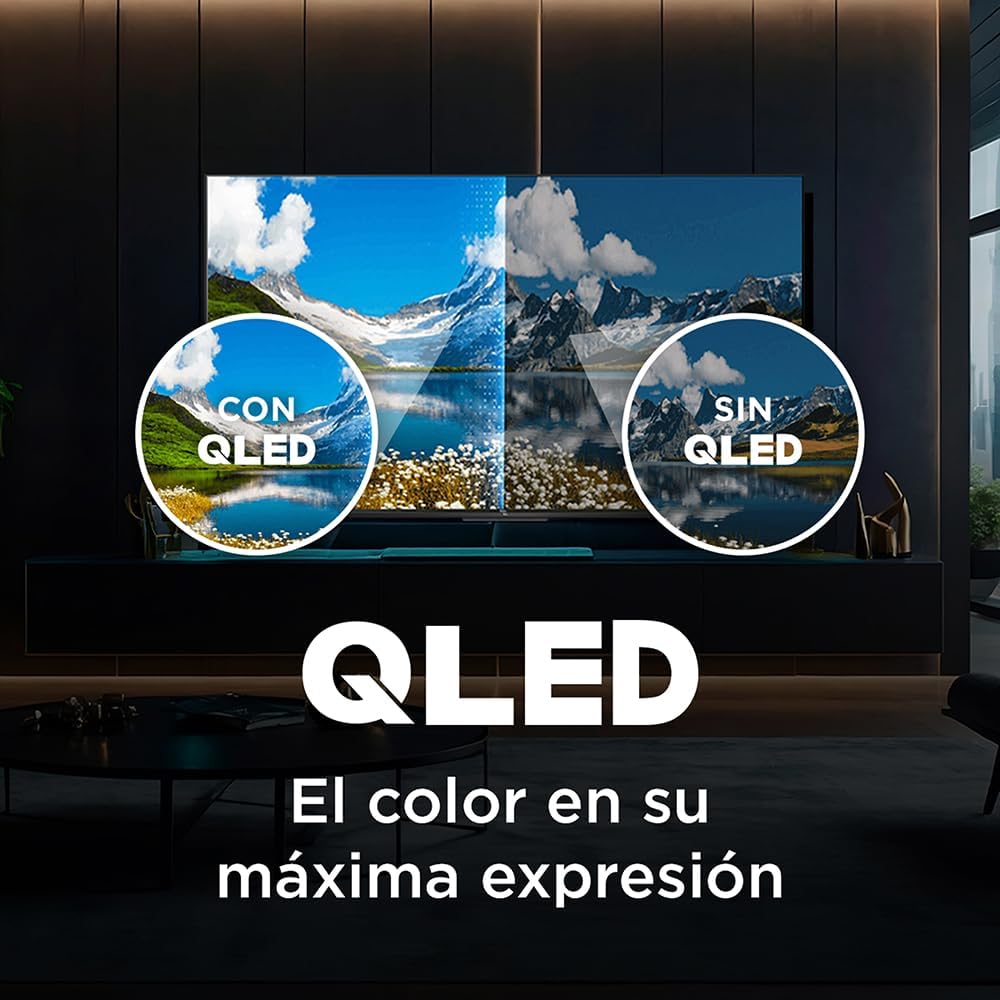
The image demonstrates the superior color reproduction of QLED technology, showing a side-by-side comparison of a scene with and without QLED, emphasizing richer and more accurate colors.

This visual highlights the immersive audio experience provided by Dolby Vision-Atmos technology on the TCL TV, with sound waves emanating from the screen to illustrate enveloping sound.
Gaming Features
The TCL 43Q5K is designed to enhance your gaming experience with several key features:
- 120Hz Game Accelerator: Enjoy smoother motion and reduced blur in fast-paced games.
- Auto Low Latency Mode (ALLM): The TV automatically switches to a low-latency mode when a gaming console is detected, minimizing input lag for a more responsive gaming experience.
- Variable Refresh Rate (VRR): Synchronizes the TV's refresh rate with the game's frame rate, eliminating screen tearing and stuttering for fluid gameplay.
This image showcases the TCL TV's gaming capabilities, featuring a high-speed racing game with callouts for 120Hz Game Accelerator, Auto Low Latency Mode (ALLM), and Variable Refresh Rate (VRR), all designed for a superior gaming experience.
Maintenance
Proper maintenance ensures the longevity and optimal performance of your TV.
- Screen Cleaning: Gently wipe the screen with a soft, dry microfiber cloth. For stubborn smudges, slightly dampen the cloth with water or a screen-specific cleaning solution. Avoid harsh chemicals or abrasive materials.
- Cabinet Cleaning: Use a soft, dry cloth to clean the TV's cabinet.
- Software Updates: Ensure your TV is connected to the internet to receive automatic software updates. These updates often include performance improvements and new features. You can also manually check for updates in the settings menu.
- Ventilation: Ensure adequate ventilation around the TV. Do not block the ventilation openings.
Troubleshooting
If you encounter issues with your TV, refer to the following common problems and solutions:
| Problem | Possible Solution |
|---|---|
| No Power | Check if the power cable is securely plugged into both the TV and the wall outlet. Try a different outlet. |
| No Picture, but Sound is Present | Ensure the correct input source is selected. Check cable connections to external devices. Try restarting the TV. |
| No Sound, but Picture is Present | Check the volume level and ensure the TV is not muted. Verify audio output settings (e.g., internal speakers, external soundbar). |
| Wi-Fi Connection Issues | Restart your router and modem. Re-enter the Wi-Fi password in the TV's network settings. Ensure the TV is within range of your Wi-Fi signal. |
| Remote Control Not Working | Replace the batteries in the remote. Ensure there are no obstructions between the remote and the TV's IR sensor. |
Specifications
Key technical specifications for the TCL 43Q5K Smart TV:
| Feature | Specification |
|---|---|
| Model Name | 43Q5K |
| Screen Size | 43 Inches (110 cm visible diagonal) |
| Display Technology | QLED |
| Resolution | 4K (3840 x 2160) |
| Refresh Rate | 60 Hz (with 120Hz Game Accelerator) |
| Operating System | Google TV |
| Special Features | Flat Screen, Smart Voice Recognition, Chromecast Built-in, Dolby Vision, Dolby Atmos, HDR10+, AiPQ Engine, Micro Dimming, ALLM, VRR |
| Connectivity | Wi-Fi (802.11 b/g), HDMI, USB |
| Aspect Ratio | 16:9 |
| Product Dimensions (with stand) | 95.7 x 60.3 x 18.5 cm |
| Product Dimensions (without stand) | 95.7 x 55.8 x 7.2 cm |
| Weight | 8.16 kg |
Warranty and Support
TCL provides comprehensive support for its products.
Warranty Information
Your TCL QLED TV comes with a 2-year warranty from the date of purchase. Please retain your proof of purchase for warranty claims. The warranty covers manufacturing defects and malfunctions under normal use. For detailed terms and conditions, please refer to the warranty card included in your product packaging.
Customer Support
If you require further assistance or have questions not covered in this manual, please contact TCL customer support:
- Telephone: 800-112-4656
- WhatsApp: 55 7005 5159
- Official Website: www.tcl.com/mx/es
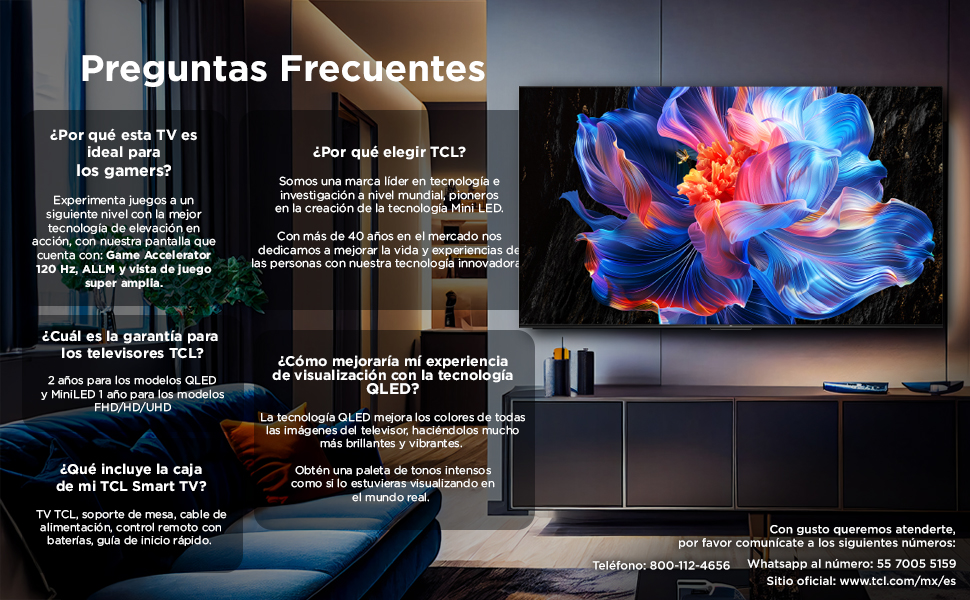
This image provides frequently asked questions and contact details for TCL customer support, including phone, WhatsApp, and website information.
Ask a question about this manual
Ask about setup, troubleshooting, compatibility, parts, safety, or missing instructions. Manuals+ will review the question and use this page’s manual context to help answer it.