1. Setup
1.1 Unboxing and Components
Carefully remove all components from the packaging. Ensure all parts listed below are present.

Image: All components of the MIUZZY M243 Cordless Vacuum Cleaner.
- Main Vacuum Unit
- Adjustable Extension Tube
- Motorized Floor Brush with LED Light
- Rechargeable Battery Pack
- Power Adapter
- 2-in-1 Crevice Tool
- Sofa Brush
- Wall Mount Bracket with Screws
- Cleaning Tool
- Spare HEPA Filter
- User Manual
1.2 Assembly
Follow these steps to assemble your vacuum cleaner:
- Insert the Adjustable Extension Tube into the Main Vacuum Unit until it clicks securely.
- Attach the Motorized Floor Brush to the other end of the Extension Tube, ensuring it locks into place.
- Slide the Rechargeable Battery Pack into the designated slot on the Main Vacuum Unit until it clicks.
- For handheld use, detach the Extension Tube and attach desired accessories (2-in-1 Crevice Tool or Sofa Brush) directly to the Main Vacuum Unit.

Image: Assembly diagram for the MIUZZY M243 Cordless Vacuum Cleaner.
1.3 Charging the Battery
Before first use, fully charge the battery. The battery can be charged while attached to the vacuum or separately.
- Connect the Power Adapter to the charging port on the battery pack.
- Plug the adapter into a wall outlet.
- The battery indicator lights will show charging status. A full charge typically takes 4-5 hours.
- The battery pack is removable for convenient charging or swapping.

Image: Removable Battery Pack.

Image: Power Adapter.
2. Operating Instructions
2.1 Power On/Off and Speed Adjustment
To power on the vacuum, press the power button located on the main unit. The vacuum features three suction modes: Eco, Medium, and Max. Press the mode button to cycle through these settings to match your cleaning needs. The battery life varies by mode:
- Eco Mode: Up to 50 minutes (with Long Crevice/Dust Brush)
- Medium Mode: Up to 30 minutes
- Max Mode: Up to 15 minutes
The vacuum provides up to 28,000Pa suction power in Max mode for deep cleaning.
2.2 Usage Modes and Attachments
The MIUZZY M243 is designed for versatile cleaning across various surfaces and areas.
- Stick Vacuum Mode: Ideal for cleaning hard floors and carpets. The motorized floor brush effectively picks up dust, dirt, and pet hair.
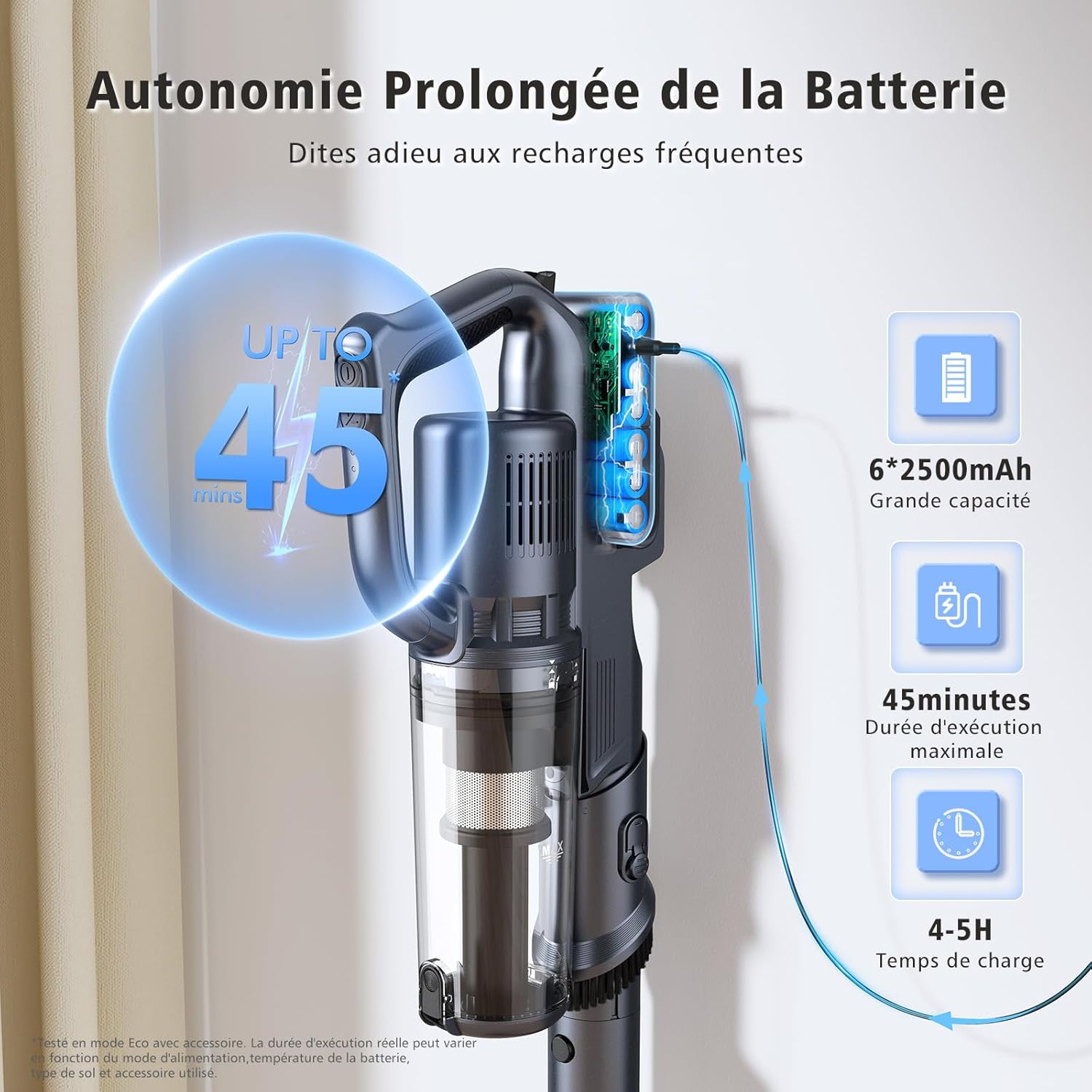
Image: Vacuum in Stick Mode.
- Handheld Vacuum Mode: Detach the extension tube to use as a lightweight handheld vacuum for furniture, stairs, and car interiors.
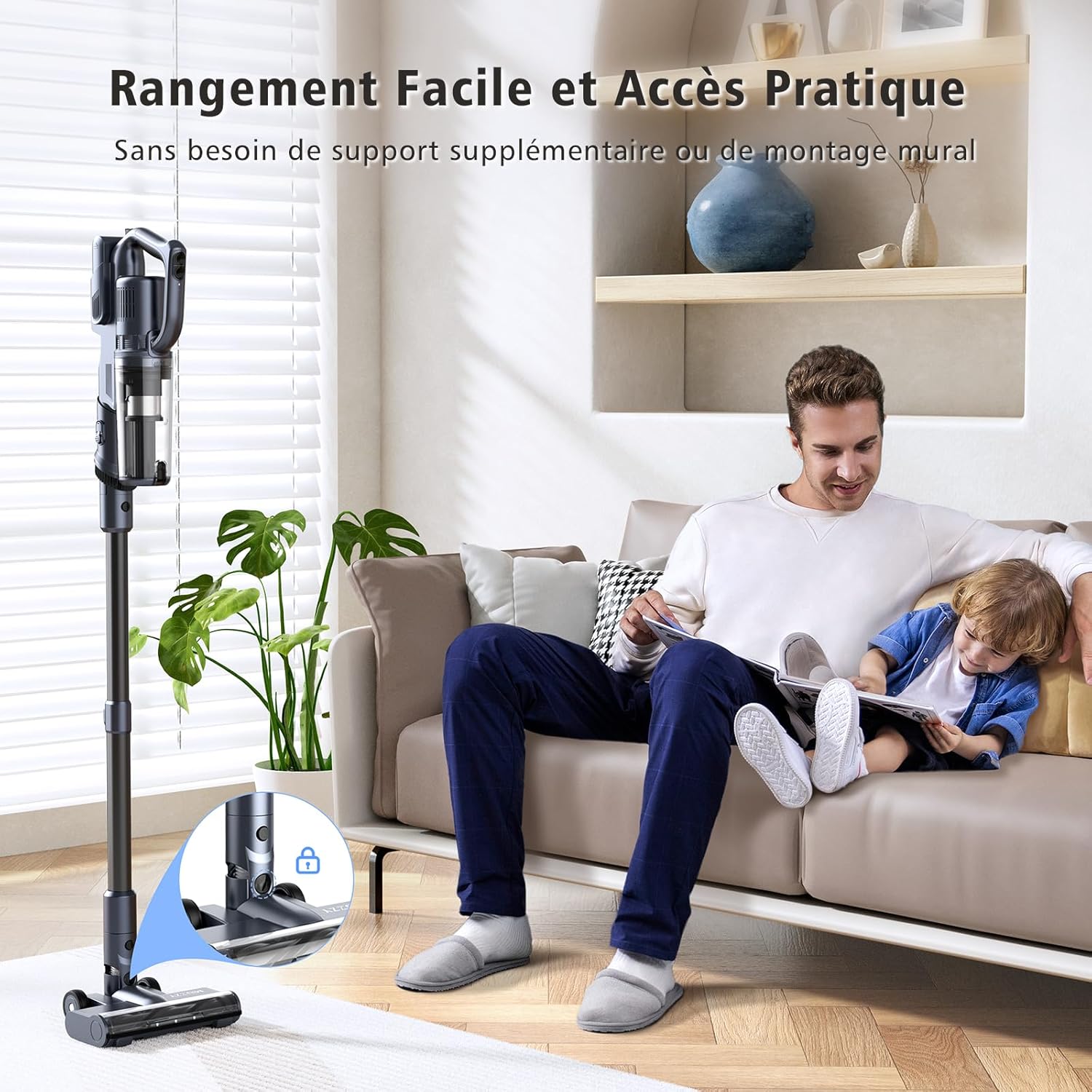
Image: Vacuum in Handheld Mode.
- 2-in-1 Crevice Tool: Use for narrow gaps, corners, and edges.
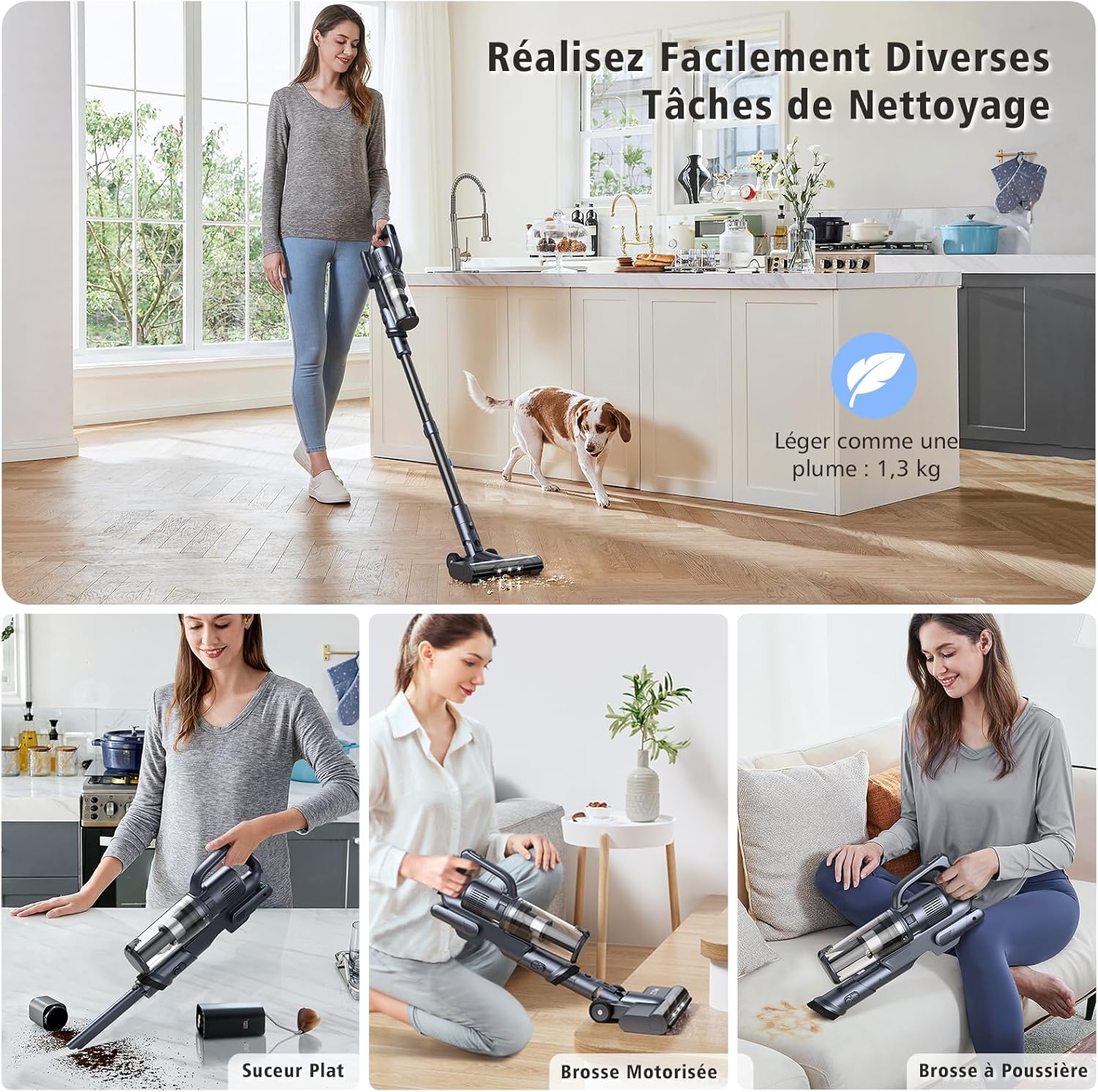
Image: Handheld with Crevice Tool.
- Sofa Brush: Ideal for cleaning upholstery, pet beds, and mattresses.

Image: Handheld with Sofa Brush.
2.3 LED Headlights and Self-Standing Design
The motorized floor brush is equipped with LED headlights to illuminate dust and debris in dark areas, ensuring thorough cleaning. The vacuum also features a self-standing design, allowing it to stand upright on its own for convenient pauses during cleaning or storage.

Image: Self-Standing Vacuum.
3. Maintenance
3.1 Emptying the Dust Cup
To maintain optimal suction, empty the dust cup regularly, ideally after each use. Press the release button to detach the dust cup from the main unit and empty its contents into a trash bin.

Image: Emptying the Dust Cup.
3.2 Cleaning the Filters
The vacuum features a multi-layer MIF filter and a 5-stage cyclone system. Clean the filters regularly (e.g., every 2-4 weeks, depending on usage) to prevent clogging and maintain suction power. Rinse the filters with cold water and ensure they are completely dry before reinserting.

Image: MIF Filter.
3.3 Cleaning the Brush Roll
Periodically check the motorized brush roll for tangled hair or debris. Use the provided cleaning tool to cut and remove any tangled hair. The brush roll can be easily removed for thorough cleaning.

Image: Removable Brush Roll.
4. Troubleshooting
| Problem | Possible Cause | Solution |
|---|---|---|
| Reduced Suction Power | Dust cup full, filters clogged, or brush roll tangled. | Empty dust cup, clean/replace filters, clear brush roll of debris. |
| Vacuum Not Turning On | Battery not charged or not properly inserted. | Ensure battery is fully charged and correctly seated in the unit. |
| Brush Roll Not Rotating | Hair or debris tangled in the brush roll. | Turn off the vacuum, remove the brush roll, and clear any obstructions. |
| Short Battery Runtime | Operating in Max mode, or battery needs replacement. | Use lower suction modes for longer runtime. If battery life significantly degrades, consider replacing the battery. |
| Clogging Reminder (Indicator Light) | Blockage in the air path or dust cup. | Check and clear any blockages in the extension tube, dust cup, or brush head. |
5. Specifications
- Brand: MIUZZY
- Model Name: M243 Cordless Vacuum Cleaner
- Special Feature: Cordless, Lightweight, Self-Standing, LED Headlights
- Suction Power: Up to 28,000Pa
- Filter Type: Multi-layer MIF filter, 5-stage cyclone system
- Included Components: Battery, Extension Tube, Floor Brush, Crevice Tool, Sofa Brush, Charger, Wall Mount, Cleaning Tool
- Capacity: 1.2 Liters (Dust Cup)
- Wattage: 250 watts
- Form Factor: Stick, Handheld
- Product Dimensions: 5"L x 5"W x 5"H (Main Unit)
- Noise Level: 62 Decibels
- Battery Life: Up to 50 minutes (Eco mode)
- Number of Speeds: 3 (Eco, Medium, Max)
- Item Weight: 7 pounds
- Power Source: Battery Powered
- Surface Recommendation: Hard Floors, Short-Pile Carpet, Hardwood Floors, Pet Hair, Car, Stair, Sofa, Bed, Curtain, Desk
6. Warranty and Support
MIUZZY is committed to providing high-quality products and customer satisfaction. Your MIUZZY M243 Cordless Vacuum Cleaner comes with the following:
- 90-Day Full Refund: If you are not completely satisfied, you may be eligible for a full refund within 90 days of purchase.
- 24-Month Warranty: The product is covered by a 24-month warranty against manufacturing defects.
- Customer Service: For any inquiries or support, our customer service team is available to assist you within 4-24 hours. Please refer to the contact information provided in your product packaging or on the official MIUZZY website.


