
Introduction
This instruction manual provides essential information for the proper installation, operation, and maintenance of your GROOKPET S13-Pump. This quiet replacement water pump is designed for use with compatible dog and cat water fountains, ensuring a continuous supply of fresh water for your pets. Please read this manual thoroughly before use to ensure optimal performance and longevity of the pump.
Safety Instructions
- Always disconnect the pump from the power source before handling, cleaning, or performing any maintenance.
- Ensure the power adapter and USB cable are kept dry. Do not immerse the adapter in water.
- Operate the pump only when fully submerged in water within a compatible pet fountain. Running the pump dry can cause damage and shorten its lifespan.
- Keep the power cord away from chewing pets.
- Do not use the pump if the power cord or plug is damaged.
- This pump is designed for indoor use with pet water fountains only.
Package Contents
Verify that all components are present in your package:
- 1 x GROOKPET S13-Pump
- (Note: Filters are typically sold separately or included with the fountain. The product listing mentions "24 Cat water fountain filters" as included components, which may refer to a bundle. This manual focuses on the pump.)
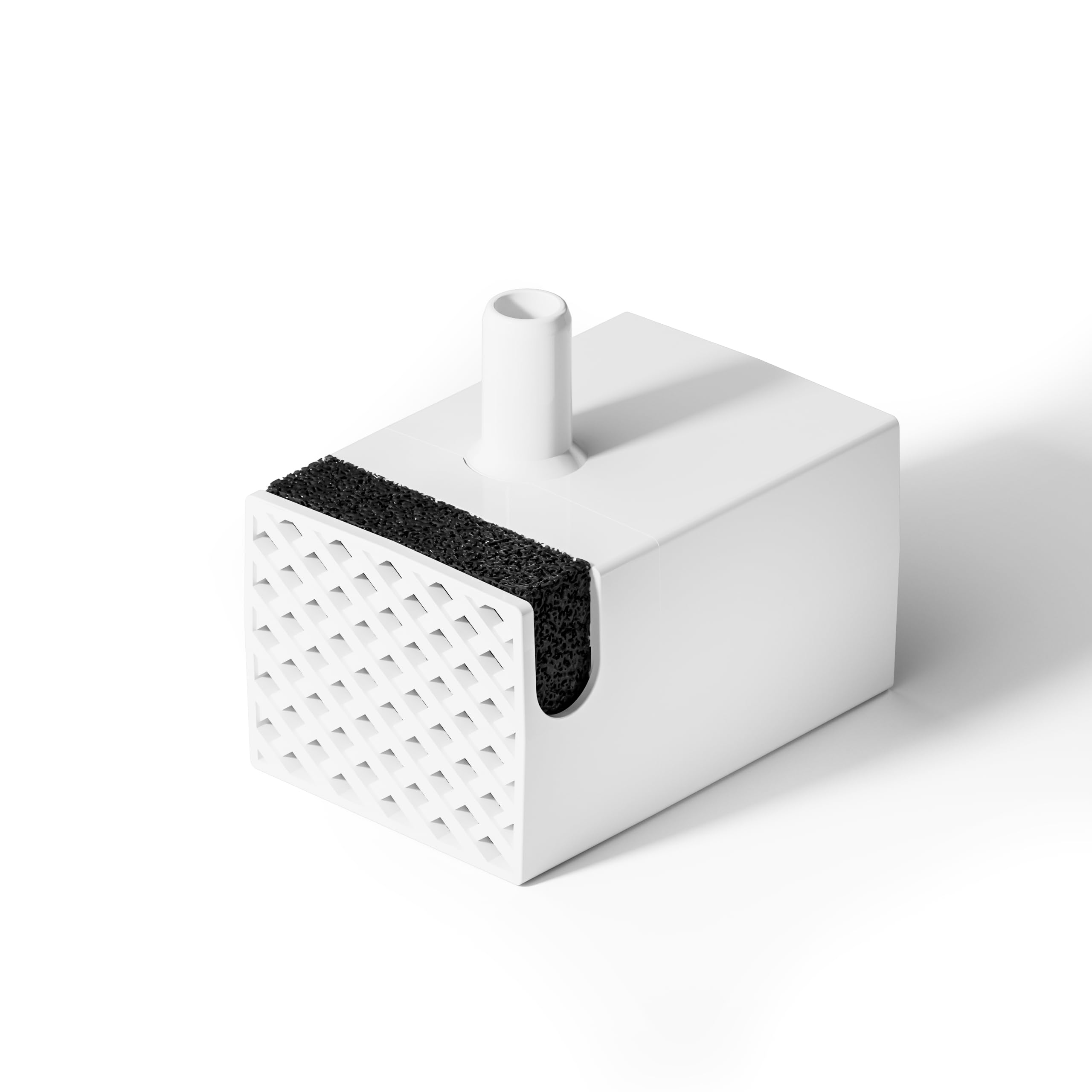
Image: The GROOKPET S13-Pump, a compact water pump designed for pet fountains.
Setup
- Prepare the Fountain: Ensure your pet water fountain is clean and ready for pump installation.
- Install the Pump: Place the GROOKPET S13-Pump into the designated pump compartment within your pet fountain. Ensure it is securely seated.
- Connect Power: Route the USB power cable from the pump out of the fountain, ensuring it does not interfere with water flow or fountain assembly. Connect the USB cable to a compatible power adapter (not included, typically supplied with the fountain).
- Fill with Water: Fill the pet fountain with clean water to the recommended maximum level, ensuring the pump is fully submerged.
- Power On: Plug the power adapter into a wall outlet. The pump should begin operating, circulating water.
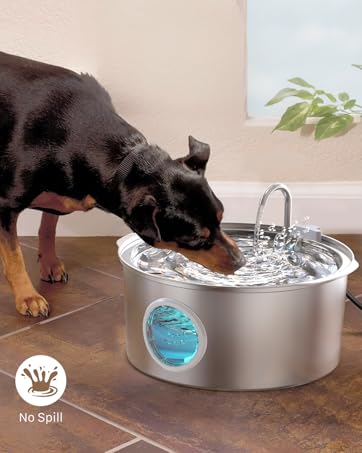
Image: A dog drinking from a pet water fountain, illustrating the pump's operational context within the fountain.
Operating Instructions
- Continuous Operation: The GROOKPET S13-Pump is designed for continuous operation to provide fresh, circulating water for your pets.
- Water Level Monitoring: Regularly check the water level in the fountain. Ensure the pump remains fully submerged at all times. Operating the pump with insufficient water can lead to premature wear or failure.
- Quiet Performance: This pump operates at a low noise level (≤30dB), designed to not disturb your pets or household.
Maintenance
Regular maintenance is crucial for the longevity and efficient operation of your pump and fountain.
- Pump Cleaning: Disassemble the pump (if applicable, refer to your fountain's manual for specific pump access) and clean its components every 2-4 weeks. Remove any hair, debris, or mineral buildup from the impeller and pump housing.
- Fountain Cleaning: Clean the entire pet fountain regularly according to its specific instructions.
- Filter Replacement: If your fountain uses filters, it is recommended to replace them every two weeks to maintain water quality.

Image: An example of replacement filters, essential for maintaining water quality in pet fountains.
Troubleshooting
| Problem | Possible Cause | Solution |
|---|---|---|
| Pump not working or weak flow |
|
|
| Excessive noise from pump |
|
|
If the pump continues to operate abnormally after attempting these solutions, please contact GROOKPET customer support for further assistance.
Specifications
- Model: S13-Pump
- Brand: GROOKPET
- Item Weight: 4.6 ounces (approx.)
- Product Dimensions: 3.54"L x 2.83"W x 2.52"H (approx.)
- Noise Level: ≤30dB
- Power Input: USB (requires compatible power adapter)
Warranty and Support
No explicit warranty duration is provided for the GROOKPET S13-Pump. However, if you encounter any quality problems or abnormal operation that cannot be resolved by troubleshooting, GROOKPET offers replacement support.
For customer support, please visit the official GROOKPET store on Amazon or contact their customer service directly through the platform where you purchased the product.
GROOKPET Store: https://www.amazon.com/stores/GROOKPET/page/A544007F-3A33-4560-96FB-11EF6651D161