
Important Safety Information
Please read this manual carefully before operating your Riflewell gun safe. Failure to follow these instructions may result in injury, damage to the safe, or unauthorized access to firearms. Keep this manual for future reference.
- Store Safely: Always store firearms unloaded and locked in the safe. Keep ammunition stored separately and securely.
- Keep Keys Secure: The emergency keys must be stored in a secure location away from the safe and out of reach of children and unauthorized individuals. Do not store emergency keys inside the safe.
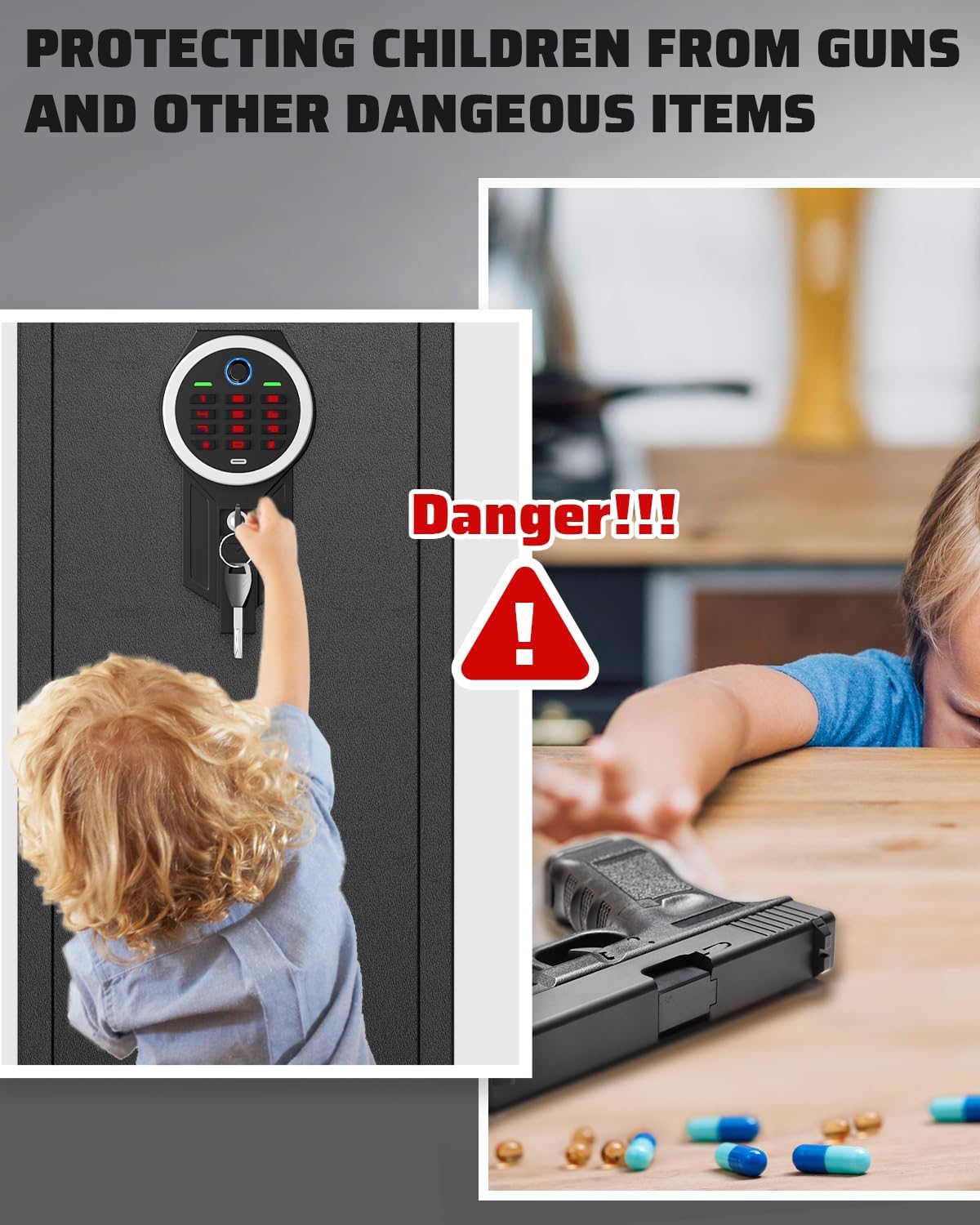
- Child Safety: This safe is designed to prevent unauthorized access, especially by children. Never leave the safe unlocked or allow children to play with the safe or its locking mechanisms.
- Proper Installation: Ensure the safe is securely mounted to a wall or floor to prevent removal or tipping.
- Battery Care: Replace batteries promptly when the low voltage warning is indicated to ensure continuous operation.
Package Contents
Verify that all items listed below are included in your package. If any items are missing or damaged, please contact customer service.
- 1 x Rifle Gun Safe
- 2 x Emergency Keys
- 5 x Expansion Screws
- 1 x Type-C Cable (for external power)
- 3 x Gun Racks (adjustable)
- 1 x Instruction Manual (this document)

Product Overview
The Riflewell GMM-145ZW gun safe is constructed from low-carbon alloy steel, providing robust security for your firearms. It features a biometric fingerprint scanner and a digital keypad for quick access, along with an emergency key override.
Key Features:
- Construction: Low-carbon alloy steel with a 6cm-thick anti-drill door and 1mm anti-pry seam.
- Locking Mechanism: Biometric fingerprint sensor, digital keypad, and emergency key access.
- Security Bolts: 5 solid 20mm anti-theft bolts.
- Interior: Soft foam gun rack, carpeted floor, adjustable gun racks, removable shelf, 2 storage boxes, and 2 pistol bags on the door.
- Lighting: Internal LED light for visibility in dark conditions.
- Alarm System: Dual alarm system for incorrect code/fingerprint attempts and violent vibration.
- Mute Function: Option to silence operational sounds.


Setup
1. Initial Opening
Upon receiving your safe, use one of the provided emergency keys to open the door for the first time. The keyhole is typically located behind the biometric/keypad module or under a cover.
- Locate the emergency keyhole.
- Insert the emergency key and turn it to unlock the safe.
- Open the safe door.
2. Battery Installation
The safe requires batteries to power the biometric and keypad systems. The battery compartment is usually located on the inside of the safe door.
- Open the safe door using the emergency key.
- Locate the battery compartment (typically on the back of the keypad module).
- Insert the required number of AA batteries (not included) according to the polarity markings.
- Close the battery compartment.
3. Mounting the Safe
For maximum security, it is highly recommended to securely mount the safe to a wall or floor using the provided expansion screws.
- Choose a suitable location for the safe, ensuring it is level and stable.
- Mark the drilling points through the pre-drilled holes on the back or bottom of the safe.
- Drill pilot holes into the wall or floor using an appropriate drill bit.
- Position the safe and align the holes.
- Insert the expansion screws through the safe and into the drilled holes.
- Tighten the screws securely to fix the safe in place.

Operating Instructions
1. Setting Up Fingerprints
The safe can store up to 30 unique fingerprints for multiple users. Refer to the specific instructions on the keypad for entering programming mode.
- Open the safe door.
- Press the programming button (refer to the safe's internal panel for exact location, usually a small button).
- Place your finger on the fingerprint scanner. The safe will prompt you to lift and place your finger multiple times until the fingerprint is successfully registered.
- Repeat for additional fingerprints if desired.
- Test the registered fingerprint to ensure it unlocks the safe.
2. Setting Up Digital Code
You can set a personal digital code for access. The code memory function ensures your code is retained even if batteries are depleted.
- Open the safe door.
- Press the programming button.
- Enter your desired code (typically 4-8 digits) on the keypad.
- Press the '#' or 'confirm' button.
- Re-enter the code and press '#' or 'confirm' again to confirm.
- Test the new code to ensure it unlocks the safe.


3. Using Emergency Keys
In case of battery failure or forgotten codes, the emergency keys provide manual access.
- Locate the emergency keyhole (often concealed).
- Insert the emergency key and turn it to unlock the safe.
- Turn the handle to open the door.
4. Mute Function
To operate the safe silently, you can activate the mute function.
- To turn on/off the mute function, press '1' twice, then press '#'. A prompt sound will confirm the change.
5. Dual Alarm System
The safe is equipped with a dual alarm system for enhanced security.
- Incorrect Entry Alarm: After 3 consecutive incorrect code entries or 5 consecutive incorrect fingerprint attempts, the alarm will activate for 30 seconds.
- Vibration Alarm: If the safe experiences violent movement, a vibration alarm will be triggered, sounding up to 70 decibels.


Maintenance
1. Battery Replacement
When the voltage drops below 4.8V, the safe will emit a prompt sound to remind you to replace the batteries. Prompt replacement ensures continuous functionality.
- Open the safe door.
- Locate the battery compartment.
- Remove the old batteries and dispose of them properly.
- Insert new AA batteries, ensuring correct polarity.
- Close the battery compartment.
2. Cleaning
To maintain the appearance and functionality of your safe:
- Wipe the exterior with a soft, damp cloth. Avoid abrasive cleaners.
- Keep the fingerprint scanner and keypad clean and free of dust or debris for optimal performance.
Troubleshooting
| Problem | Possible Cause | Solution |
|---|---|---|
| Safe does not open with fingerprint/code. | Low batteries, incorrect fingerprint/code, scanner/keypad malfunction. | Replace batteries. Re-enter code carefully. Re-register fingerprint. Use emergency key. |
| Alarm sounds unexpectedly. | Multiple incorrect entries, violent movement/vibration. | Ensure correct code/fingerprint. Check if safe was disturbed. Alarm will reset after 30 seconds. |
| No power/display. | Dead batteries, incorrect battery installation. | Replace batteries. Check battery polarity. Use external Type-C power cable if available. |
| Emergency key does not work. | Key not fully inserted, wrong key, lock mechanism jammed. | Ensure key is fully inserted and turned correctly. Contact customer service if issue persists. |
Specifications
| Feature | Detail |
|---|---|
| Brand | Riflewell |
| Model Number | GMM-145ZW |
| External Dimensions (H x W x D) | 57.08" x 13.78" x 11.81" |
| Internal Dimensions (H x W x D) | 56.27" x 13.38" x 10.83" |
| Material | Low Carbon Steel |
| Lock Type | Biometric Fingerprint, Digital Keypad, Emergency Key |
| Fingerprint Capacity | Up to 30 fingerprints |
| Unlocking Time | Less than 0.1 seconds (biometric) |
| Alarm Decibels | Up to 70 dB |
| Mounting Type | Floor Mount, Wall Mount |
| Color | Black |
| UPC | 792864903404 |
Warranty and Support
Riflewell is committed to providing quality products and customer satisfaction. If you encounter any issues with your gun safe, please refer to the following information.
After-Sale Service
If there are any problems with the gun cabinet, please contact our experienced customer service team directly. We aim to respond within 24 hours and resolve the problem to your satisfaction.
How to Find the Seller on Amazon:
- Log in to your Amazon buyer's account.
- Navigate to 'Your Orders'.
- Find your purchase of the Riflewell gun safe.
- Click 'Get help' or 'Contact Seller' for assistance with this product.
