
Pard FD1-850 no LRF
PARD FD1 Night Vision Scope Instruction Manual
Model: FD1-850 no LRF | Brand: Pard
1. Product Overview
The PARD FD1 is a versatile front-mounted clip-on night vision scope designed to enhance your optical scope with advanced night vision capabilities. It can also function as a standalone digital night vision monocular or a digital riflescope, offering precision and adaptability in various low-light conditions.
Key Features:
- Three-in-one Functionality: Front clip-on, digital night vision monocular, and digital riflescope.
- Quick Attach/Detach: Includes a 63mm adapter for swift transitions.
- Ballistics Calculator: Integrated system for precise aiming point calculation.
- High-Resolution Display: OLED screen (1440*1080) and CMOS sensor (1920*1080) for clear imaging.
- Adjustable IR Illuminator: 6 levels with 350m range, 850nm/940nm options.
- VLEA & PIP Mode: Visible Light Enhancement Algorithm and Picture-in-Picture for enhanced clarity and target identification.
- Automatic Recording: Intelligent 20-second video recording upon action detection.
- Durability: 6000J Recoil resistance and IP67 waterproof rating.
- Wi-Fi Connectivity: Connects to PardVision app for viewing images and videos.

Figure 1.1: PARD FD1 Night Vision Scope, main view.
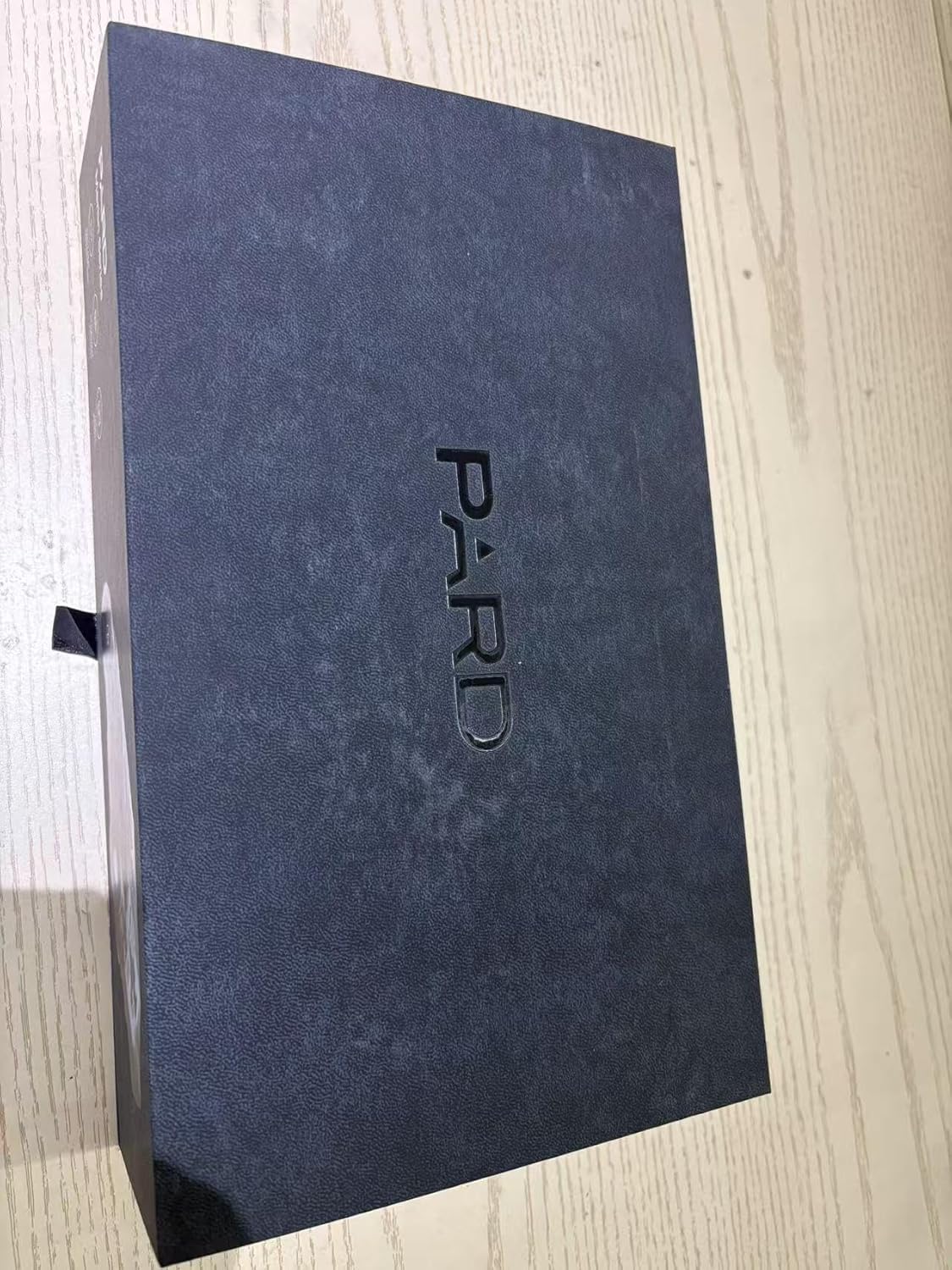
Figure 1.2: The PARD FD1 offers versatile 3-in-1 functionality as a clip-on, monocular, or riflescope.
Video 1.1: Official PARD FD1/LRF product overview demonstrating key features and quick attachment.
2. Setup Guide
2.1 Unpacking and Initial Inspection
- Carefully open the packaging and remove all components.
- Verify that all items listed in the package contents are present.
- Inspect the device for any visible damage. If damage is found, contact customer support immediately.

Figure 2.1: PARD FD1 Night Vision Scope and included accessories.
2.2 Attaching the FD1 as a Clip-on
The FD1 can be quickly attached to your existing optical scope using the provided 63mm adapter.
- Ensure your optical scope is securely mounted and zeroed.
- Attach the 63mm adapter to the objective lens of your optical scope. Tighten securely but do not overtighten.
- Align the PARD FD1 with the adapter and slide it into place until it clicks securely.
- Verify the FD1 is firmly attached and stable before use.

Figure 2.2: The quick attach and detach mechanism of the PARD FD1.
2.3 Powering On and Initial Settings
- Insert a charged battery into the battery compartment.
- Press and hold the power button (usually marked with Ⓘ) until the display illuminates.
- Follow on-screen prompts for initial language and time settings.
- Adjust the diopter for a clear view through the eyepiece.
3. Operating Instructions
3.1 Basic Controls
The PARD FD1 features intuitive controls for easy operation. Refer to the image below for button layout.

Figure 3.1: Side view of PARD FD1 showing control buttons.
| Button/Control | Function |
|---|---|
| Power Button (Ⓘ) | Press and hold to power on/off. Short press for display sleep mode. |
| OK Button | Confirm selection in menus, take photo/start recording. |
| Menu Button | Access main menu. |
| Up/Down/Left/Right Buttons | Navigate menus, adjust settings (e.g., IR intensity, zoom). |
| IR Button | Activate/adjust Infrared (IR) illuminator intensity. |
3.2 Night Vision Mode
The FD1 automatically switches to night vision mode in low light. Adjust the IR illuminator for optimal visibility.
- Press the IR button to cycle through IR intensity levels (Level 1-6).
- Choose between 850nm (brighter, longer range) and 940nm (less visible to animals) IR wavelengths via the menu.

Figure 3.2: Adjustable IR Illuminator with multiple levels for varying conditions.
3.3 Ballistics Calculator (If LRF model)
For models with LRF (Laser Rangefinder), the integrated ballistics calculator assists in precise shot placement.
- Access the Ballistics Calculator from the main menu.
- Input parameters such as projectile velocity, weight, and zero range.
- The system will calculate and display the precise aiming point.

Figure 3.3: The integrated Ballistics Calculator helps improve accuracy.
3.4 Rangefinder (If LRF model)
The FD1-850 no LRF model does not include a laser rangefinder. For models with LRF, follow these steps:
- Point the device at the target.
- Activate the rangefinder function (refer to specific button in menu).
- The distance to the target will be displayed on the screen.

Figure 3.4: Rangefinder in action, displaying target distance.
3.5 Video Recording and Playback
The FD1 can record high-resolution videos and automatically capture 20-second clips upon detecting action.
- Press the Record button (usually marked with a camera icon) to start/stop manual recording.
- Access recorded videos via the Playback menu.
- Ensure a Micro SD card is inserted for recording.
3.6 Wi-Fi Connectivity
Connect your FD1 to a smartphone via Wi-Fi using the PardVision app for remote viewing and file management.
- Download the PardVision app from your device's app store.
- Enable Wi-Fi on your FD1 via the system menu.
- Connect your smartphone to the FD1's Wi-Fi network (SSID and password displayed on the FD1 screen).
- Open the PardVision app to view live feed, photos, and videos.

Figure 3.5: Wi-Fi connectivity allows remote control and media access.
4. Maintenance and Care
- Cleaning: Use a soft, lint-free cloth to clean the lenses. For stubborn dirt, use a lens cleaning solution specifically designed for optics. Do not use abrasive materials.
- Storage: Store the device in a cool, dry place away from direct sunlight and extreme temperatures. Remove the battery if storing for extended periods.
- Battery Care: Use only recommended batteries. Ensure batteries are fully charged before use and properly disposed of when depleted.
- Waterproof: The FD1 is IP67 rated, meaning it is protected from dust and can withstand immersion in water up to 1 meter for 30 minutes. Ensure all covers and caps are securely closed before exposure to water.
5. Troubleshooting
| Problem | Possible Cause | Solution |
|---|---|---|
| Device does not power on. | Low or depleted battery; incorrectly inserted battery. | Charge or replace the battery. Ensure battery is inserted with correct polarity. |
| Image is blurry or unclear. | Diopter not adjusted; dirty lens; focus ring not adjusted. | Adjust the diopter. Clean the lens. Adjust the focus ring on the objective lens. |
| Night vision performance is poor. | IR illuminator off or low intensity; insufficient ambient light. | Activate or increase IR illuminator intensity. Ensure there is some ambient light for the sensor to pick up. |
| Cannot connect to Wi-Fi. | Wi-Fi not enabled on device; incorrect password; app not updated. | Enable Wi-Fi in device settings. Double-check Wi-Fi password. Update PardVision app. |
| Recording not working. | No SD card; full SD card; corrupted SD card. | Insert a compatible SD card. Delete old files or format SD card (backup data first). Try a different SD card. |
6. Technical Specifications
| Specification | Detail |
|---|---|
| Model Name | FD1-850 no LRF |
| Sensor Resolution | 1920*1080 CMOS |
| Display Resolution | 1440*1080 OLED |
| IR Illuminator Wavelength | 850nm (Adjustable) |
| IR Illuminator Range | Up to 350m |
| Recoil Resistance | 6000J |
| Waterproof Rating | IP67 |
| Dimensions (LxWxH) | 4.53"L x 2.95"W x 2.05"H (115*75*52mm) |
| Item Weight | 328 Grams |
| Material | Aluminum |
| Compatible Devices | Rifle, Shotgun, Handgun |
| Storage | Micro SD Card (not included) |
7. Warranty and Support
7.1 Warranty Information
The PARD FD1 Night Vision Scope comes with a 1-year warranty from the date of purchase. This warranty covers manufacturing defects and malfunctions under normal use. Please retain your proof of purchase for warranty claims.
7.2 Customer Support
For technical assistance, warranty claims, or any other inquiries, please contact PARD customer support:
- Visit the official Pard Store on Amazon for product information and resources.
- Refer to the contact information provided in your product packaging or on the official PARD website.
Related Documents - FD1-850 no LRF
 |
PARD FD1-LRF Series Digital Night Vision Front Clip-on User Manual User manual for the PARD FD1-LRF Series Digital Night Vision Front Clip-on device, covering introduction, precautions, specifications, installation, operation, functions, and FCC warnings. |
 |
PARD FD1 Éjjellátó / Céltávcső Előtét 2:1 Használati Útmutató Használati útmutató a PARD FD1 digitális éjjellátó és céltávcső előtét 2:1-hez. Fedezze fel a készülék funkcióit, üzembe helyezését, kezelését és karbantartását. Ideális vadászathoz és éjszakai megfigyeléshez. |
 |
PARD Predator Series Thermal Imaging Camera User Manual - Features and Operation Explore the PARD Predator Series thermal imaging camera with this comprehensive user manual. Learn about its advanced features, specifications, installation, and operation for effective day and night hunting. |
 |
PARD NV007S Digital Night Vision Clip-On User Manual Comprehensive user manual for the PARD NV007S digital night vision clip-on device, covering installation, operation, specifications, and warranty information. Learn how to set up and use your night vision scope effectively. |
 |
PARD NV007V Digital Night Vision Quick Start Guide A comprehensive guide to the PARD NV007V digital night vision device, covering package contents, components, installation, key features, precautions, and specifications. Includes multilingual instructions. |
 |
PARD FD1-LRF Digital Night Vision Front Clip-on User Manual Comprehensive user manual for the PARD FD1-LRF Digital Night Vision Front Clip-on series, detailing installation, operation, features, specifications, and FCC warnings. Learn how to use your night vision scope effectively. |
Ask a question about this manual
Ask about setup, troubleshooting, compatibility, parts, safety, or missing instructions. Manuals+ will review the question and use this page’s manual context to help answer it.