
Product Overview
Key Features
- Dual-Band WiFi Connectivity: Supports both 2.4GHz and 5GHz networks for reliable connection.
- 100% Wire-Free & IP65 Waterproof: Rechargeable battery for flexible placement and weather resistance.
- 2K QHD Live Video & Color Night Vision: High-definition video with 130° wide-angle view and full-color night vision.
- 2-Way Audio & Custom Alerts: Communicate through the camera and set personalized alarms.
- AI Motion Detection & Custom Delineated Area: Intelligent motion detection with customizable zones to reduce false alerts.
- Flexible Storage Options: Free 1-day rolling cloud storage for life and Micro SD card support (up to 256GB, not included).
- Smart Home Integration: Compatible with Amazon Alexa and Google Assistant.
Setup Guide
1. Unboxing and Initial Charge
Carefully unpack all components from the box. Before first use, fully charge the camera using the provided USB charging cable. A full charge typically takes 8-13 hours. The indicator light will change from red to green when fully charged.
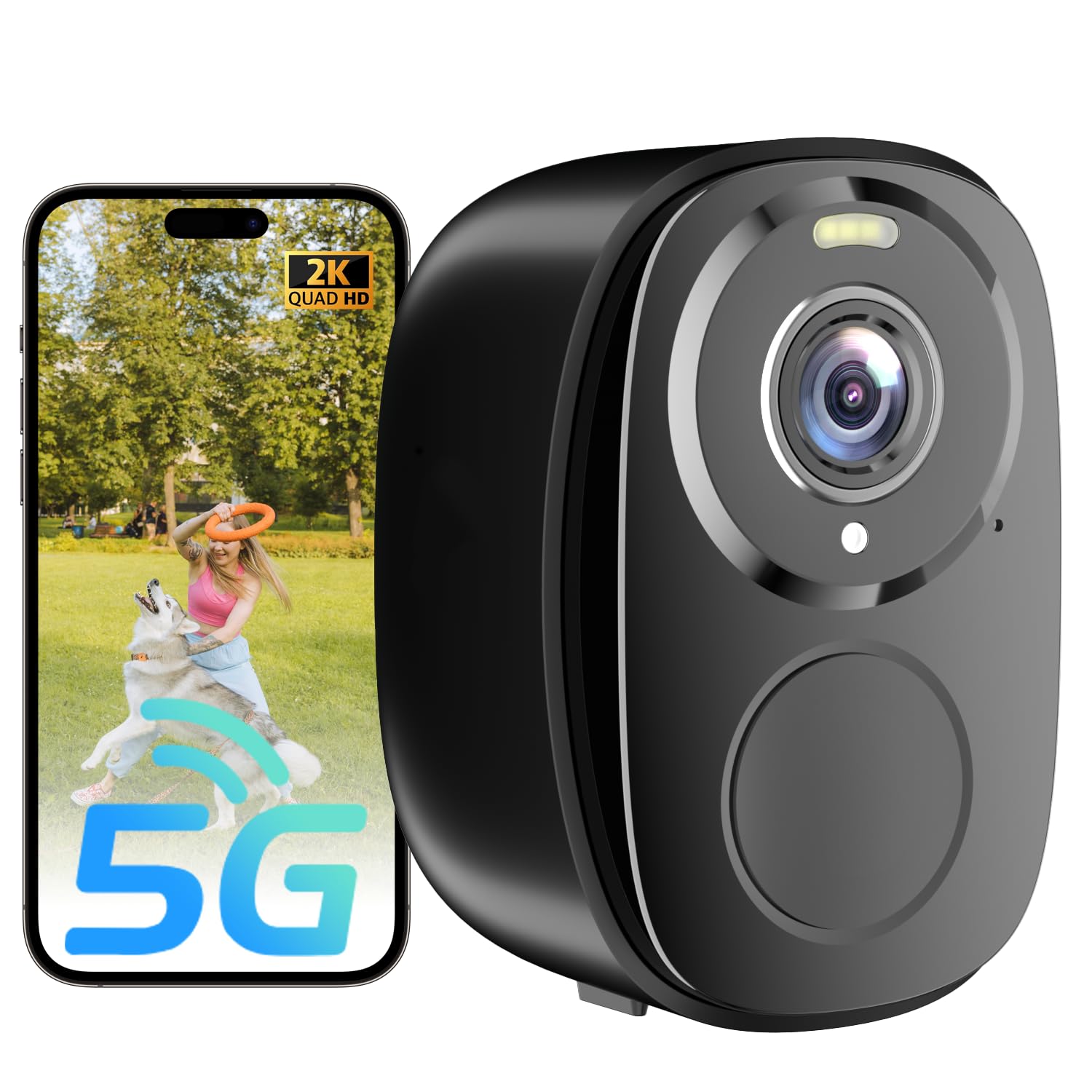
Image: The ELECCTV W1 camera, USB charging cable, mounting bag with screws, and user manual are shown on a white surface.
2. App Download and Account Registration
Download the O-KAM Pro app from your device's app store (iOS/Android). Register for a new account or log in if you already have one.
3. Camera Connection to WiFi
- Turn on the camera. You will hear a voice prompt indicating it's ready for connection. If no speech is heard, press the reset button for 4 seconds until the camera prompts "reset complete".
- Open the O-KAM Pro app and tap "+ Add" to add a new device.
- Follow the in-app instructions to connect the camera to your home WiFi network. Ensure your router supports both 2.4GHz and 5GHz bands, and select the appropriate band as instructed by the app.
- Once connected, you will see the live feed from your camera.

Image: The ELECCTV W1 camera demonstrating its dual-band 2.4GHz and 5GHz WiFi connectivity for stable performance.
Operating Your ELECCTV W1 Camera
1. Live View and Recording
Access the live 2K QHD video feed through the O-KAM Pro app. You can view real-time footage and initiate manual recordings.
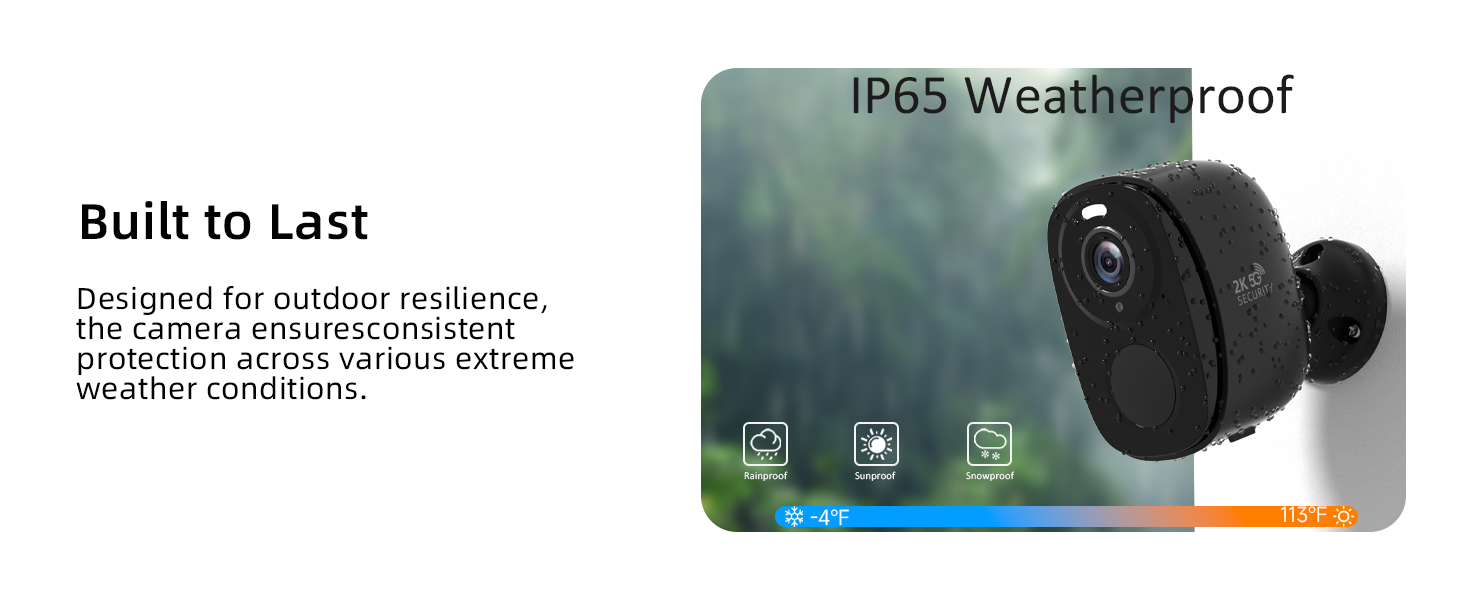
Image: A comparison showing the clear 2K QHD resolution of the ELECCTV W1 camera versus a standard 1080P camera.
2. Night Vision and Spotlight
The camera features color night vision for clear images even in low light. The built-in spotlight can be activated manually or automatically upon motion detection to deter intruders.

Image: Demonstrates the 2K QHD color night vision capability of the ELECCTV W1 camera, showing a wide 130-degree view with a spotlight illuminating a designated zone.
3. Two-Way Audio and Siren
Use the 2-way audio feature to communicate with visitors or deter unwanted guests. The app also allows you to trigger a siren or play custom alert sounds.

Image: Illustrates the two-way audio feature of the ELECCTV W1 camera, showing a user communicating with a delivery person.
4. AI Motion Detection and Alerts
The camera's AI motion detection can differentiate between people, animals, and vehicles, sending real-time alerts to your phone. You can customize detection areas to minimize false alarms.

Image: Shows the AI motion detection feature of the ELECCTV W1 camera, highlighting how it detects movement and sends real-time notifications to a smartphone, with a spotlight and siren option.

Image: Demonstrates the AI bird identification feature of the ELECCTV W1 camera, showing a bird being identified with an alarm trigger option.
5. Storage Options
The camera offers free 1-day rolling cloud storage for life. For extended storage, you can insert a Micro SD card (up to 256GB, not included).

Image: Details the storage options for the ELECCTV W1 camera, including free 1-day rolling cloud storage and support for up to 256GB Micro SD card.
Maintenance
1. Battery Charging
The camera's rechargeable battery can last 1-3 months depending on usage and power-saving settings. Recharge using the provided USB cable when the battery indicator is low.
2. Weather Resistance
The ELECCTV W1 camera is IP65 waterproof, ensuring reliable operation in various weather conditions including rain, sun, and snow.

Image: Highlights the 100% wire-free and IP65 waterproof design of the ELECCTV W1 camera, showing its resilience to rain, sun, and snow across a wide temperature range.
Troubleshooting
1. Connection Issues
If the camera fails to connect or loses connection, ensure your WiFi network is stable and the camera is within range. Verify that you are connected to a 2.4GHz or 5GHz network as supported. Try resetting the camera by pressing the reset button for 4 seconds.
2. False Motion Alerts
Adjust the motion detection sensitivity and customize the detection zones within the O-KAM Pro app to reduce unwanted alerts from non-human movements.
3. Battery Life Concerns
Optimize power-saving modes in the app to extend battery life. Frequent motion detection and live viewing can deplete the battery faster.
Product Specifications
| Feature | Detail |
|---|---|
| Model Name | W1 |
| Indoor/Outdoor Usage | Indoor, Outdoor |
| Connectivity Technology | Wireless (2.4G, 5G, Wi-Fi, Bluetooth) |
| Power Source | Battery Powered (2 AA batteries included) |
| Video Capture Resolution | 2K QHD |
| Viewing Angle | 130 Degrees |
| Water Resistance Level | Water Resistant (IP65) |
| Special Features | 2.4/5Ghz, 2-Way Audio, 2K QHD Resolution, Color Night Vision, Local Recording, Built-In Light, Motion Sensor, Portable, AI Motion Detection, AI Bird Recognition (subscription required) |
| Controller Type | Amazon Alexa, OKM PRO APP |
| Storage | Free 1-day rolling cloud storage, Micro SD card (up to 256GB, not included) |
| Product Dimensions | 1 x 1 x 1 inches |
| Item Weight | 0.634 ounces |
Warranty and Support
Warranty Information
Please refer to the product packaging or the official ELECCTV website for detailed warranty information. Standard return policies apply as per purchase terms.
Customer Support
For any technical assistance or inquiries, please contact ELECCTV customer support through their official channels. The O-KAM Pro app also provides support resources.
