
WLIVE ACTG014ZX
WLIVE Tall Nightstand with Charging Station User Manual
Model: ACTG014ZX
Introduction
Thank you for choosing the WLIVE Tall Nightstand with Charging Station. This manual provides essential information for the proper assembly, operation, and maintenance of your new furniture. Please read it thoroughly before beginning assembly and keep it for future reference.
This versatile nightstand features a convenient charging station, ample storage with three drawers, and a sturdy construction designed for various living spaces.
Product Overview
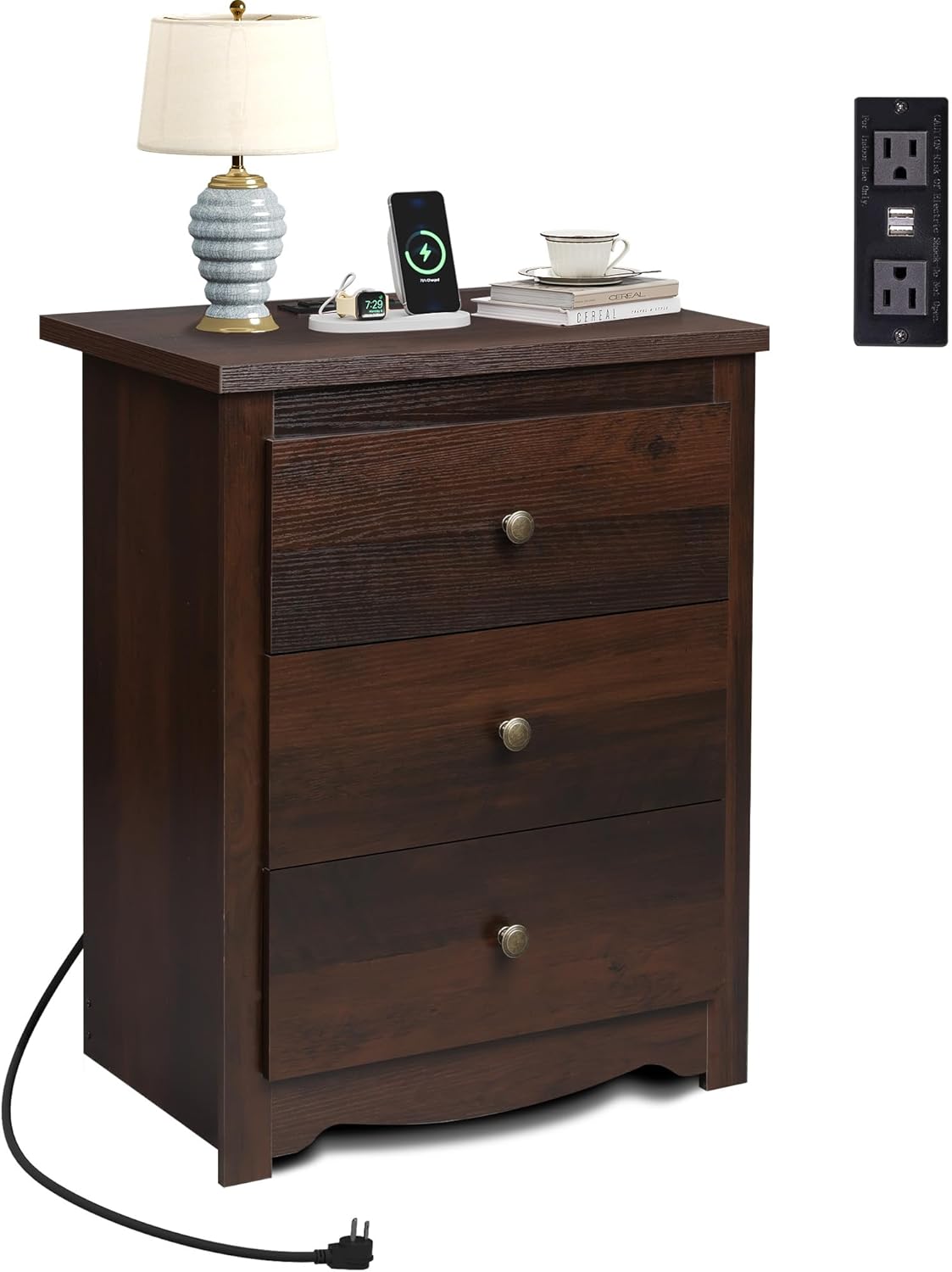
The WLIVE Tall Nightstand in Espresso finish, featuring three drawers and an integrated charging station on top. A lamp and other items are displayed on the surface, with the power cord visible.
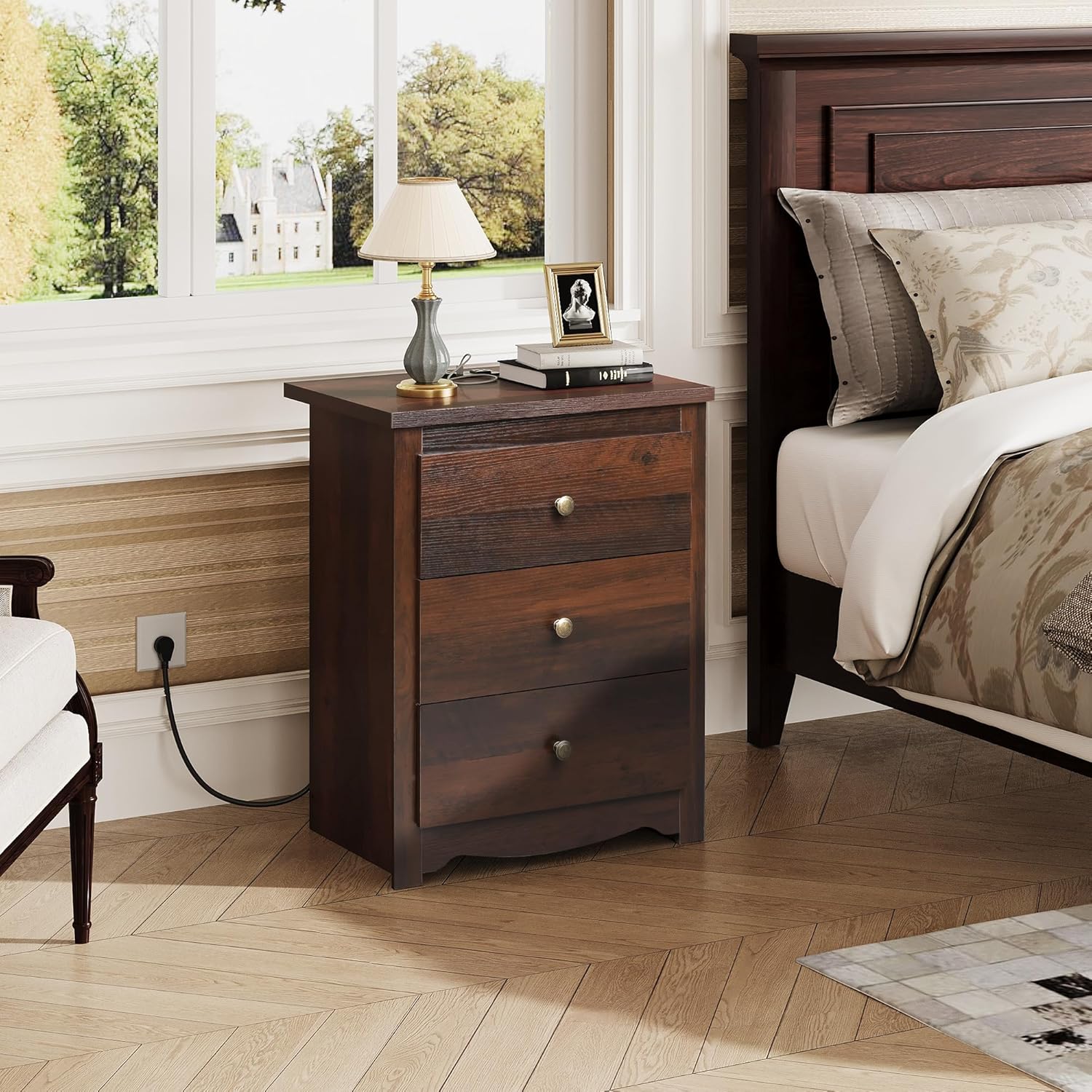
The nightstand positioned next to a bed in a bedroom, showcasing its functional size and aesthetic integration into a living space.
The nightstand is designed to be a functional and stylish addition to your home, offering both storage and convenient power access.
Setup and Assembly
This nightstand requires assembly. Please ensure all components are present before beginning. An installation video is available from the manufacturer to assist with the process.
Package Contents:
- All necessary wooden panels and drawer components.
- Hardware kit (screws, dowels, drawer slides, handles).
- Integrated charging station unit.
- Detailed installation instructions with numbered components.
Assembly Tips:
- Lay out all parts on a clean, soft surface to prevent scratches.
- Follow the numbered steps in the provided instruction manual carefully.
- Do not overtighten screws to avoid damaging the wood.
- Ensure all connections are secure before use.

An illustration showing the overall dimensions of the nightstand (15.59"D x 22.99"W x 29.06"H) and the drawer size (13.78"D x 19.21"W x 7.44"H), along with the 110 lbs weight capacity.
Official product video demonstrating the features and assembly of the WLIVE Tall Nightstand with Charging Station. This video provides a visual guide to the product's functionality and design.
Operating the Charging Station
The integrated charging station provides convenient power access for your electronic devices.
Features:
- 2 AC Outlets: For standard electrical plugs (120V/12A).
- 2 USB Ports: For charging USB-powered devices (5V/2A).
- 4.9-foot Power Cord: Provides flexibility for placement.
Usage:
- Plug the nightstand's power cord into a wall outlet.
- Insert your device's power adapter into one of the AC outlets or connect your USB charging cable directly to a USB port.
- Ensure devices are properly connected for charging.

A detailed view of the integrated charging station on the nightstand's top surface, showing the two AC outlets and two USB ports in use, with a phone and tablet charging.
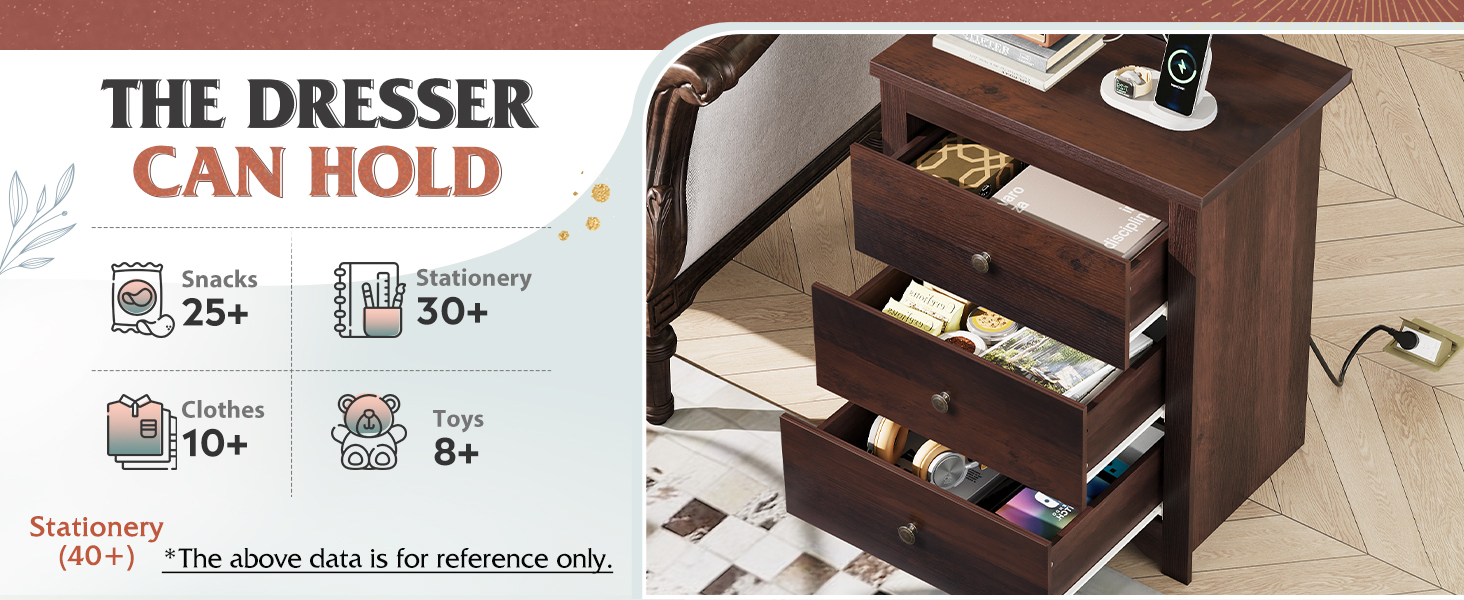
An image illustrating the capability of the charging station to simultaneously charge up to four devices using its two AC outlets and two USB ports.
Maintenance
Proper care will ensure the longevity and appearance of your nightstand.
Cleaning:
- Wipe surfaces with a soft, damp cloth.
- Avoid harsh chemicals or abrasive cleaners, as they may damage the finish.
- The top surface is made of waterproof board, allowing for easy cleanup of spills.
General Care:
- Periodically check and tighten all screws and fasteners.
- Avoid placing extremely hot or cold items directly on the surface without protective coasters.
- Do not overload drawers; the nightstand has a weight capacity of 110 lbs.

An image highlighting key construction details: the waterproof board top, easy-to-pull metal handles, and sturdy wood legs, emphasizing durability and user convenience.

A close-up image of the nightstand's top surface, demonstrating its waterproof properties with water droplets visible on the engineered wood.
Troubleshooting
If you encounter any issues with your nightstand, please refer to the following common solutions:
| Problem | Possible Cause | Solution |
|---|---|---|
| Drawers do not slide smoothly. | Improper alignment of drawer slides or loose screws. | Check and adjust drawer slides. Ensure all screws are tightened. |
| Charging station not working. | Nightstand not plugged in, or device not properly connected. | Verify the nightstand's power cord is securely plugged into a live wall outlet. Ensure devices are correctly inserted into the USB ports or AC outlets. |
| Nightstand feels wobbly. | Loose assembly hardware. | Tighten all assembly screws and bolts. Ensure the nightstand is on a level surface. |
Specifications
| Feature | Detail |
|---|---|
| Brand | WLIVE |
| Model Name | ACTG014ZX |
| Color | Espresso |
| Material | Engineered Wood (Top), Alloy Steel (Frame) |
| Product Dimensions (D x W x H) | 15.59" x 22.99" x 29.06" |
| Drawer Size (D x W x H) | 13.78" x 19.21" x 7.44" |
| Maximum Weight Recommendation | 110 Pounds |
| AC Outlets | 2 (120V/12A) |
| USB Ports | 2 (5V/2A) |
| Power Cord Length | 4.9 feet |
Warranty and Support
WLIVE is committed to providing high-quality products and customer satisfaction. While specific warranty details are not provided in this manual, please retain your proof of purchase for any warranty claims.
For any questions regarding assembly, missing parts, product defects, or general inquiries, please contact WLIVE customer support directly. Contact information can typically be found on the product packaging or the official WLIVE website.
We are here to assist you and ensure you have a positive experience with your WLIVE product.
Related documentsACTG014ZX

Ask a question about this manual
Ask about setup, troubleshooting, compatibility, parts, safety, or missing instructions. Manuals+ will review the question and use this page’s manual context to help answer it.