
BoxWave EverTouch Capacitive Stylus
BoxWave EverTouch Capacitive Stylus User Manual
Model: EverTouch Capacitive Stylus
1. Introduction
The BoxWave EverTouch Capacitive Stylus is designed to provide a precise and comfortable interaction with your touchscreen devices. Featuring a durable FiberMesh tip, it offers enhanced accuracy and responsiveness for various tasks, from navigation to drawing and writing. This manual provides essential information on setting up, operating, maintaining, and troubleshooting your stylus.
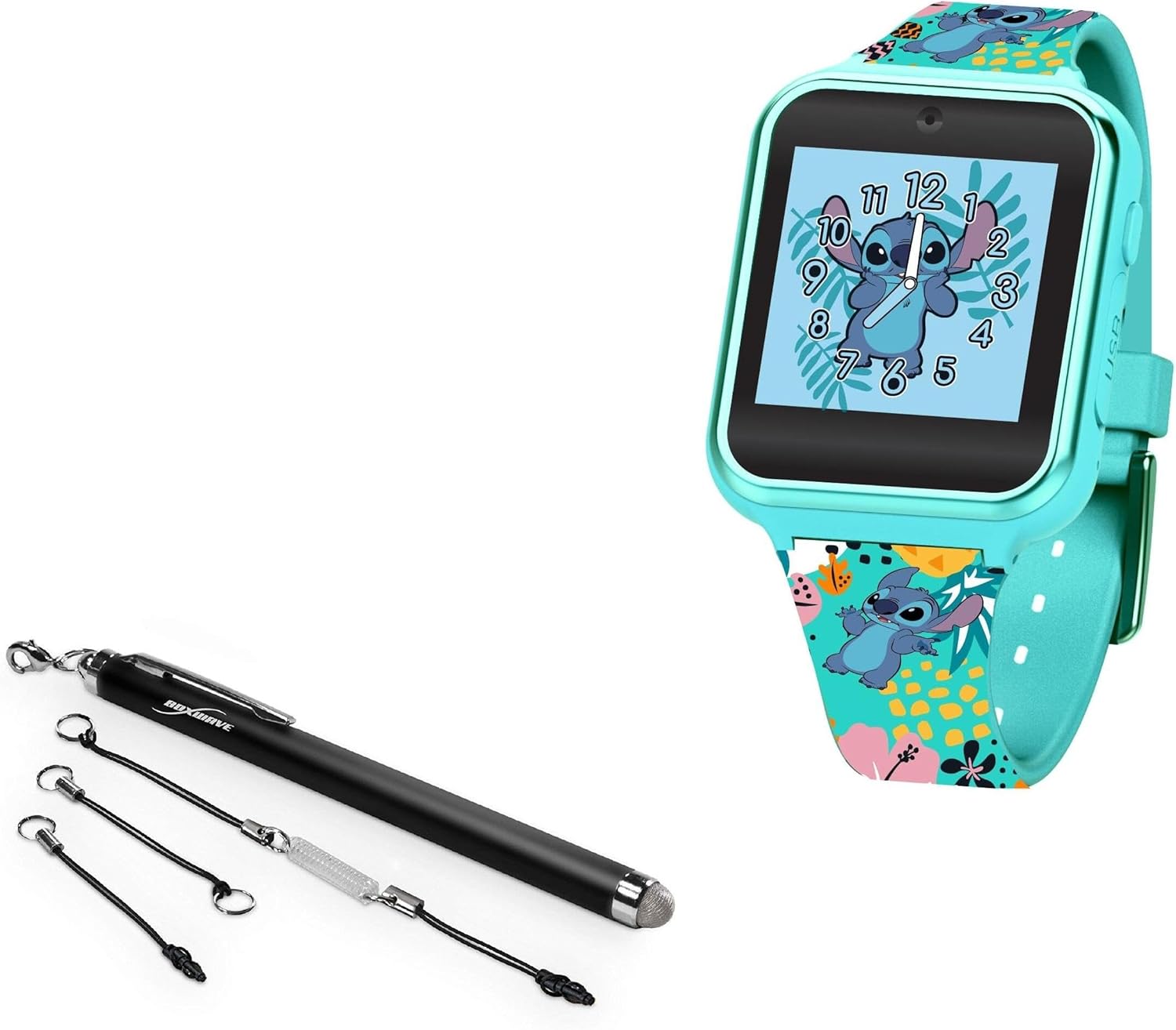
Image 1.1: The BoxWave EverTouch Capacitive Stylus, showcasing its sleek design and FiberMesh tip.
2. Product Features
- FiberMesh Tip: Constructed from a tightly-woven conductive material, offering durability and resistance to tearing for prolonged use.
- High Accuracy: Provides ultra-accurate and responsive performance, allowing for precise input with minimal pressure.
- Ergonomic Design: Longer length and balanced weighting ensure a natural and comfortable grip during extended use.
- Screen Cleaning: The soft FiberMesh tip helps clean the screen, reducing streaks and fingerprints as you use the stylus.
- Lanyard Attachments: Includes multiple clip-on lanyard attachments for convenient portability and secure storage.

Image 2.1: Detailed view of the durable FiberMesh tip, designed for smooth and accurate interaction.
3. Setup
The EverTouch Capacitive Stylus requires no batteries, charging, or Bluetooth pairing. It is ready for immediate use right out of the box.
3.1 Attaching Lanyards
For enhanced portability and to prevent loss, you can attach one of the included lanyards to your stylus. The package contains:
- A 2-inch lanyard with a 3.5mm headphone jack attachment.
- A 12-inch elastic coil with a 3.5mm headphone jack attachment.
- A charm clip for attachment to key chains, charms, or bracelets.
To attach, simply loop the lanyard string through the small eyelet at the top of the stylus and secure it. The 3.5mm attachments can be inserted into your device's headphone jack for convenient storage.

Image 3.1: The EverTouch Stylus shown with its included lanyard attachments, offering versatile carrying options.
4. Operating Instructions
The EverTouch Capacitive Stylus is designed to simulate the touch of your finger on a capacitive touchscreen. Use it just as you would your finger for navigation, tapping, swiping, drawing, and writing.
4.1 Basic Usage
- Tapping: Lightly tap the screen with the stylus tip to select items or activate functions.
- Swiping: Drag the stylus across the screen to scroll, navigate between pages, or perform gestures.
- Drawing/Writing: Apply gentle pressure and move the stylus across the screen as you would with a pen on paper. The FiberMesh tip provides a smooth, fluid experience.
The stylus works at any screen angle and requires less pressure compared to some other stylus types, ensuring a comfortable and efficient user experience.

Image 4.1: Demonstrating the natural and comfortable grip of the stylus during use on a tablet.

Image 4.2: The stylus allows for natural tap, swipe, and write interactions without the need for pairing.
5. Maintenance
Proper care will ensure the longevity and optimal performance of your EverTouch Capacitive Stylus.
5.1 Cleaning the Stylus Tip
The FiberMesh tip is designed to help clean your screen during use. However, if the tip itself accumulates dirt or debris, gently wipe it with a soft, lint-free cloth. Do not use harsh chemicals or abrasive materials, as this may damage the conductive fibers.
5.2 Storage
Store the stylus in a clean, dry place when not in use. Utilizing the included lanyard attachments can help keep the stylus secure and prevent it from being misplaced or damaged.
Image 5.1: The durable FiberMesh tip is built to last, unlike generic alternatives.
6. Troubleshooting
The EverTouch Capacitive Stylus is a passive device and typically requires no troubleshooting. If you experience issues, consider the following:
- Unresponsive Stylus: Ensure your device's screen is clean and free of debris. Sometimes, a screen protector can affect sensitivity; ensure it is properly installed and clean.
- Inaccurate Input: Verify that the stylus tip is clean. If the issue persists, try restarting your device.
- Physical Damage: If the stylus tip appears frayed or damaged, its performance may be compromised.
For persistent issues not resolved by these steps, please refer to the support section.
7. Specifications
| Attribute | Detail |
|---|---|
| Brand | BoxWave |
| Model | EverTouch Capacitive Stylus |
| Color | Jet Black |
| Item Weight | 0.5 ounces |
| Batteries Required | No |
| Compatibility | Accutime LAS4026AZ and other capacitive touchscreens |
8. Warranty and Support
8.1 Warranty Information
For detailed warranty information regarding your BoxWave EverTouch Capacitive Stylus, please refer to the product packaging or visit the official BoxWave website. Warranty terms and conditions may vary.
8.2 Customer Support
If you have any questions, require assistance, or encounter issues with your stylus, please contact BoxWave customer support. Limited 3rd party technical support for your device (up to 3 inquiries via messaging) is included, though BoxWave is not affiliated with or endorsed by Accutime.
You can typically find contact information on the BoxWave website or through the retailer where you purchased the product.
Ask a question about this manual
Ask about setup, troubleshooting, compatibility, parts, safety, or missing instructions. Manuals+ will review the question and use this page’s manual context to help answer it.