
Product Overview
The INFURTURE Active Noise Cancelling Kids Bluetooth Headphones are designed for a safe and comfortable listening experience for children. These over-ear headphones feature volume limiting technology, long battery life, and both wireless (Bluetooth 5.3) and wired connectivity options.
Key features include:
- Active Noise Cancelling (ANC) for reduced background noise.
- 85/94dB volume limiting to protect hearing.
- Up to 90 hours of playtime on a single charge (without ANC) and 50 hours with ANC activated.
- Soft protein leather ear pads and an adjustable headband for comfort.
- Foldable design for easy portability.
- Bluetooth 5.3 for stable wireless connection and 3.5mm jack for wired use.
- Built-in microphones for calls.
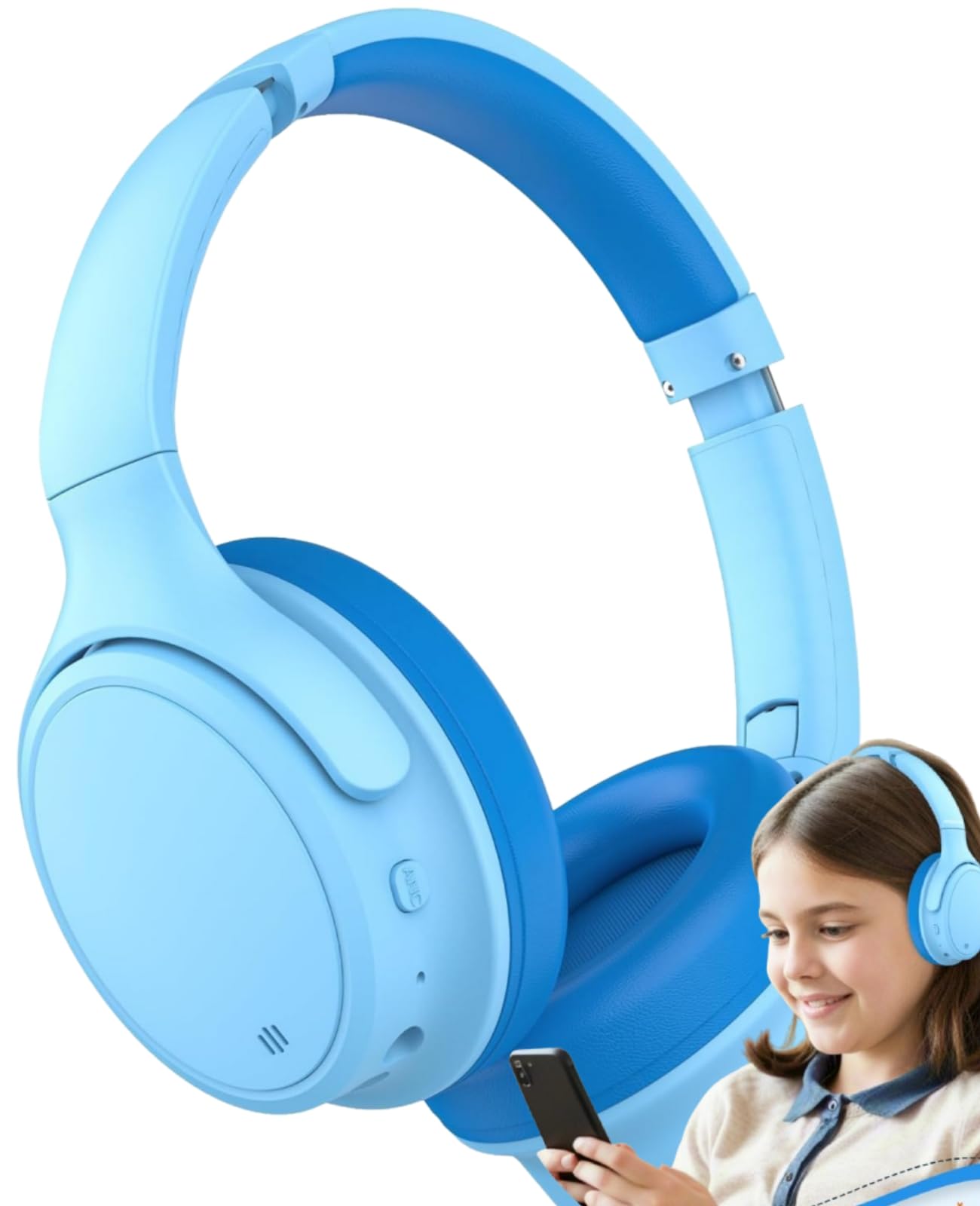
Image: INFURTURE Kids Active Noise Cancelling Headphones, showcasing their light blue color and over-ear design.
Setup
Charging the Headphones
Before first use, fully charge the headphones. Use the provided USB-C charging cable. The charging port is located on the right earcup.
- Connect the USB-C end of the cable to the headphone's charging port.
- Connect the USB-A end to a compatible USB power source (e.g., computer, wall adapter).
- The indicator light will show charging status (refer to the LED indicator section for details).
Bluetooth Pairing
To connect wirelessly via Bluetooth:
- Ensure the headphones are charged.
- Press and hold the power button on the right earcup until the LED indicator flashes blue and red, indicating pairing mode.
- On your device (smartphone, tablet, computer), go to Bluetooth settings and turn Bluetooth on.
- Search for "INFURTURE BH131" (or similar model name) in the list of available devices and select it to connect.
- Once connected, the LED indicator will show a steady blue light or flash blue slowly.

Image: A child wearing the INFURTURE headphones, demonstrating their use with a smartphone.
Wired Connection
For wired use, connect the provided 3.5mm audio cable:
- Plug one end of the 3.5mm audio cable into the audio jack on the headphone's earcup.
- Plug the other end into the 3.5mm audio port of your device.
- The headphones will function in wired mode, even if the battery is depleted. Note that Active Noise Cancelling may not function in wired mode without power.
Operating Instructions
Power On/Off
- To power on: Press and hold the power button for approximately 3 seconds.
- To power off: Press and hold the power button for approximately 5 seconds.
Volume Control
The headphones feature volume limiting technology at 85dB or 94dB to protect children's hearing. Volume can be adjusted using the dedicated volume buttons on the earcup.
- Volume Up: Press the '+' button.
- Volume Down: Press the '-' button.
- To switch between 85dB and 94dB volume limits: Press the volume '+' and volume '-' buttons simultaneously.

Image: Diagram illustrating the 85dB/94dB safe volume limiting function to protect children's hearing.
Active Noise Cancelling (ANC)
Activate ANC to reduce ambient noise, enhancing the listening experience.
- To turn ANC on/off: Press the dedicated ANC button (usually indicated by "ANC" or a wave icon).
- An indicator light will confirm ANC status.

Image: A close-up view of the headphone earcup, highlighting the ANC button and other control buttons.
Music Playback and Calls
- Play/Pause: Press the multi-function button once.
- Next Track: Press and hold the '+' button.
- Previous Track: Press and hold the '-' button.
- Answer/End Call: Press the multi-function button once.
- Reject Call: Press and hold the multi-function button.
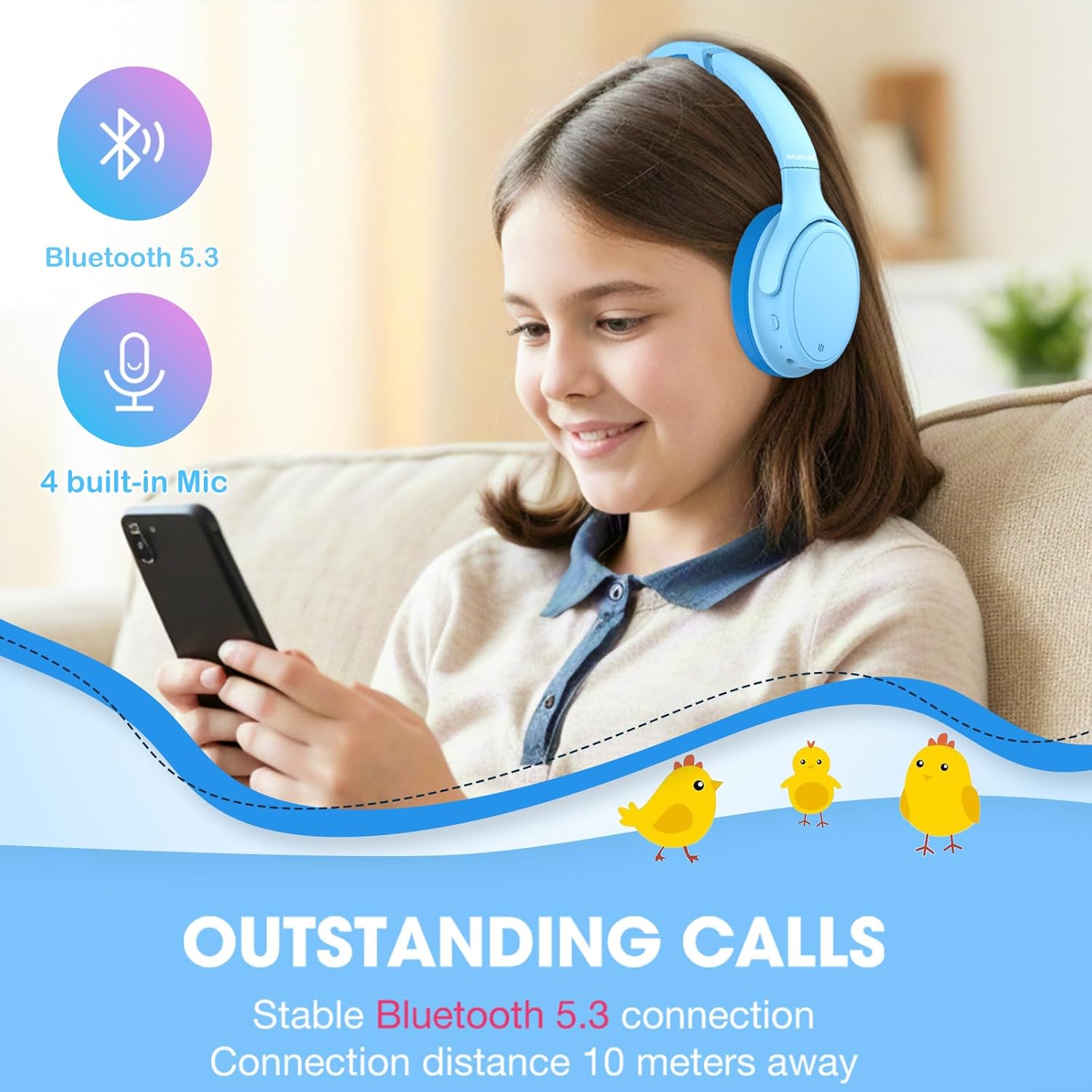
Image: A child using the headphones for a call, emphasizing the stable Bluetooth 5.3 connection and built-in microphones.
Maintenance
Proper maintenance ensures the longevity of your headphones:
- Clean the ear pads and headband regularly with a soft, dry cloth.
- Avoid using harsh chemicals or abrasive materials.
- Store the headphones in a cool, dry place, away from direct sunlight and extreme temperatures.
- When not in use, fold the headphones for compact storage to prevent damage.
- Keep charging ports and audio jacks free of dust and debris.

Image: The headphones demonstrating their adjustable headband, soft ear cushions, and foldable design for storage and comfort.
Troubleshooting
No Power
- Ensure the headphones are fully charged. Connect to a power source using the USB-C cable.
- Check if the power button is pressed and held long enough to turn on.
Cannot Pair via Bluetooth
- Make sure the headphones are in pairing mode (flashing blue and red LED).
- Ensure Bluetooth is enabled on your device and it is within 10 meters of the headphones.
- Forget the device from your device's Bluetooth list and try pairing again.
- Restart both the headphones and your device.
No Sound or Low Volume
- Check the volume levels on both the headphones and your connected device.
- If using wired connection, ensure the 3.5mm cable is fully inserted into both the headphones and the device.
- Confirm that the headphones are correctly paired and connected to your device.
Active Noise Cancelling Not Working
- Ensure the ANC feature is activated using its dedicated button.
- ANC functionality may be reduced or unavailable in wired mode without power.
Specifications
| Feature | Detail |
|---|---|
| Brand | INFURTURE |
| Model Number | BH131 |
| Model Name | BH121A |
| Color | Blue |
| Ear Placement | Over Ear |
| Form Factor | Over Ear |
| Impedance | 16 Ohms |
| Age Range Description | Kid/Teen/Adult |
| Battery Average Life | 70 Hours (Note: Product description states 90H normal, 50H ANC. Using 70H from specifications as a general average.) |
| Noise Control | Active Noise Cancellation |
| Frequency Range | 20 Hz - 20,000 Hz |
| Audio Driver Type | Dynamic Driver |
| Enclosure Material | Faux Leather |
| Specific Uses For Product | Gaming, School, Travel |
| Compatible Devices | Tablets, Devices with Bluetooth 5.3 support, Devices with 3.5mm port |
| Water Resistance Level | Water Resistant |
| Headphone Jack | 3.5 mm Jack |
| Connectivity Technology | Wireless (Bluetooth 5.3) |
| Bluetooth Range | 10 Meters |
| Control Method | Push Button |

Image: Visual representation of the headphones' long battery life, indicating up to 72 hours without ANC.
Warranty and Support
The INFURTURE Active Noise Cancelling Kids Bluetooth Headphones come with a 2-year warranty.
For technical support, warranty claims, or further assistance, please contact INFURTURE customer service. Refer to the contact information provided in the product packaging or on the official INFURTURE website.
Product Video
Video: An official product video from INFURTURE demonstrating the features and usage of the Kids Noise Cancelling Headphones, including comfort, adjustability, and connectivity options.


