1. Introduction
This manual provides detailed instructions for the installation and maintenance of your ZIOVO Z138 Tablet Screen Protector. Designed specifically for the 10-inch ZIOVO Z138 Tablet for Kids, this tempered glass screen protector offers 9H hardness, anti-scratch properties, touch sensitivity, 2.5D rounded edges, and bubble-free installation. Please read these instructions carefully before proceeding with the installation to ensure optimal protection and performance.
2. Product Features
- Compatibility: Exclusively designed for the ZIOVO Z138 Tablet for Kids 10 inch.
- High Durability: Features 9H hardness tempered glass to protect against scratches from keys and other hard objects.
- Easy Installation: Engineered for bubble-free application in seconds, with advanced silicon adhesive leaving no residue upon removal.
- High Responsiveness: Maintains original touch sensitivity for quick app launches, smooth games, and video playback.
- Fingerprint Resistance: Advanced oleophobic coating effectively resists fingerprints and smudges, keeping the display clean and clear.
- 2.5D Rounded Edges: Provides a smooth feel and seamless integration with the tablet's design.
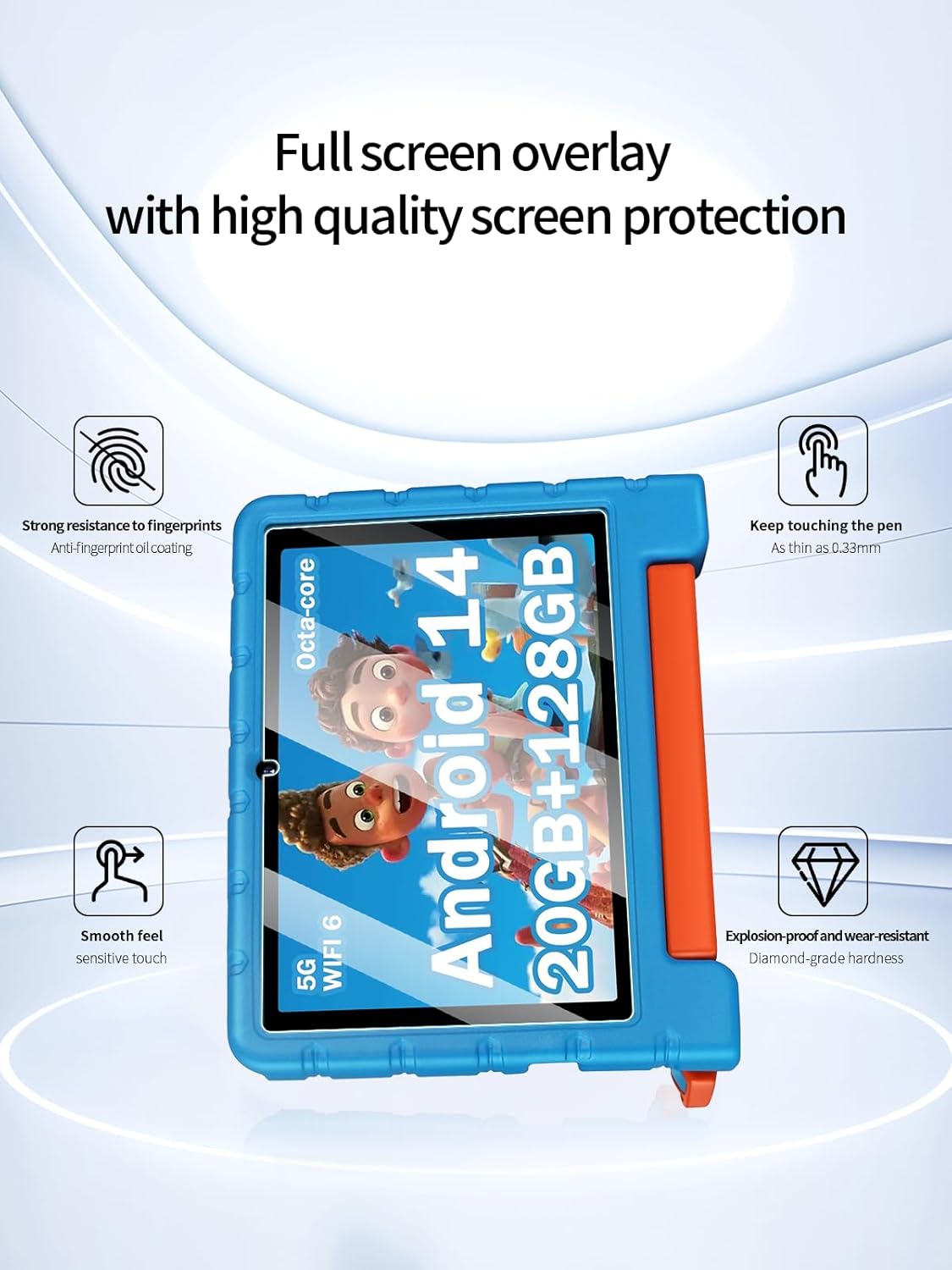
Image: Overview of the screen protector's key features, including strong resistance to fingerprints, thinness, smooth feel, and explosion-proof hardness.

Image: Demonstrates the screen protector's good explosion-proof and anti-wear performance, showing a comparison before and after treatment.

Image: Illustrates the arc edge fitting and full coverage of the screen protector, designed to seamlessly restore the feel of the bare metal tablet.
3. Package Contents
- 2 x Tempered-Glass Screen Protectors
- 2 x Cleaning Kits (each containing wet wipe, dry wipe, dust absorber sticker)
4. Installation Guide
Follow these steps carefully for a successful, bubble-free installation:
4.1. Preparation
- Ensure your tablet is powered off.
- Work in a clean, dust-free environment to prevent particles from getting trapped under the screen protector.
- Gather all items from the cleaning kit and the screen protectors.
4.2. Cleaning the Screen
- Use the wet wipe from the cleaning kit to thoroughly clean the tablet screen. Ensure all dirt, oil, and smudges are removed.
- Immediately follow with the dry wipe to dry the screen completely.
- Use the dust absorber sticker to gently dab the screen and remove any remaining dust particles. Ensure no dust is visible before proceeding.
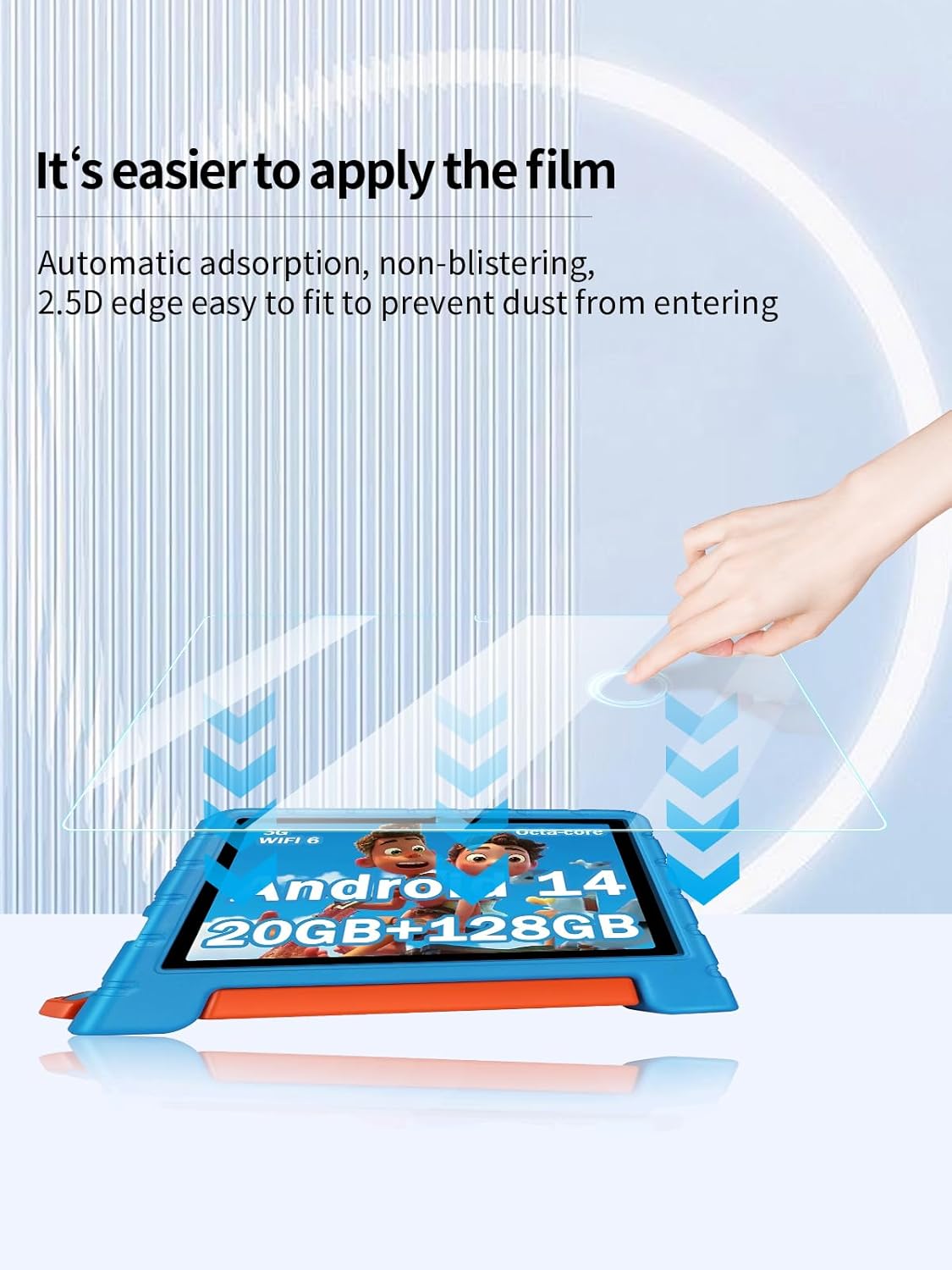
Image: Illustration demonstrating the easy application process of the screen protector, highlighting automatic adsorption and non-blistering properties.
4.3. Applying the Screen Protector
- Carefully peel off the protective film from the adhesive side of the screen protector. Avoid touching the adhesive surface.
- Align the screen protector with the edges of your tablet screen. Pay close attention to cutouts for the camera and sensors.
- Once aligned, gently place the screen protector onto the tablet screen. It will begin to adhere automatically.
- If any bubbles appear, gently push them towards the edges of the screen using the provided cleaning cloth or your finger. For stubborn bubbles, gently lift a corner of the screen protector until the bubble is released, then slowly re-apply.
Video: A general guide demonstrating the installation process for a tablet screen protector, including cleaning and application steps.
5. Operating and Usage
Once installed, your ZIOVO Z138 Tablet Screen Protector is designed to be virtually invisible and maintain the original touch experience of your tablet. The high transparency ensures clear viewing, while the sensitive surface allows for smooth navigation and interaction.

Image: Demonstrates the ultra-clear nature of the screen protector, highlighting 99% light transmittance for original image quality.
6. Maintenance and Care
- To clean the screen protector, use a soft, lint-free cloth. For stubborn smudges, a slightly damp cloth with water or a screen cleaning solution can be used.
- Avoid using harsh chemicals, abrasive materials, or alcohol-based cleaners, as these may damage the oleophobic coating.
- The oleophobic coating helps resist fingerprints and smudges, but regular gentle cleaning will maintain its clarity.
7. Troubleshooting
7.1. Bubbles After Installation
- Small Bubbles: Most small bubbles will disappear naturally within 24-48 hours. Gently push them towards the edges with a soft cloth.
- Large Bubbles/Dust: If a large bubble persists or is caused by a dust particle, carefully lift the nearest corner of the screen protector using a piece of tape. Use another piece of tape to remove the dust particle from the screen or the adhesive side of the protector. Slowly re-apply the screen protector.
7.2. Reduced Touch Sensitivity
- Ensure the screen protector is properly adhered without any gaps or air pockets. Re-apply if necessary.
- Clean the screen protector surface to remove any residue that might be affecting touch response.
8. Specifications
| Product Name | Screen Protector for ZIOVO Z138 Tablet for Kids 10 inch |
| Model Number | Z138 |
| Material | Tempered Glass |
| Hardness | 9H |
| Features | Anti-Scratch, Touch Sensitive, 2.5D Rounded Edges, Bubble-Free, Daily Fingerprint Resistance |
| Package Quantity | 2 Pack |

Image: The ZIOVO Z138 Tablet for Kids with the screen protector applied, showcasing its fit and clarity.
9. Warranty and Support
For any questions, concerns, or warranty claims regarding your ZIOVO Z138 Tablet Screen Protector, please contact the retailer or manufacturer directly. Refer to your purchase documentation for specific warranty terms and contact information.


