1. Introduction
Thank you for choosing the CrossBeats Blaze B50 Bluetooth Soundbar. This manual provides essential information for setting up, operating, and maintaining your device. The Blaze B50 is a 50W soundbar designed to enhance your audio experience with immersive sound, dynamic RGB lighting, and versatile connectivity options.
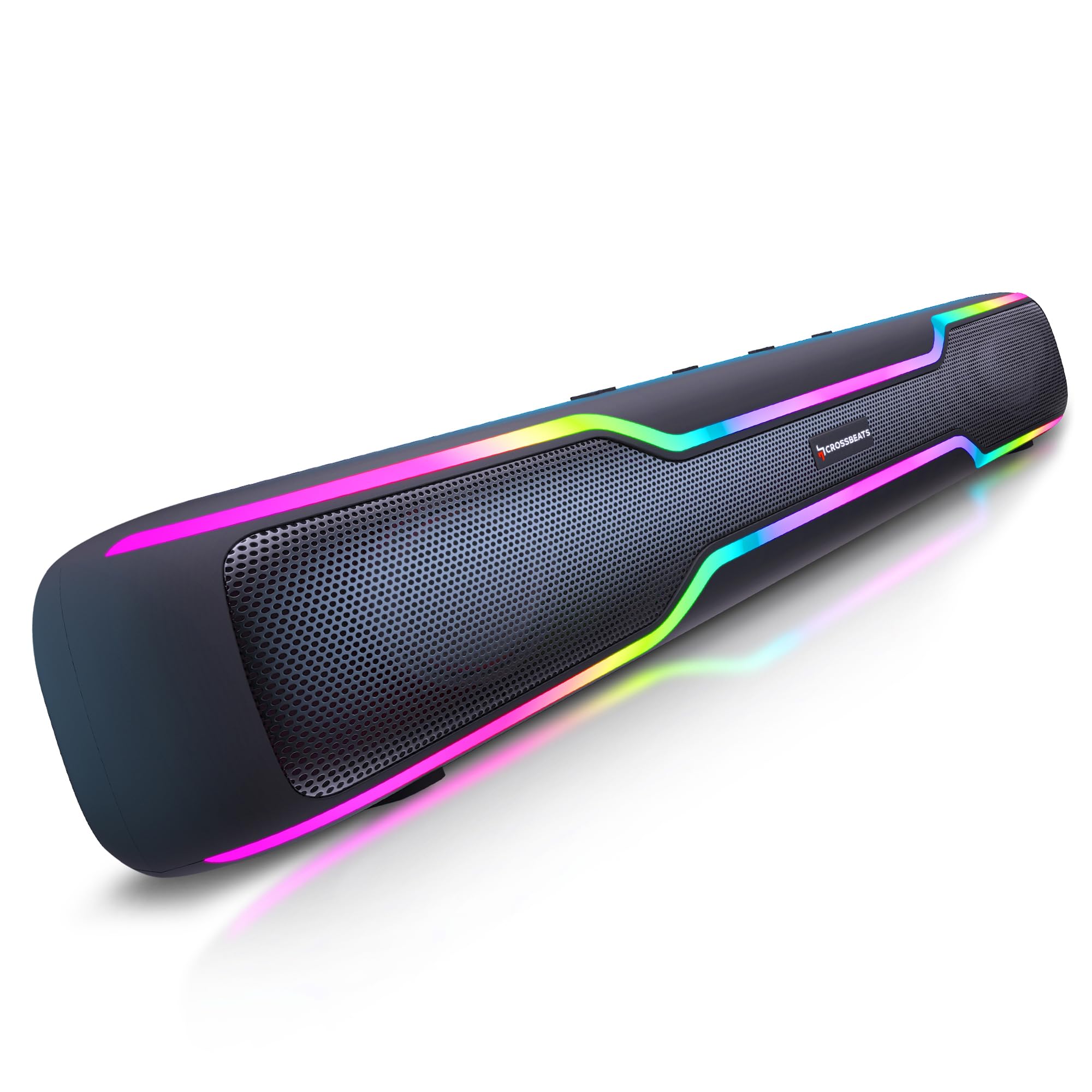
Figure 1: CrossBeats Blaze B50 Soundbar
2. What's in the Box
Upon unboxing, please ensure all the following items are present:
- Blaze Soundbar
- User Manual Card
- Aux Cable
- Charging Cable
- Warranty Card

Figure 2: Unboxed CrossBeats Blaze B50 Soundbar with included accessories.
3. Setup and Initial Use
- Charging the Soundbar: Before first use, fully charge the soundbar using the provided charging cable and a compatible 10W charger. A full charge takes approximately 2 hours.
- Power On/Off: Press and hold the power button located on the soundbar's control panel to turn the device on or off.
- Placement: The soundbar features rubber feet at the bottom for stable placement on any flat surface.
4. Operating Instructions
The soundbar features intuitive controls on its top panel:

Figure 3: Top control buttons for mode, volume, and playback.
- Mode Button (M): Press to cycle through available input modes (Bluetooth, AUX, USB, SD Card, FM Radio).
- Volume Up (+): Press and hold to increase volume. Single press to skip to the next track.
- Volume Down (-): Press and hold to decrease volume. Single press to go to the previous track.
- Play/Pause (►): Press to play or pause audio.
Note: The soundbar's volume control is separate from your connected device's volume. For optimal control, set the soundbar to maximum volume and adjust the output from your source device.
5. Connectivity Options
The Blaze B50 offers multiple ways to connect your audio sources:

Figure 4: Multi-port connectivity on the soundbar.
- Bluetooth: The soundbar features Bluetooth 5.4 for stable wireless connections. Turn on the soundbar, select Bluetooth mode, and pair with your device.
- AUX Input: Connect devices using the provided 3.5mm AUX cable. Select AUX mode on the soundbar.
- USB Port: Insert a USB drive with audio files. Select USB mode.
- SD Card Slot: Insert a TF/SD card with audio files. Select SD Card mode.
- FM Radio: Switch to FM mode. For improved signal reception, connect the charging cable or AUX cable to the USB port; it acts as an antenna.
6. Audio Performance
Experience powerful and clear audio with the Blaze B50:
- 50W Output: Delivers robust sound suitable for various entertainment needs.
- Dual 52mm Drivers: Equipped with two 52mm drivers for clear and dynamic sound reproduction.
- Dual Bass Radiators: Features rear dual bass radiators for enhanced low-frequency response and punchy bass.

Figure 5: Internal view showing the 52mm drivers.
7. Battery and Charging
The Blaze B50 is designed for extended use:
- Battery Capacity: Integrated 4000 mAh Lithium-Ion battery.
- Playtime: Provides up to 10 hours of music playback at 50% volume with RGB lights on.
- Charging Time: Approximately 2 hours with a 10W charger.

Figure 6: Soundbar illustrating long playtime.
8. TWS Pairing Mode
For a true stereo experience, you can pair two Blaze B50 soundbars:
- Ensure both soundbars are powered on and in Bluetooth mode.
- On one soundbar (this will be the primary unit), press and hold the Play/Pause button until you hear a pairing tone.
- The two soundbars will automatically connect to each other.
- Once paired, connect your device to the primary soundbar via Bluetooth. Audio will now play in stereo across both units.

Figure 7: Two soundbars connected in TWS mode.
9. RGB Lighting
The Blaze B50 features dynamic RGB lighting to complement your audio experience:
- The soundbar offers 5 distinct RGB lighting effects.
- Use the dedicated LED light control button (if available, otherwise refer to mode button for cycling effects) to change or turn off the lighting.

Figure 8: Soundbar showcasing its RGB lighting.
10. Built-in Microphone
The soundbar includes a built-in microphone, allowing you to take calls directly through the device when connected via Bluetooth to your smartphone.
11. Maintenance
To ensure the longevity and optimal performance of your CrossBeats Blaze B50 Soundbar, follow these maintenance guidelines:
- Cleaning: Use a soft, dry cloth to clean the exterior of the soundbar. Avoid using abrasive cleaners, solvents, or harsh chemicals.
- Storage: Store the soundbar in a cool, dry place away from direct sunlight and extreme temperatures.
- Protection: The soundbar features a scratch-resistant coating. However, avoid sharp objects or excessive force that could damage the surface.

Figure 9: Soundbar highlighting its scratch-resistant coating.
12. Troubleshooting
If you encounter issues with your soundbar, refer to the following common solutions:
- No Power: Ensure the soundbar is fully charged. Connect it to a power source using the charging cable.
- No Sound: Check the volume levels on both the soundbar and your connected device. Ensure the correct input mode is selected. Verify that cables are securely connected for wired inputs.
- Bluetooth Pairing Issues: Make sure the soundbar is in Bluetooth pairing mode. Turn off Bluetooth on other nearby devices to avoid interference. Try unpairing and re-pairing the device.
- Poor FM Reception: Connect the charging cable or AUX cable to the USB port to act as an external antenna for better signal.
- Distorted Sound: Reduce the volume on both the soundbar and your device. Ensure the audio source is of good quality.
13. Specifications
| Feature | Specification |
|---|---|
| Model Name | Blaze B50 |
| Speaker Type | Soundbar |
| Speakers Nominal Output Power | 50 Watts |
| Connectivity Technology | Bluetooth 5.4 |
| Battery Capacity | 4000 mAh Lithium Ion |
| Battery Average Life | 2 Years |
| Charging Time | 2 Hours |
| Playtime | Up to 10 hours (at 50% volume with lights on) |
| Wireless Communication Range | 15 meters / 32 feet |
| Audio Driver Type | Dynamic Driver (Dual 52mm) |
| Special Features | Bass Boost, Built-in Microphone, Display, Multi Room Audio, USB Port, RGB Lighting |
| Compatible Devices | Android, Windows, iOS |
| Product Dimensions | 5.5D x 20.1W x 6.5H Centimeters |
| Item Weight | 700 Grams |
| Material | ABS + PC |
| Water Resistance Level | Water Resistant |
14. Warranty and Support
The CrossBeats Blaze B50 Soundbar comes with a 1 Year Brand Warranty. For warranty claims, technical support, or any product-related inquiries, please refer to the contact information provided on your Warranty Card or visit the official CrossBeats website.
15. Product Overview Video
Watch this video for a comprehensive overview of the CrossBeats Blaze B50 Soundbar, including its features, design, and performance highlights.
Video 1: Detailed review and features of the CrossBeats Blaze B50 Soundbar.


