
Tera T02W
Tera T02W Rugged Tablet User Manual
Model: T02W
Brand: Tera
1. Introduction
Thank you for choosing the Tera T02W Rugged Tablet. This manual provides essential information for setting up, operating, maintaining, and troubleshooting your device. The Tera T02W is designed for demanding environments, featuring an Intel N5100 processor, Windows 11 Home, 8GB RAM, 128GB storage, a 10.1-inch Full HD display, and an integrated Honey-Well N3680 barcode scanner. Its robust IP65 and MIL-STD-810G certified construction ensures durability and reliable performance in various field and industrial applications.

Image: The Tera T02W Rugged Tablet, showcasing its 10.1-inch display with Windows 11 and key specifications of 8GB RAM and 128GB storage.
2. Package Contents
Before proceeding with the setup, please verify that all items listed below are included in your package:
- Rugged tablet (Model: T02W) x1
- Back Strap x1
- Hand Strap x1
- Cable x3 (Includes USB Type-C to USB-A Adapter Cable, USB-C Cable, and Charging Cable)
- Adapter x1 (19V 3.42A Charging Adapter)
- User Manual x1

Image: A visual representation of all items included in the Tera T02W Rugged Tablet package, such as the tablet, straps, cables, adapter, and user manual.
3. Setup Guide
3.1. Charging the Tablet
Before first use, fully charge the tablet. Connect the provided 19V 3.42A charging adapter to the tablet's charging port and then to a power outlet. The charging indicator will illuminate.
3.2. Battery Installation (If Removable)
The Tera T02W features a removable 5000mAh battery. To install or replace the battery:
- Ensure the tablet is powered off.
- Locate the battery compartment on the back of the tablet.
- Slide the battery into the compartment until it clicks securely into place.
- Close any battery compartment covers if present.
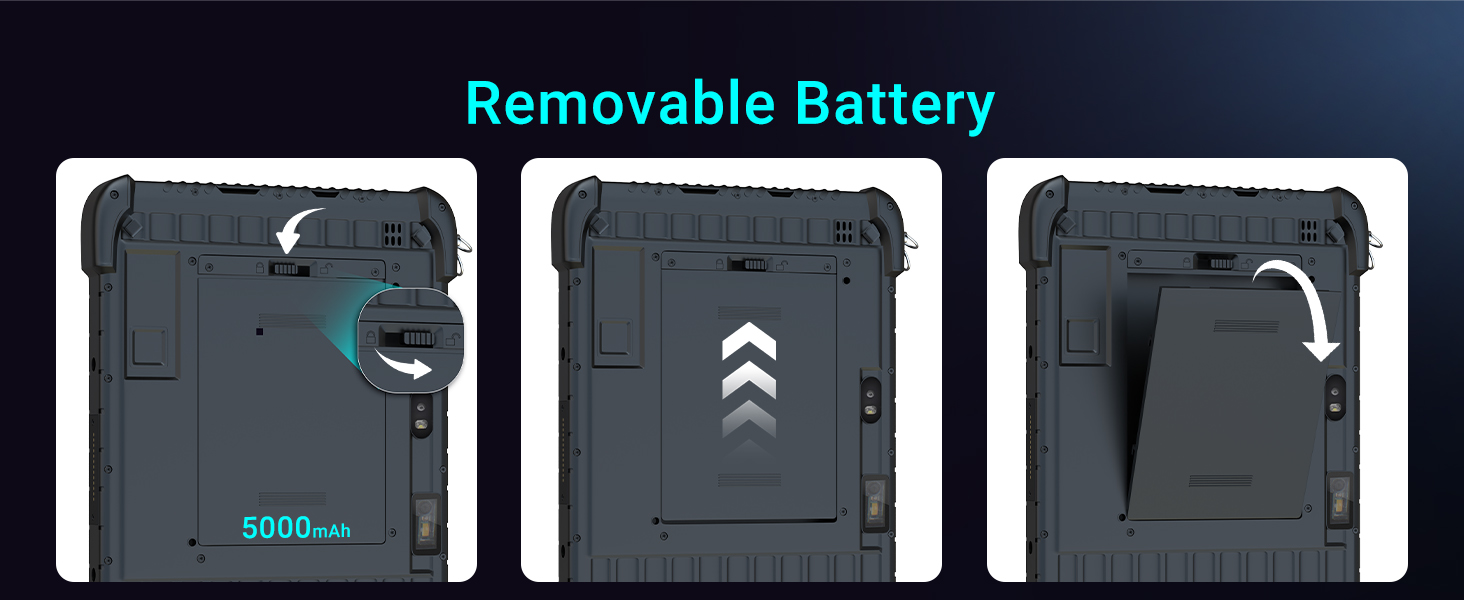
Image: A visual guide demonstrating the process of installing the removable 5000mAh battery into the Tera T02W Rugged Tablet.
3.3. Initial Power On and Windows 11 Setup
Press and hold the power button until the screen illuminates. Follow the on-screen prompts to complete the initial Windows 11 Home setup, including language selection, network connection, and user account creation.
3.4. Attaching Straps
The tablet comes with a hand strap and a back strap for enhanced portability and secure handling. Attach these straps to the designated anchor points on the tablet's chassis as needed for your operational comfort and security.

Image: The Tera T02W Rugged Tablet demonstrating its portability with an easy carry grip and a secure hold using the included straps.
4. Operating Instructions
4.1. Basic Tablet Operation
- Power On/Off: Press and hold the power button for a few seconds to turn the tablet on or off. A quick press will put the tablet to sleep or wake it up.
- Touch Screen: The 10.1-inch Full HD (1200x1920) display supports 10-point capacitive touch for smooth and responsive interactions. Use gestures similar to other Windows devices.
- Volume Control: Use the dedicated volume buttons on the side of the tablet to adjust audio output.
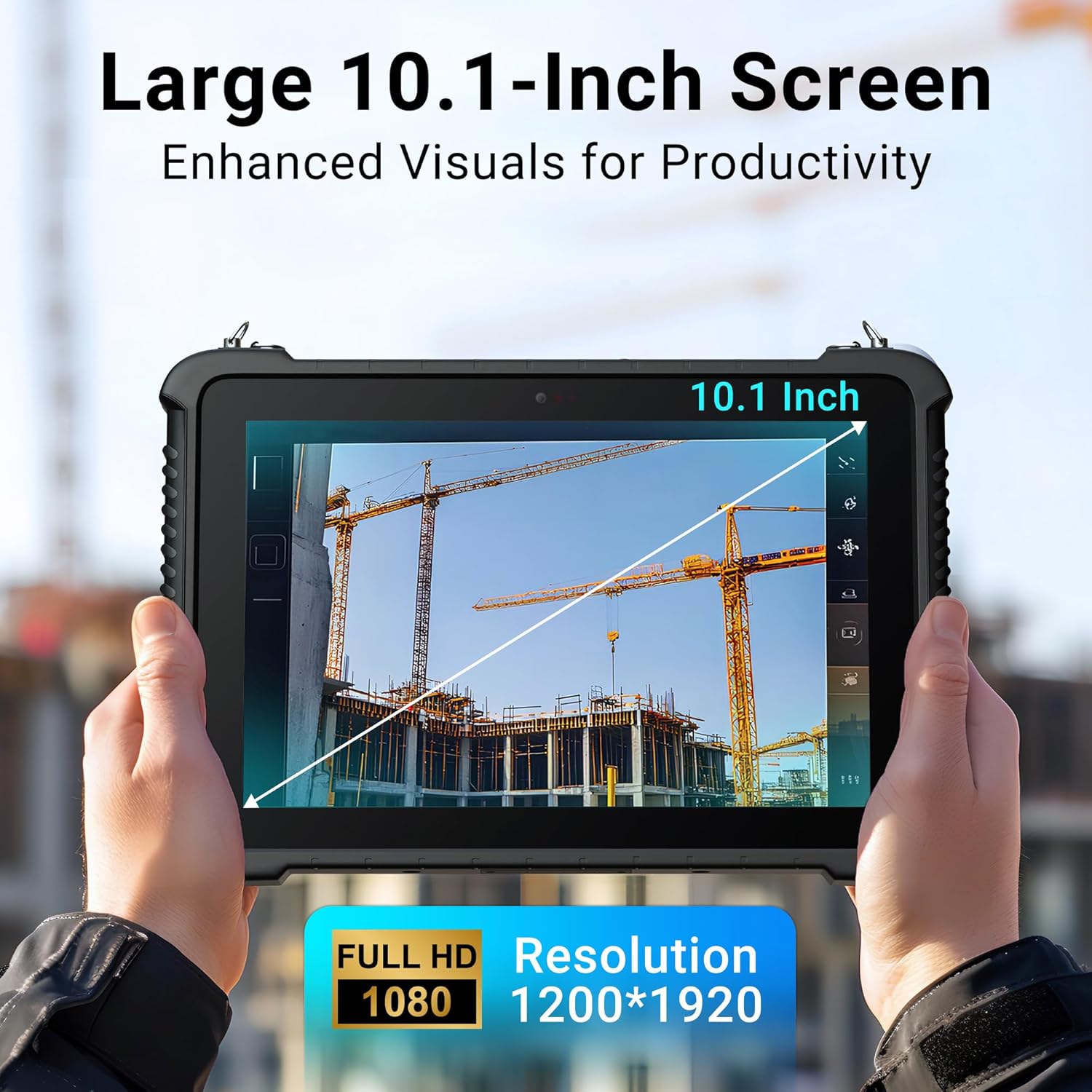
Image: The Tera T02W Rugged Tablet highlighting its large 10.1-inch screen, designed for enhanced visuals and productivity with Full HD 1200x1920 resolution.
4.2. Windows 11 Home Environment
The tablet runs on Windows 11 Home, providing a familiar and versatile operating system. It supports various applications for business and productivity, enabling efficient multitasking with its 8GB RAM and 128GB storage.
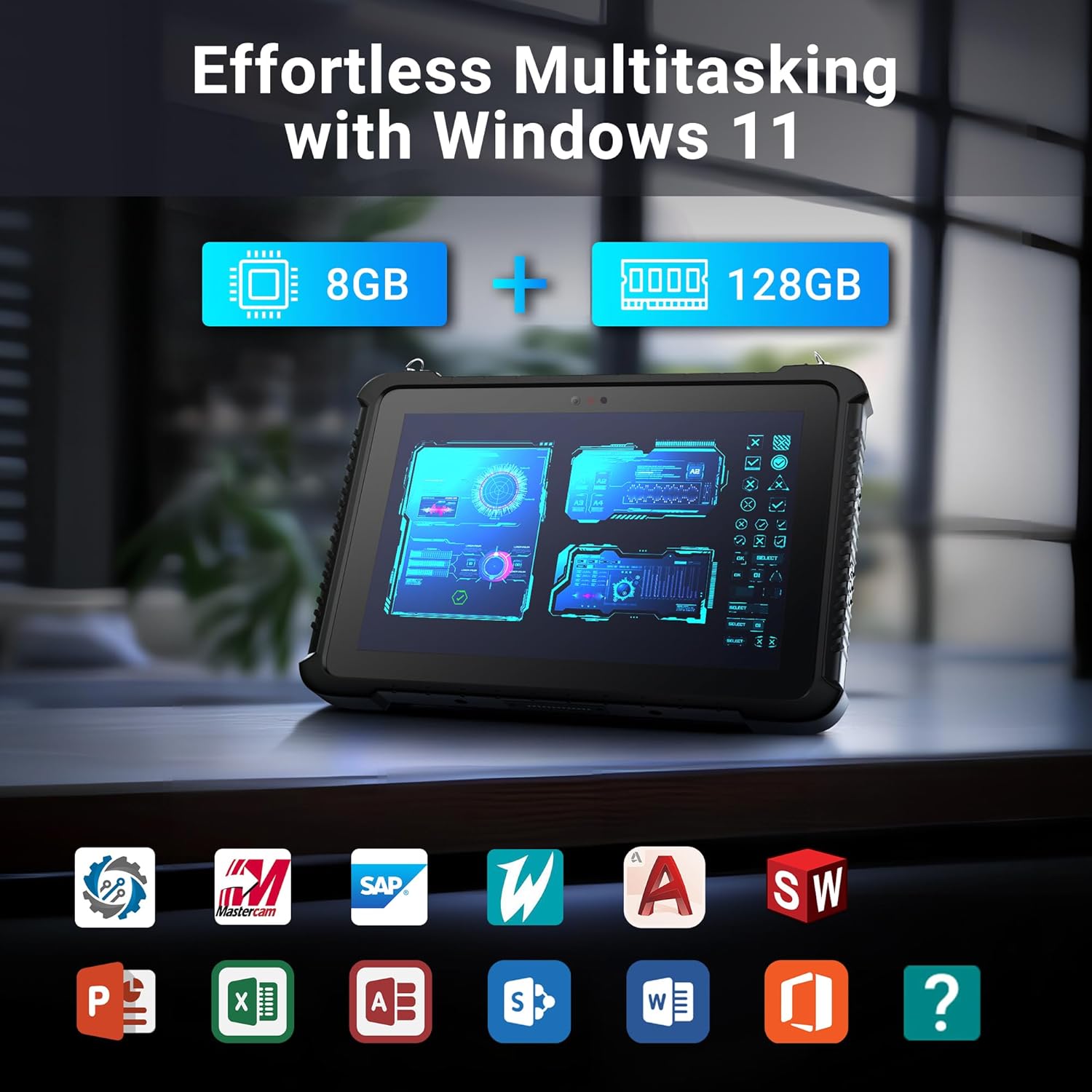
Image: The Tera T02W Rugged Tablet demonstrating effortless multitasking capabilities within the Windows 11 environment, supported by 8GB RAM and 128GB storage.
4.3. Using the Honey-Well N3680 Barcode Scanner
The integrated Honey-Well N3680 scanner allows for rapid and accurate data capture. It can read 1D and 2D barcodes as small as 5 mil with scan rates up to 50 scans per second.
- Open an application that supports barcode input (e.g., inventory management software, text editor).
- Point the scanner window at the barcode you wish to scan.
- Press the dedicated scan button (if available) or activate the scanning function within the software.
- Ensure the barcode is within the scanner's optimal reading range and angle for best results.

Image: The Tera T02W Rugged Tablet illustrating its 'Scan and Go' feature, providing instant information at your fingertips with the Honey-Well N3680 scanner, capable of 5 mil precision and 50 scans/sec.
4.4. Connectivity Features
- Wi-Fi: Supports 802.11ac for fast and reliable wireless internet connection, including 2.4G and 5.8G bands.
- Bluetooth 5.1: Connect wireless peripherals such as headsets, keyboards, or other Bluetooth-enabled devices.
- 4G LTE: For mobile data connectivity in the field. Insert a compatible SIM card (not included) into the designated slot.
- GPS and Glonass: Built-in navigation capabilities for accurate positioning and route guidance, essential for outdoor field work.

Image: Two individuals utilizing the Tera T02W Rugged Tablet in an industrial environment, highlighting its seamless connectivity with 2.4G and 5.8G Wi-Fi support.
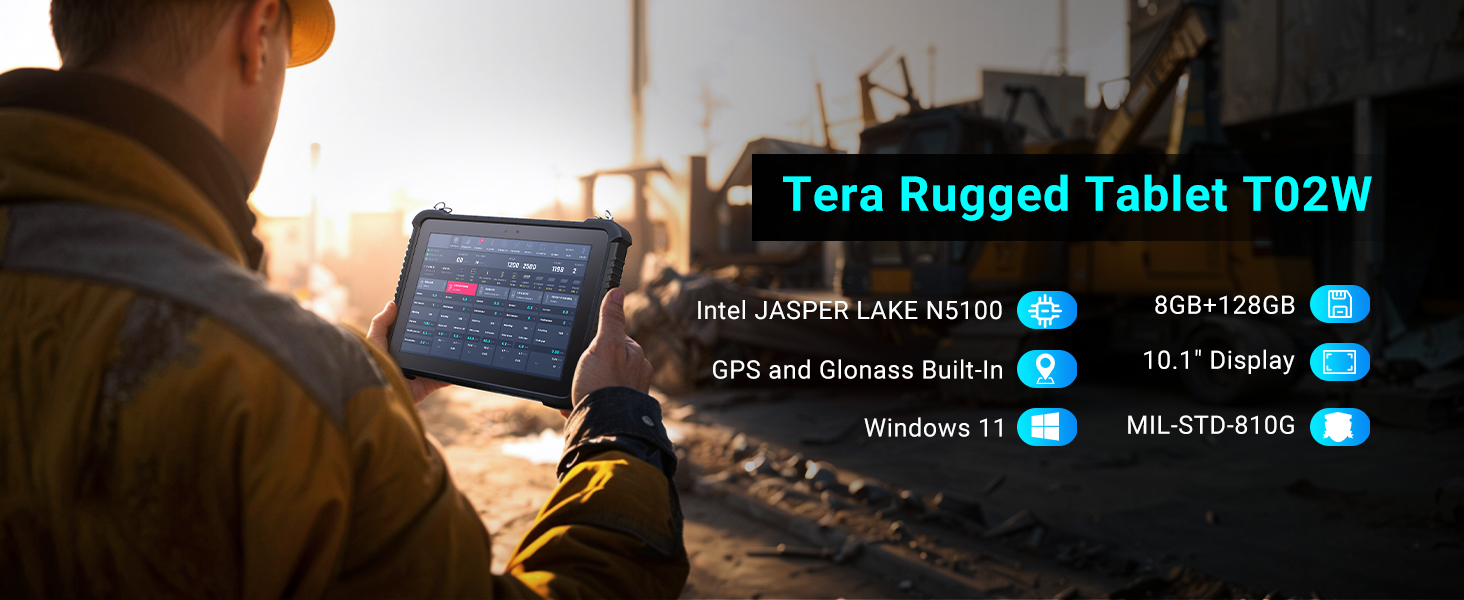
Image: A person using the Tera T02W Rugged Tablet outdoors, with a GPS map displayed on the screen, emphasizing its built-in GPS and Glonass capabilities for navigation.
5. Maintenance
Proper maintenance ensures the longevity and optimal performance of your Tera T02W Rugged Tablet.
5.1. Cleaning the Tablet
Use a soft, lint-free cloth slightly dampened with water or a screen cleaner to wipe the display and exterior. Avoid harsh chemicals, abrasive materials, or excessive moisture. Ensure all port covers are securely closed before cleaning to maintain IP65 protection.
5.2. Battery Care
To maximize battery life, avoid extreme temperatures. Store the tablet in a cool, dry place when not in use for extended periods. Fully charge the battery before long-term storage and recharge it periodically (every 3-6 months) to prevent deep discharge.
5.3. Environmental Protection
The Tera T02W is IP65 rated for dust and water resistance and MIL-STD-810G certified for shock and vibration. While rugged, avoid intentionally exposing the tablet to extreme conditions beyond its specifications. Ensure all port covers are sealed to maintain water and dust resistance.

Image: A construction worker using the Tera T02W Rugged Tablet in a challenging environment, highlighting its IP65 waterproof and dustproof ratings, and MIL-STD-810G certification for durability.
6. Troubleshooting
This section addresses common issues you might encounter with your Tera T02W Rugged Tablet.
- Tablet will not power on: Ensure the battery is charged. Connect the tablet to the power adapter and try again. If the battery is removable, ensure it is correctly seated.
- Touch screen is unresponsive: Restart the tablet. If the issue persists, ensure the screen is clean and free of debris.
- Barcode scanner not working: Ensure the scanning application is open and active. Check if the barcode is damaged or too far/close. Verify scanner settings in the system.
- Wi-Fi/Bluetooth connectivity issues: Ensure Wi-Fi/Bluetooth is enabled in Windows settings. Restart the tablet and the router/Bluetooth device. Check for driver updates.
- Slow performance: Close unnecessary applications. Check available storage space. Ensure Windows is updated.
If you encounter issues not covered here or if problems persist, please refer to the official Tera support channels for further assistance.
7. Specifications
Detailed technical specifications for the Tera T02W Rugged Tablet:
| Feature | Specification |
|---|---|
| Model Name | T02W |
| Operating System | Windows 11 Home |
| Processor | Intel Jasper Lake N5100 |
| RAM | 8 GB |
| Storage | 128 GB |
| Screen Size | 10.1 Inches |
| Screen Resolution | 1920 x 1200 pixels (Full HD) |
| Rear Webcam Resolution | 8 MP |
| Front Webcam Resolution | 5 MP |
| Barcode Scanner | Honey-Well N3680 (1D/2D, 5 mil, 50 scans/sec) |
| Wireless Type | 802.11ac (Wi-Fi), Bluetooth 5.1, 4G LTE |
| Navigation | GPS, Glonass |
| Battery Capacity | 5000mAh (Removable) |
| Durability Rating | IP65, MIL-STD-810G |
| Item Weight | 4.07 pounds |
| Product Dimensions | 11 x 7.3 x 1 inches |
| Color | Black |
8. Warranty and Support
Your Tera T02W Rugged Tablet comes with a standard manufacturer's warranty. Please refer to the warranty card included in your package for specific terms and conditions. For technical support, service, or inquiries, please contact Tera customer service through the official channels provided with your product or on the Tera brand website.
Ask a question about this manual
Ask about setup, troubleshooting, compatibility, parts, safety, or missing instructions. Manuals+ will review the question and use this page’s manual context to help answer it.