
Lepulse Lescale F11
Lepulse Lescale F11 Body Fat Scale Instruction Manual
Model: Lescale F11 | Brand: Lepulse
1. Product Overview
The Lepulse Lescale F11 Body Fat Scale is designed to provide comprehensive body composition analysis without the need for a smartphone application. It features an advanced built-in algorithm to measure and display 8 essential body metrics directly on its large backlit display. This scale supports up to 10 user profiles, allowing multiple individuals to track their progress independently.
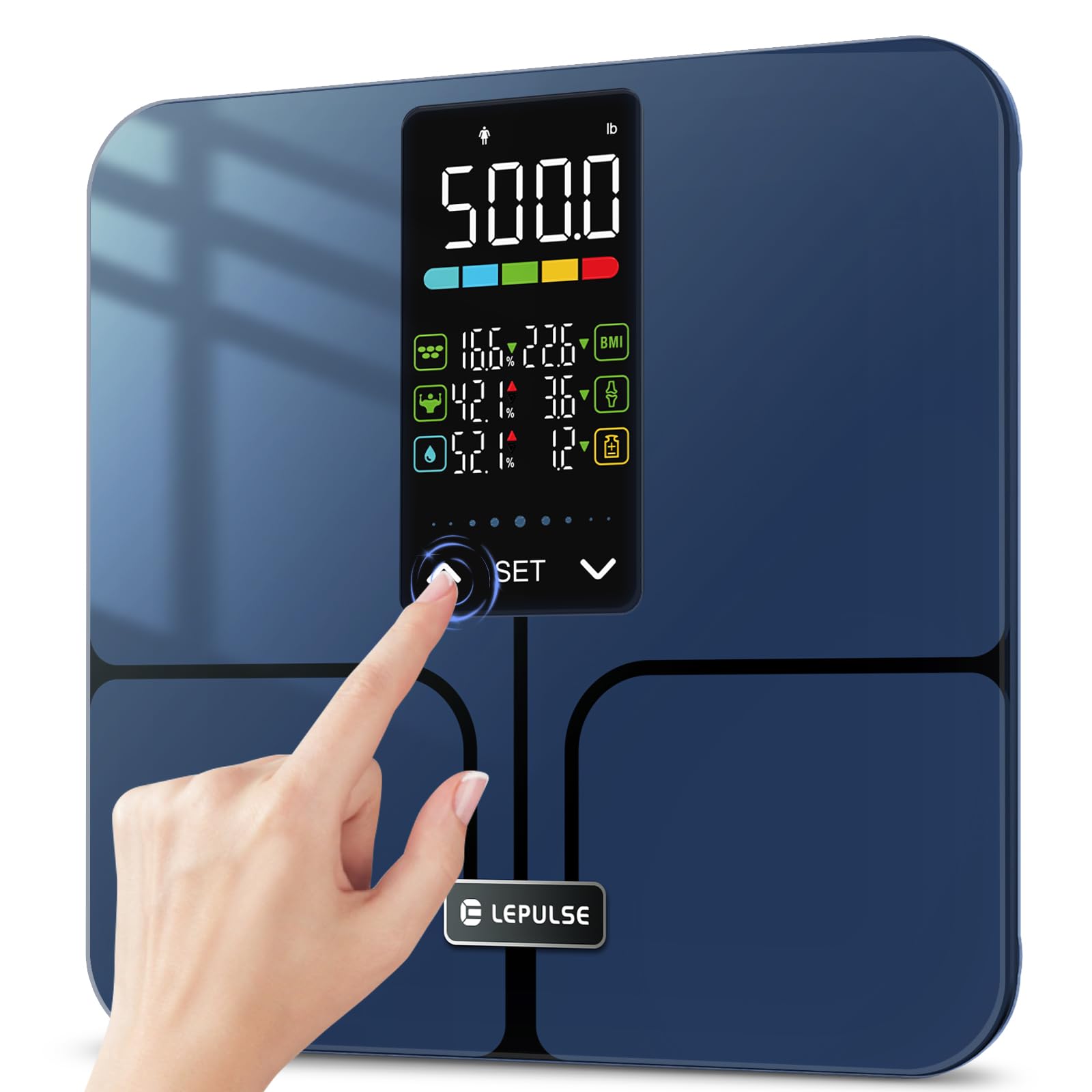
Image: A man holding the Lepulse Lescale F11 Body Fat Scale, showcasing its large display and sleek design. This scale operates without a smartphone app.
2. Package Contents
Before proceeding, please ensure all items are present in the package:
- Lepulse Lescale F11 Body Fat Scale
- User Manual
- 3 x AAA Batteries
3. Setup Instructions
Follow these steps to set up your Lepulse Lescale F11 Body Fat Scale for first-time use:
- Install Batteries: Open the battery compartment on the underside of the scale. Insert the 3 AAA batteries, ensuring correct polarity.
- Initial Power On: The scale will power on automatically once batteries are installed or when gently tapped.
- Select User Profile (P-01 to P-10): Long press the "SET" button to enter setting mode. The display will show "P-01" (or the last selected profile). Use the "^" or "v" buttons to select your desired user profile number (P-01 to P-10). Press "SET" to confirm.
- Select Unit: After selecting the user profile, the display will prompt for unit selection (e.g., "inch" or "cm", "lb" or "kg"). Use the "^" or "v" buttons to choose your preferred unit. Press "SET" to confirm.
- Enter Height: The display will show a flashing height value. Use the "^" or "v" buttons to adjust your height. Press "SET" to confirm.
- Enter Age: The display will show a flashing age value. Use the "^" or "v" buttons to adjust your age. Press "SET" to confirm.
- Select Gender: The display will show gender icons. Use the "^" or "v" buttons to select your gender. Press "SET" to confirm.
- Setup Complete: The scale will return to the weighing interface, indicating that the user profile setup is complete.

Image: Visual guide for selecting a user profile number (P-01 to P-10) during the initial setup of the scale.

Image: Visual guide for setting height, age, and gender for a user profile on the Lepulse Body Fat Scale.
4. Operating Instructions
To obtain accurate body composition measurements, follow these guidelines:
- Placement: Place the scale on a hard, flat surface. Avoid carpets or uneven flooring, as this can affect accuracy.
- Step On: Gently step onto the scale with bare feet. Ensure your feet are positioned on the ITO sensor areas (the metallic-looking pads).
- Remain Still: Stand still on the scale until your weight and body composition data are displayed and locked. The results will be shown for approximately 15 seconds.
- Viewing Metrics: The 5.44" large backlit display will cycle through 8 essential body metrics: Body Weight, BMI, Body Fat Percentage, Muscle Percentage, Body Water Percentage, Bone Mass, Body Weight Difference, and Obesity Level.
- User Recognition: The scale will automatically recognize the user based on their stored profile information. If multiple users have similar data, the scale may prompt you to select your profile using the "^" or "v" buttons.
Important Note: For body composition analysis, it is crucial to stand barefoot on the scale. The scale uses Bioelectrical Impedance Analysis (BIA) technology, which sends a safe, low-level electrical current through your body. Individuals with pacemakers or other implanted medical devices should consult a healthcare professional before using this scale.

Image: The advanced 5.44" LED display of the Lepulse scale, clearly showing 8 body composition measurements.

Image: A person's feet on the Lepulse scale, demonstrating the high-accuracy measurement process and the display showing weight changes after drinking water.
5. Understanding Your Measurements
The Lescale F11 provides the following body composition metrics:
- Body Weight: Your total weight.
- BMI (Body Mass Index): A measure of body fat based on height and weight.
- Body Fat Percentage: The proportion of fat to total body weight.
- Muscle Percentage: The proportion of muscle mass to total body weight.
- Body Water Percentage: The proportion of water to total body weight.
- Bone Mass: The weight of bone mineral in your body.
- Body Weight Difference: The change in your body weight since your last measurement.
- Obesity Level: An indicator of your body fat level relative to healthy ranges.

Image: A close-up of the scale's 5.44" large backlit display, illustrating how essential biometrics like Body Fat Percentage, Muscle Mass, Body Water, BMI, Bone Mass, and Obesity Level are presented.
6. Maintenance
To ensure the longevity and accuracy of your scale:
- Cleaning: Wipe the scale surface with a soft, damp cloth. Do not use abrasive cleaners or immerse the scale in water.
- Storage: Store the scale in a cool, dry place. Avoid extreme temperatures and direct sunlight.
- Battery Replacement: Replace all 3 AAA batteries when the low battery indicator appears on the display.
- Avoid Impact: Do not drop the scale or subject it to heavy impact, as this can damage the tempered glass and internal sensors.
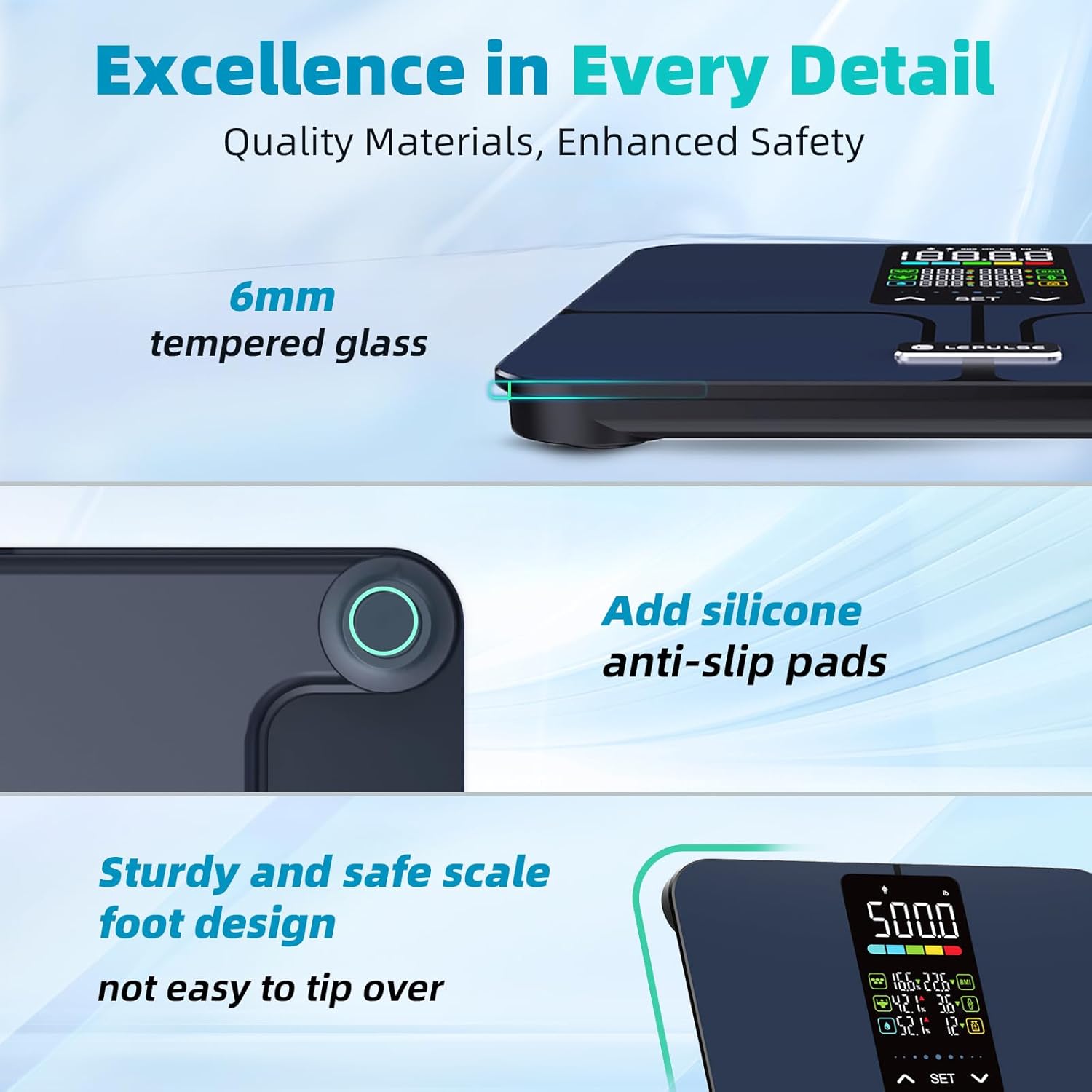
Image: A detailed view highlighting the 6mm tempered glass platform and added silicone anti-slip pads, emphasizing the scale's durable and safe design.
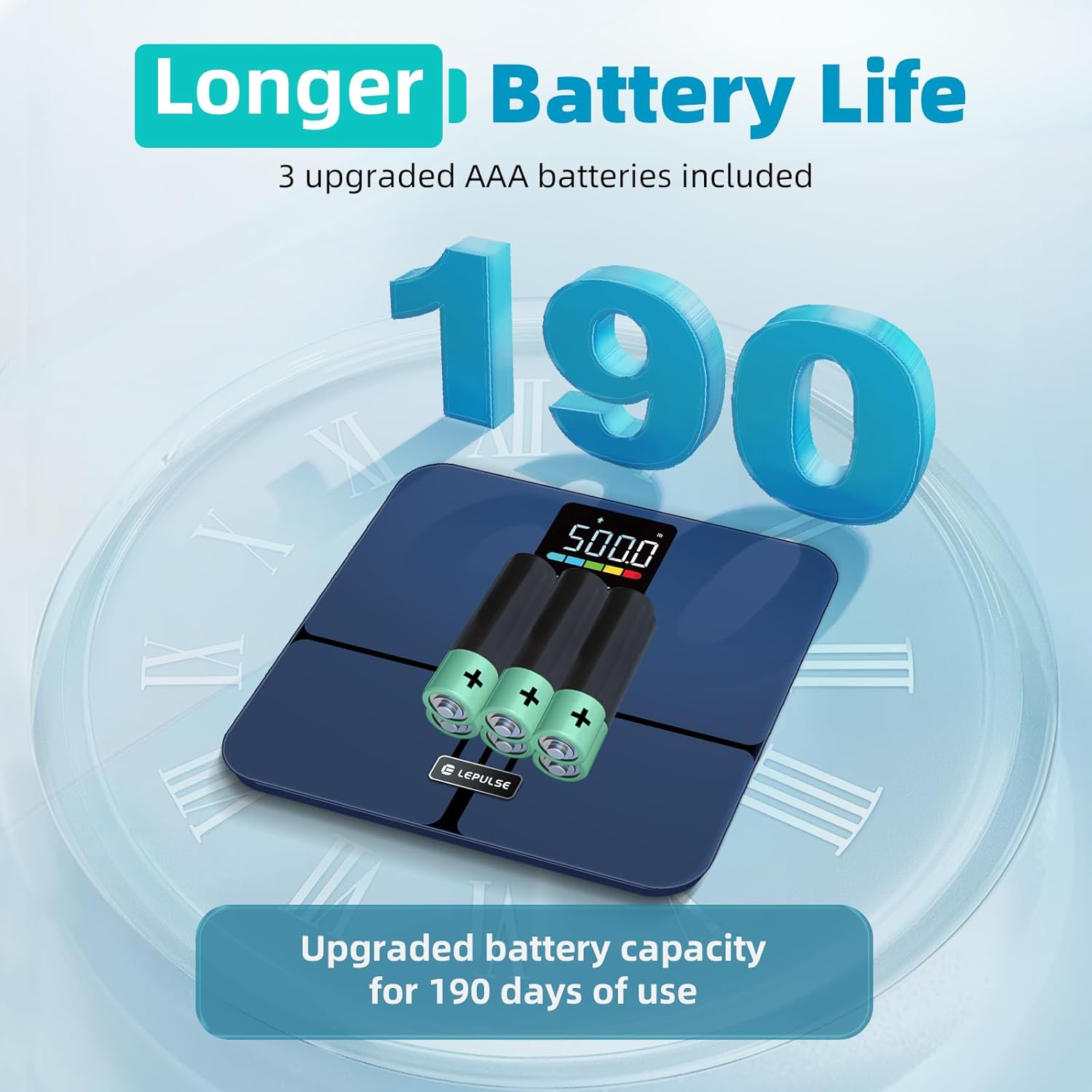
Image: The underside of the Lepulse scale showing the battery compartment with 3 AAA batteries, illustrating the upgraded battery capacity for extended use.
7. Troubleshooting
If you encounter issues with your Lepulse Lescale F11, refer to the following common problems and solutions:
| Problem | Possible Cause | Solution |
|---|---|---|
| No display/Scale won't turn on | Dead or incorrectly installed batteries. | Check battery polarity. Replace with new AAA batteries. |
| Inaccurate weight readings | Scale on uneven surface; not calibrated; user wearing shoes/socks. | Place on a hard, flat surface. Step on and off quickly to re-calibrate to "0.0". Ensure bare feet for body composition. |
| Body composition data not displayed | User wearing socks/shoes; feet not making proper contact with ITO sensors. | Ensure bare feet are making full contact with all four ITO sensor areas. |
| "Err" message on display | Overload (weight exceeds 500lb) or unstable reading. | Step off the scale. Ensure weight is within limits. Place on a stable surface. |
8. Product Specifications
- Model: Lescale F11
- Brand: Lepulse
- Weight Capacity: 500 lbs (227 kg)
- Readout Accuracy: 0.1 lbs (0.05 kg)
- Display: 5.44" Large Backlit LED Display
- Body Metrics Measured: Body Weight, BMI, Body Fat Percentage, Muscle Percentage, Body Water Percentage, Bone Mass, Body Weight Difference, Obesity Level
- User Profiles: Up to 10 users
- Platform Material: 6mm Tempered Glass, ITO Sensor
- Dimensions: 12 x 12 x 1.04 inches (30.5 x 30.5 x 2.6 cm)
- Item Weight: 3.63 pounds (1.65 kg)
- Power Source: 3 x AAA Batteries (included)
- Special Features: No APP required, Anti-slip rubber pads, Precision balanced

Image: The Lepulse scale highlighting its maximum 500lb measurement capacity and 11.8" x 11.8" large platform, designed for various user shapes and sizes.

Image: An exploded view of the Lepulse scale, illustrating the upgraded ITO layer and four high-precision sensors that contribute to accurate measurements.
9. Warranty and Support
For warranty information, technical support, or any inquiries regarding your Lepulse Lescale F11 Body Fat Scale, please refer to the contact details provided in the product packaging or visit the official Lepulse website. Keep your purchase receipt for warranty claims.
Related documentsLescale F11


Ask a question about this manual
Ask about setup, troubleshooting, compatibility, parts, safety, or missing instructions. Manuals+ will review the question and use this page’s manual context to help answer it.