1. Introduction
This manual provides comprehensive instructions for the installation, use, and maintenance of your ZIOVO Z168 Tablet Screen Protector. This tempered glass screen protector is designed to safeguard your ZIOVO Z168 Android 14 Tablet 10.1 Inch display from scratches and daily wear.
Key Features:
- Specifically designed for the ZIOVO Z168 Android 14 Tablet 10.1 Inch.
- 9H hardness for enhanced scratch resistance.
- Bubble-free installation with advanced silicon adhesive.
- High touch sensitivity for smooth operation.
- Oleophobic coating for fingerprint and smudge resistance.
- 2.5D rounded edges for a smooth feel and full coverage.
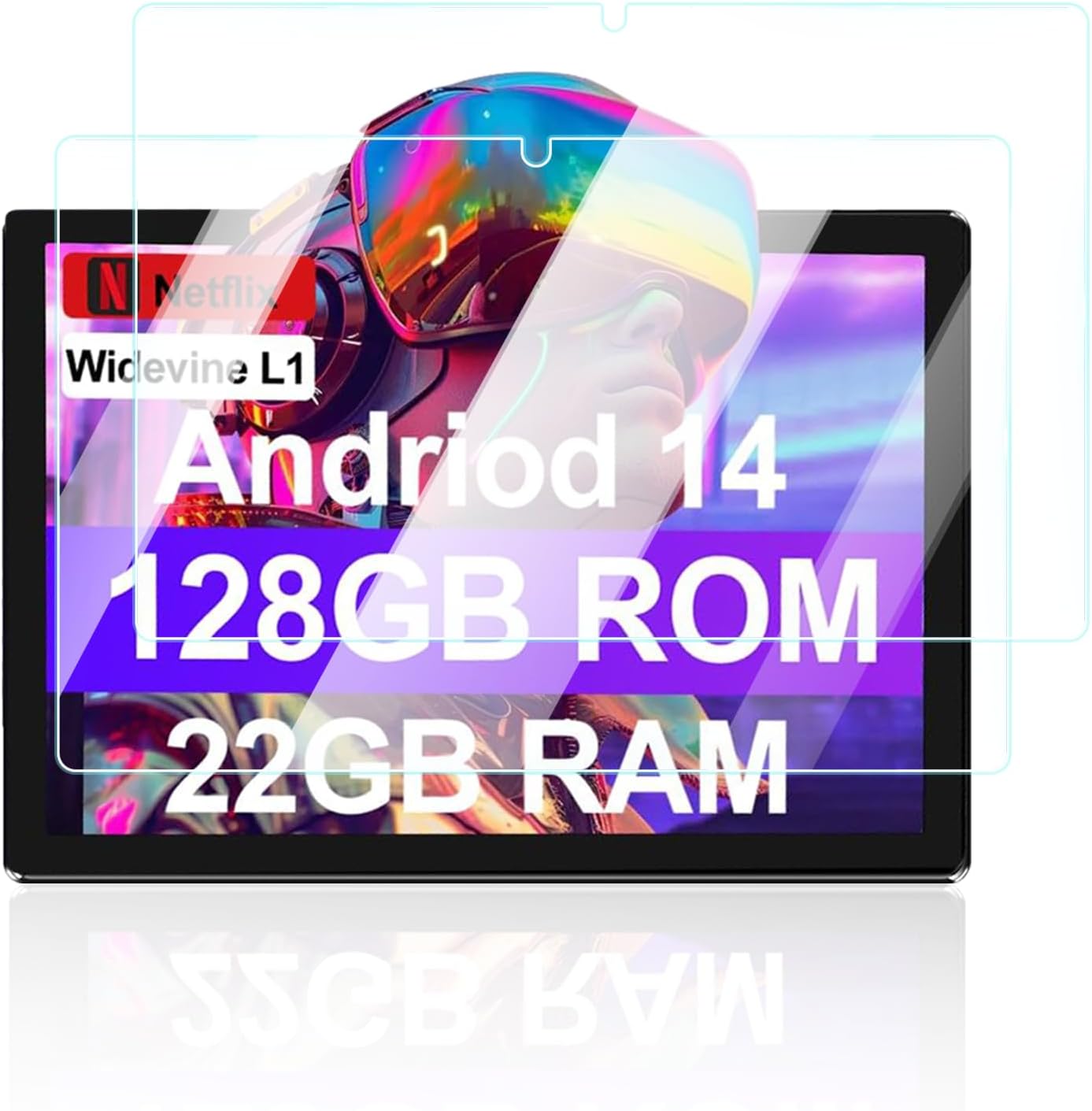
Figure 1: ZIOVO Z168 Tablet Screen Protector (2-pack).
2. Package Contents
Please verify that all items are present in the package:
- 2 x Tempered Glass Screen Protectors
- 2 x Cleaning Kits (each typically includes an alcohol wipe, microfiber cloth, and dust removal sticker)
3. Installation Guide
Follow these steps carefully for a bubble-free installation. Ensure you are in a clean, dust-free environment.
- Clean the Tablet Screen: Use the provided alcohol wipe to thoroughly clean the tablet screen. Remove all dirt, oil, and smudges.
- Dry the Screen: Use the microfiber cloth to dry the screen completely. Ensure no lint or moisture remains.
- Remove Dust: Use the dust removal sticker to dab the entire screen surface, picking up any remaining dust particles. This step is crucial for preventing bubbles.
- Align the Screen Protector: Carefully peel off the protective film from the adhesive side of the screen protector (usually marked "1" or "Back"). Hold the screen protector by its edges and align it precisely with your tablet's screen, paying attention to the camera cutout and edges.
- Apply the Protector: Once aligned, gently lower the screen protector onto the tablet screen. The adhesive will begin to spread automatically.
- Remove Bubbles: If small bubbles appear, gently push them towards the edges of the screen using the microfiber cloth or a soft card. The advanced silicon adhesive is designed for bubble-free application.
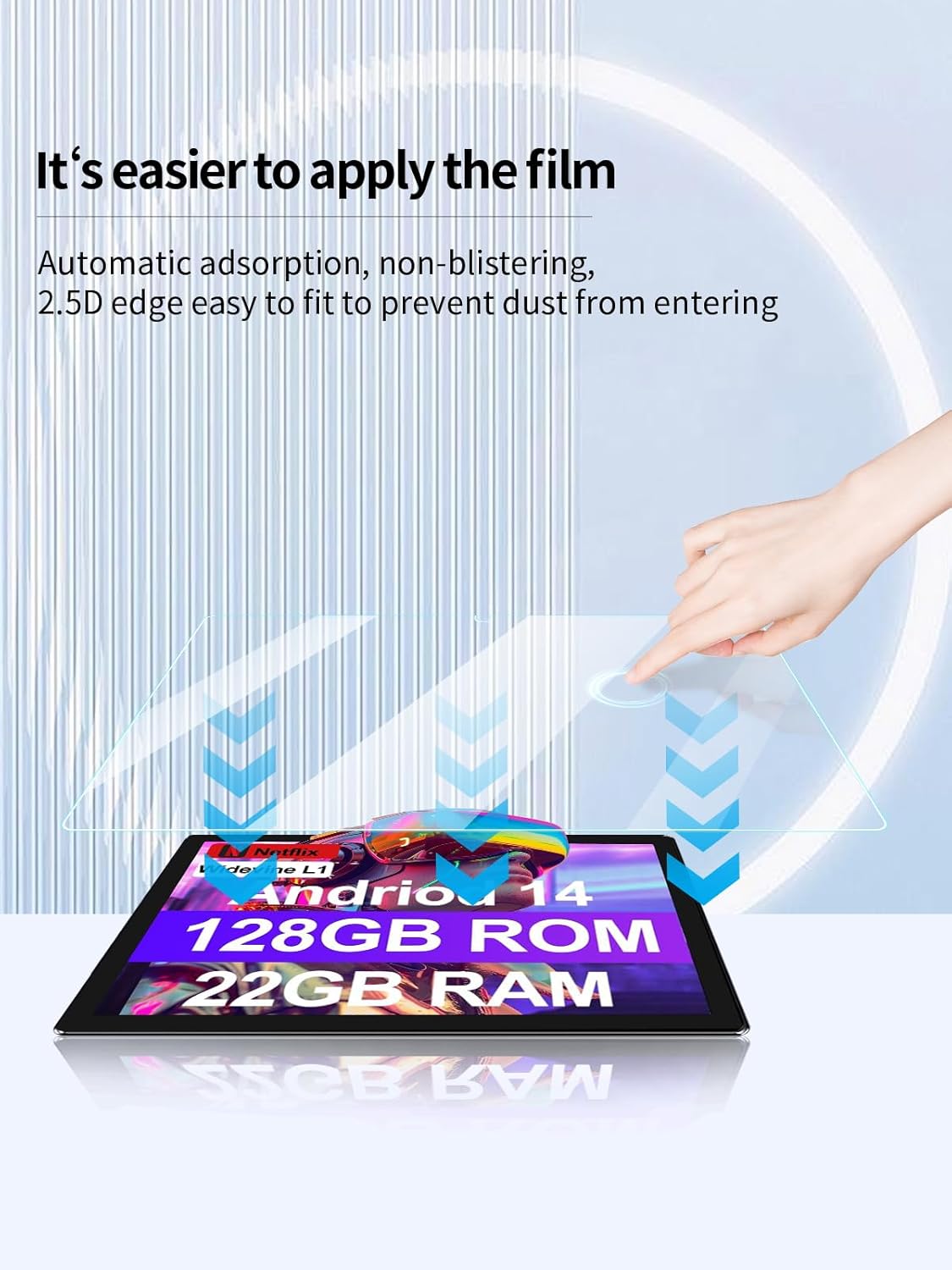
Figure 2: Automatic adsorption for easy, bubble-free application.

Figure 3: Arc edge fitting ensures full coverage and a seamless feel.
4. Operating Characteristics
The ZIOVO Z168 Screen Protector is engineered to maintain the original functionality and visual quality of your tablet's display.
- High Touch Sensitivity: The ultra-thin design ensures that your tablet's touch screen remains highly responsive, allowing for quick app launches, smooth navigation, and fluid gaming or video playback.
- Optical Clarity: With a high light transmittance of 99%, the screen protector preserves the original image quality and vibrant colors of your tablet's display, offering an ultra-clear viewing experience.

Figure 4: Ultra-clear transparency maintains original display quality.
5. Maintenance and Care
To ensure the longevity and optimal performance of your screen protector, follow these maintenance guidelines:
- Cleaning: Use a soft, lint-free cloth (like the provided microfiber cloth) to gently wipe the screen protector. For stubborn smudges, slightly dampen the cloth with water or a screen-safe cleaner. Avoid harsh chemicals or abrasive materials.
- Fingerprint Resistance: The advanced oleophobic coating helps resist fingerprints and smudges. If fingerprints accumulate, a simple wipe with a microfiber cloth should restore clarity.
- Protection: While the 9H hardness provides significant scratch resistance, avoid placing your tablet with sharp objects (e.g., keys, coins) to prevent potential damage.

Figure 5: Overview of protective features including fingerprint resistance and sensitive touch.
6. Troubleshooting
Here are solutions to common issues you might encounter:
- Bubbles After Installation:
- Small Bubbles: Most small bubbles will disappear naturally within 24-48 hours. You can gently push them towards the edges with a microfiber cloth.
- Dust-Induced Bubbles: If a bubble is caused by a dust particle, carefully lift the nearest corner of the screen protector slightly, use a dust removal sticker to lift the dust, and then reapply.
- Screen Protector Not Sticking Properly:
- Ensure the screen was thoroughly cleaned and dry before application. Any residue can affect adhesion.
- If the edges are lifting, gently press them down. If the issue persists, the protector may need to be replaced.
- Reduced Touch Sensitivity:
- Ensure the screen protector is correctly installed and not misaligned.
- Clean the screen protector surface to remove any smudges or debris that might interfere with touch input.
- Cracked or Damaged Protector:
- The screen protector is designed to absorb impact and protect your tablet screen. If it cracks, it has performed its function. Carefully remove the damaged protector and replace it with a new one.
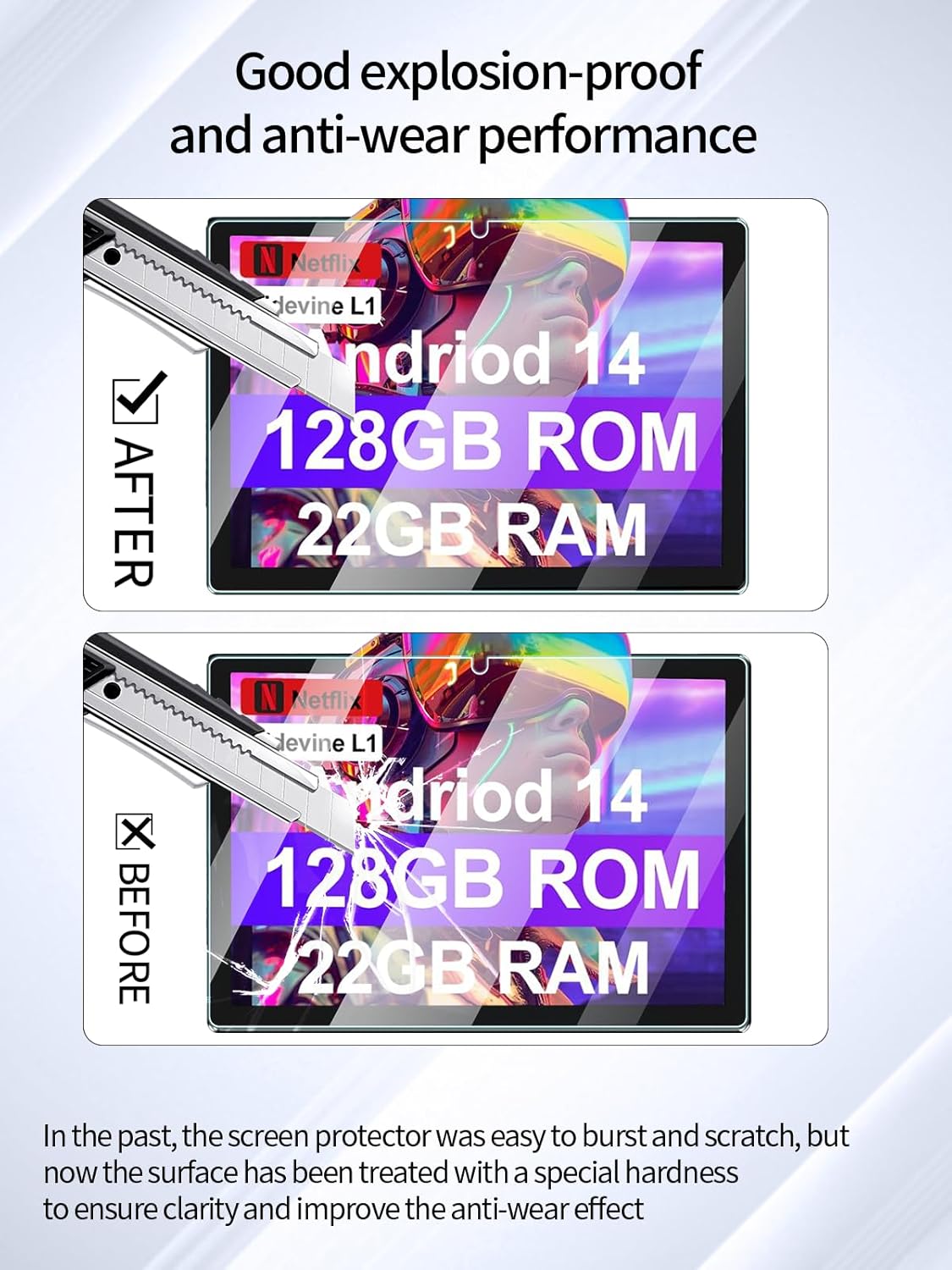
Figure 6: The screen protector's enhanced hardness provides protection against scratches and impacts.
7. Specifications
| Feature | Detail |
|---|---|
| Compatible Device | ZIOVO Z168 Android 14 Tablet 10.1 Inch |
| Material | Tempered Glass |
| Hardness | 9H |
| Special Features | Scratch Resistant, Bubble-Free Installation, Touch Sensitive, Fingerprint Resistant, 2.5D Rounded Edges |
| Clarity | 99% Light Transmittance |
| Product Dimensions | Approximate, designed for 10.1 inch screen |
| Item Weight | 5.6 ounces (package weight) |
8. Warranty and Support
Specific warranty information for this product is not provided within this instruction manual. For details regarding warranty coverage or customer support, please refer to the product packaging or contact the seller directly through your purchase platform.
