
1. Introduction
This manual provides instructions for the ASHATA Motorcycle Helmet Camera, model ASHATAp2du3qo5zs. This device is a versatile 1080P Full HD wearable cycling video camera designed for outdoor activities. It features a built-in microphone, an illumination light, and is suitable for use on bikes, motorcycles, and handlebars. Please read this manual thoroughly before using the product to ensure proper operation and to maximize its performance and longevity.
2. Package Contents
Verify that all items listed below are present in your product package:
- 1 x ASHATA Cycling Camera
- 1 x Adapter Cable
- 1 x Data Cable (Type C)
- 1 x Strap Bracket
- 1 x User Manual
3. Key Features
- 1080P Full HD Resolution: Captures clear and stable video footage at 1080P, even during rapid movement.
- Integrated Illumination Light: Equipped with a high-brightness light for enhanced safety and visibility in low-light conditions or at night.
- Advanced Stabilization Technology: Ensures stable and clear video recording on uneven terrain.
- Built-in Microphone: Records ambient sounds to complement video recordings.
- Type-C Reverse Power Supply: Features a Type-C interface for stable charging and data transfer, with support for temporary reverse charging of other devices.
- Long Battery Life: A built-in 3500mAh Li-ion battery provides approximately 4.5 hours of continuous recording or 8 hours of illumination.
- Pre-Recording Support: Captures footage before the main recording is initiated.
- IP65 Water Resistance: Designed to withstand water splashes, making it suitable for various outdoor conditions.
- Night Shot Capability: Utilizes a light-sensitive lens for clear visibility and recording in low-light environments.
- Wireless Connectivity: Supports 2.4G wireless for mobile connectivity, live preview, video playback, and download via the dedicated app.
- Storage: Supports up to 128GB Small Memory Card (not included).

Image: Overview of key features including 1080p recording, pre-recording, wireless connectivity, illumination, mobile app support, water resistance, night mode, and emergency charging.

Image: Visual comparison illustrating the superior clarity of 1080p Full HD recording compared to 720p HD.

Image: Demonstration of the three-axis high accuracy sensor, showing enhanced picture stability and reduced blurring.

Image: The camera demonstrating its IP65 life water-resistant capability, suitable for use in wet conditions.

Image: Illustration of the light-sensitive lens, providing clear night shooting with strong light transmission and no halo effect.

Image: The camera's long-lasting 3500 mAh battery, offering approximately 4.5 hours of video recording or 8 hours of high beam illumination.
4. Setup
4.1 Charging the Camera
Before first use, fully charge the camera. Connect the provided Type-C data cable to the camera's Type-C port and the other end to a USB power adapter (not included). The charging indicator will show the charging status.
4.2 Installing a Small Memory Card
The camera supports up to a 128GB Small Memory Card (not included). Locate the memory card slot, insert the card with the contacts facing down until it clicks into place. Ensure the camera is powered off before inserting or removing the memory card.
4.3 Mounting the Camera
The ASHATA Cycling Camera offers versatile mounting options:
- Handlebar Mount: Use the strap bracket to securely attach the camera to your bicycle or motorcycle handlebar. Adjust the angle for optimal recording.
- Wearable Mount: The camera can also be attached to a backpack strap or other gear using the strap bracket for a wearable perspective.

Image: Two primary installation methods for the camera: handlebar mounting for cycling and wearable attachment for other activities.
4.4 App Connection
To utilize advanced features like live preview, video playback, and wireless download, download the "Roadcam" or "DVRunning" app from your mobile device's app store. Follow the in-app prompts to connect your camera via 2.4G wireless.
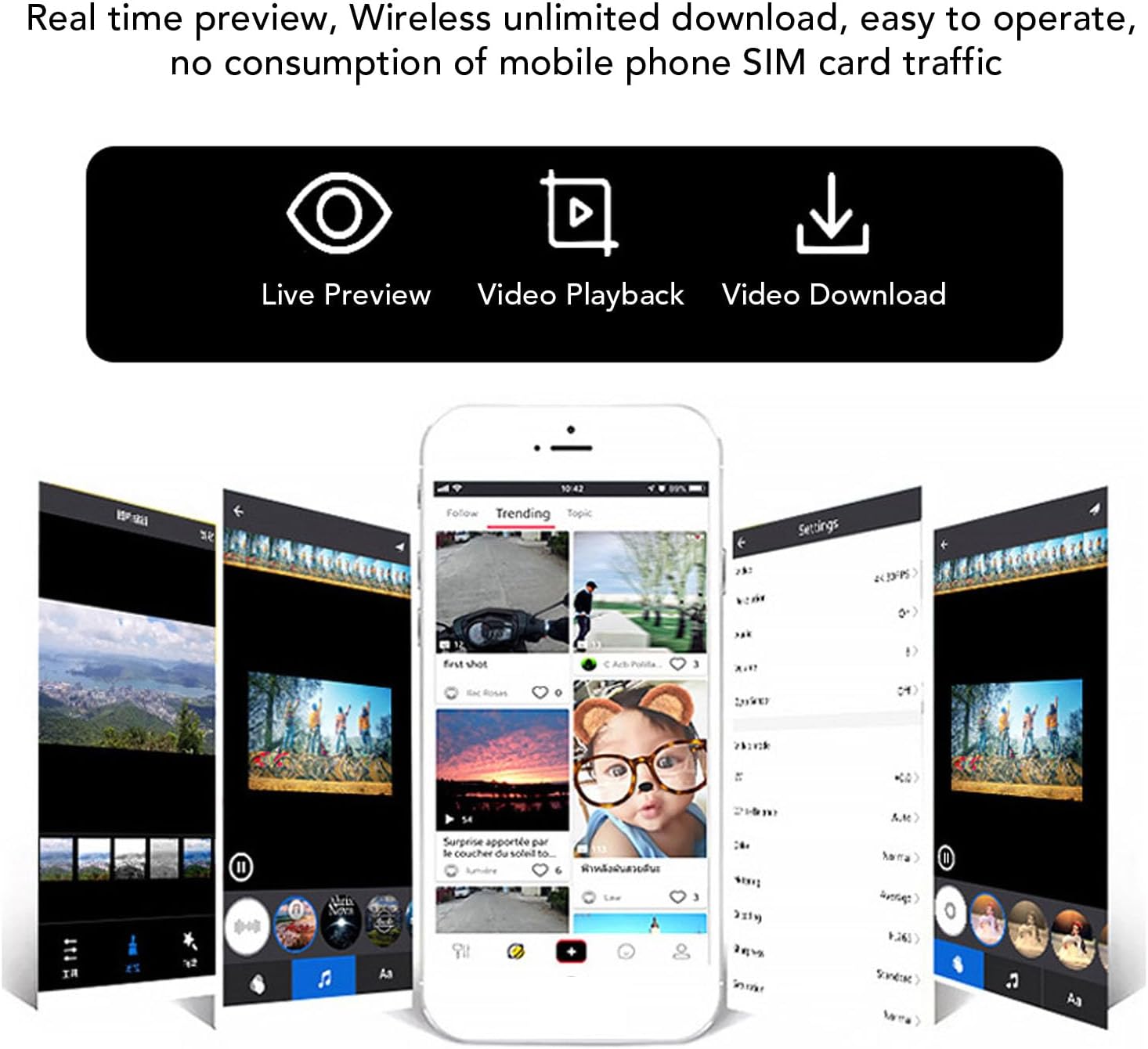
Image: Mobile app interface demonstrating real-time preview, wireless video download, and easy operation without consuming mobile data.
5. Operating Instructions
5.1 Power On/Off
Press and hold the Power button to turn the camera on or off.
5.2 Video Recording
Once powered on, press the Record button to start recording. Press it again to stop recording. Videos are saved to the inserted Small Memory Card.
5.3 Using the Illumination Light
Press the Light button to cycle through different illumination modes (e.g., high beam, low beam, flashing). This feature enhances visibility during night rides or in low-light conditions.
5.4 Pre-Recording Function
The camera supports pre-recording, which captures a short segment of video before you manually press the record button. Refer to the app settings for configuration of this feature.
5.5 Data Transfer and Reverse Charging
Connect the camera to a computer using the Type-C data cable to transfer recorded files. The Type-C port also supports reverse charging, allowing you to temporarily charge other compatible devices from the camera's battery.
6. Maintenance
- Cleaning: Use a soft, dry cloth to clean the camera body. For the lens, use a specialized lens cleaning cloth and solution to avoid scratches.
- Storage: Store the camera in a cool, dry place away from direct sunlight and extreme temperatures when not in use.
- Battery Care: To prolong battery life, avoid fully discharging the battery frequently. Charge it regularly, even if not in use for extended periods.
- Water Resistance: While the camera is IP65 water-resistant, avoid submerging it in water. Ensure the Type-C port cover is securely closed to maintain water resistance.
7. Troubleshooting
| Problem | Possible Cause | Solution |
|---|---|---|
| Camera does not power on. | Low battery. | Charge the camera fully using the provided Type-C cable. |
| Cannot record video. | No Small Memory Card inserted or card is full/corrupted. | Insert a compatible Small Memory Card (up to 128GB). Format the card if it's new or corrupted. Delete old files if full. |
| Poor video quality. | Dirty lens; low light conditions; stabilization off. | Clean the lens. Ensure adequate lighting or use the illumination light. Check app settings for stabilization. |
| App connection issues. | Incorrect Wi-Fi settings; app not updated. | Ensure camera Wi-Fi is enabled and your phone is connected to it. Restart both camera and app. Update the app to the latest version. |
| Short battery life. | Frequent use of high-brightness light; old battery. | Reduce use of high-brightness light when not necessary. Ensure full charge before use. Battery degradation is normal over time. |
8. Specifications
| Feature | Detail |
|---|---|
| Model Name | ASHATAp2du3qo5zs |
| Resolution | 1080P Full HD |
| Microphone | Built-in |
| Storage | Supports up to 128GB Small Memory Card (Not Included) |
| Battery Type | Built-in 3500mAh Li-ion Battery |
| High Beam Recording Time | Approx. 4.5 Hours |
| High Beam Illumination Time | Approx. 8 Hours |
| Connectivity | USB Type-C, 2.4G Wireless |
| Water Resistance | IP65 Life Water Resistant |
| Compatible Apps | Roadcam, DVRunning |
| Material | ABS |
9. Warranty and Support
For warranty information and technical support, please refer to the documentation provided with your purchase or contact ASHATA customer service through their official website or the retailer where the product was purchased. Keep your purchase receipt for warranty claims.