
Zstint MLT-D111S
Zstint MLT-D111S Toner Cartridge User Manual
Model: MLT-D111S
1. Product Overview
This manual provides comprehensive instructions for the installation, operation, and maintenance of your Zstint MLT-D111S High Yield Black Toner Cartridge. This product is designed as a compatible replacement for Samsung MLT-D111S, 111S, MLT111S, and D111S toner cartridges, ensuring high-quality printing performance.

Figure 1.1: Zstint MLT-D111S Toner Cartridge 2-Pack.
2. Compatibility
The Zstint MLT-D111S toner cartridges are compatible with the following Samsung Xpress SL Series printers:
- M2020, M2020W
- M2021, M2021W
- M2022, M2022W
- M2026, M2026W
- M2070, M2070W, M2070F, M2070FW, M2070FH, M2070HW
- M2071, M2071W, M2071HW, M2071FH
- M2078W

Figure 2.1: Visual representation of compatible printer models.
3. Installation Guide
Follow these steps to properly install your new Zstint MLT-D111S toner cartridge:
- Prepare the Cartridge: Gently agitate the toner cartridge horizontally 5-6 times to distribute the toner powder evenly inside. This helps ensure consistent print quality.
- Remove Protective Cover: Carefully remove the orange protective cover or sealing tape from the toner cartridge. Avoid touching the OPC drum (the green cylinder) as oils from your skin can damage it.
- Release Latch (if applicable): Some printer models may require releasing a latch or lever before inserting the cartridge. Refer to your printer's manual for specific instructions.
- Load into Printer: Align the toner cartridge with the corresponding slot in your printer and push it firmly until it clicks into place. Close the printer cover.

Figure 3.1: Step-by-step visual guide for toner cartridge installation.
4. Operating Instructions
Once the toner cartridge is installed, your printer is ready for operation. The Zstint MLT-D111S toner cartridge is designed for seamless integration and optimal printing performance.
Printing Documents
- Ensure your printer is powered on and connected to your computer or network.
- Open the document or image you wish to print on your computer.
- Select "Print" from the application's menu (e.g., File > Print).
- Verify that your Samsung Xpress printer is selected.
- Adjust print settings (e.g., number of copies, paper size, print quality) as needed.
- Click "Print" to begin the printing process.
The high yield capacity of this toner cartridge allows for approximately 1,800 pages (A4, 5% coverage), providing cost-effective and reliable printing solutions for various applications, including documents, contracts, photos, flyers, and stickers.
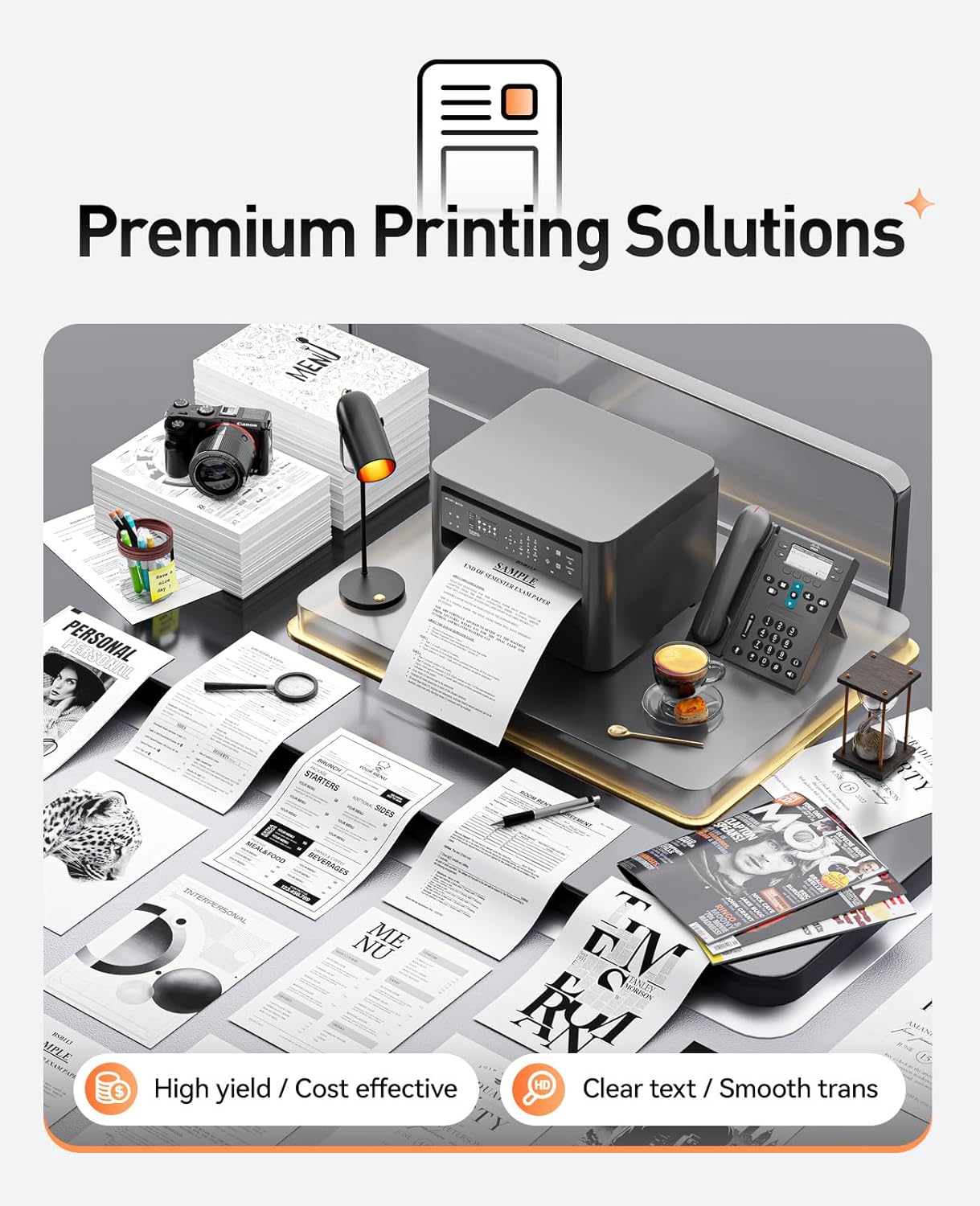
Figure 4.1: Example of premium printing solutions with Zstint toner.

Figure 4.2: Diverse application scenarios for printed materials.
5. Maintenance and Storage
Cartridge Maintenance
- To maintain optimal print quality, avoid exposing the toner cartridge to direct sunlight or strong artificial light.
- Do not touch the green OPC drum on the cartridge, as fingerprints can cause print defects.
- If print quality degrades, gently remove the cartridge and rock it side-to-side a few times to redistribute the toner.
Storage
- Store unused toner cartridges in their original, unopened packaging in a cool, dry place.
- Keep cartridges away from extreme temperatures and humidity.
- The shelf life of the toner cartridge is 24 months when stored correctly.
6. Troubleshooting
If you encounter issues with your Zstint MLT-D111S toner cartridge, refer to the following common problems and solutions:
| Problem | Possible Cause | Solution |
|---|---|---|
| Faint or streaky prints | Low toner level or uneven distribution. | Gently rock the toner cartridge horizontally to redistribute toner. If the issue persists, replace the cartridge. |
| Printer not recognizing cartridge | Protective tape not fully removed or chip contact issue. | Ensure all protective tape/covers are removed. Reinstall the cartridge, ensuring it is seated correctly. Clean the chip contacts with a dry, lint-free cloth. |
| Smudges or spots on prints | Damaged OPC drum or foreign particles. | Inspect the OPC drum for damage. If damaged, replace the cartridge. Ensure no debris is inside the printer. |
| Paper jams | Incorrect paper loading or printer issue. | Refer to your printer's user manual for paper jam resolution. Ensure paper is loaded correctly and not overfilled. |
For further assistance, please contact Zstint customer support.
7. Specifications
- Product Name: Zstint Compatible Replacement for MLT-D111S Toner Cartridge
- Model Number: MLT-D111S
- Color: Black
- Pack Quantity: 2-Pack
- Page Yield: Approximately 1,800 pages per cartridge (A4, 5% coverage)
- Compatibility: Samsung Xpress SL Series M2020, M2020W, M2021, M2021W, M2022, M2022W, M2026, M2026W, M2070, M2070W, M2070F, M2070FW, M2070FH, M2070HW, M2071, M2071W, M2071HW, M2071FH, M2078W printers.
- Included Components: Toner Cartridge
- Shelf Life: 24 Months
- Special Feature: Advanced Chemical Formulation for Enhanced Print Quality, Smart IC Chip for full compatibility and quick recognition.
- Product Dimensions: 8 x 7 x 3 inches
- Item Weight: 1.2 pounds
8. Warranty and Support
Zstint toner cartridges undergo rigorous quality inspection processes and are ISO9001 and ISO14001 certified to ensure quality, reliability, and environmental responsibility.
For any questions, technical support, or warranty claims, please contact Zstint customer service through the retailer where the product was purchased or visit the official Zstint brand store for contact information.
Please retain your proof of purchase for warranty purposes.
Ask a question about this manual
Ask about setup, troubleshooting, compatibility, parts, safety, or missing instructions. Manuals+ will review the question and use this page’s manual context to help answer it.