1. Important Safety Information
- Do not disassemble or modify the earbuds or charging case.
- Keep the device away from extreme temperatures, humidity, and liquids.
- Avoid prolonged exposure to high volume levels to prevent hearing damage.
- Use only the provided or certified charging cables.
- Dispose of the product responsibly according to local regulations.
2. Package Contents
Please check the package contents upon opening:
- Wireless Earbuds (2)
- Charging Case (1)
- Type-C Charging Cable (1)
- User Manual (1)

Image: Contents of the Jxrev J51 Wireless Earbuds package.
3. Product Overview
The Jxrev J51 Wireless Earbuds offer a high-quality audio experience with advanced features. They are designed for comfort and convenience, suitable for various activities.
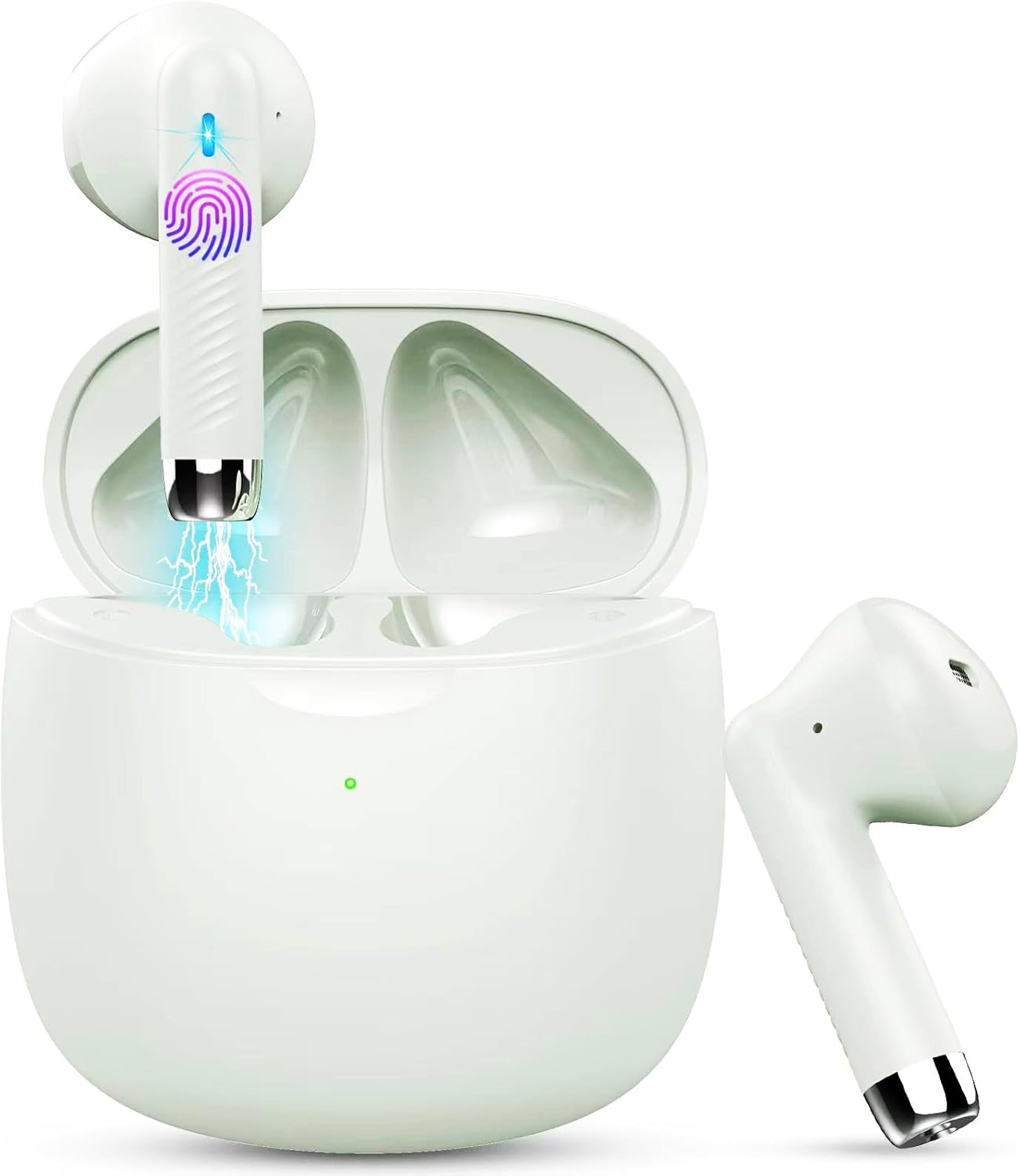
Image: Jxrev J51 Wireless Earbuds and their charging case.
Key Features:
- Bluetooth 5.4 Technology: Provides a stable and fast wireless connection.
- 13mm Dynamic Drivers: Delivers clear audio with enhanced bass.
- IP7 Waterproof Rating: Resistant to sweat and splashes, ideal for sports.
- Touch Control: Intuitive control for music, calls, and voice assistant.
- Lightweight Design: Each earbud weighs approximately 3g for comfortable wear.

Image: Illustration of the 13mm dynamic driver for audio quality.

Image: Internal view of an earbud showcasing the Bluetooth chip for stable connectivity.
4. Setup and First Use
4.1 Charging the Case and Earbuds
- Initial Charge: Before first use, fully charge the charging case and earbuds.
- Connect Cable: Insert the Type-C charging cable into the charging port on the case and connect the other end to a USB power source.
- Charging Indicator: The indicator light on the charging case will show the charging status. A full charge typically takes about 1 hour for the case.
- Earbud Charging: Place the earbuds into the charging case. They will automatically begin charging.

Image: Charging case with earbuds, illustrating USB-C charging and battery capacity.
4.2 Pairing with Your Device
The earbuds feature one-step pairing for convenience.
- Power On: Open the charging case. The earbuds will automatically power on and enter pairing mode.
- Activate Bluetooth: On your smartphone or other Bluetooth-enabled device, go to the Bluetooth settings and turn on Bluetooth.
- Select Device: Look for 'J51' in the list of available devices and select it to connect.
- Confirmation: Once connected, you will hear an audio prompt, and the earbuds will be ready for use.
- Automatic Reconnection: After the initial pairing, the earbuds will automatically connect to the last paired device when taken out of the case.

Image: Visual guide for one-step Bluetooth pairing with a smartphone.
5. Operating Instructions
5.1 Wearing the Earbuds
The J51 earbuds are designed for an ergonomic and secure fit.
- Identify Left/Right: Locate the 'L' and 'R' markings on each earbud.
- Insert: Gently insert the earbud into your ear canal.
- Adjust: Rotate the earbud slightly until it feels comfortable and secure. The lightweight design ensures minimal pressure.

Image: Demonstrating the lightweight and ergonomic fit of the earbuds.
5.2 Touch Controls
The earbuds feature touch-sensitive areas for easy control of various functions.

Image: Comprehensive guide to earbud touch controls.
| Action | Left Earbud (L) | Right Earbud (R) |
|---|---|---|
| Play/Pause | Double-click | Double-click |
| Next Song | N/A | Hold 2 seconds |
| Previous Song | Hold 2 seconds | N/A |
| Volume Down | Single-click | N/A |
| Volume Up | N/A | Single-click |
| Answer/End Call | Double-click | Double-click |
| Reject Call | Hold 2 seconds | Hold 2 seconds |
| Activate Voice Assistant | Triple-click | Triple-click |
5.3 Mono Mode (Single Earbud Use)
You can use either the left or right earbud independently. Simply take one earbud out of the charging case, and it will automatically connect to your device. The other earbud can remain in the case or be used by another person in 'Sharing mode' if desired.
5.4 Binaural Mode (Both Earbuds Use)
For stereo sound, use both earbuds. They will automatically pair with each other and your device when removed from the charging case.

Image: Depiction of Mono and Twin (Binaural) usage modes.
5.5 Voice Assistant
Triple-click either earbud to activate your device's voice assistant (e.g., Siri, Google Assistant).

Image: Activating the voice assistant feature.
6. Maintenance and Care
6.1 Cleaning
- Regularly clean the earbuds and charging case with a soft, dry, lint-free cloth.
- Do not use abrasive cleaners, alcohol, or chemical solvents.
- Ensure charging contacts on both earbuds and case are clean and dry for optimal charging.
6.2 Water Resistance (IP7)
The Jxrev J51 earbuds are IP7 waterproof, meaning they are protected against temporary immersion in water. This makes them suitable for workouts and use in light rain.
- Do not intentionally submerge the earbuds in water for extended periods.
- The charging case is not waterproof. Keep it dry.
- Ensure earbuds are completely dry before placing them back into the charging case to prevent damage.

Image: Earbuds demonstrating IP7 waterproof capability.
6.3 Storage
When not in use, store the earbuds in their charging case to protect them and keep them charged.
7. Troubleshooting
If you encounter any issues, please refer to the following common solutions:
- Earbuds not pairing with each other: Place both earbuds back into the charging case, close the lid for a few seconds, then open it again. They should automatically re-sync.
- Earbuds not connecting to device:
- Ensure Bluetooth is enabled on your device.
- Delete 'J51' from your device's Bluetooth history and try pairing again.
- Ensure earbuds are charged.
- No sound from one earbud: Place both earbuds back in the case, close the lid, then open it again. Check if both are connected.
- Charging issues:
- Check the charging cable and adapter.
- Ensure the charging contacts on the earbuds and case are clean and free of debris.
- Touch controls unresponsive: Ensure your fingers are clean and dry. Try restarting the earbuds by placing them in the case and taking them out again.
8. Specifications
| Model Name | J51 |
| Connectivity Technology | Wireless (Bluetooth) |
| Bluetooth Version | 5.4 |
| Bluetooth Range | Up to 15 meters |
| Audio Driver Size | 13 Millimeters |
| Frequency Range | 20Hz - 20,000Hz |
| Impedance | 40 Ohm |
| Water Resistance Level | IP7 Waterproof |
| Earbud Weight | Approx. 3 Grams (each) |
| Charging Case Battery Life | Up to 32 Hours (with case) |
| Single Playtime | 6-8 Hours |
| Charging Time (Case) | Approx. 1 Hour (USB-C) |
| Control Type | Touch Control |
| Compatible Devices | Cellphones, PCs, Tablets, Laptops, TVs |
9. Warranty and Support
Jxrev products are designed for reliability and performance. For specific warranty details, please refer to the warranty card included in your product packaging or contact Jxrev customer support.
Customer Support:
If you have any questions, concerns, or require technical assistance, please contact Jxrev customer support through the official website or the contact information provided in your product documentation.


