
Introduction
The LASGOO Digital Angle Finder, Model LG-ANGLE, is a versatile and precise measuring tool designed for various applications including woodworking, construction, machinery, and automotive tasks. It features a wide measuring range, multiple unit selections, a magnetic base, and a backlit LCD for enhanced usability.
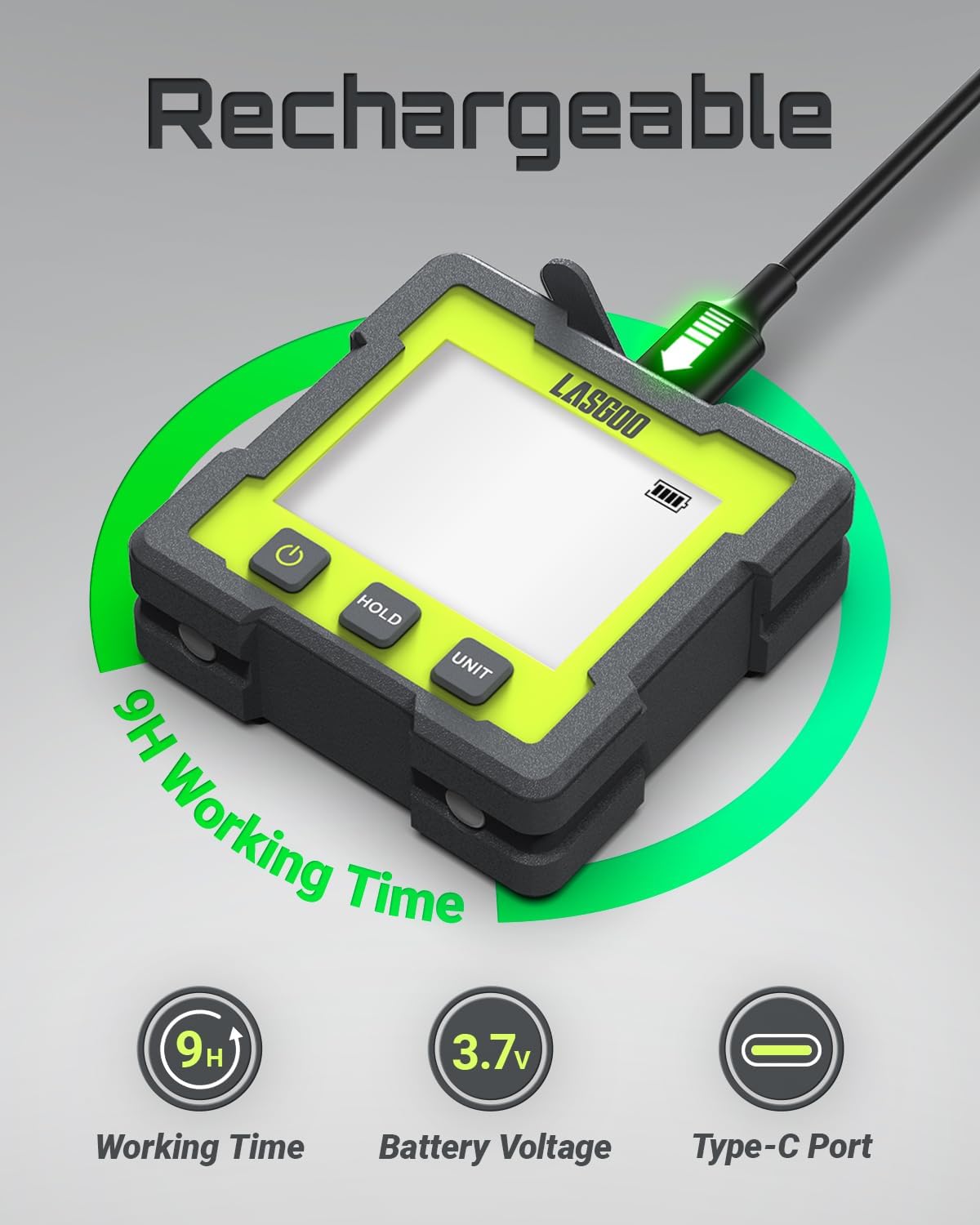
Image: Front view of the LASGOO Digital Angle Finder, showcasing its compact design and LCD screen.
Setup
Battery Installation and Charging
The LG-ANGLE is equipped with a 3.7V rechargeable battery. Use the included USB charging cable to charge the device. A battery icon on the display indicates the current power level. The device automatically turns off after 10 minutes of inactivity to conserve battery life.

Image: The digital angle finder connected to a USB-C charging cable, illustrating its rechargeable feature.
Calibration
For accurate measurements, calibrate the angle finder on a flat, level surface. Place the device on the surface, then press and hold the ZERO button until the display shows '0.00'. This sets the current surface as the reference zero point.
Video: This video demonstrates the calibration process for a digital angle finder, showing how to set the zero reference on a flat surface.
Operating Instructions
Power On/Off
Press the ON/OFF button to turn the device on. To turn it off, press and hold the ON/OFF button.
Measurement Modes (Absolute/Relative)
The device supports two measurement modes: Absolute (ABS) and Relative (REF). Press the MODE button to switch between these modes. In Absolute mode, measurements are relative to a true horizontal plane. In Relative mode, you can set any surface as a temporary zero reference.

Image: Comparison of Absolute Value Mode (ABS) and Relative Value Mode (REF) on the digital angle finder's display.
Unit Switching
The LG-ANGLE offers four measurement units: degrees (°), percent (%), mm/m, and in/ft. Short press the UNIT button to cycle through these units to suit your specific application.

Image: The digital angle finder cycling through its four measurement units: degrees, percent, mm/m, and in/ft.
Data Hold Function
To freeze the current measurement on the display, short press the HOLD button. This is useful when you need to move the device to read the display in an awkward position. Press HOLD again to release.

Image: The digital angle finder showing the 'HOLD' indicator on its display, signifying that the measurement is frozen.
Automatic Display Flip
The display automatically flips when the tool is upside down, ensuring easy readability from any orientation.

Image: The digital angle finder's display automatically inverting when the device is rotated, ensuring easy reading.
Magnetic Base
The V-groove magnetic base allows the angle finder to securely attach to curved and metal surfaces, providing hands-free operation and stable measurements.
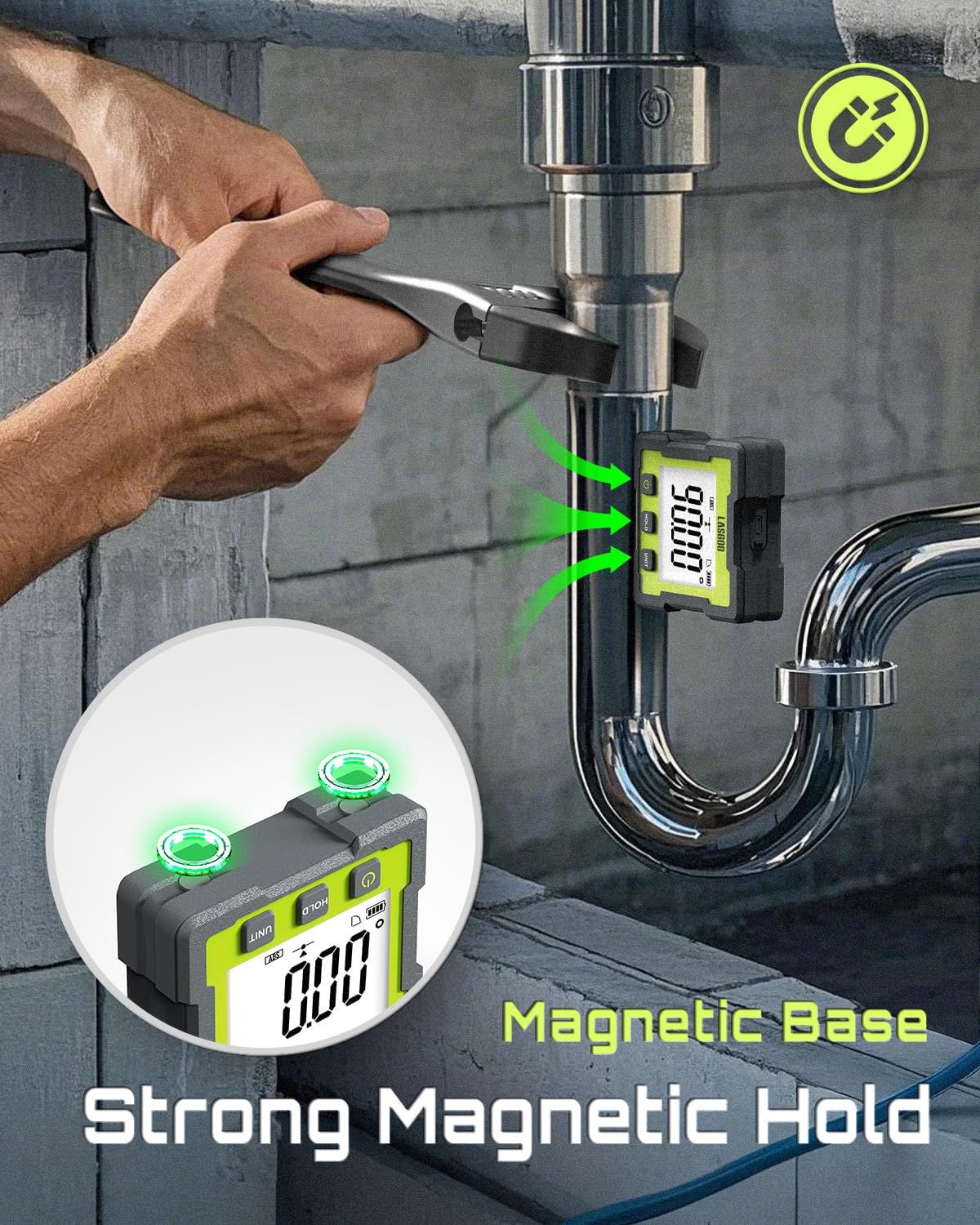
Image: The digital angle finder magnetically attached to a metal pipe, demonstrating its strong magnetic hold and V-groove design.
Maintenance
Cleaning and Storage
Wipe the device with a soft, dry cloth. Do not use abrasive cleaners or solvents. Store the angle finder in a dry place away from direct sunlight and extreme temperatures.
Battery Care
Ensure the device is fully charged before extended storage. Recharge the battery periodically if not in use to maintain battery health.
Durability and IP Rating
The LG-ANGLE is designed for durability and has an IP54 rating, meaning it is dust-protected and splash-resistant, suitable for light outdoor and indoor use.

Image: The digital angle finder positioned near a saw, illustrating its IP54 dust-protected and splash-resistant design for workshop environments.
Troubleshooting
"Err" Message on Display
If the display shows "Err", it indicates that the angle gauge's tilt angle is outside its operational range, typically beyond 30 degrees from horizontal. Adjust the device to be within the measurement range.

Image: The digital angle finder displaying an 'Err' message, indicating a measurement outside the valid range.
Inaccurate Readings
If you suspect inaccurate readings, perform a calibration as described in the Setup section. Ensure the surface used for calibration is truly flat and level. If the issue persists, contact customer support.
Specifications
| Feature | Detail |
|---|---|
| Measuring Range | 360° (4x90°) |
| Resolution | 0.01° |
| Accuracy | ±0.2° |
| Measurement Units | Degrees (°), Percent (%), mm/m, in/ft |
| Display | Backlit LCD |
| Power Source | 3.7V Rechargeable Lithium Polymer Battery |
| Operating Time | Up to 9 hours on full charge |
| Auto-Off | 10 minutes of inactivity |
| Magnetic Base | V-groove design |
| IP Rating | IP54 (Dust-protected, splash-resistant) |
| Item Weight | 60 g |
| Material | Metal, Plastic |
Applications
The LASGOO Digital Angle Finder is ideal for a variety of tasks requiring precise angle measurement:
- Woodworking: Setting saw blade angles for miter cuts, bevels, and joinery.
- Construction: Ensuring level surfaces, plumbing, and accurate framing.
- Metalworking: Measuring angles for fabrication and welding.
- Machinery: Aligning components and checking machine tool angles.
- Automotive: Checking camber, caster, and other alignment angles.

Image: The digital angle finder assisting in setting a precise angle for a woodworking saw blade.
Video: This video demonstrates how to use a digital level to set the angle of a table saw blade accurately.
Warranty and Support
For warranty information or technical support, please refer to the contact details provided with your product packaging or visit the official LASGOO website. Each item includes a unique code for verification before shipping, ensuring product authenticity.
