
LEFXMOPHY Xumo TV Remote Case (ASIN: B0DNQHTQR1)
LEFXMOPHY Silicone Cover User Manual
Model: Xumo TV Remote Case (ASIN: B0DNQHTQR1)
Introduction
This manual provides comprehensive instructions for the installation, operation, and maintenance of your LEFXMOPHY Silicone Cover for the Xumo TV Remote. This silicone sleeve is designed to protect your remote control from daily wear and tear, enhance grip, and provide easy access to all functions.
Product Overview
The LEFXMOPHY Silicone Cover is a protective accessory specifically designed for the Xumo stream box voice remote. It is made from soft, lightweight, and durable silicone material.
Key Features:
- Compatibility: Exclusively designed for the Xumo stream box voice remote. Not compatible with other remote versions.
- Protection: Shields the remote from slipping, cracking, scratching, and dust.
- Enhanced Grip: Soft rubber material improves handling and reduces accidental drops.
- Precise Cutouts: Ensures full access to all buttons, ports, and functions without obstruction.
- Washable: The cover can be easily cleaned.
- Luminous Option: Certain versions of the cover may glow in the dark after exposure to light, aiding in remote location in low-light conditions.
Product Components:
The product package typically includes:
- 1 x LEFXMOPHY Silicone Cover (Black)
- (Optional) Wrist strap (if included with specific model)

Image: The LEFXMOPHY Silicone Cover shown installed on a compatible Xumo TV remote control. The cover encases the remote, providing a protective layer while maintaining access to all buttons and sensors.
Setup Instructions
Follow these steps to properly install the silicone cover onto your Xumo TV remote control.
- Prepare the Remote: Ensure your Xumo TV remote control is clean and free of dust or debris.
- Orient the Cover: Identify the top and bottom of the silicone cover. The top typically has openings for the infrared blaster and microphone, while the bottom is solid or has a small opening for a wrist strap.
- Insert the Remote: Gently slide the Xumo TV remote control into the silicone cover, starting from the top (the end with the infrared blaster).
- Adjust and Align: Carefully work the remote into the cover, ensuring that all buttons align with the corresponding cutouts on the cover. Smooth out any wrinkles or misalignments. The cover should fit snugly.
- Verify Fit: Once installed, check that all buttons are easily pressable and that the remote's functions (e.g., voice control, IR signal) are not obstructed.

Image: A visual comparison showing a remote control before and after the silicone cover is applied. The "After" image demonstrates how the cover provides a comfortable grip and maintains easy access to all buttons, improving the overall feel and usability.
Operating Instructions
The silicone cover does not alter the operational functionality of your Xumo TV remote. It serves as a protective layer and enhances the user experience.
- Button Access: The precise cutouts ensure that all buttons, including power, input, volume, channel, navigation, and dedicated app buttons, remain fully accessible and responsive.
- Voice Control: The microphone opening is designed to allow clear voice input for the remote's voice control features.
- Infrared (IR) Signal: The top opening ensures the remote's IR blaster can transmit signals without obstruction.
- Enhanced Grip: The silicone material provides a non-slip surface, reducing the likelihood of the remote slipping from your hand or off surfaces.
- Luminous Feature (if applicable): If your cover is a luminous version, expose it to light for several minutes to activate its glow-in-the-dark property. The longer the exposure, the brighter and longer it will glow.
Maintenance
To ensure the longevity and cleanliness of your LEFXMOPHY Silicone Cover, follow these maintenance guidelines:
- Cleaning: The silicone cover is washable. You can remove it from the remote and rinse it under lukewarm water with a mild soap.
- Drying: After washing, allow the cover to air dry completely before re-installing it on the remote. Do not use harsh chemicals or abrasive materials for cleaning.
- Storage: When not in use for extended periods, store the cover in a clean, dry place away from direct sunlight and extreme temperatures.
- Avoid Sharp Objects: Do not use sharp objects near the cover, as this may cause tears or punctures.
Troubleshooting
This section addresses common concerns regarding the silicone cover.
| Problem | Possible Cause | Solution |
|---|---|---|
| Cover does not fit properly. | Incorrect remote model or improper installation. | Ensure your remote is the Xumo stream box voice remote. Re-install the cover, ensuring it is aligned correctly from top to bottom. |
| Buttons are difficult to press. | Cover is misaligned or not fully seated. | Adjust the cover to ensure all button cutouts are perfectly aligned with the remote's buttons. |
| Remote signal is obstructed. | Cover is blocking the IR blaster or microphone. | Verify that the top opening of the cover is not obstructing the IR emitter and that the microphone hole is clear. |
| Luminous feature not glowing. | Insufficient light exposure. | Expose the cover to a bright light source (e.g., sunlight, lamp) for several minutes. The longer the exposure, the brighter the glow. |
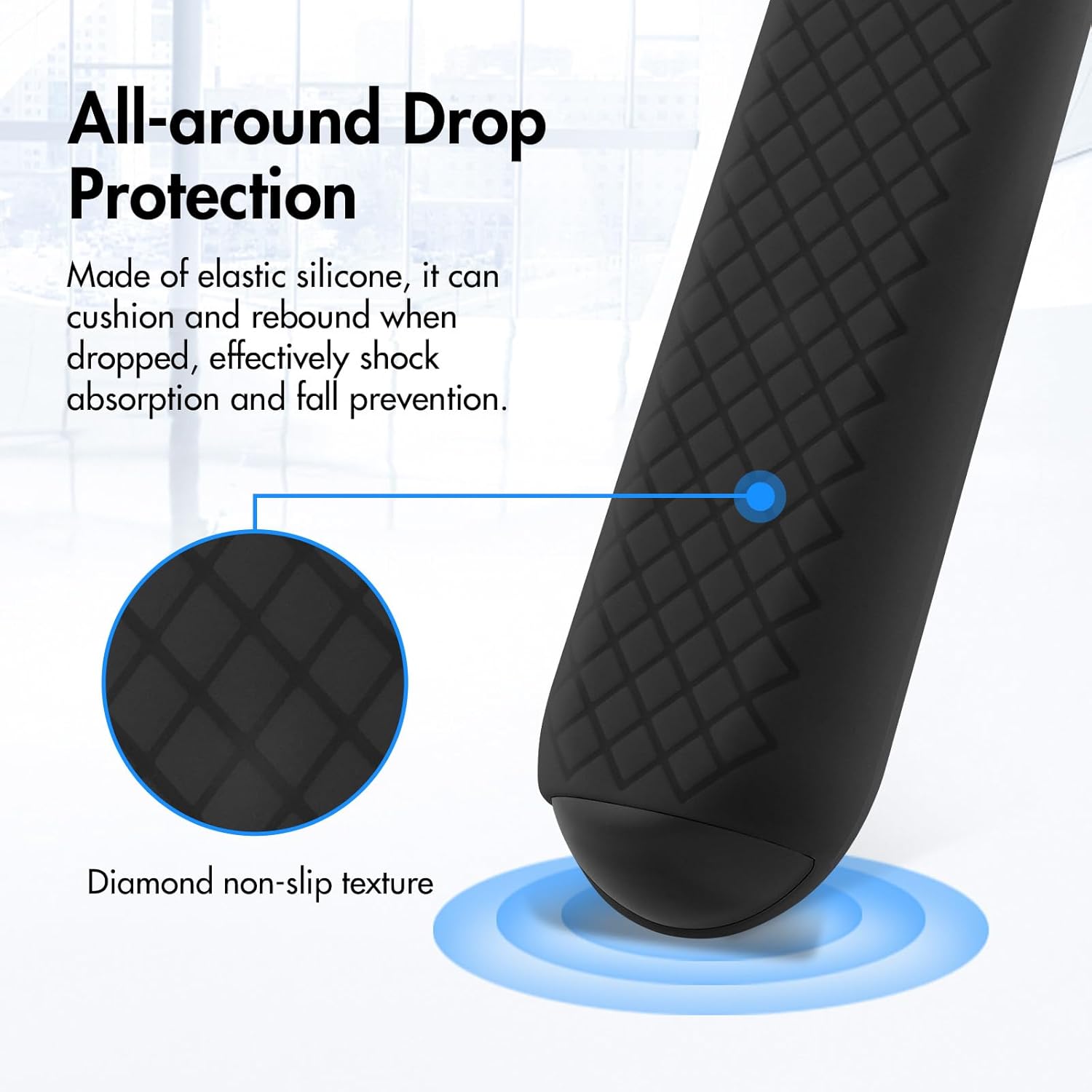
Image: A diagram highlighting the all-around drop protection provided by the silicone cover. It illustrates how the elastic silicone material cushions and rebounds upon impact, effectively absorbing shock and preventing damage from falls. The image also points out the diamond non-slip texture for improved grip.
Specifications
| Attribute | Detail |
|---|---|
| Brand | LEFXMOPHY |
| Model Compatibility | Xumo stream box voice remote (Pioneer, Xfinity, Spectrum, Element 764f0000100 Remote Control) |
| Material | Soft Silicone |
| Color | Black (as per product details, other colors may exist) |
| Form Factor | Cover / Sleeve |
| Item Weight | 0.634 ounces (approx. 18 grams) |
| Package Dimensions | 10.98 x 3.78 x 0.63 inches |
| ASIN | B0DNQHTQR1 |
Warranty and Support
Information regarding specific warranty terms for the LEFXMOPHY Silicone Cover is not provided in this manual. For warranty claims, product support, or further inquiries, please contact the seller or manufacturer directly through the platform where the product was purchased.
Manufacturer: LEFXMOPHY
Please retain your proof of purchase for any warranty-related requests.
Ask a question about this manual
Ask about setup, troubleshooting, compatibility, parts, safety, or missing instructions. Manuals+ will review the question and use this page’s manual context to help answer it.