
1. Introduction
Thank you for choosing the Generic HY-T26 Pro Smart Translator Earbuds. These innovative wireless Bluetooth earbuds are designed to provide seamless multilingual communication and high-fidelity audio. Equipped with advanced AI technology, they offer real-time translation, immersive sound, and a range of smart functions to enhance your daily interactions and travel experiences. This manual will guide you through the setup, operation, maintenance, and troubleshooting of your new device.
2. Product Overview
2.1 Package Contents
The HY-T26 Pro package includes the following items:
- 1 Pair of HY-T26 Pro Earbuds
- 1 Lanyard
- 1 Wireless Charging Case
- 1 Type-C Charging Cable
- 1 User Manual
2.2 Key Features
- Immersive Hi-Fi Audio: Integrated 16mm moving coil speaker with noise cancellation offering 360-degree stereo sound.
- Advanced AI Translation: Up to 98% translation accuracy with five essential functions: recording, writing, translation, listening, and speaking.
- Comprehensive AI Application: Features include recording, translation, AI chat, image generation, and simple music generation.
- Seamless Cross-Language Communication: Eliminates language barriers for effective global interaction.
- Portable Design: Includes a lanyard for easy carrying and to prevent loss.
- Bluetooth 5.4 Connectivity: Stable and efficient wireless connection up to 10 meters.
2.3 Product Components
Familiarize yourself with the main components of your HY-T26 Pro Smart Translator Earbuds.

Image 2.3.1: The HY-T26 Pro earbuds and their compact wireless charging case.

Image 2.3.2: Close-up view of the HY-T26 Pro charging case, highlighting its AI capabilities.

Image 2.3.3: The HY-T26 Pro charging case can be worn with a lanyard for portability and to prevent loss.
3. Setup
3.1 Initial Charging
Before first use, fully charge the earbuds and the charging case.
- Place the earbuds into the charging case.
- Connect the Type-C charging cable to the charging case and a power source (e.g., USB wall adapter, computer USB port).
- The indicator lights on the charging case will show the charging status. A full charge takes approximately 1 hour.
3.2 Bluetooth Pairing
To connect your HY-T26 Pro earbuds to your smartphone or other Bluetooth-enabled device:
- Ensure the earbuds are charged and removed from the charging case. They will automatically enter pairing mode.
- On your device, go to Bluetooth settings and turn Bluetooth on.
- Search for available devices and select "HY-T26 Pro" from the list.
- Once connected, you will hear an audio prompt, and the earbuds' indicator lights will change.
3.3 AI Application Installation
To utilize the full translation and AI features, download and install the dedicated AI application on your smartphone.
- Scan the QR code provided in the physical user manual or search for the "HY-T26 Pro AI App" in your device's app store (Google Play Store for Android, Apple App Store for iOS).
- Download and install the application.
- Open the app and follow the on-screen instructions to connect your HY-T26 Pro earbuds to the application.
4. Operating Instructions
4.1 Basic Audio Functions
- Play/Pause: Tap either earbud once.
- Next Track: Double-tap the right earbud.
- Previous Track: Double-tap the left earbud.
- Answer/End Call: Tap either earbud once.
- Reject Call: Press and hold either earbud for 2 seconds.
- Activate Voice Assistant: Triple-tap either earbud.
4.2 AI Translation Functions
The HY-T26 Pro earbuds offer advanced translation capabilities through the dedicated AI application.
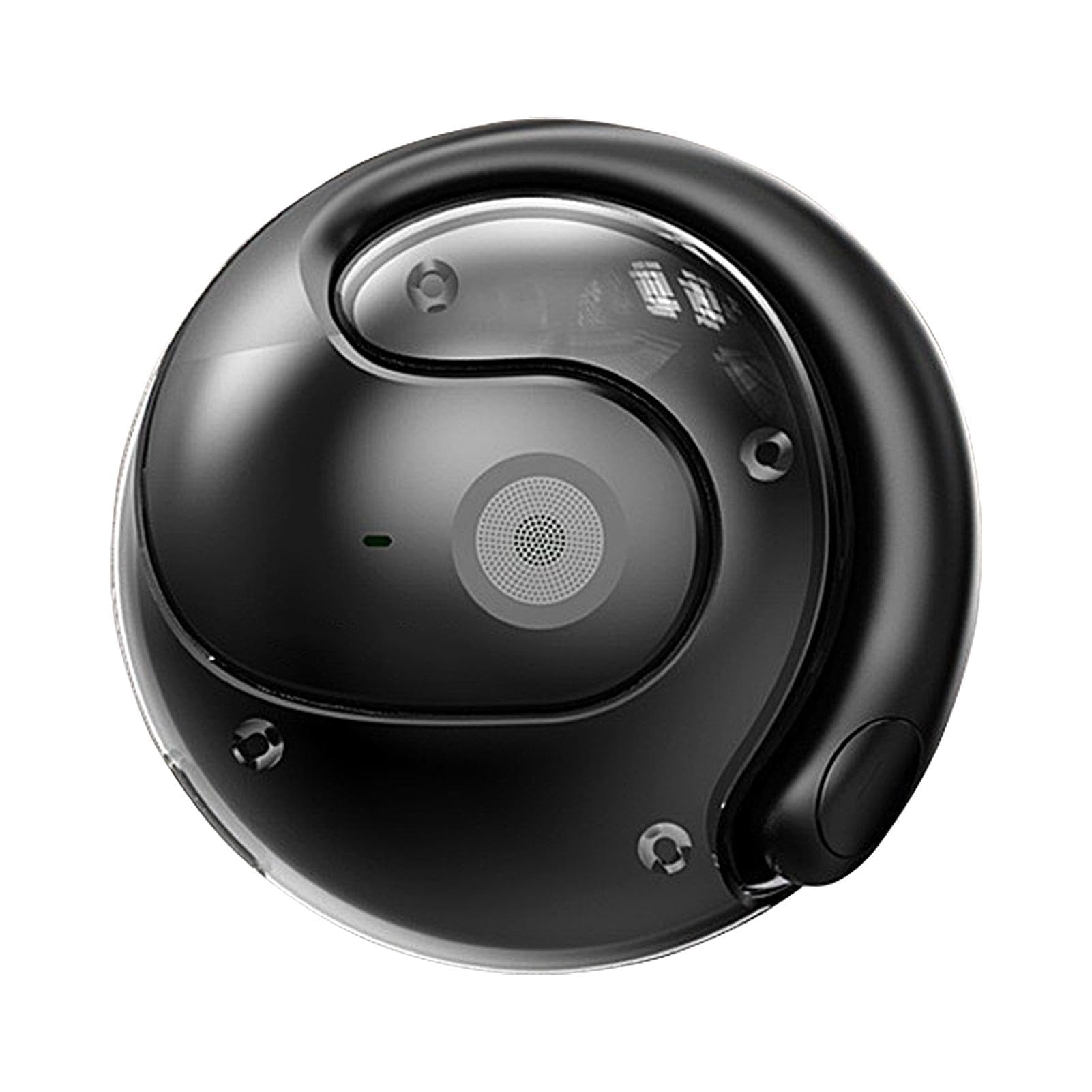
Image 4.2.1: User engaging in an AI voice conversation using the HY-T26 Pro earbuds and smartphone app for real-time translation.

Image 4.2.2: The HY-T26 Pro enabling efficient communication through its AI app on a smartphone, anytime and anywhere.

Image 4.2.3: The HY-T26 Pro facilitates cross-language communication, acting as a personal translator during business meetings or video calls.
- Real-time Conversation Translation:
- Open the AI application and select the "Conversation Translation" mode.
- Choose the source and target languages.
- Speak into the earbud's microphone. The app will translate and play the translated audio through the earbuds or display it on the screen.
- Text Translation:
- Within the app, select "Text Translation."
- Type or paste text into the input field. The translated text will appear instantly.
- Recording & Translation:
- Use the "Recording" feature in the app to record audio.
- After recording, you can select the audio to be translated into your desired language.
- Listening Mode:
- In this mode, the earbuds can pick up external speech and translate it into your chosen language, playing it directly into your ear.
4.3 AI Application Advanced Features
The AI application extends beyond translation, offering additional intelligent functionalities:
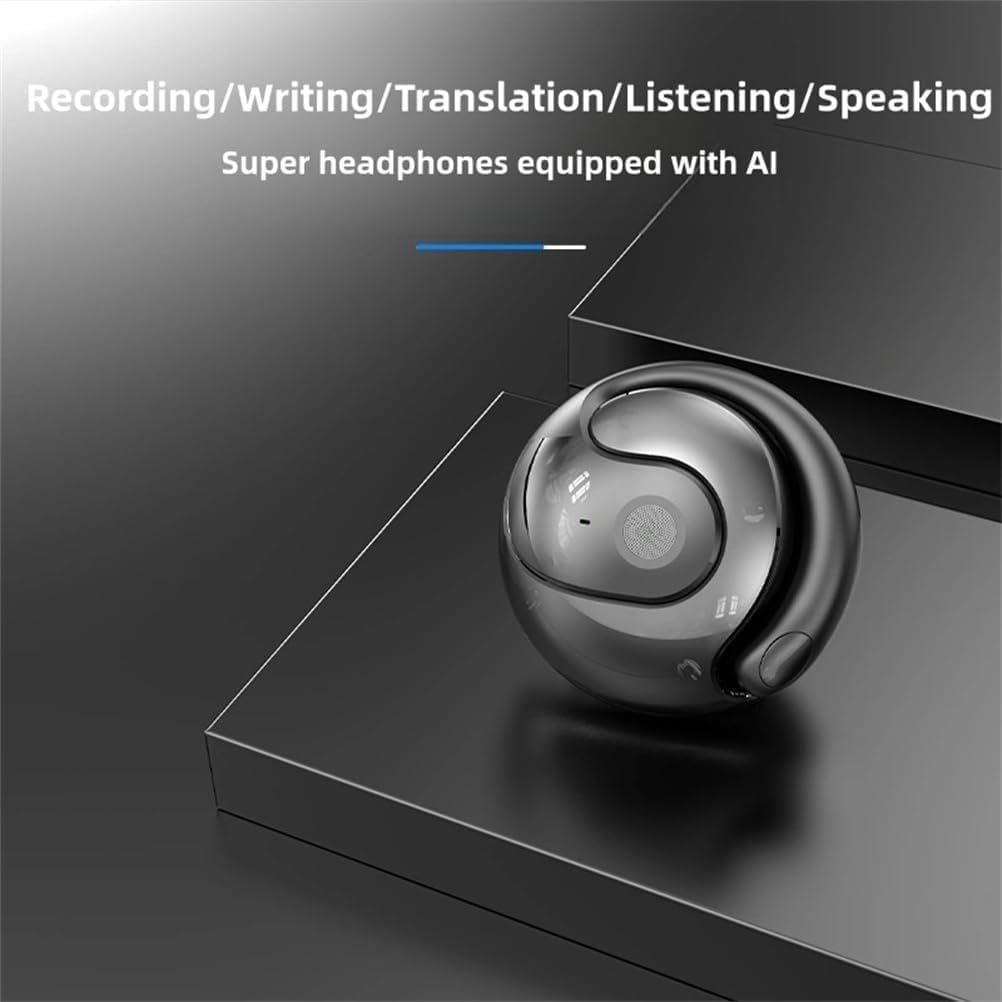
Image 4.3.1: The HY-T26 Pro supports multiple AI-powered functions including recording, writing, translation, listening, and speaking.
- AI Chat: Engage in conversations with the AI for information, assistance, or practice.
- Image Generation: Utilize AI to generate images based on text prompts.
- Simple Music Generation: Experiment with AI-assisted music creation.
4.4 Usage Scenarios
The HY-T26 Pro earbuds are versatile for various communication needs:

Image 4.4.1: A collage illustrating various usage scenarios for the HY-T26 Pro earbuds, including video calls, business meetings, and personal communication.
5. Maintenance
5.1 Cleaning
- Gently wipe the earbuds and charging case with a soft, dry, lint-free cloth.
- Do not use abrasive cleaners, solvents, or aerosol sprays.
- Avoid getting moisture into any openings.
5.2 Storage
- When not in use, store the earbuds in their charging case to protect them and keep them charged.
- Store the device in a cool, dry place, away from direct sunlight and extreme temperatures.
5.3 Battery Care
- To prolong battery life, avoid fully discharging the earbuds and charging case frequently.
- Charge the device regularly, even if not in constant use.
6. Troubleshooting
If you encounter issues with your HY-T26 Pro earbuds, refer to the following common solutions:
| Problem | Possible Cause | Solution |
|---|---|---|
| Earbuds not pairing | Low battery, out of range, pairing mode not active, previous connection issue. | Ensure earbuds are charged. Place them back in the case and take them out again. Ensure Bluetooth is on on your device. Forget "HY-T26 Pro" in your device's Bluetooth settings and try pairing again. |
| No sound or poor audio quality | Volume too low, earbuds not properly seated, connection issues, dirty speaker mesh. | Increase volume on both earbuds and connected device. Re-seat earbuds. Reconnect Bluetooth. Clean speaker mesh gently. |
| Translation not working or inaccurate | App not connected, incorrect language settings, poor internet connection, background noise. | Ensure earbuds are connected to the AI app. Verify language settings. Check internet connection. Speak clearly in a quiet environment. |
| Charging case not charging | Faulty cable, power source issue, dirty charging port. | Try a different Type-C cable and power adapter. Ensure the charging port is clean and free of debris. |
7. Specifications
Technical details for the HY-T26 Pro Smart Translator Earbuds:
| Feature | Detail |
|---|---|
| Product Name | HY-T26 Pro Language Translator Earbuds |
| Brand | Generic |
| Model | HY-T26 Pro |
| Bluetooth Version | 5.4 |
| Transmission Distance | 10 meters (33 feet) |
| Charging Interface | Type-C |
| Charging Case Capacity | 300 mAh |
| Charging Time | Approximately 1 hour |
| Color | Black |
8. Warranty and Support
8.1 Warranty Information
Specific warranty details for the Generic HY-T26 Pro Smart Translator Earbuds are not provided in the product information. Please refer to the retailer's return policy or contact the seller directly for warranty terms and conditions. Information regarding spare parts availability and software update guarantees is also not available.
8.2 Customer Support
For further assistance or inquiries, please contact the seller or refer to the contact information provided with your purchase documentation.


