
Introduction
The XREAL One AR Glasses are designed to provide an immersive spatial computing experience, merging the physical and digital worlds. Powered by the self-developed X1 Chip, these smart glasses offer native 3 Degrees of Freedom (DoF), ultra-low latency, and a stunning 147-inch spatial screen experience. Enjoy high-quality audio tuned by Bose engineers and expanded compatibility with a wide range of devices.
- XREAL X1 Chip: Self-developed spatial computing chip for enhanced performance and native 3 DoF.
- Immersive Display: Up to 147" spatial screen with 50° FOV, 0.68'' Sony Micro-OLED display, and 120Hz refresh rate for smooth visuals.
- Renowned Audio: Expertly tuned sound by Bose engineers for clarity, balance, and detail.
- Adjustable Lens Transparency: Three adjustable levels for various lighting conditions.
- Expanded Compatibility: Connects effortlessly to USB-C video output devices including iPhone 16/15, iPad, Android phones, Steam Deck, ROG Ally, Mac, and Windows PCs.
What's in the Box

The XREAL One AR Glasses with included accessories.
- XREAL One AR Glasses
- Protective Case
- Detachable USB-C Cable
- Nose Pads (Small/Medium/Large)
- Cleaning Cloth
Setup
Initial Connection
To begin, connect your XREAL One AR Glasses to a compatible device using the provided USB-C cable. Ensure your device supports DisplayPort output for optimal functionality.
Video: Demonstrates connecting XREAL One AR Glasses to an iPhone via USB-C.
Firmware Update
For the best experience, ensure your XREAL One AR Glasses are running the latest firmware. Visit xreal.com/ota, connect your glasses, and follow the on-screen instructions to update.
Video: Comprehensive user guide for XREAL One, including setup and features.
IPD Adjustment & Prescription Lenses
The XREAL One features software-based interpupillary distance (IPD) adjustment to ensure a clear and crisp screen regardless of your IPD size. For users requiring optical correction, prescription lenses can be obtained from official partners like HONSVR.

Image: Close-up of the XREAL One glasses highlighting the adjustable IPD feature for clear visuals.

Image: XREAL Prescription Frame designed to integrate with the glasses for users with vision correction needs.
Operating
X1 Chip & Spatial Computing
The XREAL One is powered by the X1 Chip, XREAL's self-developed spatial computing chip. This chip enables native 3 DoF, allowing for immersive spatial screens without the need for external apps or adapters (for devices with USB-C DP output). Experience ultra-low 3 ms M2P latency for seamless and smooth visuals across all your activities.
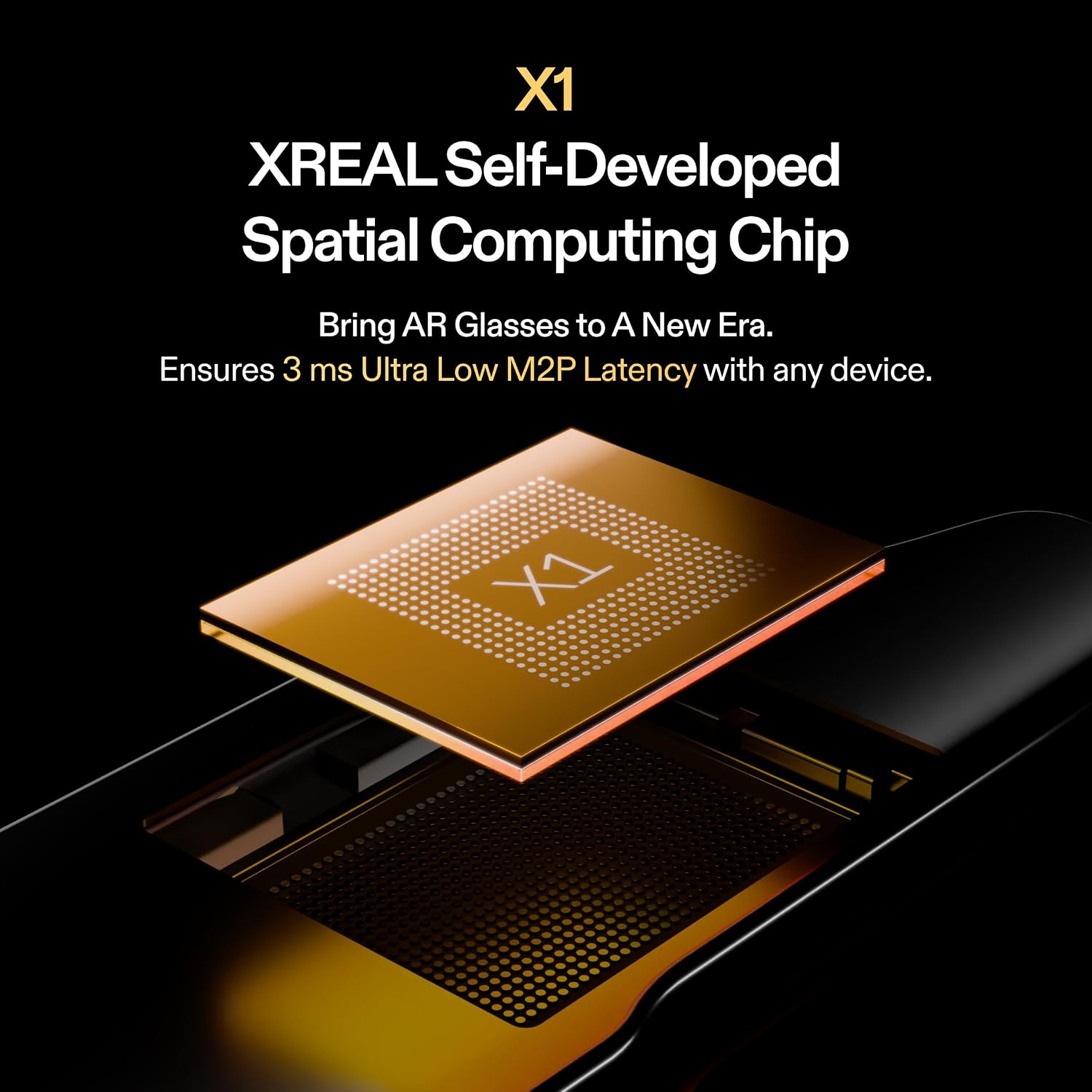
Image: A detailed render of the XREAL X1 Chip, emphasizing its role in spatial computing.
Display & Visuals
Enjoy a massive virtual screen size of up to 147 inches (equivalent to a projection from a 4-meter distance) with a 50° FOV. The 0.68'' Sony Micro-OLED display provides flicker-free, low blue light, and 100% UV protection. Advanced stabilization algorithms and precision distortion control delivered by the X1 Chip ensure stable, shake-free, and blur-free visuals.

Image: Comparison showing stable visuals with XREAL One's improved stabilization algorithm versus unstabilized view.

Image: Highlights the 50° FOV and 147" spatial screen experience provided by the Sony Micro-OLED display.
Audio Experience
XREAL One is equipped with a unique sound chamber design and new acoustic components, professionally tuned by Bose engineers. Enjoy expertly tuned audio that delivers clarity, balance, and detail for a truly lifelike media experience.
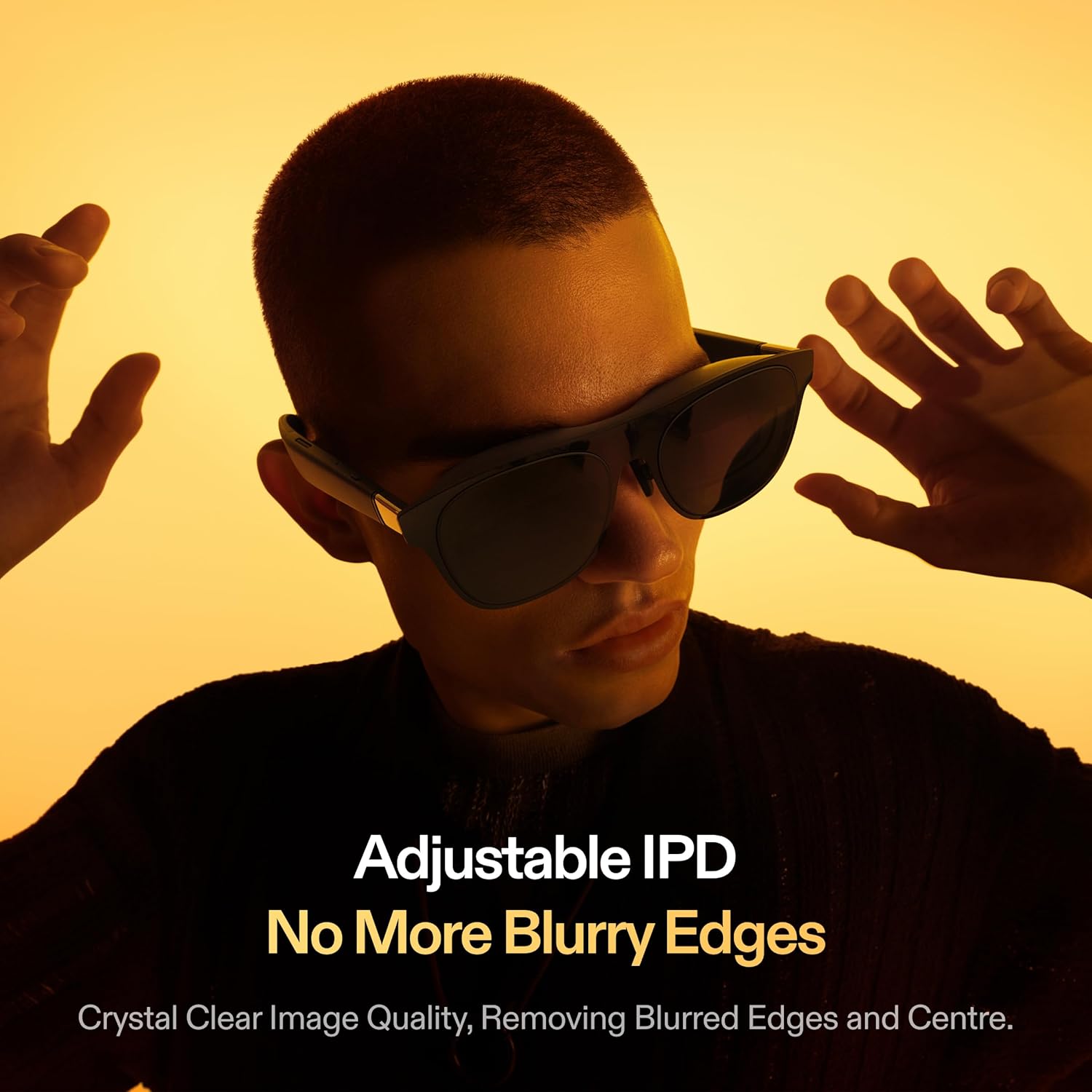
Image: Visual representation of the improved cinematic audio features, including Sound by Bose and Spatial Sound Field 3.0.
Adjustable Lens Transparency
The XREAL One offers three adjustable lens transparency levels: Clear Mode, Shade Mode, and Theatre Mode. This allows you to adapt the glasses to various lighting conditions and preferences.

Image: Depicts the three adjustable lens transparency modes: Clear Mode, Shade Mode, and Theatre Mode.
Controls & Display Modes
The glasses feature an on-frame button array for convenient adjustments. You can switch between various display modes, including 32:9 Ultrawide Mode for multitasking and a stable Anchor Mode for fixed screens in space. The X Button allows for quick access to display settings.
Video: Demonstrates the functionality of the X Button on the XREAL One AR Glasses.
Video: A media tour showcasing various features and use cases of the XREAL One AR Glasses.
Video: Promotional video for XREAL One AR Glasses, highlighting "AR for All" concept.
Maintenance
To ensure the longevity and optimal performance of your XREAL One AR Glasses, regular maintenance is recommended.
- Cleaning: Use the provided cleaning cloth to gently wipe the lenses and frame. Avoid abrasive materials or harsh chemicals.
- Storage: Store the glasses in their protective case when not in use to prevent scratches and damage.
- Prescription Lenses: If using prescription lenses, follow the care instructions provided by your optical partner.
Troubleshooting
If you encounter any issues with your XREAL One AR Glasses, please refer to the following common solutions:
- Display Blurriness: Adjust the IPD settings via the in-glasses software. Ensure the nose pads are correctly fitted for optimal viewing.
- No Display/Connection Issues: Verify that your device supports USB-C DisplayPort output. Ensure the USB-C cable is securely connected to both the glasses and your device. Check for any pending firmware updates for your glasses or the XREAL Beam Pro (if applicable).
- Comfort Issues: Experiment with the different sizes of nose pads (Small/Medium/Large) included in the box to find the most comfortable fit.
Specifications
| Feature | Detail |
|---|---|
| Package Dimensions | 7.2 x 3.43 x 3.27 inches |
| Item Weight | 2.96 ounces (84 Grams) |
| ASIN | B0DNFFXG65 |
| Item model number | X1111 |
| Standing screen display size | 147 Inches |
| Operating System | Windows (Compatible with various OS via USB-C DP) |
| Special Feature | Adjustable IPD, No More Blurry Edges, 3 ms Ultra Low M2P Latency Experience, 50°FOV 147" Spatial Screen, 32:9 265" Ultrawide Screen, XREAL X1 Chip, Native 3 DoF |
| Connectivity Technology | USB |
| Screen Size | 147 Inches |
| Color | Black |
| Compatible Devices | Smartphone, Game Console, Personal Computer, Tablet |
Warranty and Support
For warranty information, technical support, or further assistance, please visit the official XREAL Store or contact XREAL customer service.
XREAL Store: https://www.amazon.com/stores/XREAL/page/A22D483C-2FAF-4A28-BF00-EF248247ACF6


