
Introduction
Welcome to the Cearvol Diamond X1 OTC Hearing Aids. These devices are designed to provide clear and natural sound for individuals with mild to moderate hearing loss, featuring advanced AI-powered noise reduction, Bluetooth 5.3 streaming, and customizable app control. This manual will guide you through the setup, operation, and maintenance of your new hearing aids to ensure optimal performance and a comfortable listening experience.
What's in the Box
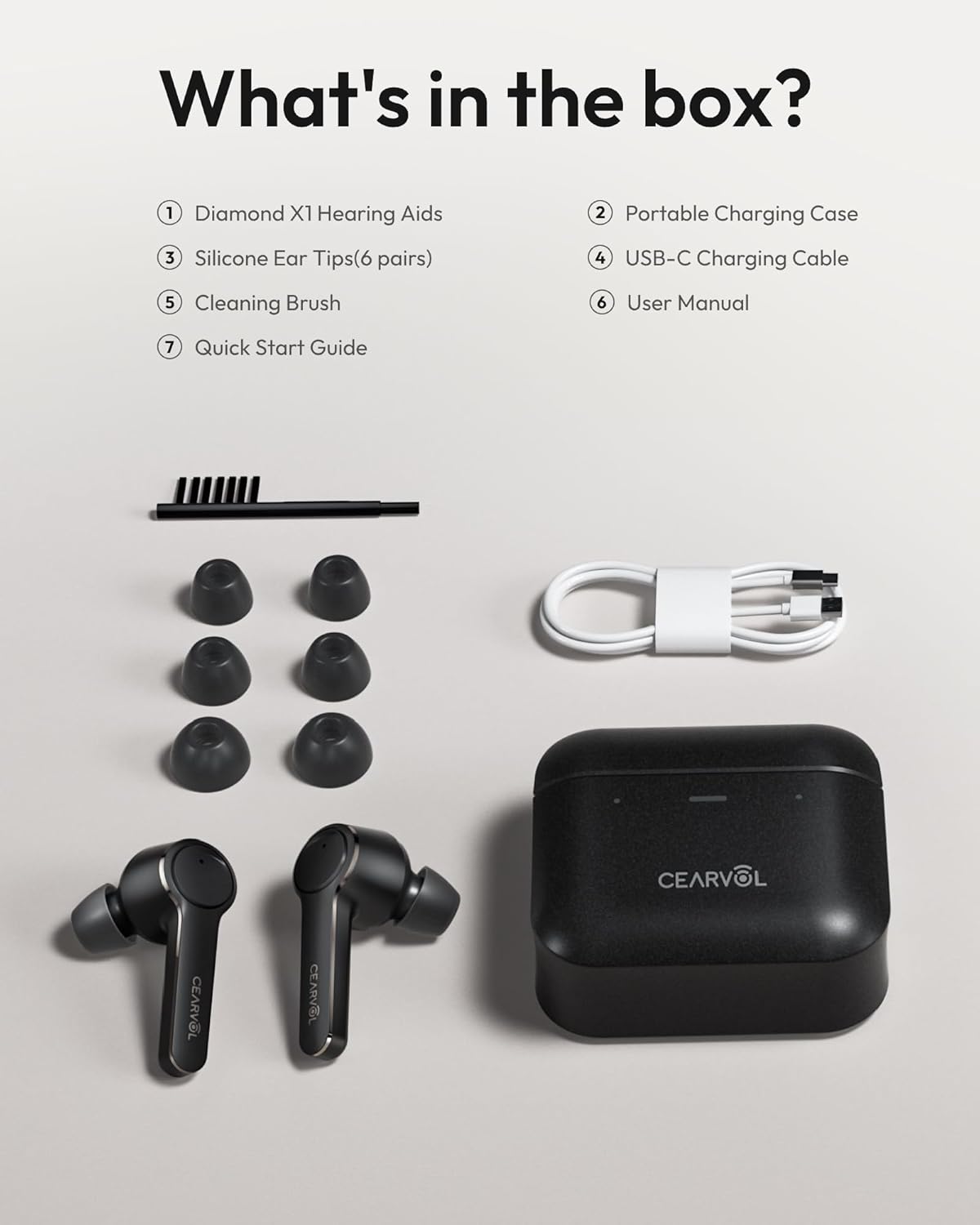
Upon unboxing your Cearvol Diamond X1, you should find the following items:
- 1 Pair of Cearvol Diamond X1 Hearing Aids
- 1 Rechargeable Charging Case
- 1 Type C Charging Cable
- 1 Cleaning Brush
- 3 Pairs of Open Domes (Size S, M, L)
- 3 Pairs of Closed Domes (Size S, M, L)
- 1 User Manual (this document)
- 1 Quick Start Guide
Product Features
- Clear & Natural Sound: 16-channel technology for balanced, high-clarity audio.
- AI-Powered Noise Reduction: NeuroFlow AI 1.0 algorithm filters background noise and eliminates feedback.
- Focus on Conversations: Directional dual-mic technology amplifies speech in noisy environments.
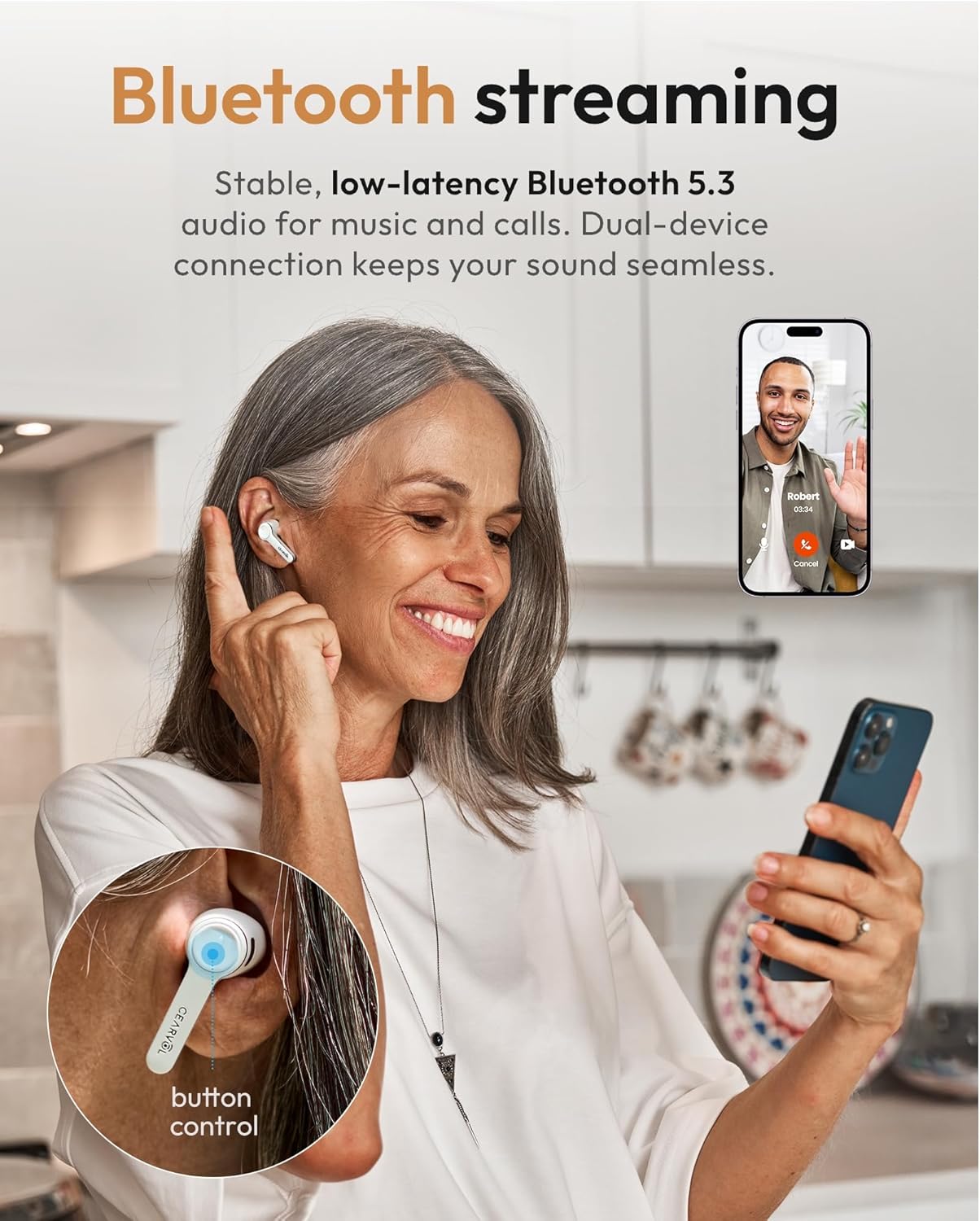
- Seamless Bluetooth 5.3 Streaming: Connects to iOS/Android for calls, music, and TV with low delay.
- Personalize with Cearvol App: User-friendly app for 4 preset modes, in-app hearing test, and audiogram upload.
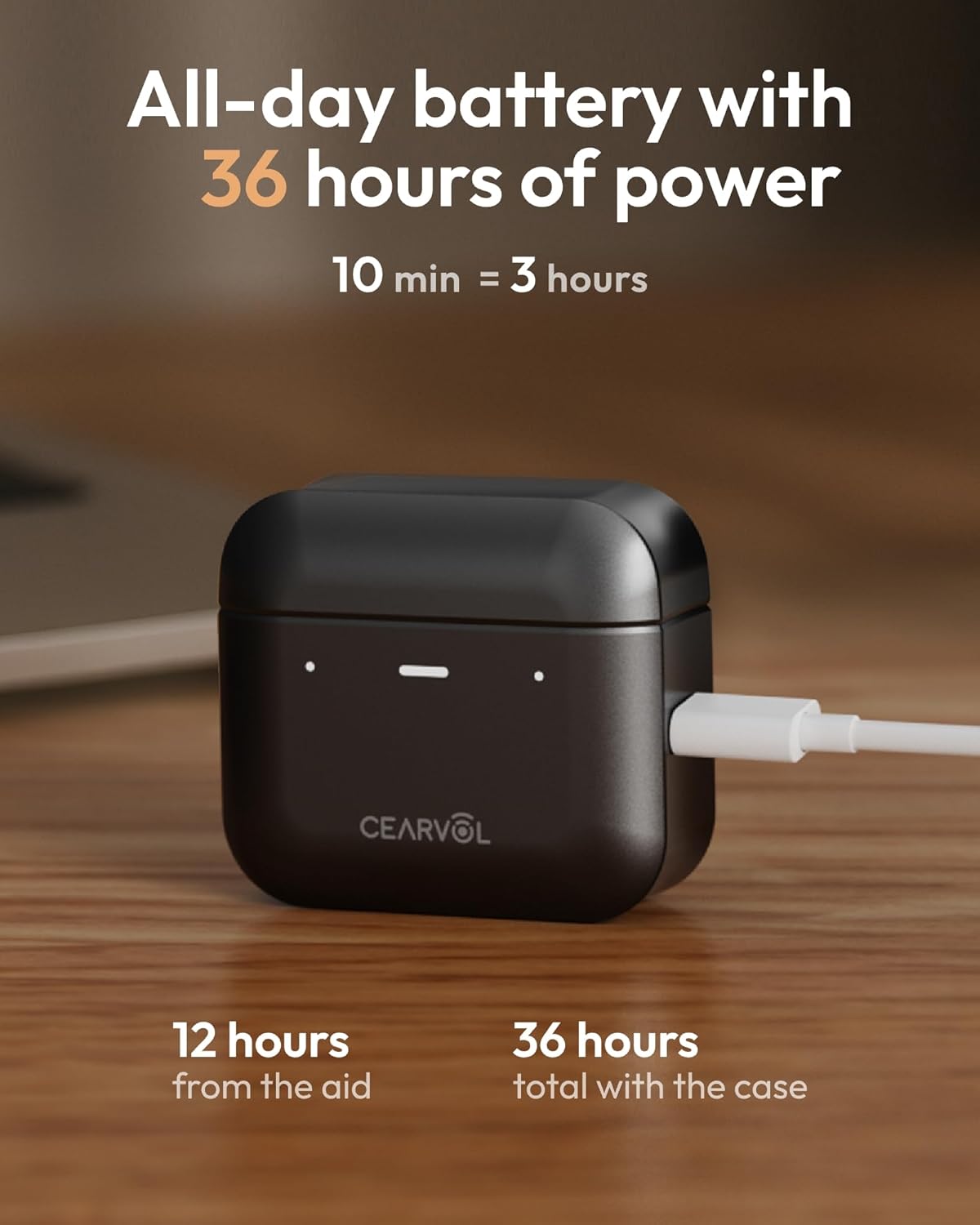
- All-Day Battery & Quick Charge: Up to 12 hours continuous use, 36 hours total with portable case. 10-minute charge provides 3 hours.
- Ultra-Lightweight & Durable: Weighs 5.4g, IPX5 water and dust-resistant.
- Powerful 30dB Gain: Significant boost for mild to moderate hearing loss.
- FSA/HSA Eligible: Can be purchased using Flexible Spending Account (FSA) or Health Savings Account (HSA) funds.




Setup
- Charge the Devices: Place both hearing aids into the charging case. Connect the USB-C cable to the case and a power source. Ensure the indicator lights on the case show charging is active.
- Select Ear Tips: Choose the appropriate size of open or closed domes for a comfortable and secure fit. A proper fit is crucial for sound quality and to prevent feedback.
- Download the Cearvol App: Search for "Cearvol" in your device's app store (iOS or Android) and install the application.
- Pair with Your Device: Open the charging case, and the hearing aids will enter pairing mode. Go to your phone's Bluetooth settings and select "Cearvol Diamond X1" to connect.
- Initial App Configuration: Follow the in-app instructions to perform an online hearing test or upload your existing audiogram. This will personalize the sound profile to your specific hearing needs.
- Adjust Settings: Use the app to fine-tune volume, noise reduction, voice enhancement, and select from various scene modes (Indoor, Conversation, Restaurant, Traffic).
Operating Instructions
App Control
The Cearvol app provides comprehensive control over your hearing aids:
- Volume Adjustment: Independently adjust the volume for each ear.
- Scene Modes: Switch between preset modes like Indoor, Conversation, Restaurant, and Traffic to optimize sound for different environments.
- Noise Reduction & Voice Enhancement: Toggle and adjust levels for these features to suit your preference.
- Audiogram Integration: Upload your audiogram for precise, customized sound profiles.
- OTA Updates: Receive software updates and new features directly through the app.
Touch Controls
The hearing aids feature intuitive touch controls for quick adjustments:
- Single Tap: Play/Pause audio, Answer/End call.
- Double Tap: Switch between scene modes (customizable in app).
- Long Press: Activate voice assistant or reject call.
Maintenance & Care
- Daily Cleaning: Use the provided cleaning brush to gently remove earwax and debris from the ear tips and sound ports.
- Wipe Down: Use a soft, dry cloth to wipe the surface of the hearing aids and charging case. For deeper cleaning, a slightly damp cloth with a mild disinfectant can be used, but avoid excessive moisture.
- Storage: Store the hearing aids in their charging case when not in use to protect them and keep them charged.
- Water Resistance: The devices are IPX5 water and dust resistant, meaning they can withstand sweat and light rain. Do not submerge them in water or expose them to strong jets of water.
- Ear Tip Replacement: Replace ear tips regularly (e.g., every 1-3 months) or if they become damaged or lose their seal, to maintain optimal sound quality and hygiene.

Troubleshooting
| Problem | Possible Cause | Solution |
|---|---|---|
| No Sound/Low Volume | Low battery; ear tips blocked; incorrect volume setting; not properly seated in ear. | Charge hearing aids; clean ear tips and sound ports; adjust volume via app; ensure proper fit. |
| Feedback/Whistling | Improper fit of ear tips; earwax buildup; volume too high. | Try different size ear tips; clean ear tips; reduce volume; ensure hearing aid is fully inserted. |
| Cannot Connect to Bluetooth | Hearing aids not in pairing mode; Bluetooth off on device; interference. | Place hearing aids in case, close, then open to re-enter pairing mode; ensure Bluetooth is on; restart device. |
| App Not Responding | App glitch; outdated app version. | Close and reopen the app; check for app updates; restart your smartphone. |
Specifications
- Model Number: Cearvol X1 A
- Product Dimensions: 1.97 x 1.97 x 0.79 inches; 10.72 ounces
- Brand Name: Cearvol
- Age Range Description: Adult
- Impedance: 32 Ohms
- Noise Control: Sound Isolation
- Frequency Range: 20 Hz - 20,000 Hz
- Audio Driver Type: Dynamic Driver
- Additional Features: Bluetooth App Control, 16-Channel WDRC, Noise Reduction, Long Battery Life, Fast Charging, Water & Dust Resistance, Multiple Scene Modes
- Enclosure Material: Plastic
- Compatible Devices: Android, Cellphones, Laptops, Television, iPhone
- Water Resistance Level: Water Repellent (IPX5)
- Connectivity Technology: Bluetooth, Wireless
- Bluetooth Version: 5.3
- Headphones Ear Placement: In Ear
- Earpiece Shape: Bud
- Control Type: App Control, Touch
- Battery Charge Time (Hearing Aids): Up to 12 Hours (continuous use)
- Carrying Case Battery Average Life: 24 Hours (additional charge)
- Carrying Case Battery Capacity: 500 Milliamp Hours
- Carrying Case Battery Charging Time: 2 Hours
Warranty & Support
Your Cearvol Diamond X1 Hearing Aids come with a 3-Year Manufacturer Warranty. This warranty covers defects in materials and workmanship under normal use. For warranty claims or technical support, please contact Cearvol customer service through the official website or the contact information provided in your Quick Start Guide.
For further assistance, visit the Cearvol Store on Amazon or refer to the detailed user manual for more information.


