
1. Introduction
The Shimbol CP5 Lite is a versatile vlog selfie monitor designed to enhance your mobile video and photography experience. It allows you to use your phone's high-quality rear camera for selfies, vlogging, and live streaming by providing a real-time, full HD display. This manual provides detailed instructions for setup, operation, and maintenance to ensure optimal performance of your device.

Figure 1: Shimbol CP5 Lite Selfie Monitor in use, demonstrating its primary function.
2. Setup
2.1 Screen Connection for iOS Devices
- Turn on the CP5 Lite and navigate to the WLAN interface. A QR code will be displayed.
- Use your iPhone's camera to scan the QR code to connect to the CP5 Lite's Wi-Fi network.
- Once connected, a check mark will appear on the CP5 Lite screen, indicating a successful Wi-Fi connection.
- On your iPhone, open the Control Center and tap on 'Screen Mirroring'.
- Select the device named 'cp5_xxxxxx' from the list to initiate screen mirroring.
- The iPhone screen will now be mirrored on the CP5 Lite.
Video 1: Demonstrates the screen connection process for iOS devices with the Shimbol CP5 Lite.
2.2 Screen Connection for Android Devices
- Turn on the CP5 Lite and enter the WLAN interface.
- On your Android phone, open the 'Wireless Projection' or 'Screen Cast' function. This is typically found in the quick settings panel or under 'Settings > More connections'.
- Select the CP5 Lite device (e.g., 'cp5_xxxxxx') from the list of available devices to connect.
- Confirm any prompts on your phone to start recording or casting.
- The Android phone screen will now be mirrored on the CP5 Lite.
- If the screen orientation is incorrect, press the rotation button on the CP5 Lite to adjust it to a normal angle.
Video 2: Illustrates the screen connection process for Android devices with the Shimbol CP5 Lite.
2.3 Bluetooth Connection (for Remote Control)
- After successfully connecting the screen mirroring function, open your phone's Bluetooth settings.
- Locate and select the Bluetooth device named 'SHIMBOL_xxxxxx' to pair.
- Once paired, open your phone's camera application.
- Press the dedicated shooting button on the CP5 Lite to remotely control your phone's camera for taking photos or starting/stopping video recording.
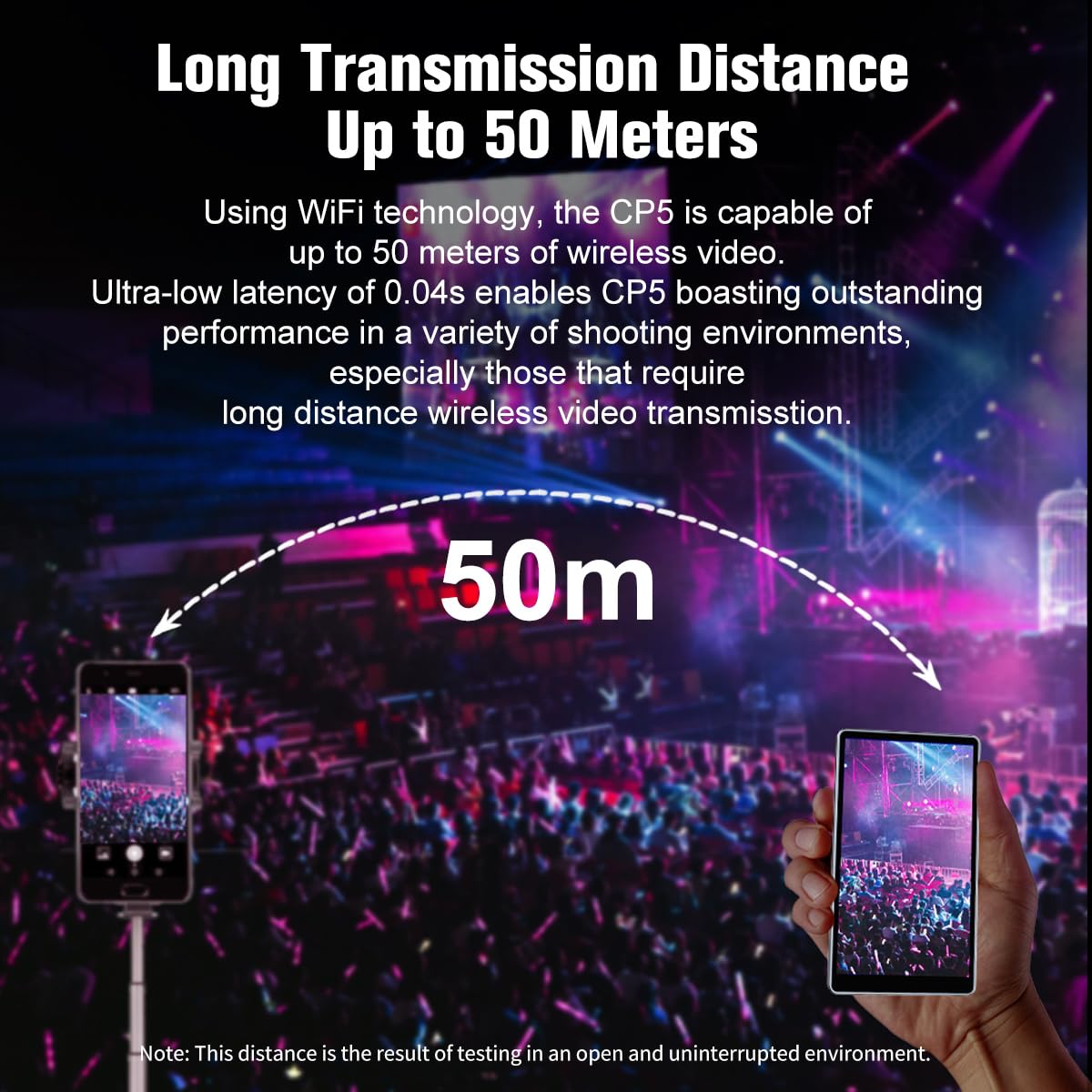
Figure 2: The CP5 Lite features a built-in Bluetooth remote control for convenient photo and video capture.
3. Operating Instructions
3.1 Using the Rear Camera for Vlogging and Selfies
The CP5 Lite allows you to utilize your phone's superior rear camera for high-quality vlogging, selfies, and live streaming. The monitor provides a real-time preview of what your rear camera is capturing, ensuring you are perfectly framed and in focus.
3.2 External Recording and Playback
The CP5 Lite is equipped with a recording and playback function, allowing you to capture footage directly to the device. It also includes a headphone jack for real-time audio monitoring during recording and for reviewing your content.
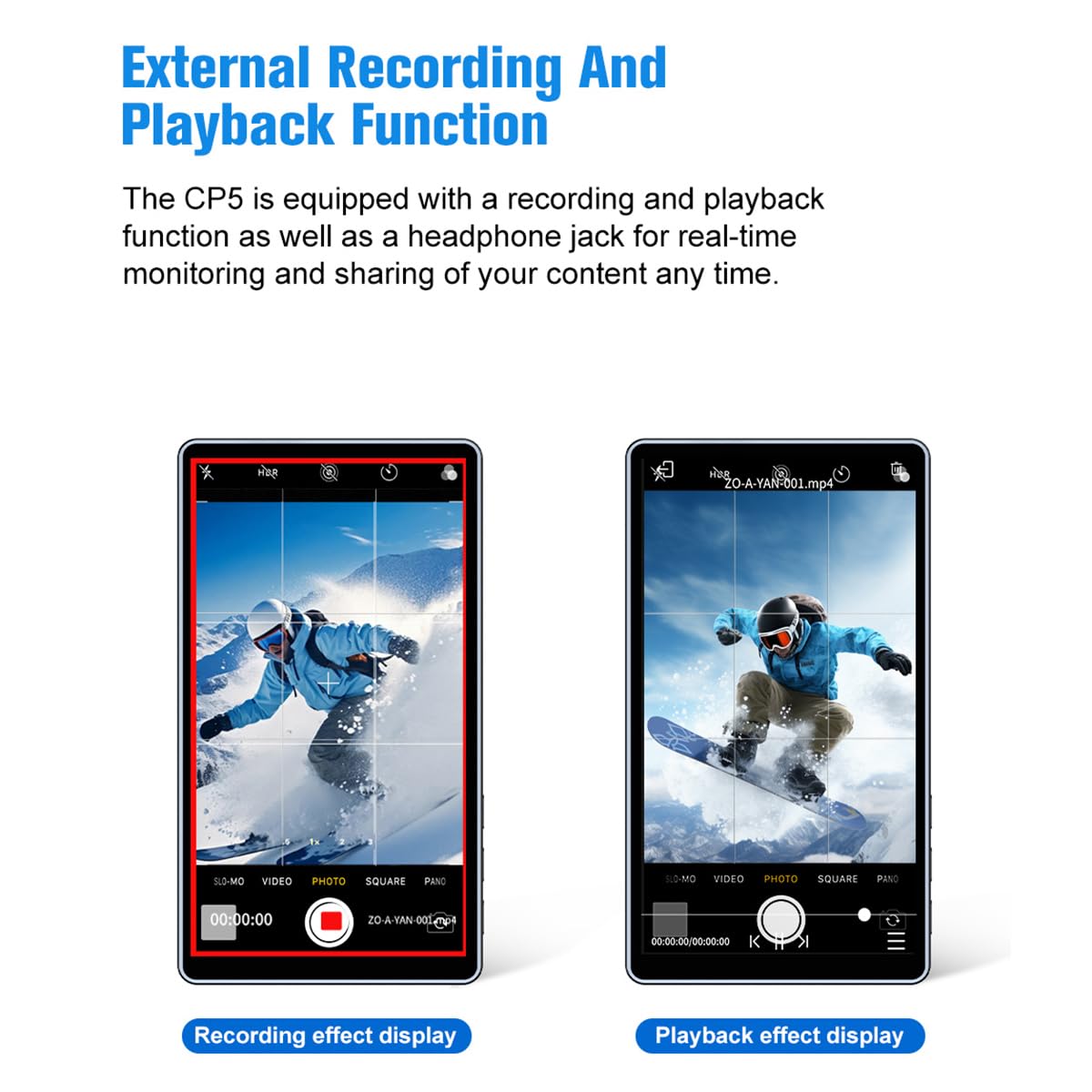
Figure 3: The CP5 Lite supports external recording and playback, with a headphone jack for monitoring.
3.3 Automatic Orientation Switching
The CP5 Lite automatically recognizes and switches between horizontal and vertical shooting orientations, adapting the display to match your phone's aspect ratio without manual adjustment.
4. Key Features
- 1080P Full HD Display: The CP5 Lite features a 1920x1080 resolution, 5-inch Full HD display, providing a clear and detailed view for professional-quality video and photo creation.
- High Brightness: With 500 nits of brightness, the display remains visible and clear even in direct sunlight, making it suitable for outdoor use.
- Long Transmission Distance: The device supports video transmission up to 50 meters with an ultra-low latency of 0.04 seconds, ideal for various shooting environments requiring extended range.
- Magnetic Silicone Case: Designed for easy attachment, the magnetic silicone case provides drop and impact resistance, allowing for quick and secure mounting and removal.
- Durable and Lightweight Design: Constructed with a CNC-machined aluminum shell, the CP5 Lite is both sturdy and lightweight (123g), ensuring durability and portability without adding significant bulk.
- Built-in Rechargeable Battery: Equipped with a 2000mAh high-capacity rechargeable battery, the CP5 Lite provides up to 3.5 hours of continuous usage.
- Wide Compatibility: Compatible with a wide range of iOS and Android devices. Note: Currently not compatible with Google Pixel phones. For Apple users requiring 4K shooting, it is recommended to use third-party applications like Blackmagic Camera, as original camera apps may not support 4K format shooting via mirroring.
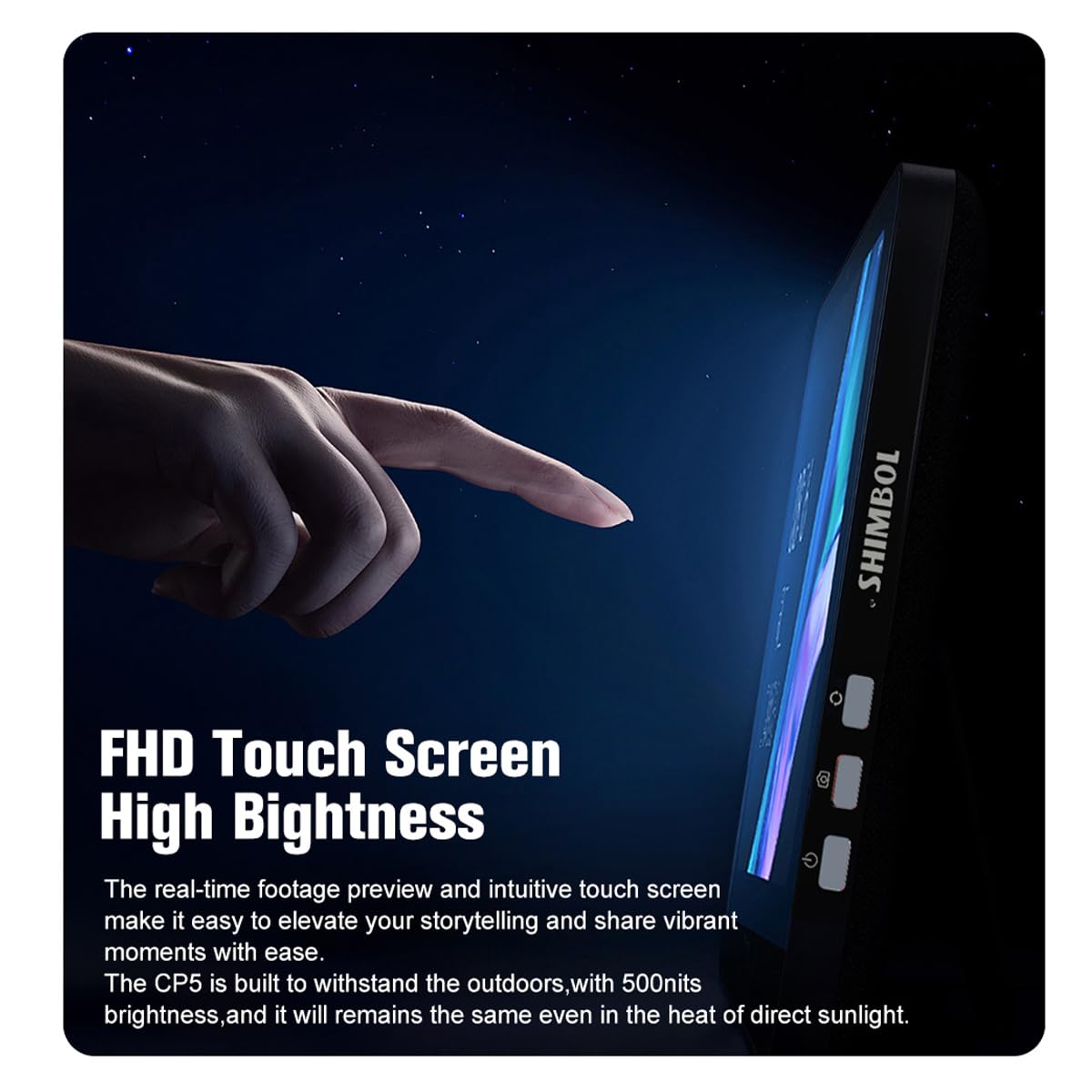
Figure 4: The CP5 Lite's FHD touch screen offers high brightness for clear outdoor viewing.
Figure 5: The CP5 Lite offers a long transmission distance of up to 50 meters for flexible shooting.
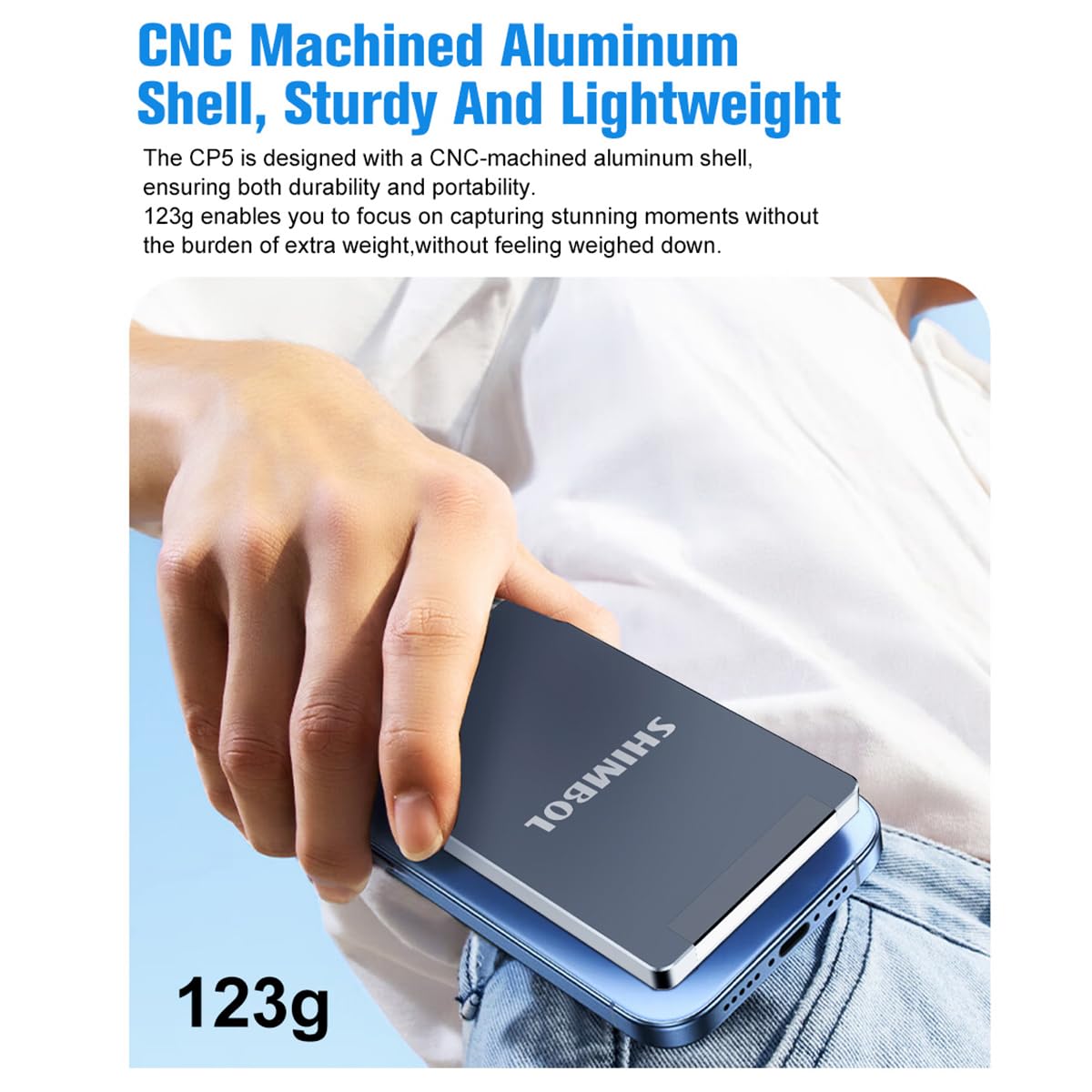
Figure 6: The CP5 Lite's lightweight aluminum design makes it easy to carry.
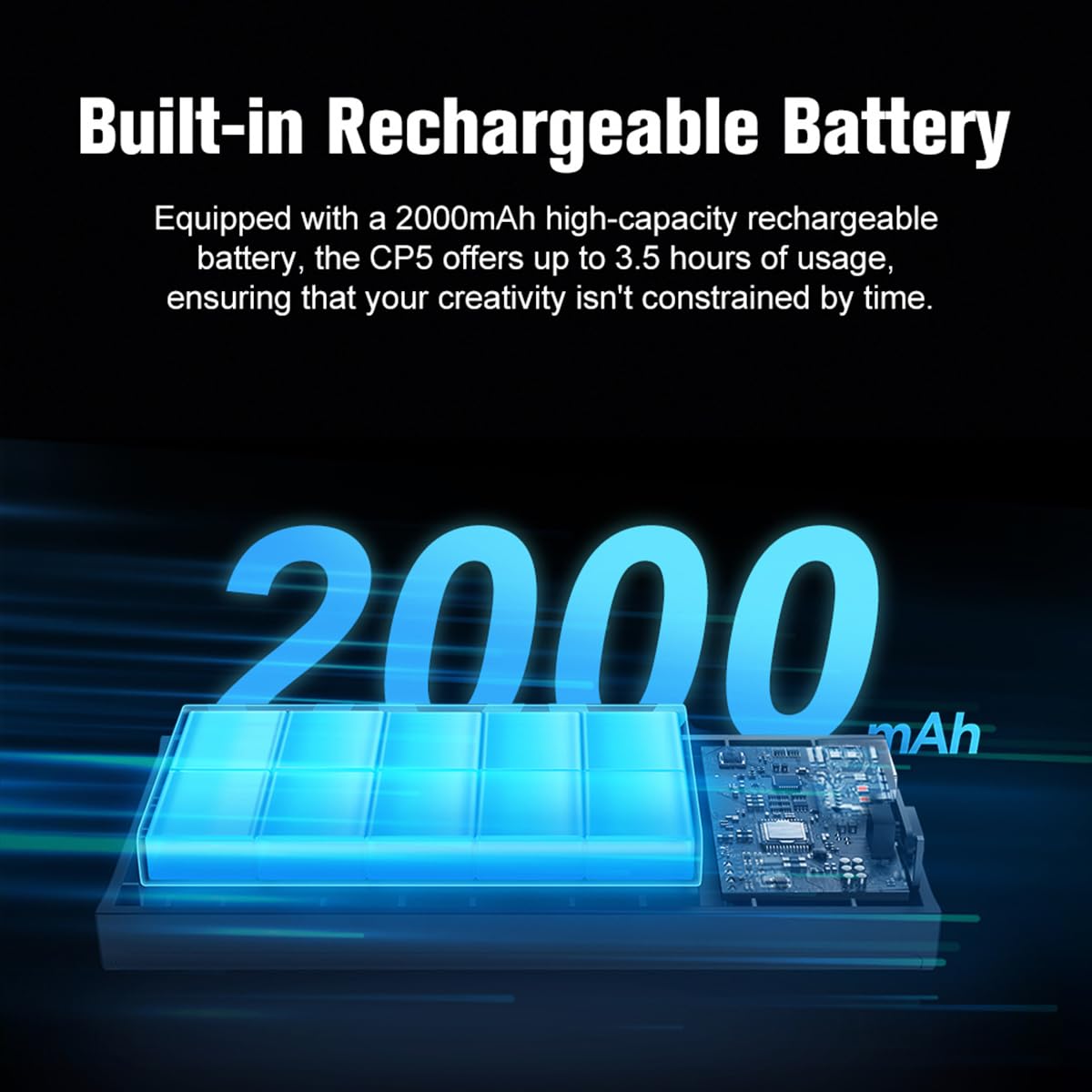
Figure 7: The CP5 Lite features a 2000mAh battery for extended use.
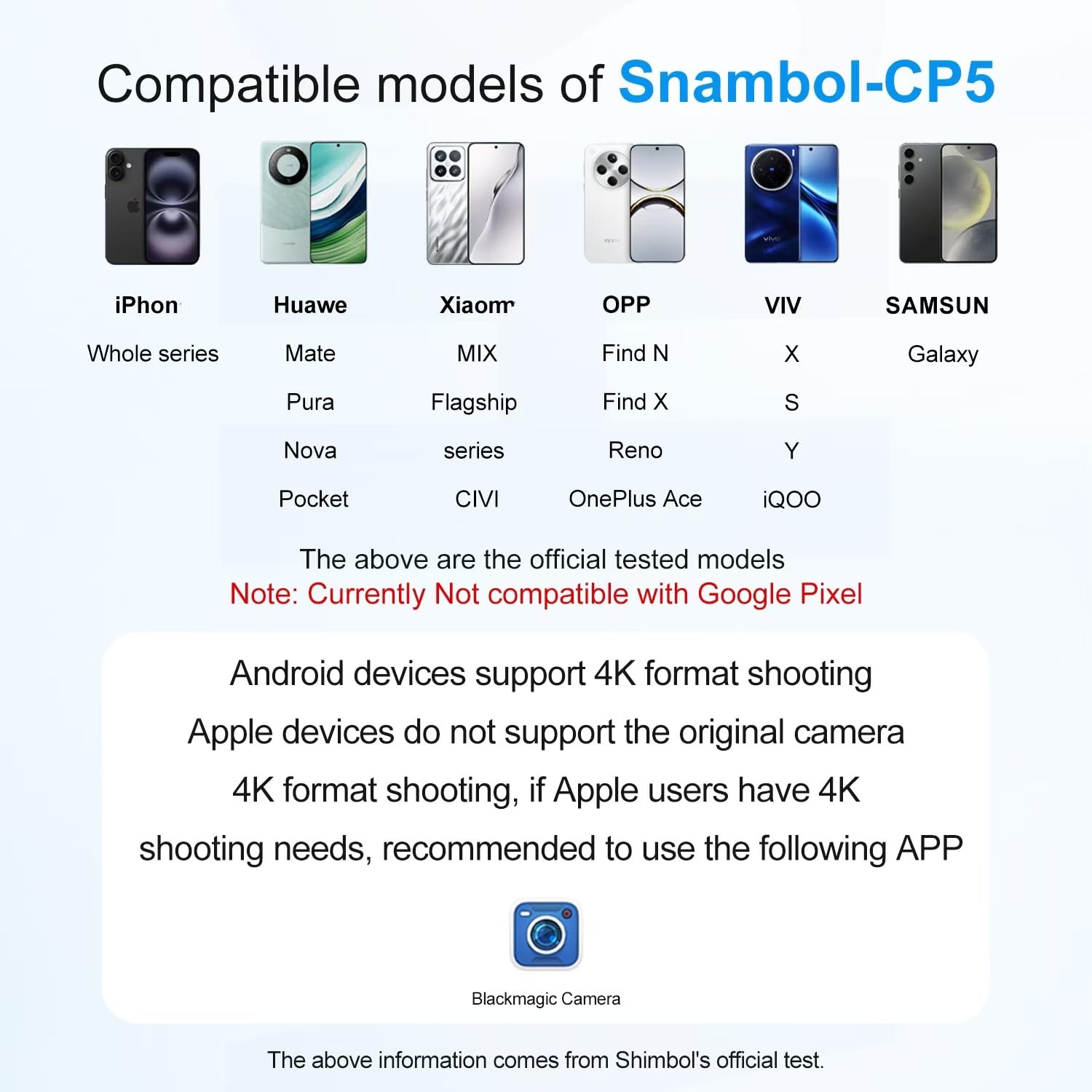
Figure 8: Compatibility details for the Shimbol CP5 Lite, including recommended 4K shooting app for Apple devices.
5. Maintenance
- Keep the device clean by wiping it with a soft, dry cloth. Avoid using harsh chemicals or abrasive materials.
- Store the CP5 Lite in a cool, dry place away from direct sunlight and extreme temperatures.
- Avoid dropping the device or exposing it to excessive impact.
- Ensure the charging port is free from dust and debris.
6. Troubleshooting
- Connection Issues: If the CP5 Lite fails to connect or maintain a stable connection with your phone, ensure both devices are within range (up to 50 meters in an open environment) and that there are no significant obstructions. Re-scan the QR code for Wi-Fi connection and re-pair Bluetooth if necessary.
- Unresponsive Device/Freezing: If the CP5 Lite becomes unresponsive or freezes, try restarting the device. If the issue persists, ensure the battery is adequately charged.
- SD Card Not Recognized/Files Not Visible: If using an external SD card for recording, ensure it is formatted correctly. Some users have reported success by formatting SD cards as FAT32 on a computer, as the device's internal formatting might not be universally compatible with all operating systems (e.g., MacStudio).
- 4K Shooting on Apple Devices: If experiencing issues with 4K recording on Apple devices, use a recommended third-party camera application like Blackmagic Camera, as the native iOS camera app may not support 4K output via screen mirroring.
- Google Pixel Incompatibility: Please note that the CP5 Lite is currently not compatible with Google Pixel phones.
7. Specifications
| Display Resolution | 1920 x 1080 (Full HD) |
| Screen Size | 5 inches |
| Brightness | 500 nits |
| Transmission Distance | Up to 50 meters (open environment) |
| Latency | 0.04 seconds |
| Battery Capacity | 2000mAh Lithium Ion (included) |
| Usage Time | Up to 3.5 hours |
| Item Weight | 123g (4.34 ounces) |
| Package Dimensions | 6.97 x 3.94 x 2.56 inches |
| Connectivity | Wireless (Wi-Fi, Bluetooth) |
| Manufacturer | SHIMBOL |
| Date First Available | November 18, 2024 |
8. Package Contents
- Shimbol CP5 Lite Vlog Selfie Monitor Screen
- Magnetic Silicone Case
- USB-A Cable
- USB-C Cable
- User Manual
- After-sales service card

Figure 9: Contents included in the Shimbol CP5 Lite product package.
9. Warranty and Support
For warranty information and customer support, please refer to the included after-sales service card or contact Shimbol directly. Extended protection plans are available for purchase, offering 2-year or 3-year coverage for your device.

