
1. Introduction
Thank you for choosing the ZEBRONICS EnergiPOD 27R3 Power Bank. This high-capacity portable charger is designed to provide efficient and rapid power to your electronic devices, including smartphones, tablets, and laptops. With its advanced features and robust safety mechanisms, the EnergiPOD 27R3 ensures reliable charging on the go. Please read this manual carefully before using the product to ensure proper operation and to maximize its lifespan.
2. Safety Information
To ensure safe and optimal use of your power bank, please adhere to the following safety guidelines:
- Do not expose the power bank to extreme temperatures (above 60°C or below 0°C), direct sunlight, or high humidity.
- Avoid dropping, disassembling, or attempting to repair the unit yourself. Unauthorized repairs can void the warranty and pose safety risks.
- Keep the power bank away from water and other liquids.
- Use only certified charging cables and adapters.
- Do not place heavy objects on the power bank.
- Keep out of reach of children.
The ZEBRONICS EnergiPOD 27R3 incorporates multiple safety protections:
- Overcharge Protection: Prevents damage from excessive charging.
- Overload Protection: Safeguards against current surges.
- Short-Circuit Protection: Automatically cuts off power in case of a short circuit.

Image: The power bank features comprehensive safety protections including overcharge, short circuit, and overload protection.
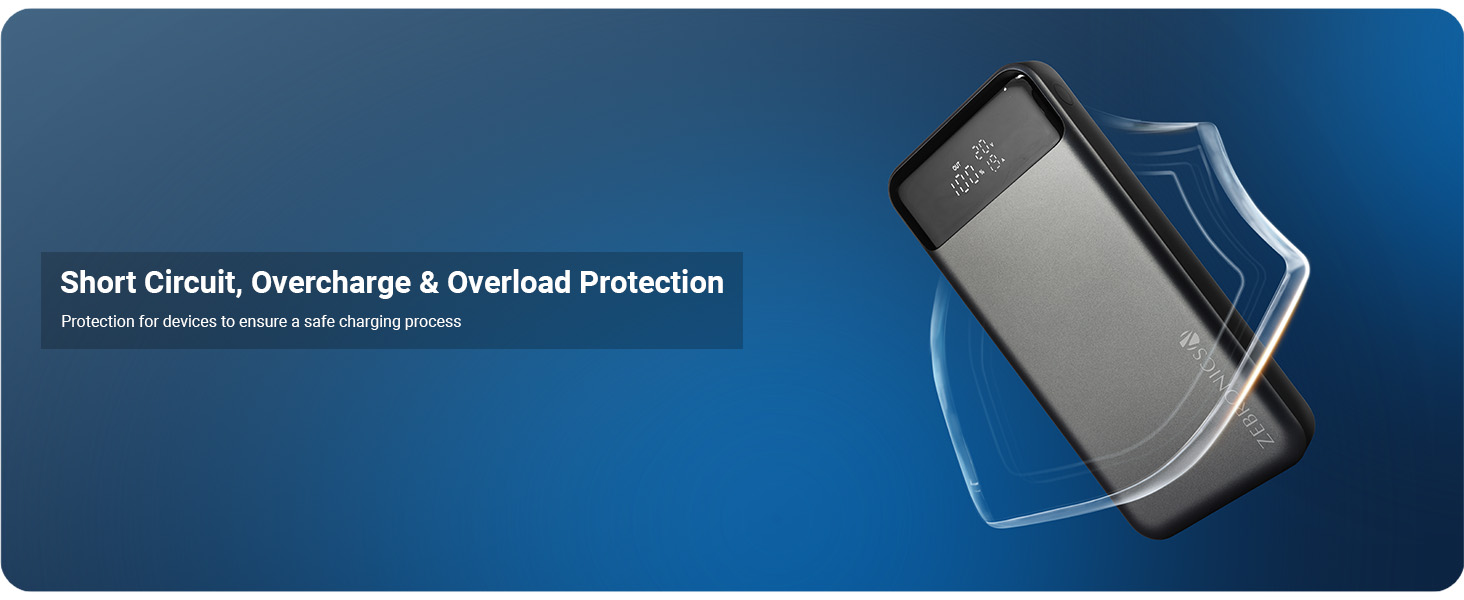
Image: Visual representation of the power bank's built-in safety features.
3. Product Overview and Features
The ZEBRONICS EnergiPOD 27R3 is a versatile power bank designed for high-performance charging. Key features include:
- High Capacity: 27000mAh battery capacity for extended use.
- Powerful Output: Provides up to 100W (Max.) output for various compatible devices.
- Multiple Outputs: Equipped with dual Type-C ports (Type-C1: DC 5V/3A, 9V/3A, 12V/3A, 15V/3A, 20V/5A, 3.8~20V/5A PPS; Type-C2: DC 5V/3A, 9V/3A, 12V/2.5A, 3.3~11V/3A PPS) and one USB-A output port (DC 4.5V/5A, 5V/4.5A, 5V/3A, 9V/2A, 12V/1.5A).
- Rapid Charging: PD3.0 Type-C output ensures fast charging for compatible devices.
- LED Display: Provides real-time information on remaining battery percentage, voltage, and watts.
- Flight Friendly: Designed to meet airline regulations, making it suitable for travel.
- Universal Compatibility: Charges smartphones, tablets, and laptops.

Image: The power bank simultaneously charging a smartphone and a laptop.

Image: The 27000 mAh power bank is flight-friendly and ideal for travel.

Image: Demonstrating PD 3.0 Type-C rapid charging capability.

Image: The power bank delivers a powerful 100W (Max) output.

Image: The power bank is compatible with smartphones, tablets, and laptops.
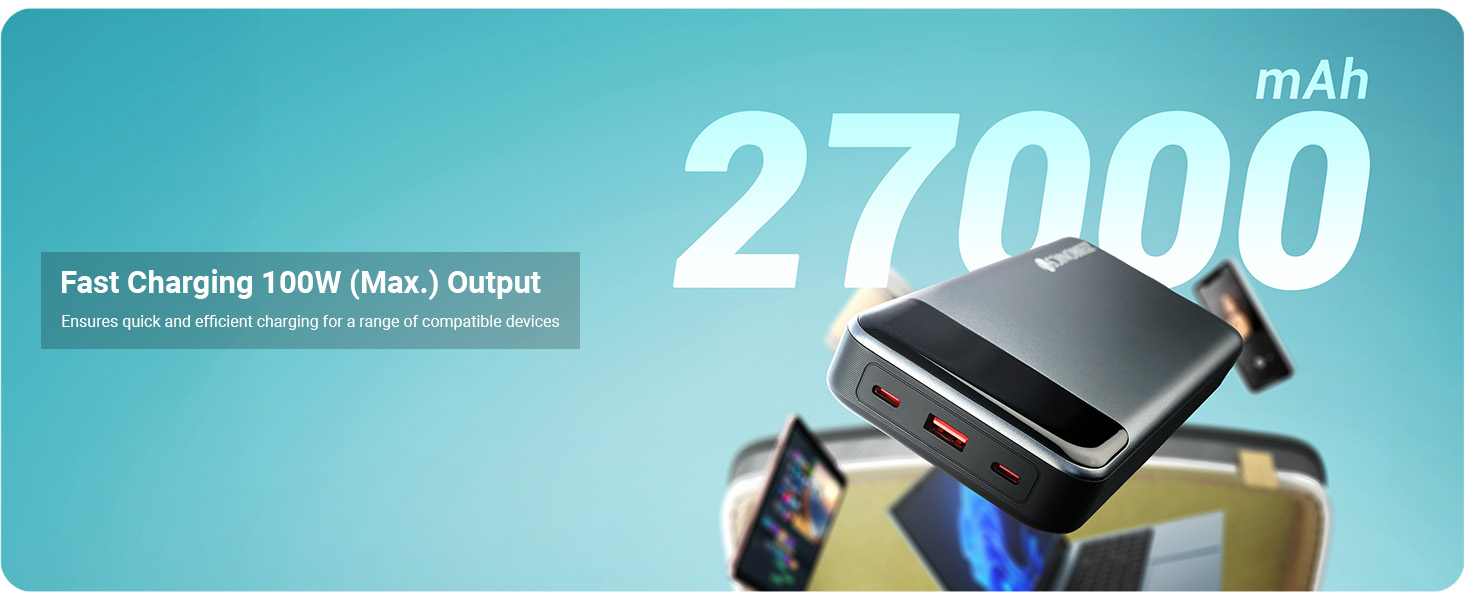
Image: Fast charging with 100W (Max.) output for various devices.
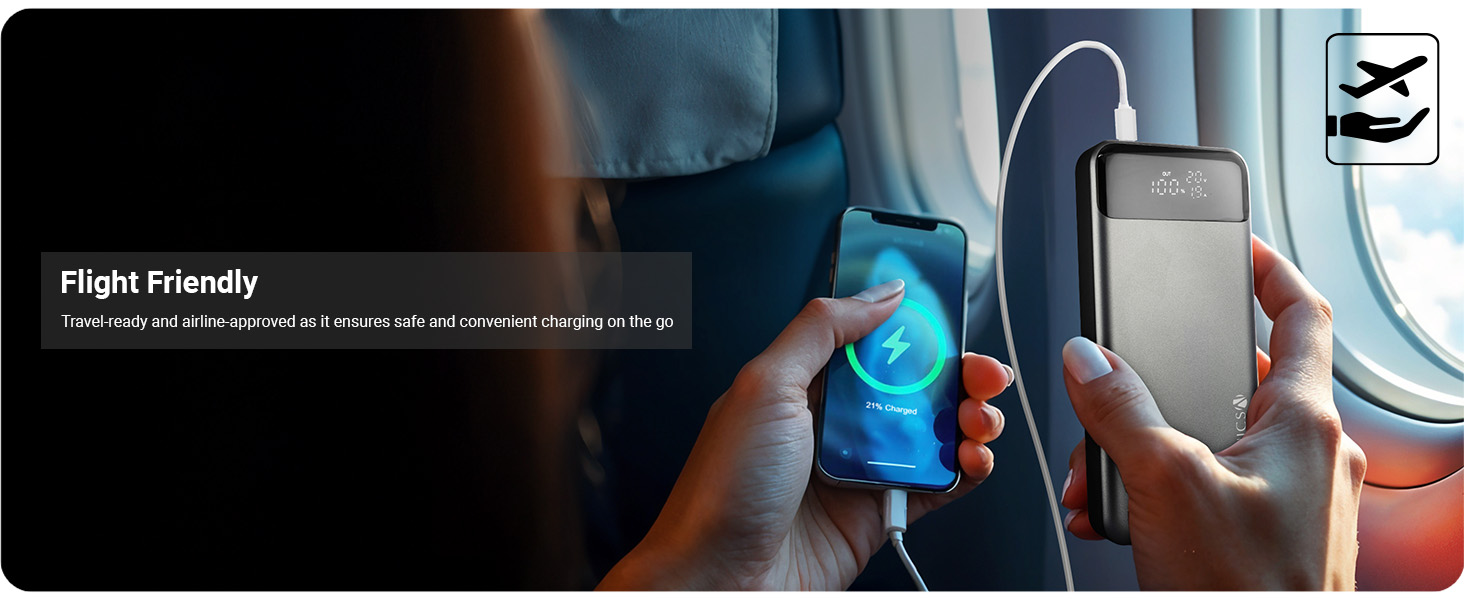
Image: The power bank is flight-friendly, ensuring safe and convenient charging during travel.

Image: Compatibility with smartphones, tablets, and laptops for rapid charging.
4. Package Contents
Please check the box for the following items:
- ZEBRONICS EnergiPOD 27R3 Power Bank - 1 unit
- Charging Cable - 1 unit
- QR Code Guide - 1 unit
5. Setup
5.1 Initial Charging of the Power Bank
- Connect the provided charging cable to the Type-C1 input port on the power bank.
- Connect the other end of the cable to a compatible USB wall adapter (not included) with a minimum output of 20V/3A for optimal charging speed.
- The LED display will show the charging status and battery percentage.
- Charge the power bank fully before first use.
5.2 Understanding the LED Display and Ports

Image: Detailed view of the power bank's ports and LED display.
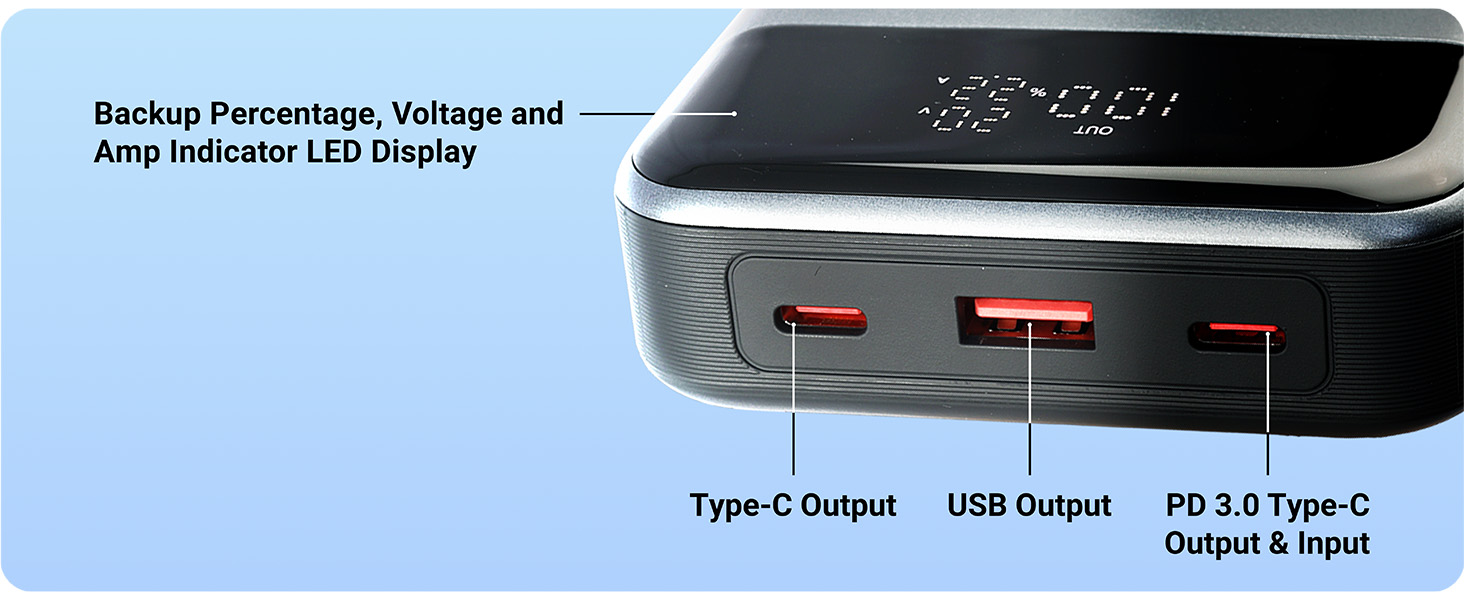
Image: The LED display shows backup percentage, voltage, and amp indicators, alongside clearly labeled ports.
The LED display provides crucial information:
- Battery Percentage: Shows the remaining charge of the power bank.
- Voltage (V): Indicates the output voltage.
- Amperage (A): Indicates the output current.
The power bank features the following ports:
- Type-C1 Port: Supports both input (charging the power bank) and output (charging devices) with PD 3.0.
- Type-C2 Port: Supports output (charging devices).
- USB-A Port: Supports output (charging devices).
6. Operating Instructions
6.1 Charging Your Devices
- Connect your device's charging cable to the appropriate output port on the power bank (Type-C1, Type-C2, or USB-A).
- Connect the other end of the cable to your device.
- The power bank will automatically begin charging your device. The LED display will show the output voltage and amperage.
- You can charge multiple devices simultaneously using the available ports.
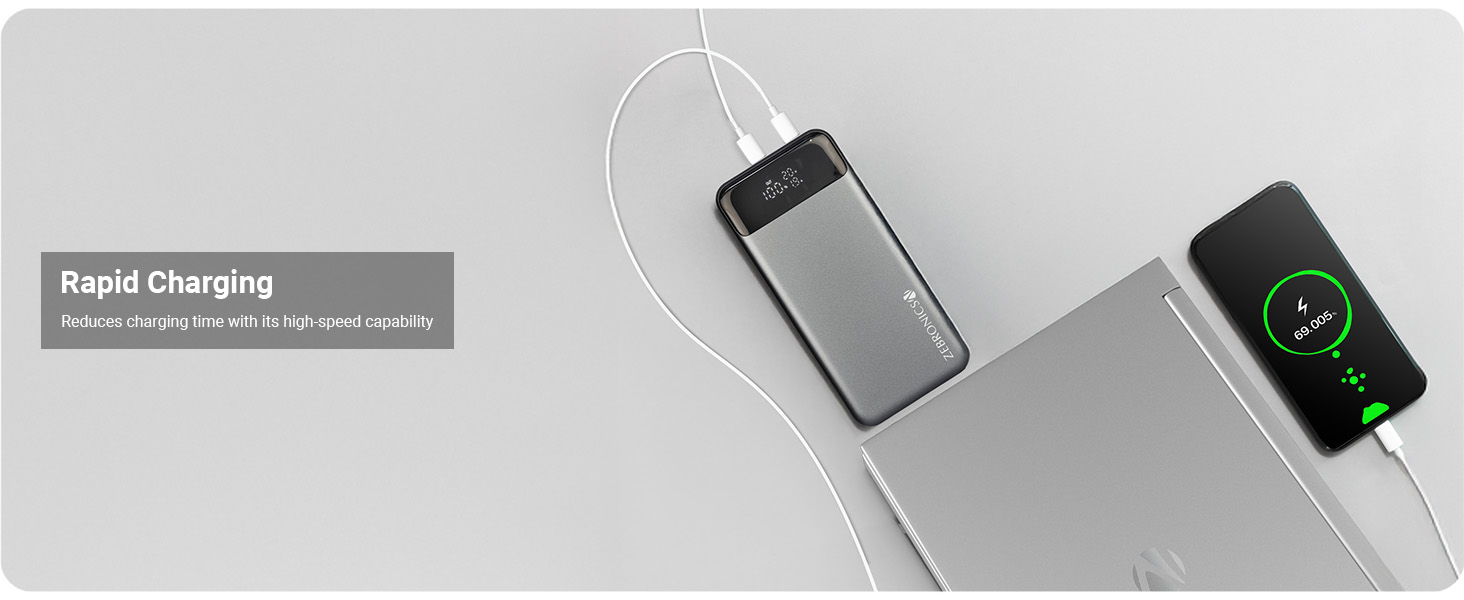
Image: The power bank provides rapid charging, reducing overall charging time.
6.2 Checking Battery Level
Simply press the power button (if available, or it activates automatically upon connection) to view the current battery percentage on the LED display. The display will illuminate and show the remaining charge.
7. Maintenance
Proper maintenance ensures the longevity and performance of your power bank:
- Cleaning: Use a soft, dry cloth to clean the surface of the power bank. Do not use harsh chemicals or abrasive materials.
- Storage: Store the power bank in a cool, dry place away from direct sunlight and extreme temperatures. If storing for extended periods, charge the power bank to approximately 50-70% every three months to maintain battery health.
- Avoid Drops: Protect the device from physical shocks and drops.
8. Troubleshooting
If you encounter issues with your ZEBRONICS EnergiPOD 27R3, refer to the following common problems and solutions:
| Problem | Possible Cause | Solution |
|---|---|---|
| Power bank not charging | Loose cable connection, faulty adapter, damaged cable, power bank fully charged. | Ensure cables are securely connected. Try a different wall adapter and charging cable. Check LED display for full charge indication. |
| Device not charging from power bank | Power bank low on charge, loose cable connection, incompatible cable/device, power bank in standby mode. | Recharge the power bank. Ensure cables are securely connected. Try a different cable or device. Press the power button to activate output. |
| Slow charging | Cable not supporting fast charging, device not supporting fast charging, multiple devices charging simultaneously, high ambient temperature. | Use a high-quality, fast-charging compatible cable. Ensure your device supports PD 3.0. Disconnect other devices. Move to a cooler environment. |
| LED display not working | Power bank completely discharged, internal fault. | Try charging the power bank for a few minutes. If it doesn't light up, contact customer support. |
If the problem persists after trying these solutions, please contact ZEBRONICS customer support for further assistance.
9. Specifications
| Feature | Detail |
|---|---|
| Model Number | ZEB-PB 5 |
| Battery Capacity | 27000mAh |
| Max Output Power | 100W |
| Type-C1 Output | DC 5V/3A, 9V/3A, 12V/3A, 15V/3A, 20V/5A, 3.8~20V/5A PPS |
| Type-C2 Output | DC 5V/3A, 9V/3A, 12V/2.5A, 3.3~11V/3A PPS |
| USB-A Output | DC 4.5V/5A, 5V/4.5A, 5V/3A, 9V/2A, 12V/1.5A |
| Type-C1 Input | DC 5V/3A, 9V/3A, 12V/3A, 20V/3A |
| Display | LED (Battery Percentage, Voltage, Watts) |
| Color | Black+Grey |
| Item Weight | 628 g |
| Package Dimensions | 19.4 x 9.9 x 6 cm |
| Country of Origin | India |
10. Warranty and Support
Your ZEBRONICS EnergiPOD 27R3 Power Bank comes with a standard manufacturer's warranty. For specific warranty terms and conditions, please refer to the QR Code Guide included in your package or visit the official ZEBRONICS website.
For technical support, troubleshooting assistance, or warranty claims, please contact ZEBRONICS customer service:
- Website: www.zebronics.com
- Customer Service Contact: Refer to the official website for the latest contact information (phone numbers, email support).
Please have your product model number (ZEB-PB 5) and purchase details ready when contacting support.