
Introduction
The ISOtunes PRO Aware 2.0 Bluetooth Hearing Protection Earbuds are designed to provide both hearing protection and enhanced audio functionality in noisy environments. Featuring Aware Technology for situational awareness and an ANSI-certified 26 dB Noise Reduction Rating (NRR), these OSHA-approved earbuds ensure safety while allowing communication and audio streaming. With Bluetooth 5.4, long battery life, and a durable, dustproof and waterproof design, they are built for demanding professional use.
Box Contents
Verify that all items are present in your package:
- ISOtunes PRO Aware 2.0 Earbuds
- Protective Case
- USB-C Charging Cable
- Eartips (4 pairs of Trilogy™ foam eartips in XS, S, M, L and 1 pair of silicone triple flange eartips)
- Adhesive Wind Noise Filters
- Clothing Clip
- Cord Clips
Key Features
Aware Technology™
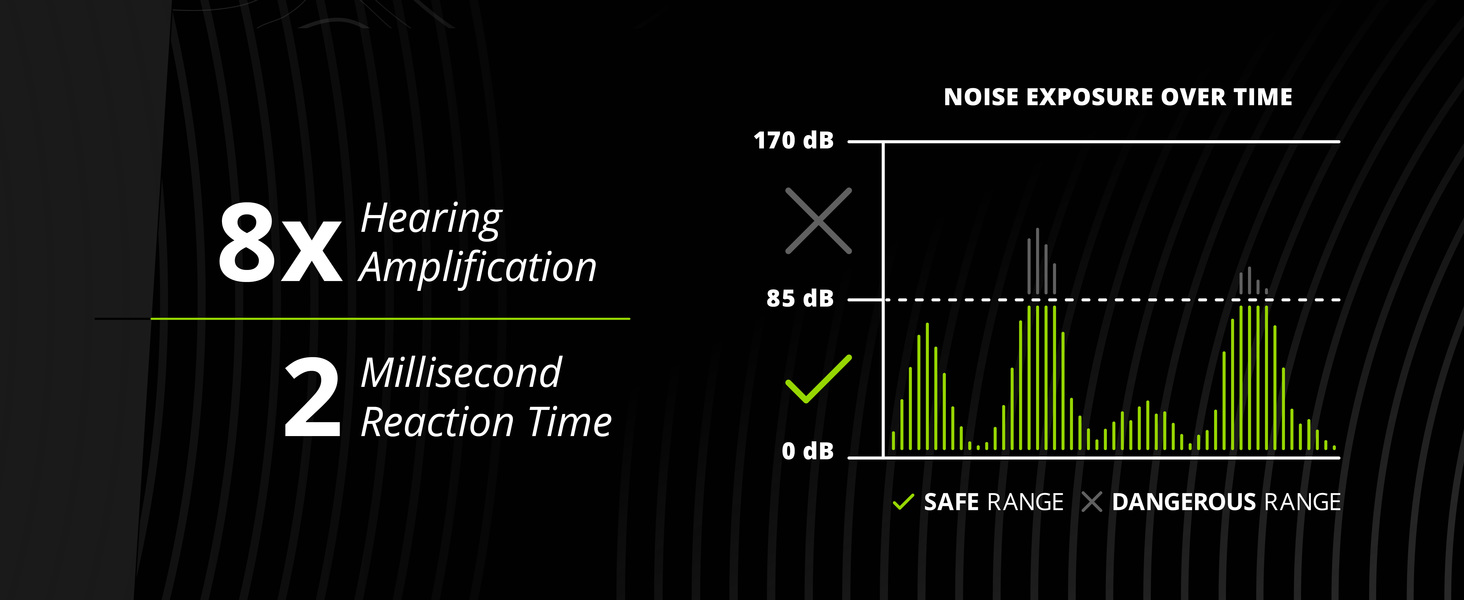
This technology provides essential situational awareness by allowing ambient sounds to pass through at a safe level, while instantly blocking harmful loud noises. This enables communication with others and awareness of surroundings without compromising hearing protection.

Noise Reduction Rating (NRR)
The earbuds offer an ANSI-certified 26 dB NRR, effectively reducing noise exposure to a safe level. They also feature an OSHA Compliant SafeMax audio volume limit of 85dB, ensuring crystal-clear audio within safe listening limits.
Bluetooth 5.4 Connectivity
Equipped with the latest Bluetooth 5.4 technology, these earbuds support Low Energy and Auracast, offering stable and efficient wireless connections. They also feature dual pairing and 2-way radio compatibility, ideal for team communication.

High-Quality Audio & Eartips
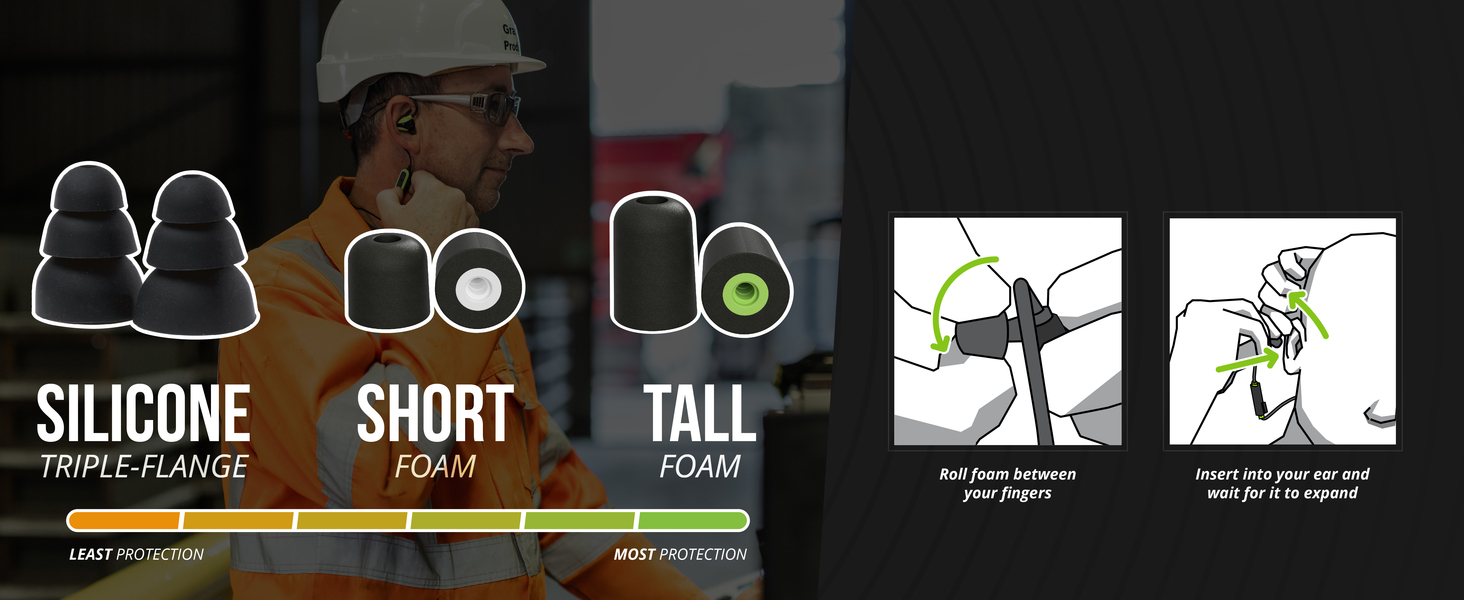
Custom-tuned full-range dynamic drivers deliver premium sound through chrome-plated brass ear stems. Heat-activated polyurethane foam eartips provide excellent noise isolation, similar to traditional foam earplugs. Various eartip sizes and types are included for optimal fit and protection.
Extended Battery Life
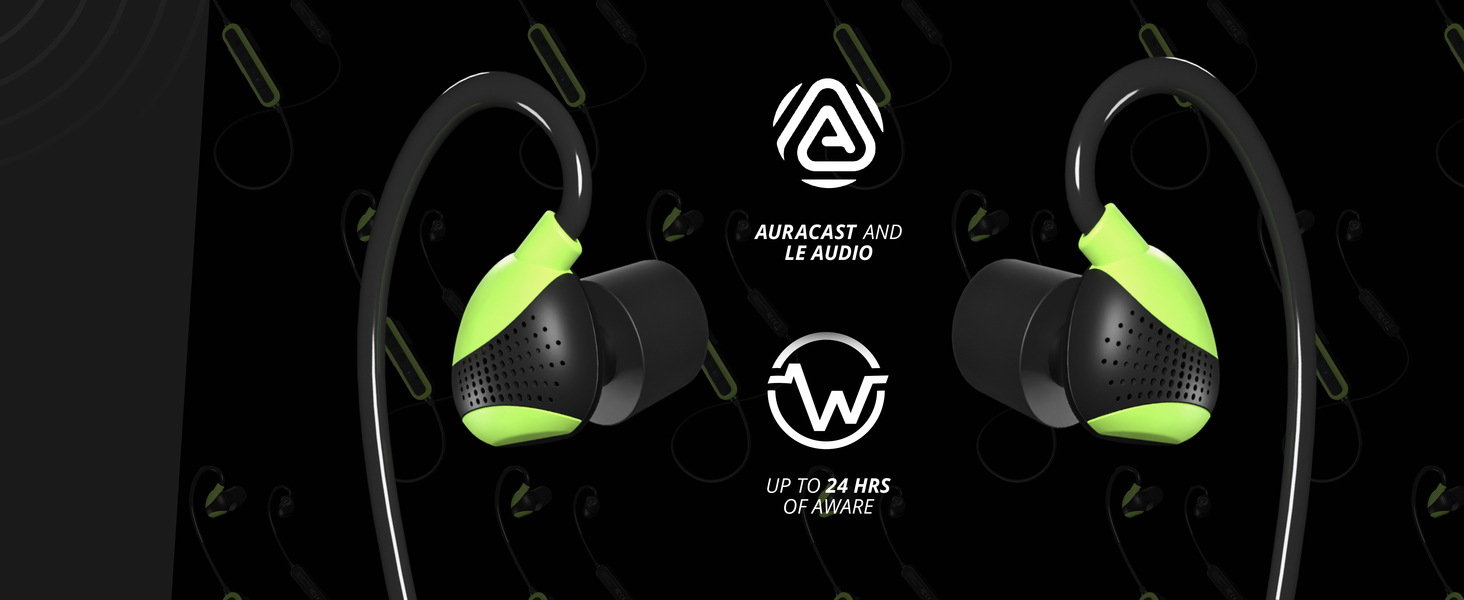
Enjoy up to 24 hours of use with Aware Technology only, or 15 hours with both Aware Technology and Bluetooth enabled. The earbuds recharge quickly via USB-C, with a 15-minute charge providing 2 additional hours of listening.
Built for Durability
Designed for tough work environments, these earbuds are IP67 dust and waterproof. They are tested to military drop & shock standards (MIL-STD 810H) and feature aramid-reinforced cables and rugged materials.

Magnetic Earbuds
The earbuds are magnetic, allowing them to clip safely around your neck when not in use, preventing loss and keeping them accessible.

Setup
1. Choosing and Fitting Eartips
Proper eartip selection and fit are crucial for optimal noise reduction and sound quality. Experiment with the included foam and silicone eartips to find the best seal for your ears. For foam eartips, roll them between your fingers to compress, insert into your ear canal, and hold until they expand to create a seal.
2. Charging the Earbuds
Before first use, fully charge your ISOtunes PRO Aware 2.0. Connect the provided USB-C charging cable to the charging port on the control module and to a USB power source. The LED indicator will show charging status. A full charge takes approximately 1.5-2 hours.
3. Bluetooth Pairing
- Ensure your earbuds are powered off.
- Press and hold the power button on the control module until the LED indicator flashes blue and red, indicating pairing mode.
- On your device (smartphone, tablet, etc.), go to Bluetooth settings and enable Bluetooth.
- Select "ISOtunes PRO Aware 2.0" from the list of available devices.
- Once connected, the LED indicator will show a solid blue light.
Operating Instructions
Power On/Off
- Power On: Press and hold the power button for 3 seconds.
- Power Off: Press and hold the power button for 5 seconds.
Volume Control
- Increase Volume: Press the '+' button.
- Decrease Volume: Press the '-' button.
Aware Technology Activation
Press the 'Aware' button on the control module to toggle Aware Technology on or off. Adjust the ambient sound level using the volume buttons when Aware Technology is active.
Call Handling
- Answer/End Call: Press the multi-function button once.
- Reject Call: Press and hold the multi-function button for 2 seconds.
Music Playback
- Play/Pause: Press the multi-function button once.
- Next Track: Double-press the multi-function button.
- Previous Track: Triple-press the multi-function button.
Maintenance
Cleaning
Regularly clean your earbuds and eartips to maintain hygiene and performance. Use a soft, damp cloth to wipe the earbuds and control module. Remove eartips and clean them with mild soap and water, then allow them to air dry completely before reattaching.
Storage
When not in use, store your ISOtunes PRO Aware 2.0 earbuds in the provided protective case to prevent damage and extend their lifespan. Avoid exposing them to extreme temperatures or direct sunlight for prolonged periods.
Troubleshooting
- No Power: Ensure the earbuds are fully charged.
- Cannot Pair: Make sure Bluetooth is enabled on your device and the earbuds are in pairing mode (flashing blue/red). Try unpairing and re-pairing.
- Low Volume/Poor Sound Quality: Check eartip fit and ensure they create a proper seal. Clean eartips and earbud nozzles. Adjust volume on both the earbuds and your connected device.
- Intermittent Connection: Ensure your device is within the Bluetooth range (up to 10 meters). Avoid obstructions between the earbuds and your device.
Specifications
| Feature | Detail |
|---|---|
| Model Name | ISOtunes PRO Aware 2.0 |
| Noise Reduction Rating (NRR) | 26 dB |
| SafeMax™ Volume Limit | 85 dB |
| Aware Technology | Audio Passthrough Technology, Adjustable Levels |
| Bluetooth Version | 5.4 |
| Bluetooth Range | 10 Meters |
| Battery Life (Aware + Bluetooth) | Up to 15 Hours |
| Battery Life (Aware Only) | Up to 24 Hours |
| Charging Time | 15 minutes for 2 hours use (quick charge) |
| Water Resistance Level | IP67 (Dustproof, Waterproof) |
| Durability Standard | MIL-STD 810H (Military Drop & Shock) |
| Included Components | Protective Case, USB-C Charging Cable, Eartips |
| Item Weight | 0.21 Kilograms (7.4 ounces) |
Official Product Videos
PRO Aware 2.0 Product Release Overview
Video Description: An official overview of the ISOtunes PRO Aware 2.0, highlighting its key features and benefits for users in noisy environments. This video provides a concise introduction to the product's capabilities.
Warranty and Support
Warranty Information
ISOtunes products typically come with a manufacturer's warranty covering defects in materials and workmanship. Please refer to the warranty card included in your product packaging or visit the official ISOtunes website for detailed warranty terms and conditions.
Customer Support
For technical assistance, troubleshooting, or any product-related inquiries, please contact ISOtunes customer support through their official website or the contact information provided in your product documentation.


