
AIMIBO Q3ZL 4K 5G Wireless Display Adapter User Manual
Model: Q3ZL
1. Introduction
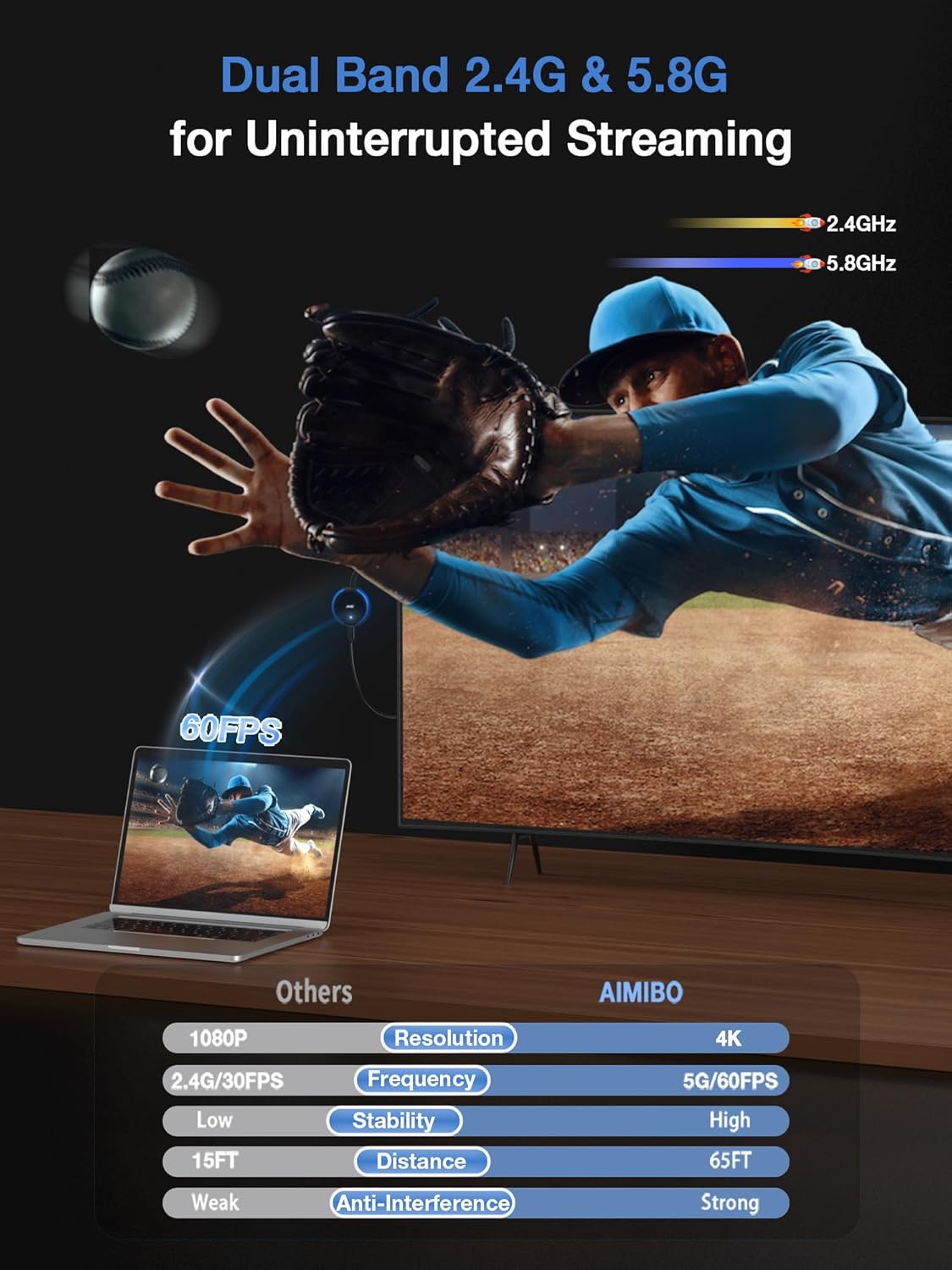
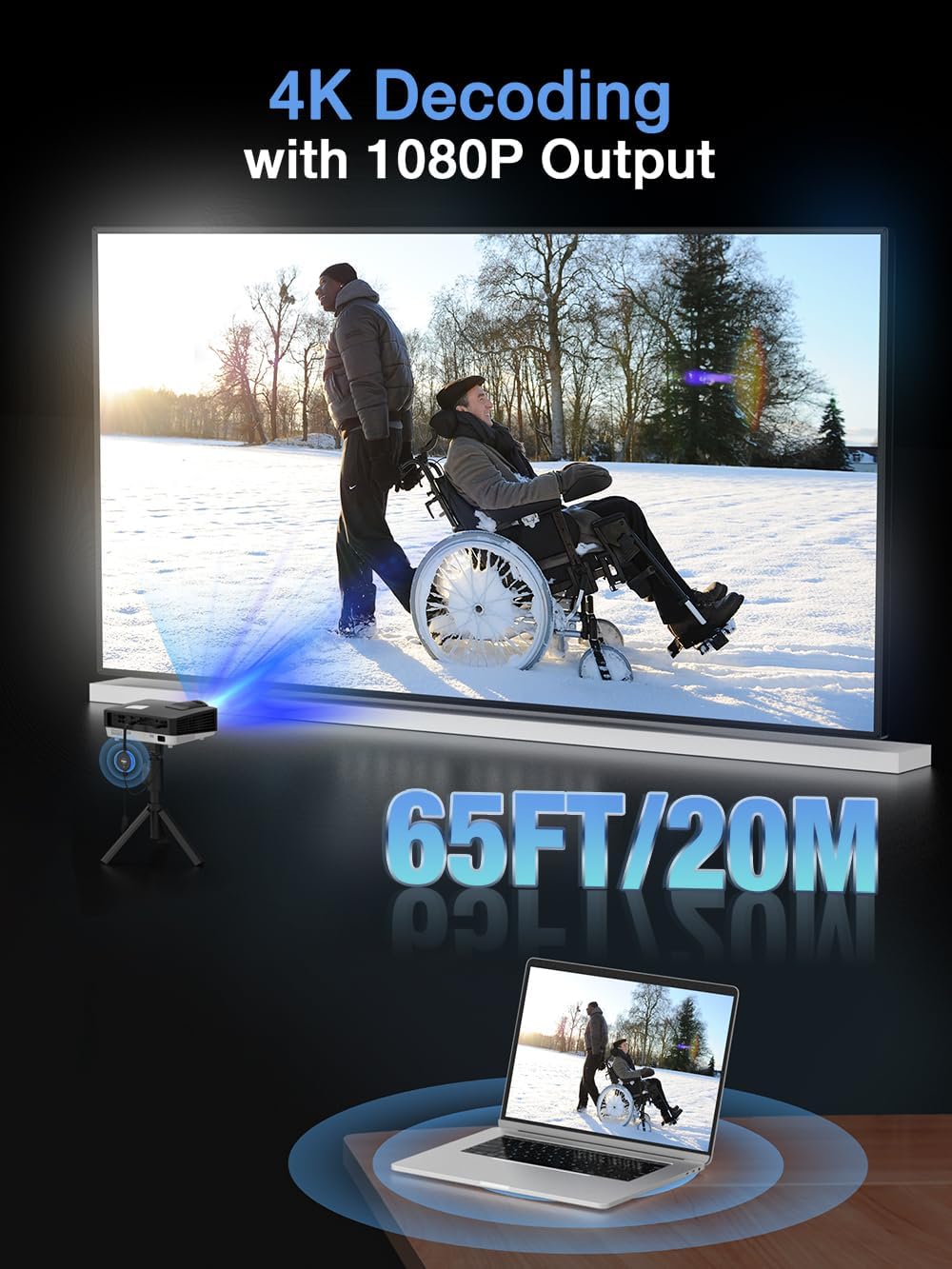
The AIMIBO Q3ZL Wireless Display Adapter provides a seamless solution for casting content from your devices to a larger screen. This adapter supports 4K input and 1080P HD output at 60Hz, utilizing dual-band 2.4G and 5.8G frequencies for stable transmission. It offers both Direct Mirror and DLNA modes, ensuring broad compatibility with iOS, Android, Windows, and MacOS devices. This manual will guide you through the setup, operation, and troubleshooting of your new wireless display adapter.
2. Safety Information
- Ensure the adapter is powered by a 5V/1.5A USB power source. Insufficient power may lead to unstable performance.
- Avoid exposing the device to extreme temperatures, direct sunlight, or high humidity.
- Do not attempt to disassemble or modify the adapter, as this will void the warranty and may cause damage.
- Keep the device away from water or other liquids.
- Use only the provided USB-C cable for power.
3. Package Contents
Verify that all items are present in your package:
- 1x AIMIBO Wireless Display Adapter
- 1x USB-C Cable
- 1x User Manual (this document)

4. Product Overview
The AIMIBO Wireless Display Adapter is designed for simplicity and efficiency. It features a compact design with essential components for easy connectivity.

- HDMI Port: Connects to your TV, monitor, or projector.
- USB-C Charging Port: Provides power to the adapter (requires 5V/1.5A).
- Function Button: Used to switch between DLNA Connect and Direct Mirror modes, or to restore factory settings (hold for 15 seconds).
- Indicator Light: Displays the device's status (e.g., blue light for active connection).
5. Setup
Follow these steps for initial setup:
- Plug the HDMI connector of the wireless display adapter into an available HDMI port on your HDTV, projector, or monitor.
- Connect the USB-C cable to the adapter's USB-C charging port and plug the other end into a USB power source (5V/1.5A). This can be a USB port on your TV or a separate USB power adapter.
- Turn on your display device and select the corresponding HDMI input channel.
- The adapter's main screen will appear on your display, showing instructions for connecting your device.

Setup Video Guide
Video: This video demonstrates the setup process for connecting Windows and Mac OS devices to a TV wirelessly using the AIMIBO Wireless Display Adapter. It shows how to select the HDMI channel, connect in Direct Connect mode for MacBooks, and connect in DLNA Mirror mode for MacBooks by configuring Wi-Fi settings. It also briefly covers Windows connection via 'Wins+P' for Duplicate or Extend mode.
6. Operating Instructions
The AIMIBO adapter supports two primary casting modes: Direct Mirror and DLNA Mirror. You can also choose between Mirror, Extend, and Off-Screen display modes.
6.1. Direct Mirror Mode (iOS/MacOS)
This mode is ideal for quick, direct casting without needing a router network.
- Ensure the adapter is in Direct Connect mode (indicated on the display). If not, press the function button to switch.
- On your iOS/MacOS device, open the 'Screen Mirroring' or 'AirPlay' function.
- Select the adapter's name (e.g., 'AMB-123') from the list of available devices.
- The screen of your device will be mirrored to the connected display.
6.2. DLNA Mirror Mode (Windows/Android)
DLNA mode provides a more stable and extended casting experience by connecting through your router network.
- Ensure the adapter is in DLNA Mirror mode. If not, press the function button to switch.
- On your Windows/Android device, connect to the adapter's Wi-Fi network (e.g., 'AMB-123') using the password displayed on the screen (default: 12345678).
- Open a web browser and enter the IP address displayed on the screen (e.g., 192.168.203.1).
- In the adapter's web interface, click 'Internet', select your home Wi-Fi router's network, and enter its password.
- Once connected, your device will use your home Wi-Fi network, and you can initiate screen mirroring via Miracast (Windows) or Smart View/Cast (Android).
6.3. Display Modes
The adapter supports various display modes to suit your needs:
- Mirror Mode: Duplicates your device's screen onto the larger display.
- Extend Mode: Extends your desktop, allowing you to use the larger display as a secondary monitor. (Note: iOS/MacOS devices may have limitations with HDCP-protected apps in Extend mode).
- Off-Screen Mode: Allows you to turn off your device's screen while content continues to display on the larger screen, saving battery.

7. Compatibility
The AIMIBO Q3ZL Wireless Display Adapter offers wide compatibility:
- Operating Systems: iOS, Android, Windows, MacOS.
- Wireless Protocols: AirPlay, Miracast, DLNA.
- Supported Devices: Smartphones, tablets, laptops, and PCs.
- Display Devices: HDTVs, monitors, projectors with HDMI input.
Important Notes:
- For Windows & Android users, the adapter supports casting from various streaming apps like Netflix, Prime Video, HBO Max, Hulu Plus, etc.
- For iOS & MacOS devices (e.g., iPhone 15/16/17 series, iPad, MacBook), mirroring is supported for apps like Safari, Office, YouTube, Skype, Reddit, and other non-HDCP-protected applications. HDCP-protected content (e.g., certain streaming services) may not be mirrored due to copyright restrictions.
- Windows devices must have wireless display functionality enabled.


8. Specifications
| Feature | Detail |
|---|---|
| Model Name | Q3ZL |
| Brand | AIMIBO |
| Connectivity Technology | Bluetooth, Wi-Fi, Wireless |
| Connector Type | HDMI |
| Resolution | 4K input, 1080P HD @ 60Hz output |
| Wireless Bands | Dual Band 2.4G & 5.8G |
| Transmission Range | Up to 65FT (20M) |
| Dimensions | 5.5 x 1.96 x 0.5 inches |
| Item Weight | 3.2 ounces |
| Special Features | Dual Casting Modes (Direct & DLNA), Extend & Mirror modes, Plug and Play |
9. Troubleshooting
If you encounter issues with your AIMIBO Wireless Display Adapter, please refer to the following common problems and solutions:
- No Display/Black Screen:
- Ensure the adapter is properly plugged into the HDMI port and receiving sufficient power (5V/1.5A).
- Verify that your display device is set to the correct HDMI input channel.
- Try a different HDMI port or power source.
- Unstable Connection/Lag:
- Ensure your device is within the recommended transmission range (up to 65FT/20M).
- Minimize interference from other wireless devices.
- For DLNA mode, ensure a strong and stable Wi-Fi connection to your router.
- Some lag may occur with demanding applications like fast-paced gaming; for such uses, direct wired connections are generally more responsive.
- Cannot Connect/Device Not Found:
- Confirm the adapter is in the correct mode (Direct Connect for iOS/MacOS, DLNA for Windows/Android). Press the function button to switch modes.
- Restart both the adapter (by unplugging and replugging power) and your source device.
- For Windows, ensure your device has wireless display functionality and try pressing 'Wins+P' to initiate connection.
- If using DLNA mode, double-check the Wi-Fi password for both the adapter's network and your home router.
- Streaming App Limitations (iOS/MacOS):
- Certain streaming platforms (e.g., Netflix, Prime Video, Hulu) may block screen mirroring for iOS/MacOS devices due to HDCP copyright protection. This is a limitation of the content provider, not the adapter.
- Windows Connection Issues:
- Some Windows laptops may have varying compatibility. Ensure your Windows system is updated and has the necessary drivers for wireless display.
- Factory Reset:
- If problems persist, hold the function button on the adapter for 15 seconds to restore factory settings.
10. Warranty and Support
AIMIBO products are designed for reliability and performance. This product comes with a standard manufacturer's warranty against defects in materials and workmanship. For specific warranty terms and conditions, please refer to the documentation included with your purchase or contact AIMIBO customer support.
If you require further assistance or have questions not covered in this manual, please contact AIMIBO customer support through the retailer's platform or the official AIMIBO website. When contacting support, please provide your product model (Q3ZL) and a detailed description of the issue.
