
1. Overview and Features
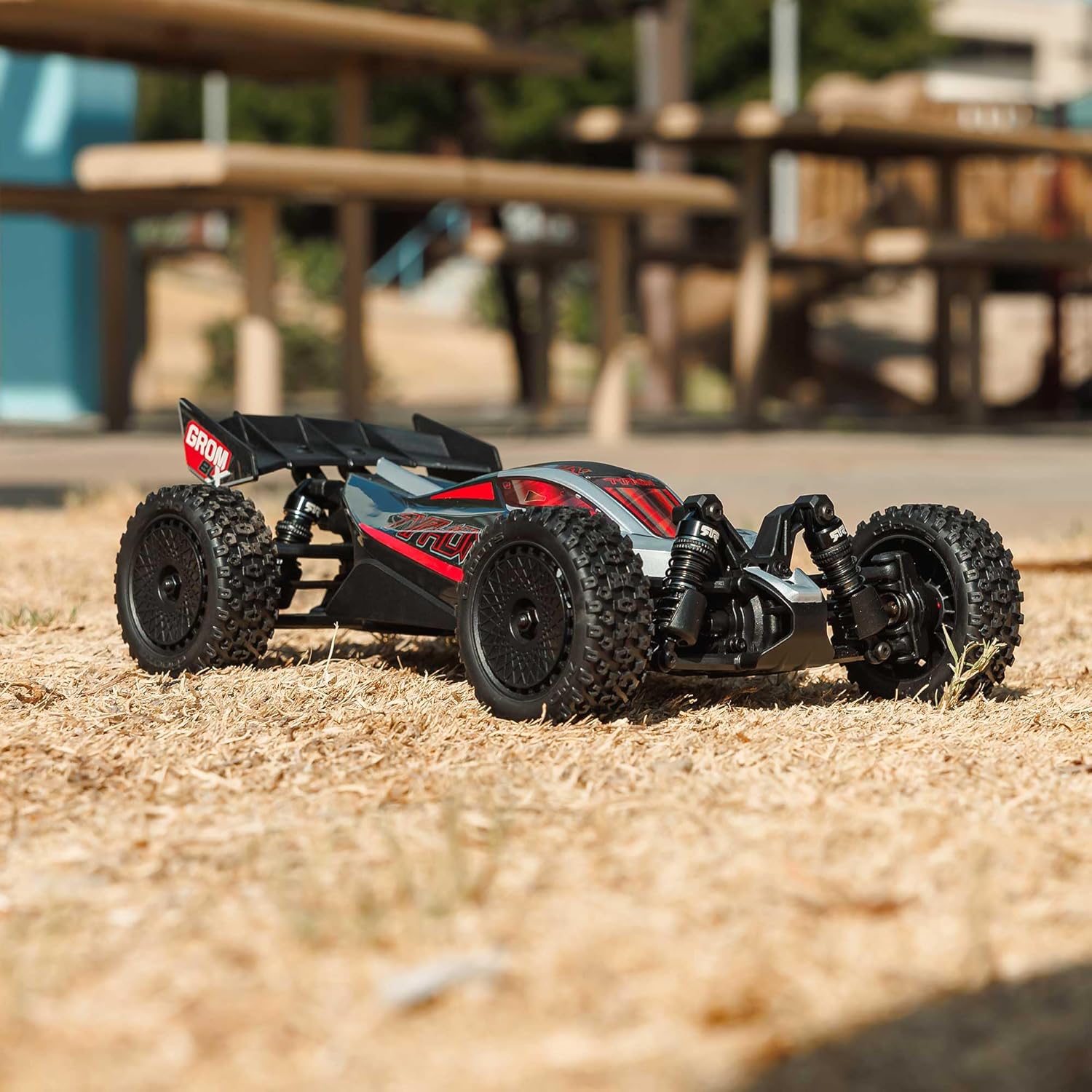
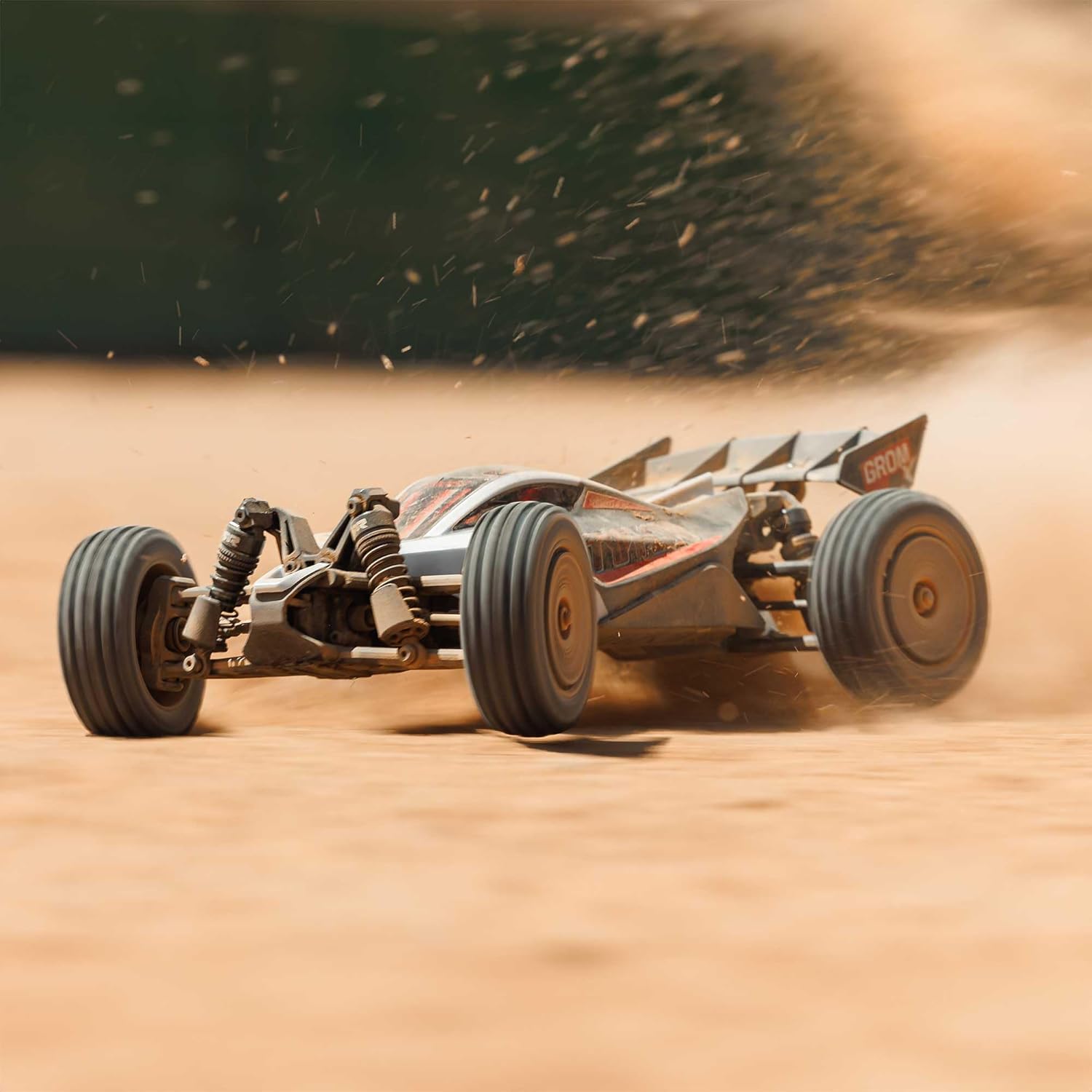
The ARRMA Typhon GROM 4X4 223S BLX is a small-scale, ready-to-run (RTR) brushless buggy designed for various terrains. This model offers a balance of performance and durability for enthusiasts.
- Small-scale, bash-anywhere size for versatile use.
- 2S and 3S ready, providing speed potential for different skill levels.
- Equipped with Spektrum DSC (Dynamic Stability Control) and throttle limiting for enhanced control, especially for new drivers.
- Includes popular option parts for improved performance and customization.
- Requires an IC2 compatible battery and charger (not included).
2. Safety Information
WARNING: Read the ENTIRE instruction manual to become familiar with the features of the product before operating. Failure to operate the product correctly can result in damage to the product, personal property, and cause serious injury. This is a sophisticated hobby product. It must be operated with caution and common sense and requires some basic mechanical ability. Failure to operate this Product in a safe and responsible manner could result in injury or damage to the product or other property. This product is not intended for use by children without direct adult supervision. Do not use with incompatible components or alter this product in any way outside of the instructions provided by Horizon Hobby, LLC. The product manual contains instructions for safety, operation, and maintenance. It is essential to read and follow all the instructions and warnings in the manual, prior to assembly, setup, or use, in order to operate correctly and avoid damage or serious injury.
3. Package Contents
Verify that all items listed below are included in your package:
- (1) TYPHON GROM 223S BLX 4X4 Small-Scale Buggy RTR
- (1) Spektrum SLT 25A 2-in-1 Brushless Waterproof ESC & Receiver 2S/3S with DSC
- (1) Spektrum 2838 4500Kv Brushless Motor
- (1) Spektrum SLT2 2-Channel 2.4GHz Transmitter with DSC
- (4) AA Transmitter Batteries
- (1) Hex wrench
- Product Manual
4. Setup
Before operating your ARRMA Typhon GROM, follow these essential setup steps:
- Battery Installation: Install your chosen IC2 compatible battery (not included) into the vehicle's battery compartment. Ensure the battery is fully charged according to its manufacturer's instructions.
- Transmitter Batteries: Insert the four included AA batteries into the Spektrum SLT2 2-Channel 2.4GHz Transmitter.
- Binding (if necessary): Your vehicle and transmitter should be pre-bound from the factory. If re-binding is required, refer to the detailed instructions in the full product manual.
- Initial Checks: Before first use, ensure all screws are tight, wheels are securely attached, and steering operates freely.

5. Operating Instructions
Operating your ARRMA Typhon GROM requires attention to safety and proper control techniques.
- Power On: Turn on the transmitter first, then the vehicle's power switch.
- Throttle Control: Use the trigger on the transmitter to control forward and reverse movement. Pull for forward, push for reverse/brake.
- Steering Control: Use the steering wheel on the transmitter to turn the vehicle left or right.
- Dynamic Stability Control (DSC): The integrated Spektrum DSC system helps maintain vehicle stability during aggressive driving. Familiarize yourself with its operation and how to adjust it if needed (refer to the full manual).
- Throttle Limiting: For new drivers or in confined spaces, utilize the throttle limiting feature on the transmitter to reduce maximum speed and improve control.
- Battery Usage: The vehicle supports both 2S and 3S LiPo batteries. A 3S battery will provide significantly higher speeds (up to 50+ mph), requiring more advanced driving skills. Always use batteries compatible with the vehicle's electronic speed control (ESC).
- Safe Operation: Always operate your RC vehicle in open areas, away from people, pets, and obstacles. Avoid public roads.
6. Maintenance
Regular maintenance ensures the longevity and optimal performance of your ARRMA Typhon GROM.
- Cleaning: After each use, especially in dusty or wet conditions, clean the vehicle to remove dirt and debris. Use a soft brush or compressed air.
- Inspection: Regularly inspect all components for wear, damage, or loose connections. Pay close attention to suspension arms, shock absorbers, and drivetrain components.
- Fasteners: Check and tighten all screws and nuts periodically, as vibrations during operation can cause them to loosen.
- Lubrication: Lubricate moving parts as recommended in the full product manual to reduce friction and wear.
- Storage: Store the vehicle in a clean, dry place when not in use. Remove batteries from both the vehicle and transmitter during storage.
7. Troubleshooting
If you encounter issues with your ARRMA Typhon GROM, consider the following common troubleshooting steps:
- Vehicle Not Responding: Ensure both the vehicle and transmitter are powered on. Check battery levels in both the vehicle and transmitter. Verify that the vehicle and transmitter are properly bound.
- Loss of Range/Interference: Ensure no other 2.4GHz devices are operating nearby. Check for damaged antenna wires on both the vehicle and transmitter.
- Reduced Performance: Check battery charge level. Inspect for debris in the drivetrain or damaged gears. Ensure motor and ESC are not overheating.
- Steering Issues: Check for obstructions in the steering mechanism. Verify the steering servo is functioning correctly and its connections are secure.
- Unusual Noises: Immediately stop operation and inspect the vehicle for loose or damaged parts, especially in the drivetrain (gears, bearings).
For more detailed troubleshooting or issues not covered here, please refer to the comprehensive product manual or contact ARRMA customer support.
8. Specifications
| Feature | Detail |
|---|---|
| Product Dimensions | 14 x 9.7 x 7.6 inches |
| Item Weight | 3.89 pounds |
| Item Model Number | ARA2306T1 |
| Manufacturer Recommended Age | 14 years and up |
| Manufacturer | Horizon Hobby |
| Power System | Brushless (2S/3S LiPo compatible) |
| Drive Type | 4X4 |

9. Warranty and Support
For warranty information, technical support, or to purchase replacement parts, please visit the official ARRMA website or contact Horizon Hobby customer service. Keep your proof of purchase for warranty claims.
ARRMA Official Website: www.arrma-rc.com
Horizon Hobby Support: Refer to the contact information provided in your product packaging or on the Horizon Hobby website.


