
1. Introduction
This manual provides detailed instructions for the setup, operation, and maintenance of your TUINYO WH-819 Wireless Over-Ear Bluetooth Headphones. Please read this manual thoroughly before using the product to ensure proper function and longevity.
2. Product Overview
The TUINYO WH-819 headphones offer high-fidelity stereo sound, comfortable over-ear design, and versatile connectivity options. They are designed for extended listening periods, featuring a long-lasting battery and a foldable structure for portability.
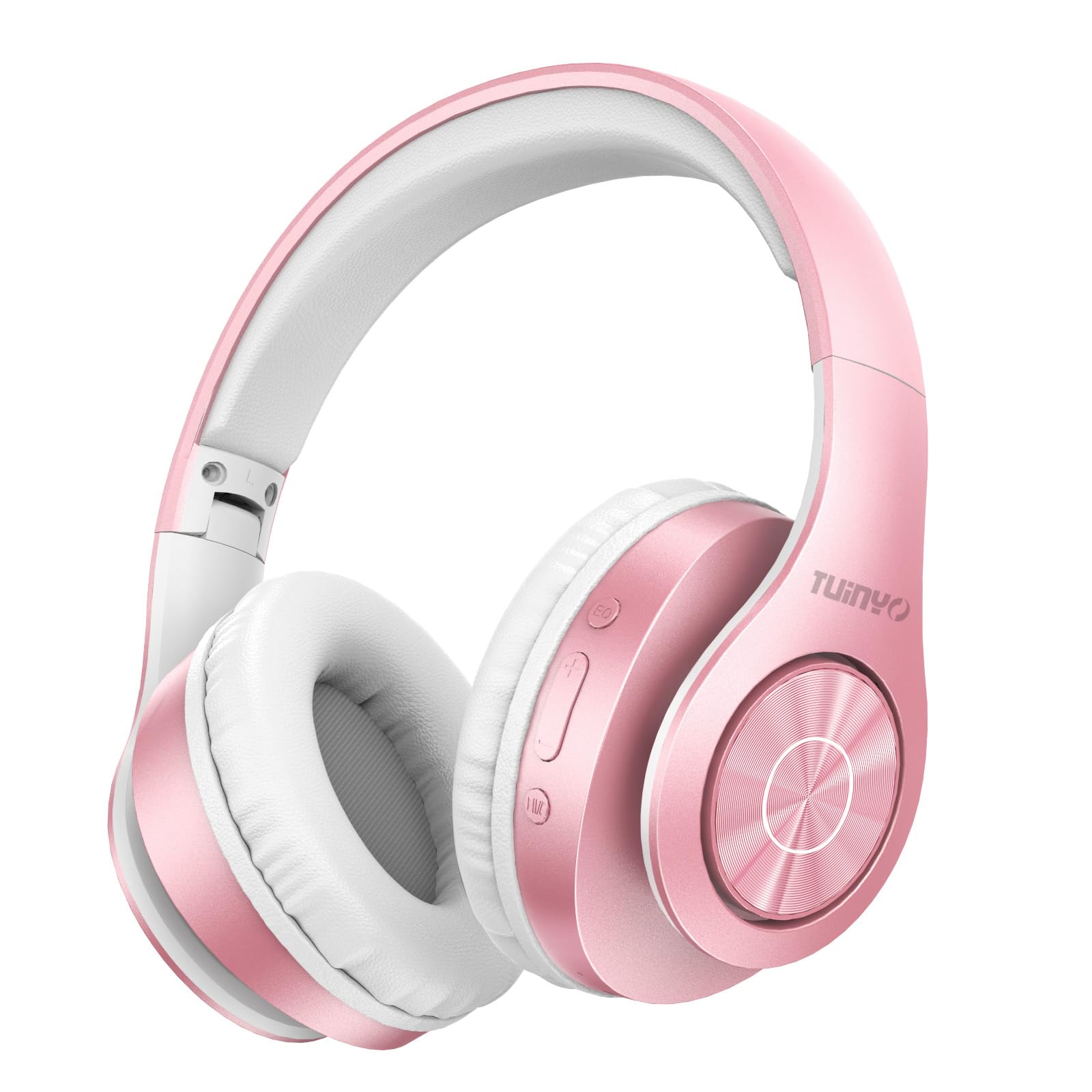
Figure 2.1: TUINYO WH-819 Rose Gold Wireless Over-Ear Bluetooth Headphones.
Video 2.1: An overview of the TUINYO wireless Bluetooth headphones, highlighting their design and features.
3. Package Contents
Ensure all items are present in the package:
- TUINYO WH-819 Wireless Over-Ear Bluetooth Headphones
- USB Charging Cable
- 3.5mm Audio Cable
- Protective Premium Case
- User Manual

Figure 3.1: Included accessories with the TUINYO WH-819 headphones.
4. Controls and Ports
Familiarize yourself with the headphone controls and ports:
- Power Button: Long press to power on/off. Short press to play/pause music or answer/end calls.
- Volume Up/Next Track Button: Short press for volume up. Long press for next track.
- Volume Down/Previous Track Button: Short press for volume down. Long press for previous track.
- EQ Button: Press to cycle through different equalizer modes (Normal, Rock, Pop, Classic, Jazz, Country).
- 3.5mm Audio Jack: For wired connection.
- USB Charging Port: For charging the headphones.
- MicroSD Card Slot: For direct music playback from a MicroSD card.

Figure 4.1: Detailed view of headphone controls and features.
Video 4.1: A demonstration of the TUINYO headphones' folding mechanism and button controls.
5. Setup
5.1 Charging the Headphones
- Connect the USB charging cable to the headphone's charging port.
- Connect the other end of the USB cable to a compatible USB power source (e.g., computer, wall adapter).
- The LED indicator will show charging status (e.g., red for charging, blue for fully charged).
- A full charge typically takes 2-2.5 hours.
5.2 Bluetooth Pairing
- Ensure the headphones are fully charged.
- Long press the Power button until the LED indicator flashes blue and red, indicating pairing mode.
- On your device (smartphone, tablet, laptop), enable Bluetooth and search for available devices.
- Select "WH-819" from the list of devices.
- Once connected, the LED indicator will flash blue slowly, and a voice prompt will confirm successful pairing.
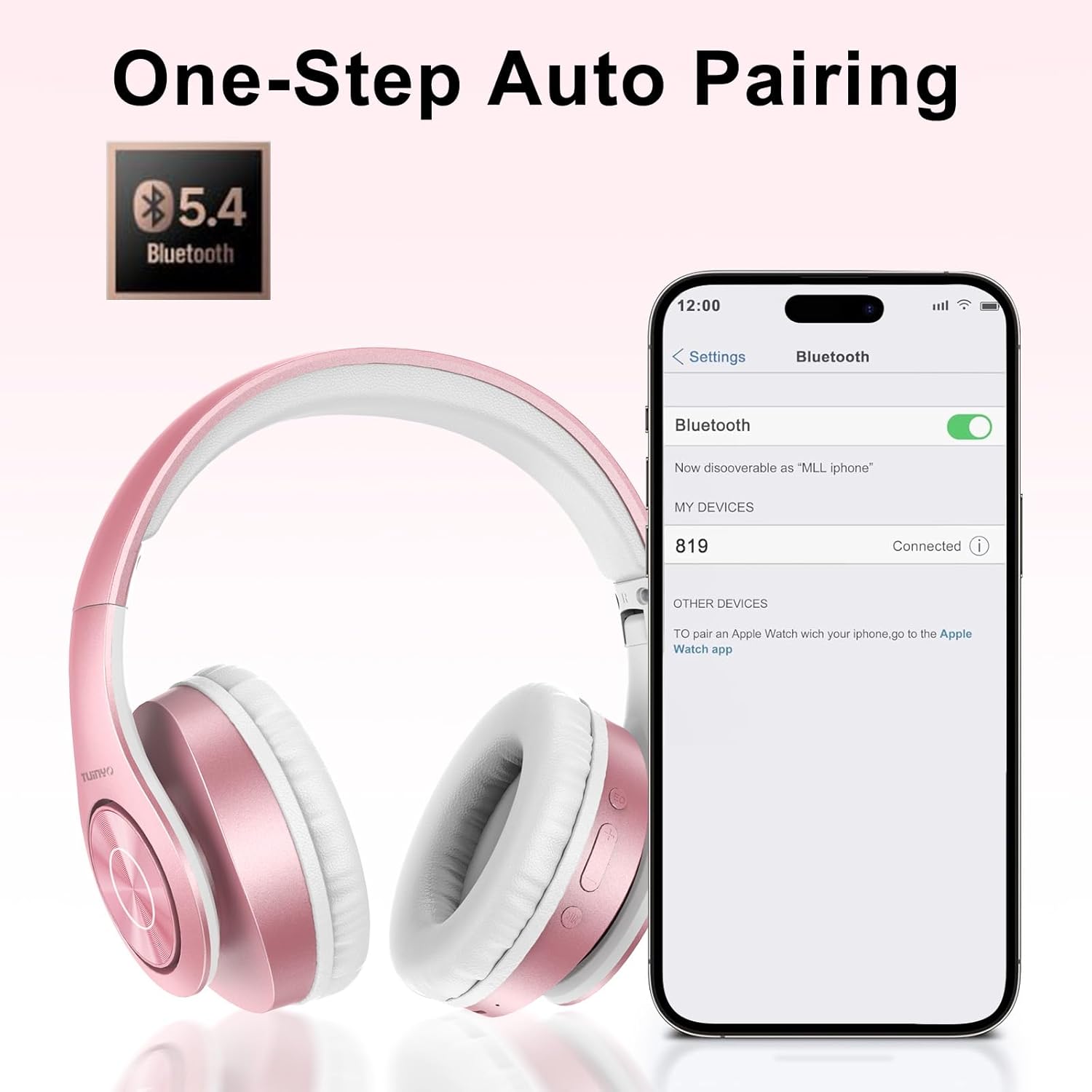
Figure 5.1: Bluetooth pairing process on a smartphone.
6. Operating Instructions
6.1 Power On/Off
- Power On: Long press the Power button until the LED indicator lights up blue.
- Power Off: Long press the Power button until the LED indicator turns off.
6.2 Music Playback
- Play/Pause: Short press the Power button.
- Next Track: Long press the Volume Up button.
- Previous Track: Long press the Volume Down button.
- Volume Adjustment: Short press the Volume Up or Volume Down buttons.
6.3 Call Management
- Answer/End Call: Short press the Power button.
- Reject Call: Long press the Power button.
6.4 EQ Mode
- Press the EQ button to switch between different sound equalizer modes (Normal, Rock, Pop, Classic, Jazz, Country) to optimize your listening experience.
6.5 Wired Mode
- Insert the 3.5mm audio cable into the headphone's audio jack and the other end into your audio device.
- The headphones will automatically switch to wired mode, and Bluetooth functionality will be disabled.
6.6 MicroSD Card Playback
- Insert a MicroSD card with MP3 audio files into the MicroSD card slot.
- The headphones will automatically detect the card and begin playing music.
- Use the music playback controls (Play/Pause, Next/Previous Track, Volume) to manage your audio.
7. Maintenance
- Clean the headphones regularly with a soft, dry cloth.
- Avoid using abrasive cleaners or solvents.
- Store the headphones in their protective case when not in use to prevent damage.
- Keep away from extreme temperatures and moisture.
8. Troubleshooting
| Problem | Solution |
|---|---|
| Headphones do not power on. | Ensure the headphones are charged. Connect to a power source and try again. |
| Cannot pair via Bluetooth. | Ensure headphones are in pairing mode (LED flashing blue/red). Turn off and on Bluetooth on your device. Move closer to the device. |
| No sound in Bluetooth mode. | Check volume levels on both headphones and connected device. Ensure headphones are successfully paired. |
| No sound in wired mode. | Ensure the 3.5mm audio cable is fully inserted into both the headphones and the audio device. Check the audio source. |
| MicroSD card not playing. | Ensure the MicroSD card is inserted correctly and contains compatible MP3 audio files. |
9. Specifications
| Feature | Detail |
|---|---|
| Model Name | WH-819 |
| Connectivity Technology | Wireless (Bluetooth), Wired (3.5mm Jack) |
| Wireless Communication Technology | Bluetooth 4.0 |
| Audio Driver Type | Dynamic Driver (40mm neodymium) |
| Battery Life | Up to 40 hours of music time (800mAh battery) |
| Charging Time | 2-2.5 hours |
| Earpiece Shape | Over-Ear |
| Material | Plastic, Memory-Protein Earmuffs |
| Weight | 13.4 ounces |
| Dimensions | 8.5 x 6.22 x 4.25 inches (Package) |
| Compatible Devices | Tablets, Laptops, Desktops, Smartphones, Bluetooth-enabled devices |
| Water Resistance Level | Not Water Resistant |
10. Warranty and Support
Your TUINYO WH-819 headphones are covered by a 30-day warranty from the date of purchase. For any product inquiries, technical support, or warranty claims, please refer to the contact information provided with your purchase or visit the official TUINYO website.

