
CHIQ L40M9G
Contents
CHIQ 40-inch (100 cm) Smart TV User Manual
Model: L40M9G
1. Introduction
Welcome to the user manual for your new CHIQ 40-inch Full HD Smart TV. This manual provides essential information for setting up, operating, and maintaining your television, ensuring you get the most out of its features, including Google TV, HDR10, Dolby Audio, and integrated Chromecast.

Figure 1.1: Front view of the CHIQ 40-inch Smart TV.
2. Package Contents and Physical Overview
Before you begin, please ensure all components are present in the package.
2.1 What's in the Box
- CHIQ 40-inch Smart TV
- Alkaline Batteries
- Instruction Manual
- Warranty Card
- Remote Control
- Stand Base
- Power Cable
2.2 Dimensions and Design
The CHIQ 40-inch Smart TV features a sleek, metal-free, frameless design. Its dimensions are optimized for various placements.

Figure 2.1: TV dimensions (891.8 x 180.2 x 555.6 mm with stand, 891.8 x 85.3 x 508.5 mm without stand) and included remote control.

Figure 2.2: The TV boasts a metallic, frameless design suitable for various environments.
3. Setup
3.1 Stand Installation
Carefully place the TV screen-down on a soft, flat surface. Attach the stand bases to the designated slots at the bottom of the TV using the provided screws. Ensure they are securely fastened.
3.2 Wall Mounting
The TV is VESA compatible (MIS-F, 20 x 20 cm). For wall mounting, use a compatible VESA bracket (not included) and follow the instructions provided with the wall mount. Ensure proper ventilation around the TV.
3.3 Connecting Devices
Connect your external devices such as set-top boxes, gaming consoles, or sound systems to the appropriate ports on the TV.

Figure 3.1: Overview of the TV's input and output ports, including Earphone, LAN, AV, HDMI 1 (ARC/CEC), HDMI 2, USB 2.0, ANT 1, ANT 2, and Common Interface (CI+).
- HDMI: Connect HDMI-enabled devices (e.g., Blu-ray players, game consoles). HDMI 1 supports ARC/CEC.
- USB: For connecting USB storage devices to play media.
- LAN: For wired internet connection.
- ANT 1/2: For connecting terrestrial or satellite antennas.
- AV: For older analog devices.
- Earphone: For connecting headphones.
- CI+: Common Interface Plus slot for conditional access modules.
4. Operating Your Smart TV
4.1 Initial Setup and Google TV
Upon first power-on, the TV will guide you through the initial setup process, including network connection (Wi-Fi or LAN), Google account login, and channel scanning. The integrated Google TV OS provides access to a vast array of content and applications.

Figure 4.1: The Google TV interface provides easy access to popular streaming services and apps.

Figure 4.2: A wide selection of streaming content is available through Google TV.
4.2 Picture Quality: Full HD and HDR10
Experience crisp and vibrant visuals with Full HD resolution and HDR10 support. HDR10 enhances contrast and color accuracy for a more immersive viewing experience.

Figure 4.3: Full HD (1920x1080) resolution ensures sharp and detailed images.

Figure 4.4: HDR10 technology provides enhanced brightness and contrast for stunning visuals.
4.3 Audio Quality: Dolby Audio & dbx-tv
The TV features Dolby Audio and dbx-tv for an immersive sound experience, delivering clear dialogue and rich audio for all your entertainment.
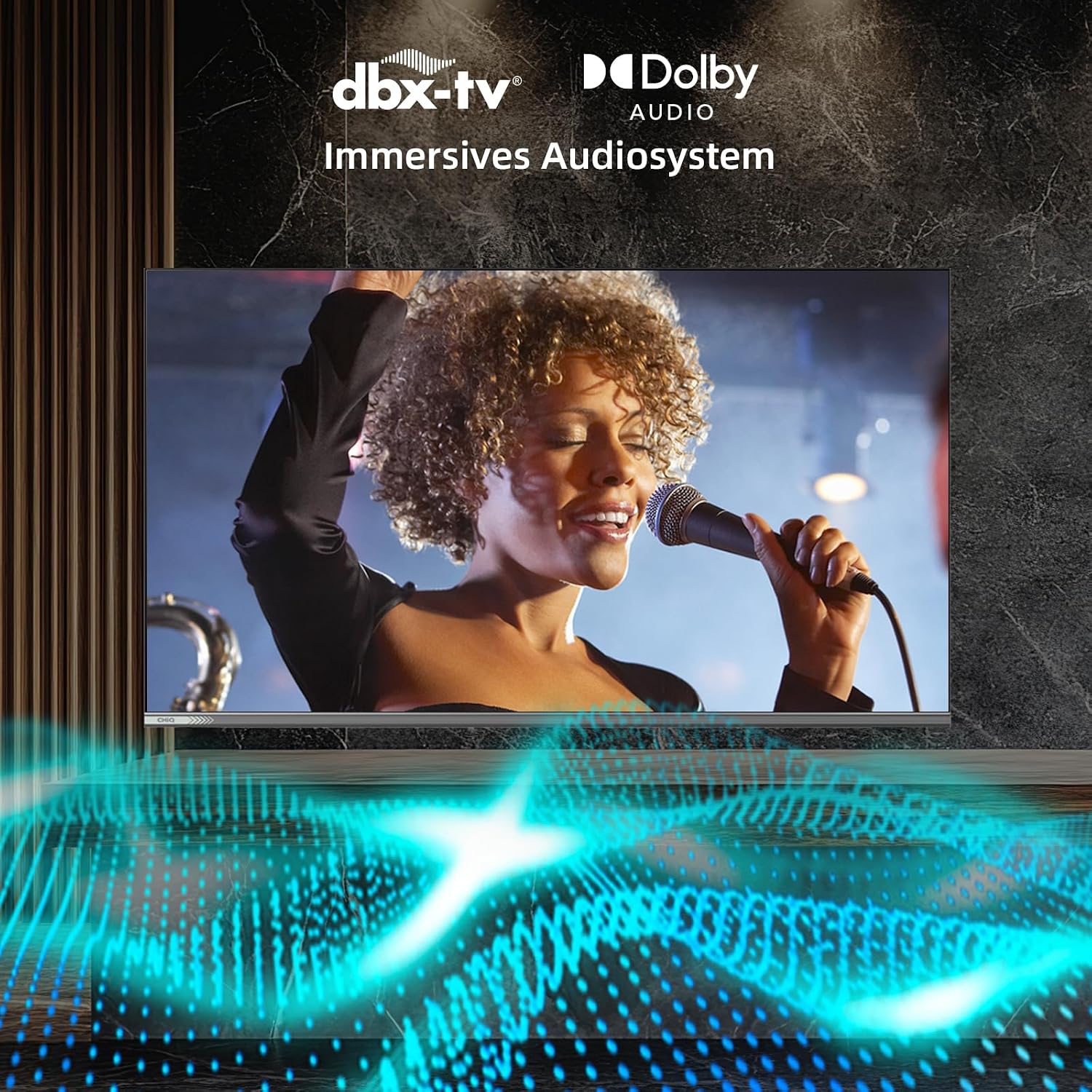
Figure 4.5: Enjoy an immersive audio experience with Dolby Audio and dbx-tv sound processing.
4.4 Google Assistant and Voice Control
Use the integrated Google Assistant for convenient voice control. Simply press the Google Assistant button on your remote and speak your commands to search for content, control smart home devices, or get information.

Figure 4.6: Control your TV and search for content using Google Assistant voice commands.
4.5 Chromecast Built-in
Easily cast content from your smartphone, tablet, or computer directly to your TV using the built-in Chromecast feature. This allows for seamless sharing of videos, photos, and music on the big screen.
Video 4.1: Demonstration of the CHIQ M9 Series Smart TV features, including Google TV and casting capabilities.
4.6 Bluetooth Remote Control
The included Bluetooth remote control offers enhanced functionality compared to traditional infrared remotes, providing a more reliable connection and direct access buttons for popular streaming services like Netflix and YouTube.

Figure 4.7: The intelligent Bluetooth remote control offers direct access to streaming platforms.
5. Maintenance
To ensure the longevity and optimal performance of your TV, follow these maintenance guidelines:
- Cleaning the Screen: Gently wipe the screen with a soft, lint-free cloth. For stubborn marks, use a screen-specific cleaning solution applied to the cloth, not directly to the screen.
- Cleaning the Body: Use a soft, dry cloth to clean the TV's frame and stand.
- Ventilation: Ensure the ventilation openings on the back of the TV are not blocked to prevent overheating.
- Power: Unplug the TV from the power outlet during lightning storms or when it will be left unattended for long periods.
6. Troubleshooting
If you encounter issues with your TV, refer to the following common solutions. For more complex problems, contact customer support.
| Problem | Possible Solution |
|---|---|
| No Power | Check if the power cable is securely connected to the TV and the wall outlet. Ensure the outlet has power. |
| No Picture, but Sound is Present | Check the input source. Ensure the connected device is turned on and functioning correctly. |
| No Sound, but Picture is Present | Check the volume level and mute settings. Ensure audio cables are correctly connected. |
| Remote Control Not Working | Replace the batteries. Ensure there are no obstructions between the remote and the TV. For Bluetooth remote, ensure it's paired. |
| Cannot Connect to Wi-Fi | Ensure your Wi-Fi router is on and within range. Re-enter the Wi-Fi password. Try restarting the TV and router. |
7. Specifications
| Feature | Detail |
|---|---|
| Model Number | L40M9G |
| Screen Size | 40 inches (100 cm) |
| Resolution | Full HD (1920 x 1080p) |
| HDR Support | HDR10 |
| Operating System | Google TV |
| Audio Technology | Dolby Audio, dbx-tv |
| Connectivity | DLNA WiFi, Bluetooth, LAN, Chromecast built-in |
| Ports | Ethernet, HDMI (ARC/CEC), USB, RF, LNB, CI+ |
| Special Features | Eco-Sensor, Google Play, Parental Control |
| Dimensions (with stand) | 891.8 x 180.2 x 555.6 mm |
| Dimensions (without stand) | 891.8 x 85.3 x 508.5 mm |
| Weight | 5.3 Kilograms |
| VESA Compatibility | 200 x 200 mm (MIS-F) |
| Energy Efficiency Class | F |
| Power Consumption (On-mode) | 51.00 watts |

Figure 7.1: Energy efficiency label for the CHIQ L40M9G TV.

Figure 7.2: Detailed product data sheet. For more information, visit eprel.ec.europa.eu/qr/2104728.
8. Warranty and Support
CHIQ products come with a standard warranty. Please refer to the warranty card included in your package for full details.
- Warranty Period: 2 years warranty on all products (3 years for ES).
- Returns: 30-day return policy without reason, returns handled by Amazon.
- Online Hotline: Professional staff available on weekdays.
For technical support or warranty claims, please contact CHIQ customer service through their official channels or the Amazon platform.
Documents and downloads
Ask a question about this manual
Ask about setup, troubleshooting, compatibility, parts, safety, or missing instructions. Manuals+ will review the question and use this page’s manual context to help answer it.