
1. Introduction and Overview
This manual provides comprehensive instructions for the Beyution SE-R0220 replacement remote control. It is designed to function as a direct replacement for the original remote controls of various Toshiba DVD VCR Combo units. This remote control operates using infrared technology and does not require any programming or setup for most compatible models. Simply insert batteries, and it is ready for use.
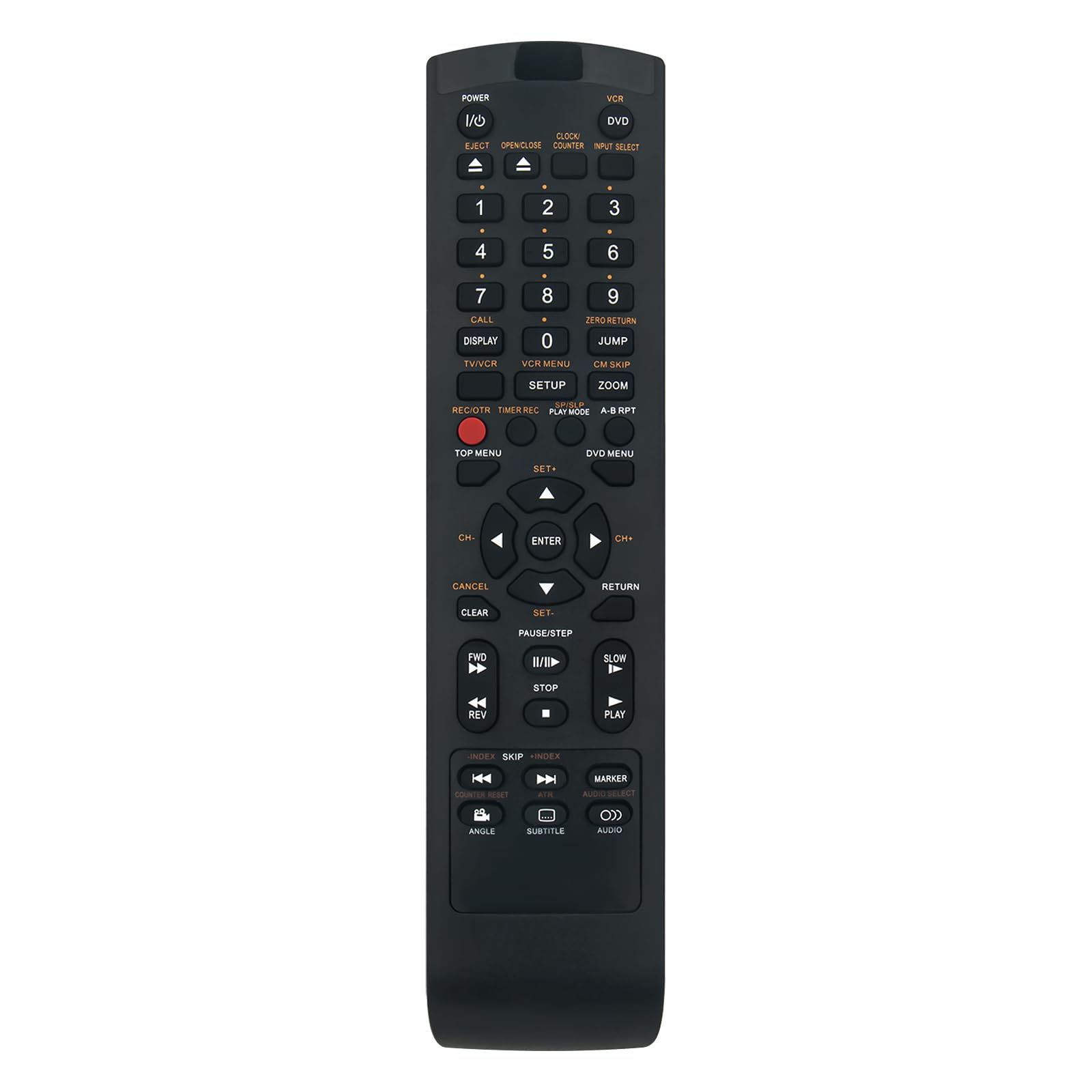
Image 1.1: The Beyution SE-R0220 replacement remote control.
2. Key Features
- Direct Replacement: Functions immediately without programming for compatible Toshiba DVD VCR Combo models.
- Infrared Technology: Utilizes standard infrared signals for reliable communication with your device.
- Ergonomic Design: Lightweight and comfortable to hold, with responsive buttons for ease of use.
- Extended Range: Features upgraded smart chips for a stable performance and a transmitting distance of up to 10 meters (approximately 30 feet).
- Fast Response: Provides quick induction and response time, typically within 0.2 seconds.

Image 2.1: Key features of the remote control, including fast response and ergonomic design.
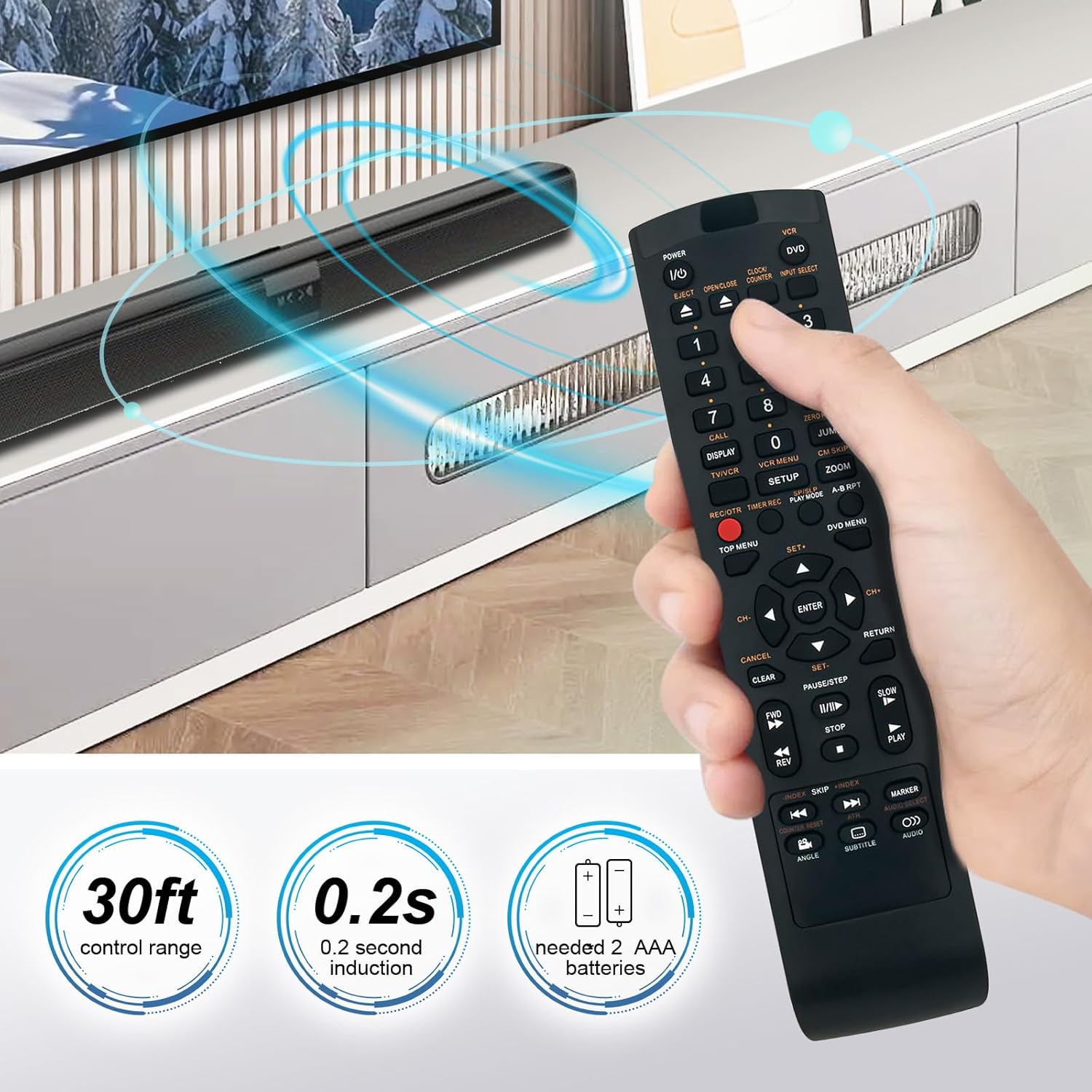
Image 2.2: Illustration of the remote's control range and response time.
3. Compatibility
The SE-R0220 replacement remote control is compatible with a wide range of Toshiba DVD VCR Combo models. A partial list of compatible models includes:
- SD-KV550, SD-KV550SU
- SD-V394, SD-V394SU, SD-V394SC
- SDV394SU, SDV394SC
- SD-550SU, AE008159
- TVD-3790, TVD3790
- SDV330, SDV330SC, SDV330SC/DVD, SDV330SC1
- SDV393SU/DVD, SDV393SU1, SDV393SU2
- SDV295, SDV295KU
- SDV394SC/VCR, SDV394SU/VCR, SDV395KC
If your specific model is not listed, please refer to the product packaging or contact customer support for verification.

Image 3.1: Visual comparison of the replacement remote with an original unit.
4. Setup
The Beyution SE-R0220 remote control is designed for immediate use with compatible devices. No complex programming or pairing procedures are required.
4.1 Battery Installation
- Locate the battery compartment on the back of the remote control.
- Slide the battery compartment cover downwards or in the direction indicated by an arrow to open it.
- Insert two (2) AAA batteries, ensuring the positive (+) and negative (-) terminals align correctly with the markings inside the compartment.
- Slide the battery compartment cover back into place until it clicks securely.
The remote control is now ready for operation.

Image 4.1: Rear view of the remote control with the battery compartment.
5. Operating Instructions
The layout of the SE-R0220 remote control mirrors that of the original Toshiba remote, allowing for intuitive operation of your DVD VCR Combo unit.
5.1 Basic Functions
- Power (I/O): Press to turn the device on or off.
- Input Select: Cycles through available input sources (e.g., DVD, VCR).
- Number Buttons (0-9): Used for direct track selection or time input.
- Volume (+/-): Adjusts the audio volume.
- Channel (CH Up/Down): Changes TV channels if the device is connected to a tuner.
- Playback Controls: Includes buttons for Play, Pause/Step, Stop, Fast Forward (FF), Rewind (REW), Skip Forward, and Skip Back.
- Eject: Opens or closes the disc tray or cassette door.
- Menu/Top Menu/DVD Menu: Accesses the main menu or DVD menu functions.
- Navigation (Up/Down/Left/Right) & Enter: Used to navigate menus and confirm selections.
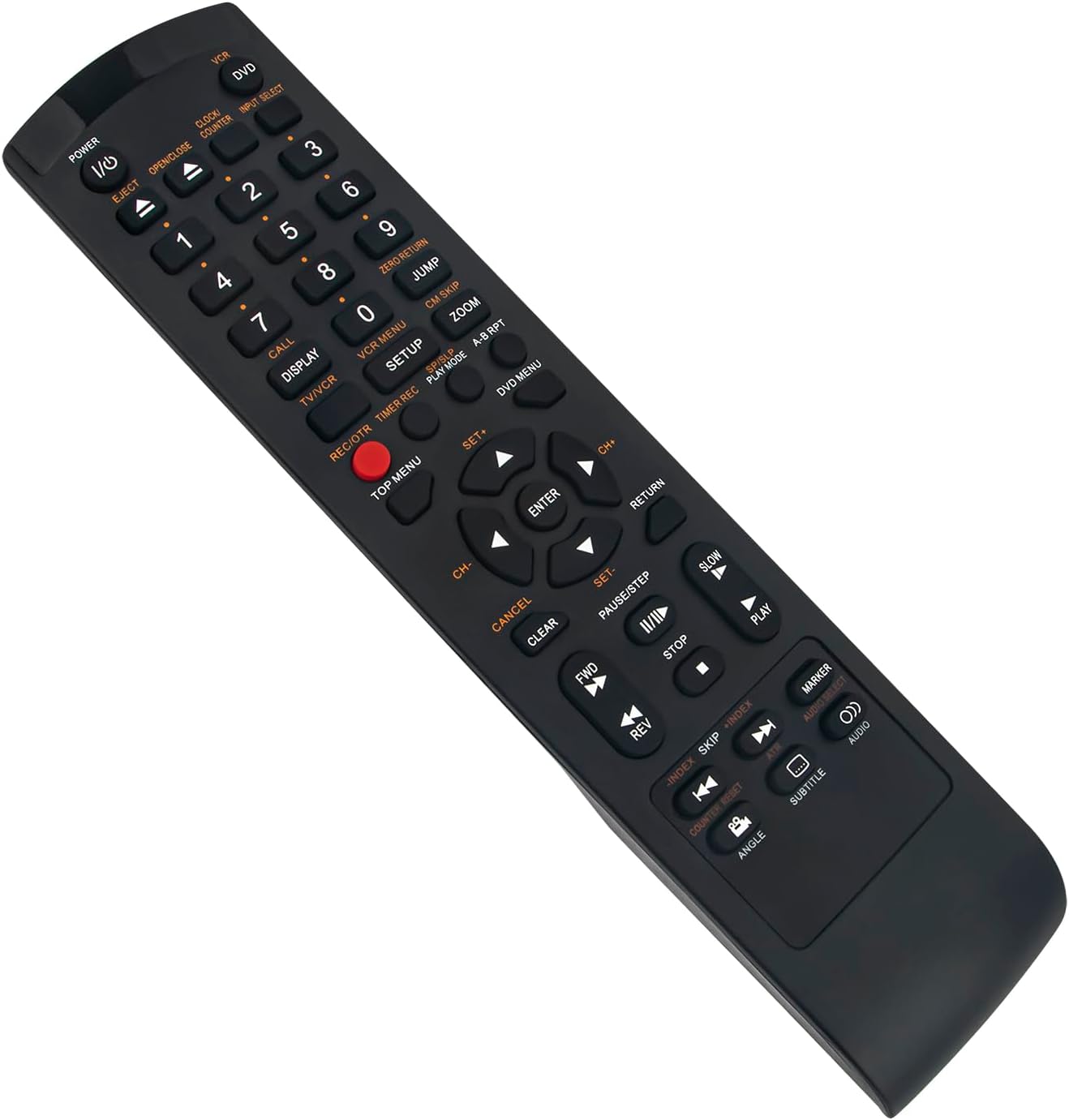
Image 5.1: Angled view of the remote control, illustrating button layout.
6. Specifications
| Model Number | SE-R0220 |
| Connectivity Technology | Infrared |
| Material | ABS Plastic |
| Color | Black |
| Power Source | 2 x AAA Batteries (not included) |
| Product Dimensions | 5 x 1 x 0.5 inches (approximately 12.7 x 2.54 x 1.27 cm) |
| Item Weight | 1.9 ounces (approximately 53.86 grams) |
| Maximum Control Distance | 10 meters (30 feet) |

Image 6.1: Dimensions of the remote control.
7. Troubleshooting
If you encounter issues with your remote control, please refer to the following common troubleshooting steps:
- Remote Not Responding:
- Ensure batteries are inserted correctly with the proper polarity (+/-).
- Replace old batteries with new AAA batteries.
- Check for any obstructions between the remote control and the device's infrared receiver.
- Verify that the remote control is pointed directly at the device.
- Intermittent Functionality:
- Weak batteries can cause intermittent operation. Replace them.
- Ensure there are no strong light sources (like direct sunlight or fluorescent lights) interfering with the infrared signal.
- Specific Buttons Not Working:
- Clean the remote control buttons and surrounding areas to remove any dirt or debris that might be obstructing button presses.
8. Support and Warranty
For further assistance or if the troubleshooting steps do not resolve your issue, please contact customer support.
If the remote control you receive is damaged or does not work as expected, please reach out to us via email. We are committed to providing a satisfactory solution.
Please refer to your purchase documentation for specific warranty details and contact information.