
1. Introduction
Thank you for choosing the pTron Bassbuds Prism TWS Earbuds. These earbuds are designed to provide a high-quality audio experience with features such as 3D AudioScape, extended playtime, clear calls with TruTalk AI-ENC, low latency for gaming, and IPX5 water resistance. This manual provides essential information for setting up, operating, and maintaining your earbuds.
2. Package Contents
Please ensure all items are present in the package:
- pTron Bassbuds Prism TWS Earbuds (Left and Right)
- Charging Case
- USB Type-C Charging Cable
- Eartips (various sizes)
- User Manual

Image: pTron Bassbuds Prism TWS Earbuds and their charging case, showcasing the product's design and components.
3. Setup
3.1 Charging the Earbuds and Case
- Initial Charge: Before first use, fully charge the earbuds and charging case. Place the earbuds into the charging case.
- Connect Charger: Connect the provided USB Type-C cable to the charging port on the case and the other end to a USB power adapter (not included).
- Charging Indicators: The LED indicators on the charging case will illuminate to show charging status. Once fully charged, the indicators may turn solid or turn off, depending on the model.
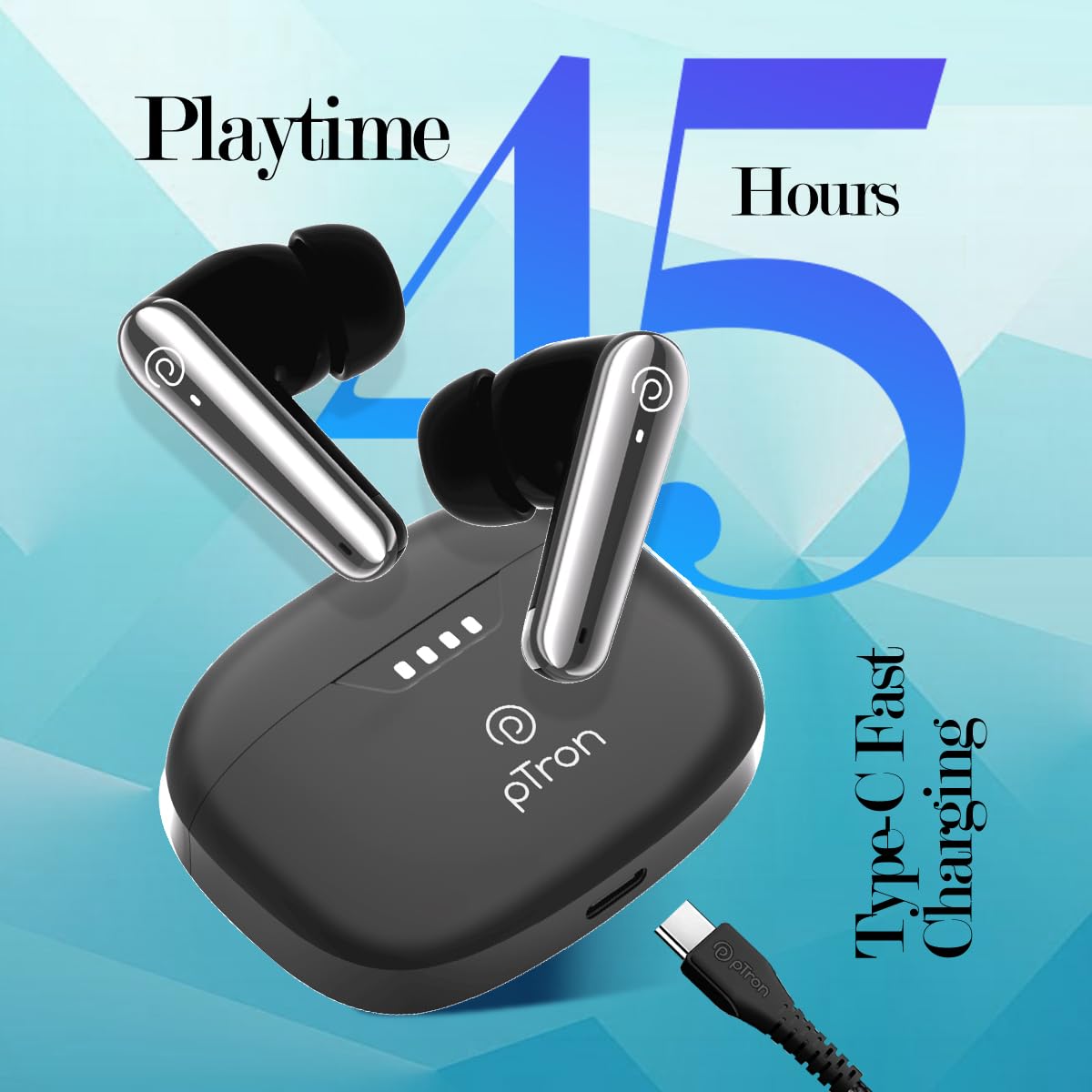
Image: The pTron Bassbuds Prism charging case connected via a Type-C cable, illustrating the fast charging capability and 45 hours playtime.
3.2 Pairing with Your Device
- Power On: Open the charging case. The earbuds will automatically power on and enter pairing mode. The LED indicator on one earbud will flash, indicating it's ready to pair.
- Activate Bluetooth: On your smartphone, tablet, or laptop, enable Bluetooth.
- Select Device: Search for available Bluetooth devices and select "pTron Bassbuds Prism" from the list.
- Confirmation: Once connected, a voice prompt will confirm successful pairing, and the LED indicators on the earbuds will turn off or flash slowly.
- Reconnect: The earbuds will automatically reconnect to the last paired device when taken out of the case, provided Bluetooth is enabled on the device.
4. Operating the Earbuds
4.1 Touch Controls
The pTron Bassbuds Prism feature intuitive touch controls on each earbud:
| Function | Action |
|---|---|
| Power On | Open charging case or long press touch sensor for 3 seconds. |
| Power Off | Place earbuds back into charging case or long press touch sensor for 5 seconds. |
| Play/Pause Music | Single tap on either earbud. |
| Next Track | Double tap on the Right earbud. |
| Previous Track | Double tap on the Left earbud. |
| Answer/End Call | Single tap on either earbud. |
| Reject Call | Long press on either earbud for 2 seconds. |
| Activate Voice Assistant | Triple tap on either earbud. |
| Toggle Low Latency Mode | Quadruple tap on either earbud. |
4.2 Key Features
- 3D AudioScape: Provides an immersive audio experience.
- TruTalk AI-ENC: Environmental Noise Cancellation for clear call quality.
- 50ms Low Latency: Reduces audio delay, ideal for gaming and video synchronization.
- Voice Assistant: Compatible with your device's native voice assistant.
- Stereo/Mono Use: Each earbud can be used independently.
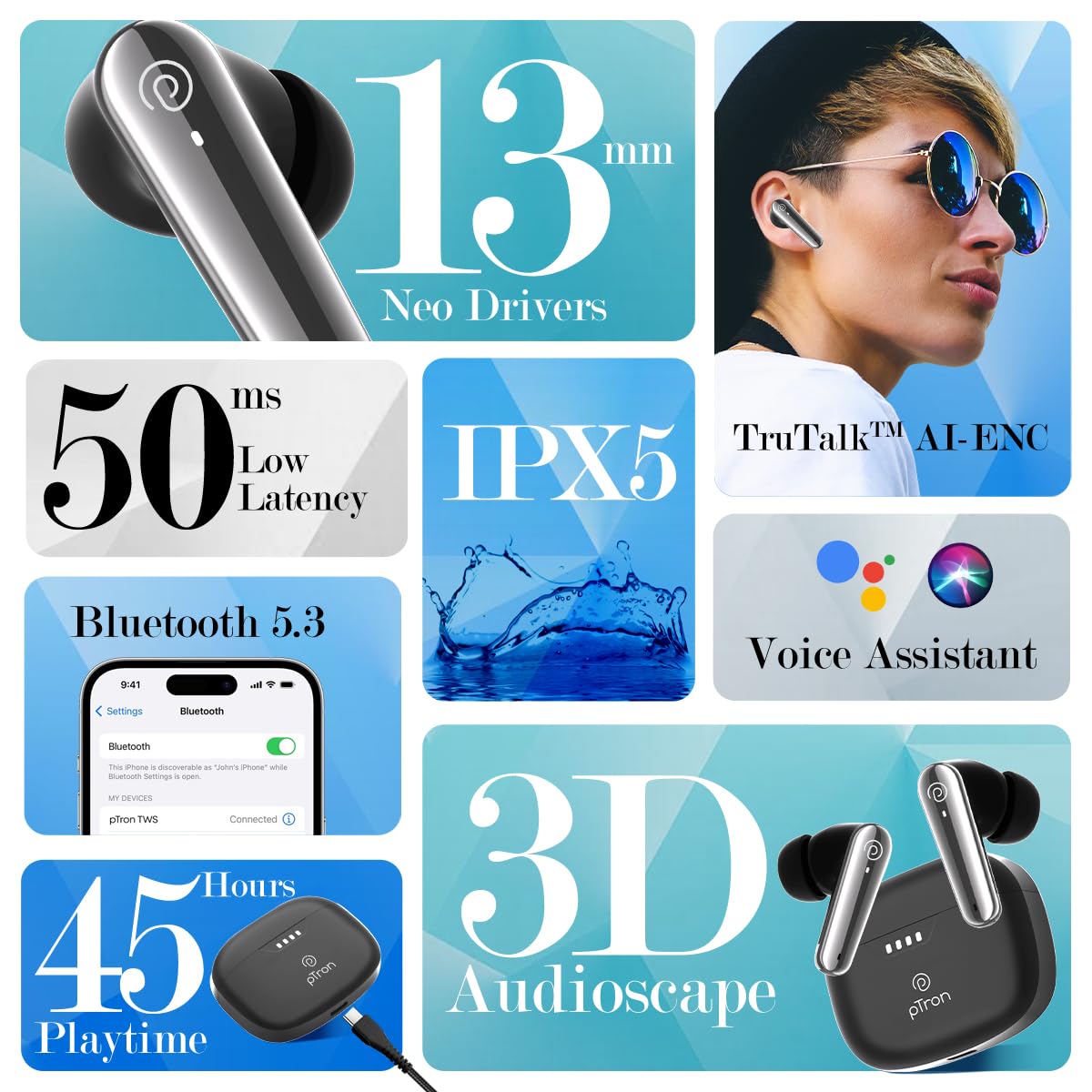
Image: A collage highlighting key features of the pTron Bassbuds Prism, including 13mm Neo Drivers, 50ms Low Latency, IPX5 rating, TruTalk AI-ENC, Bluetooth 5.3, Voice Assistant, 45 hours playtime, and 3D AudioScape.

Image: The pTron Bassbuds Prism earbuds and charging case, with text indicating "Experience Immersive AudioScape" and a large "3D" graphic.

Image: A person wearing a pTron Bassbuds Prism earbud, with text indicating 'TruTalk AI-ENC' for clear communication.

Image: pTron Bassbuds Prism earbuds in their case, with '50ms Low Latency' text, suggesting suitability for gaming.
5. Maintenance
- Cleaning: Use a soft, dry, lint-free cloth to clean the earbuds and charging case. Do not use harsh chemicals or abrasive materials.
- Water Resistance: The earbuds are IPX5 water-resistant, meaning they can withstand splashes and sweat. They are not designed for submersion in water. Ensure the charging port is dry before charging.
- Storage: Store the earbuds in their charging case when not in use to protect them and keep them charged. Avoid extreme temperatures.
- Battery Care: To prolong battery life, avoid fully discharging the earbuds and case frequently. Charge them regularly, even if not in constant use.
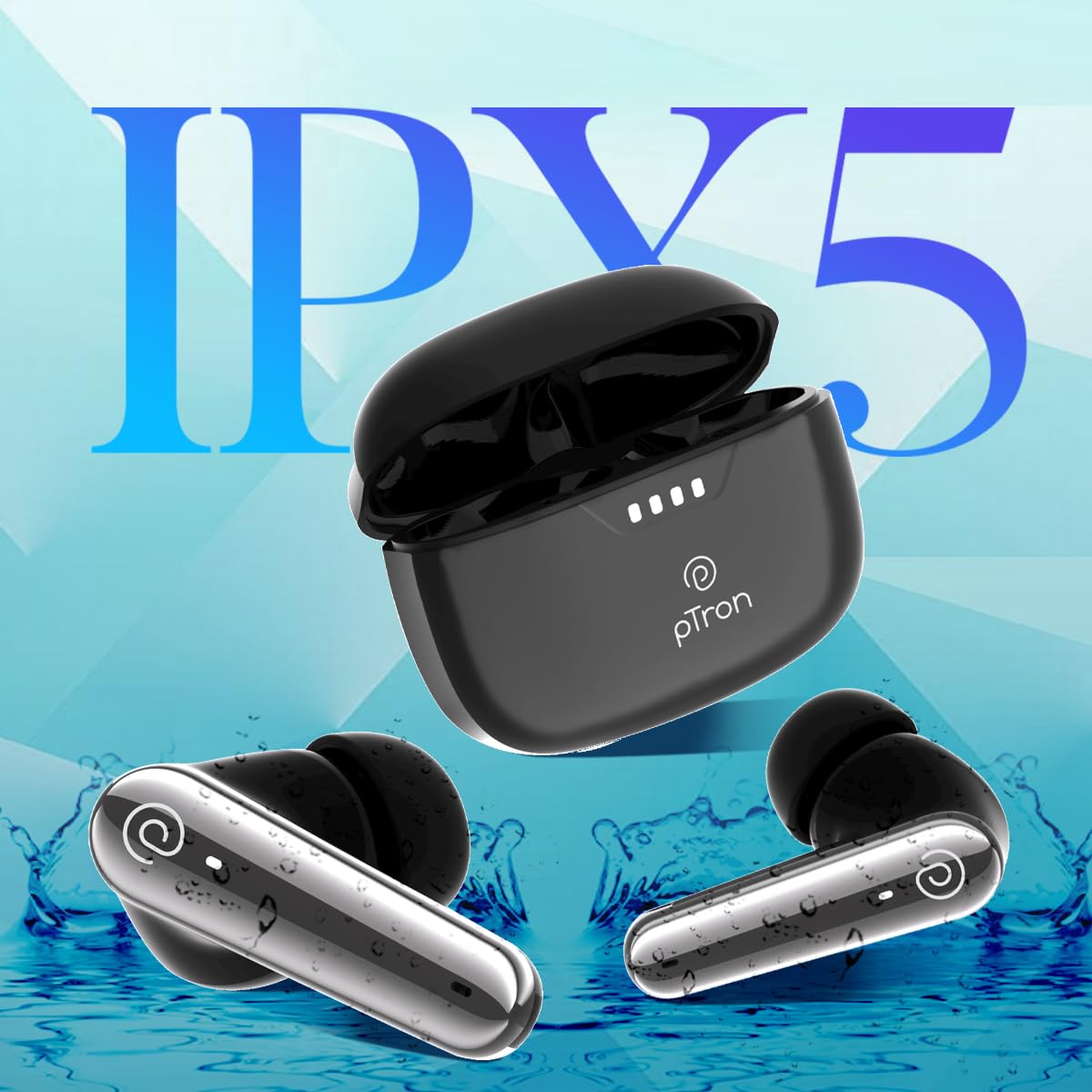
Image: pTron Bassbuds Prism earbuds with water splashes, illustrating their IPX5 water resistance rating.
6. Troubleshooting
| Problem | Solution |
|---|---|
| Earbuds not pairing |
|
| Only one earbud working |
|
| Low volume or poor sound quality |
|
| Charging case not charging |
|
7. Specifications
| Feature | Detail |
|---|---|
| Model Name | Bassbuds Prism |
| Connectivity Technology | Wireless (Bluetooth) |
| Bluetooth Version | 5.3 |
| Bluetooth Range | 10 Metres |
| Audio Driver Size | 13 Millimetres |
| Battery Life (Combined) | 45 Hours |
| Charging Port | Type-C |
| Water Resistance Level | IPX5 |
| Noise Control | Sound Isolation (TruTalk AI-ENC for calls) |
| Control Type | Touch, Voice |
| Item Weight | 47 Grams |
| Material | Acrylonitrile Butadiene Styrene (ABS) |
| Product Dimensions | 6.3 x 4.9 x 2.6 cm |
8. Warranty & Support
The pTron Bassbuds Prism TWS Earbuds come with a 1-Year Manufacturer Warranty from the date of purchase, covering manufacturing defects.
For warranty claims, technical support, or any other inquiries, please contact:
- Manufacturer: Palred Electronics Pvt. Ltd.
- Customer Care Email: support@ptron.in
- Customer Care Phone: 040-67138888
- Address: SY.NO. 56, 1ST FLOOR, GUNDLAPOCHAMPALLY VILLAGE, TECH PARK MTP, TSIIC-IALA NACHARAM, HYDERABAD - 500076, TELANGANA, INDIA
Please retain your purchase receipt as proof of purchase for warranty services.
