Introduction
This manual provides detailed instructions for the safe and effective use of your Thunbest Dog Training Collar. This device is designed to assist in training small, medium, and large dogs (5lbs to 110lbs) through humane and adjustable modes: Beep, Vibration, and Static Shock. Please read this manual thoroughly before use to ensure proper operation and the well-being of your pet.

Image: The Thunbest Dog Training Collar with its remote, designed for effective, safe, and humane training.
Package Contents
Please check the package contents to ensure all items are present:
- Dog Training Collar Receiver
- Remote Transmitter
- Adjustable Nylon Collar Strap
- USB Type-C Charging Cable
- Long and Short Metal Probes (2 pairs)
- Silicone Covers for Probes
- Test Bulb
- User Manual (this document)

Image: Detailed view of the remote and collar components, including buttons, display, and accessories.
Setup Guide
1. Charging the Devices
Before first use, fully charge both the remote transmitter and the collar receiver. Use the provided USB Type-C cable. You can charge both devices simultaneously with the same cable.
- Connect the cable to the charging ports on both devices.
- Plug the USB end into a power adapter, USB outlet, power bank, or computer.
- Charging typically takes 2-3 hours. The battery indicator on the remote will show full, and the receiver's indicator light will change when fully charged.
2. Attaching the Collar Receiver
The collar strap is adjustable and suitable for dogs weighing 5lbs to 110lbs, with a neck girth range of 7-26 inches.
- Thread the nylon strap through the receiver.
- Choose the appropriate length of metal probes (long for thick-coated dogs, short for thin-coated dogs) and screw them onto the receiver.
- For added comfort and if the static shock function is not desired, you can attach the silicone covers over the metal probes or remove the probes entirely.

Image: The adjustable collar fits a wide range of dog sizes, from small to large breeds.
3. Fitting the Collar on Your Dog
Proper fit is crucial for effectiveness and your dog's comfort.
- Place the receiver on your dog's neck so that the contact points touch the skin.
- The collar should be snug enough for the probes to make contact, but loose enough for you to fit one or two fingers comfortably between the strap and your dog's neck.
- Avoid leaving the collar on for more than 12 hours a day to prevent pressure necrosis. Reposition the collar every 1-2 hours if worn for extended periods.
Operating Instructions
Remote Transmitter Overview
The remote features a clear display and intuitive buttons:
- Channel Display (1/2): Indicates which dog (if training two) is selected.
- Battery Status: Shows remaining battery life.
- Static & Vibration Level Display (0-16): Shows the current intensity level.
- Keypad Lock/Unlock Button: Prevents accidental activation.
- Static & Vibration Level Regulator Knob: Adjusts intensity levels.
- Beep Button: Activates the audible tone.
- Vibration Button: Activates the vibration mode.
- Static Shock Button: Activates the static shock mode.
- Channel Select Button: Switches between dog 1 and dog 2.

Image: The remote transmitter and collar receiver.
Training Modes
The collar offers three distinct training modes:
- Beep Mode: Produces an audible tone. Useful for attracting attention or as a warning before other corrections. Press the Beep Button.
- Vibration Mode: Delivers a gentle vibration. Adjustable from level 0-16. Effective for mild corrections or as a precursor to static shock. Press the Vibration Button. Adjust intensity with the Regulator Knob.
- Static Shock Mode: Provides a static pulse. Adjustable from level 0-16. Use as a last resort for stubborn behaviors. Press the Static Shock Button. Adjust intensity with the Regulator Knob.

Image: The three training modes available on the collar.
Keypad Lock Function
To prevent accidental activation, use the keypad lock:
- Press the Keypad Lock/Unlock Button to lock the remote. A lock icon will appear on the display.
- Press the button again to unlock.
Dual Channel Training
The remote supports training two dogs simultaneously.
- Press the Channel Select Button to switch between Dog 1 and Dog 2. The display will show '1' or '2'.
Remote Range
The remote receiver has a range of up to 1000 feet, allowing for training in various outdoor environments.
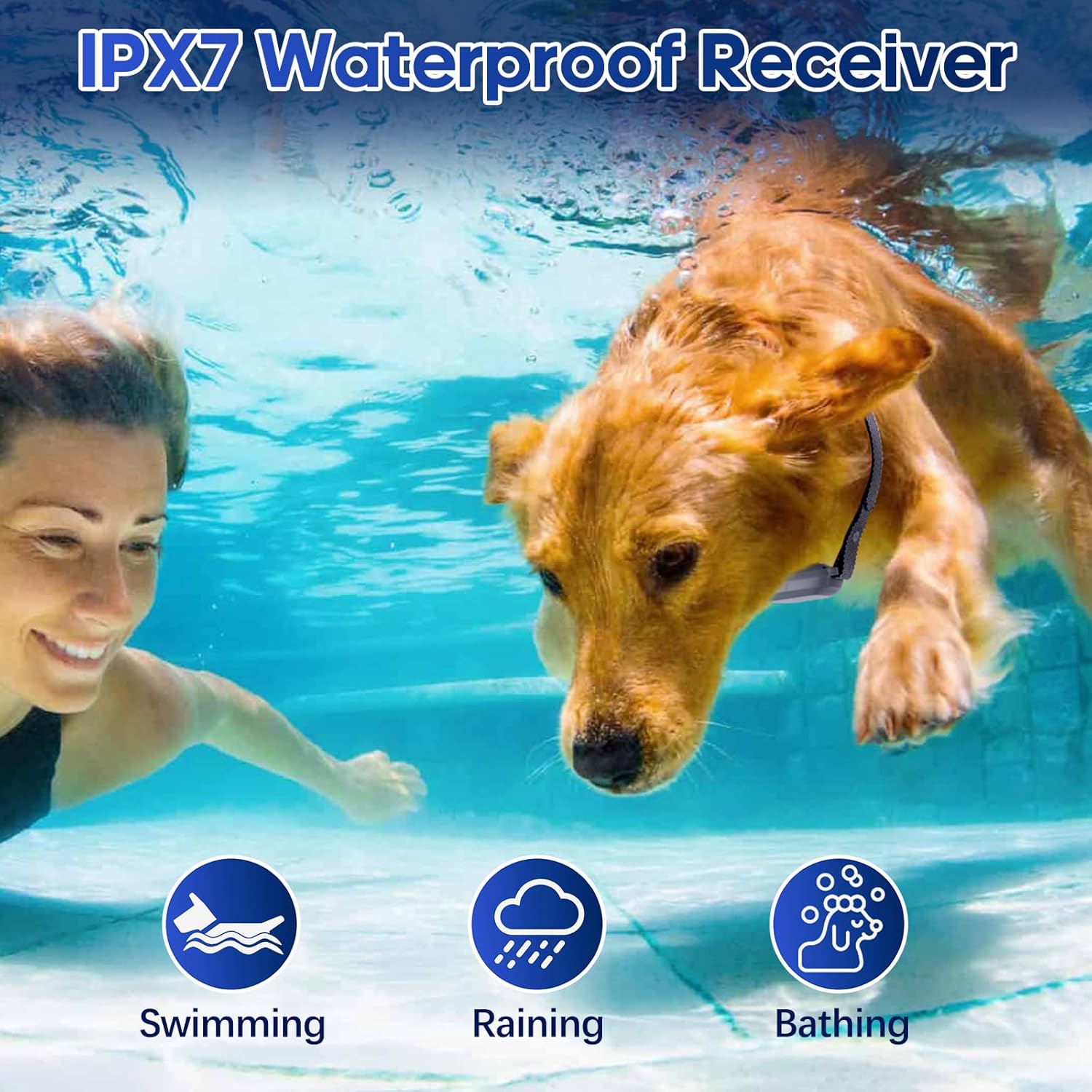
Image: The collar system offers a remote range of up to 1000 feet for flexible training.
Maintenance
Cleaning and Care
- Wipe the collar and remote clean with a damp cloth.
- Keep the devices dry and away from extreme temperatures.
- Regularly check your dog's neck for any signs of irritation or sores from the collar. If irritation occurs, discontinue use until the skin heals.
Battery Life and Charging
The collar receiver and remote transmitter are designed for long-lasting battery performance.
- Remote control standby time: Up to 27 days.
- Receiver standby time: Up to 11 days.
- Recharge both devices when the battery indicator shows low power.

Image: Both the remote and receiver feature long-lasting battery life and convenient USB Type-C charging.
Waterproof Feature
The collar receiver is IPX7 waterproof, meaning it can withstand immersion in water up to 1 meter for 30 minutes. This allows for training in various weather conditions and environments, including:
- Swimming
- Raining
- Bathing

Image: The IPX7 waterproof receiver allows for training in wet conditions.
Troubleshooting
| Problem | Possible Cause | Solution |
|---|---|---|
| Collar not responding to remote. | Low battery on either device; devices not paired; out of range; keypad locked. | Charge both devices. Ensure they are paired (refer to pairing instructions if available). Move closer to the dog. Unlock the keypad. |
| No static shock/vibration. | Probes not making contact; intensity level too low; probes removed. | Adjust collar fit to ensure probes touch skin. Increase intensity level. Ensure metal probes are attached if static shock is desired. |
| Collar causes skin irritation. | Collar worn too long or too tight; improper fit; dog's skin sensitivity. | Remove collar immediately. Allow skin to heal. Ensure proper fit (one to two fingers space). Reposition collar frequently. Consider using silicone covers. |
| Short battery life. | Frequent use of high intensity modes; aging battery. | Ensure full charge before use. Reduce intensity levels if possible. Contact support if battery life significantly degrades. |
Specifications
- Model Name: P22-blackf
- Brand: Thunbest
- Color: Black
- Material: Nylon
- Item Weight: 8 ounces
- Item Package Dimensions: 5.9 x 5.9 x 1.77 inches
- Batteries: 1 9V battery required (included)
- Training Modes: Beep, Vibration (0-16 levels), Static Shock (0-16 levels)
- Remote Range: Up to 1000 feet
- Waterproof Rating (Receiver): IPX7
- Adjustable Collar Length: Up to 27.5 inches
- Suitable Neck Girth: 7-26 inches
- Recommended Dog Weight: 5lbs - 110lbs
- Remote Standby Time: Up to 27 days
- Receiver Standby Time: Up to 11 days
Warranty Information
This Thunbest Dog Training Collar comes with a 1-year warranty from the date of purchase. This warranty covers manufacturing defects and malfunctions under normal use. Please retain your proof of purchase for warranty claims.
Customer Support
For any technical problems, questions, or assistance with your Thunbest Dog Training Collar, please contact our professional after-sales team through the Amazon message center. We aim to provide satisfactory service within 24 hours.
Please note: This manual is for informational purposes only. Always consult with a professional dog trainer or veterinarian for specific training advice or health concerns regarding your pet.


