
Introduction
Thank you for purchasing the Diecast Masters Caterpillar 770 Mining Truck RC Replica. This 1:24 scale model offers a realistic remote control experience, replicating the functions and appearance of the actual Caterpillar 770 Mining Truck. This manual provides essential information for safe operation, setup, maintenance, and troubleshooting to ensure optimal performance and enjoyment of your model.
Safety Information
- Adult Supervision: This product is recommended for users aged 8 years and older. Adult supervision is advised, especially during initial setup and operation.
- Battery Safety: Use only recommended batteries. Do not mix old and new batteries, or different types of batteries. Insert batteries with correct polarity. Remove batteries when not in use for extended periods. Do not attempt to recharge non-rechargeable batteries.
- Operating Environment: Operate the RC truck in open, clear areas away from people, pets, obstacles, and water. Avoid operating near electrical wires, roads, or other hazards.
- Avoid Damage: Do not drop or impact the model. Avoid operating in extreme temperatures or wet conditions.
- Choking Hazard: Small parts may be present. Keep away from young children.
Package Contents
Verify that all items are present in the package:
- 1 x Diecast Masters Caterpillar 770 Mining Truck (1:24 Scale)
- 1 x Remote Controller
- 1 x Instruction Manual (This document)
Note: Batteries are not included and must be purchased separately.
Setup
1. Battery Installation
The Caterpillar 770 Mining Truck and its remote controller require a total of 5 AA batteries (not included).
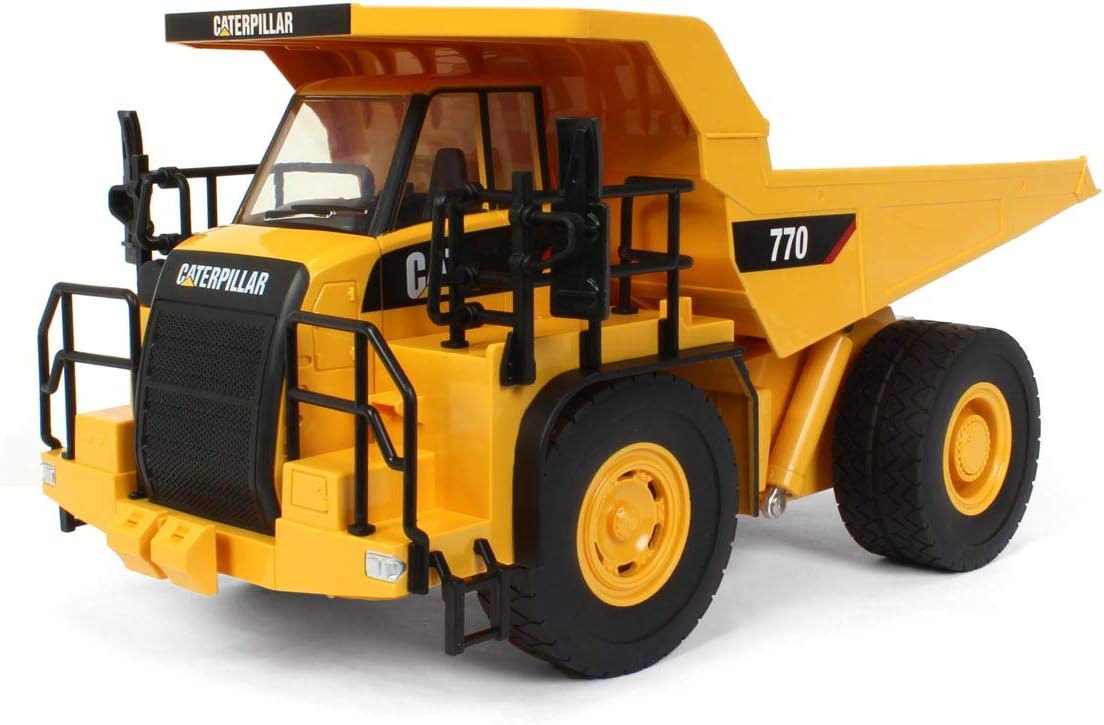
Image: Front view of the Diecast Masters Caterpillar 770 Mining Truck.

Image: Side view of the Diecast Masters Caterpillar 770 Mining Truck.
For the RC Truck:
- Locate the battery compartment on the underside of the truck.
- Use a screwdriver to open the battery compartment cover.
- Insert 3 AA batteries, ensuring correct polarity (+/-).
- Replace the cover and secure it with the screw.
For the Remote Controller:
- Locate the battery compartment on the back of the controller.
- Open the battery compartment cover.
- Insert 2 AA batteries, ensuring correct polarity (+/-).
- Replace the cover.
2. Pairing the Controller and Truck
The truck and controller are typically pre-paired. If they do not connect automatically:
- Ensure both the truck and controller have fresh batteries installed.
- Turn on the truck using its power switch.
- Turn on the remote controller.
- The indicator light on the controller should stop flashing and remain solid, indicating a successful connection. If not, turn both off and repeat the steps.
Operating Instructions
Familiarize yourself with the remote controller's layout and functions before operating the truck.

Image: Front view of the truck with its dump bed raised.
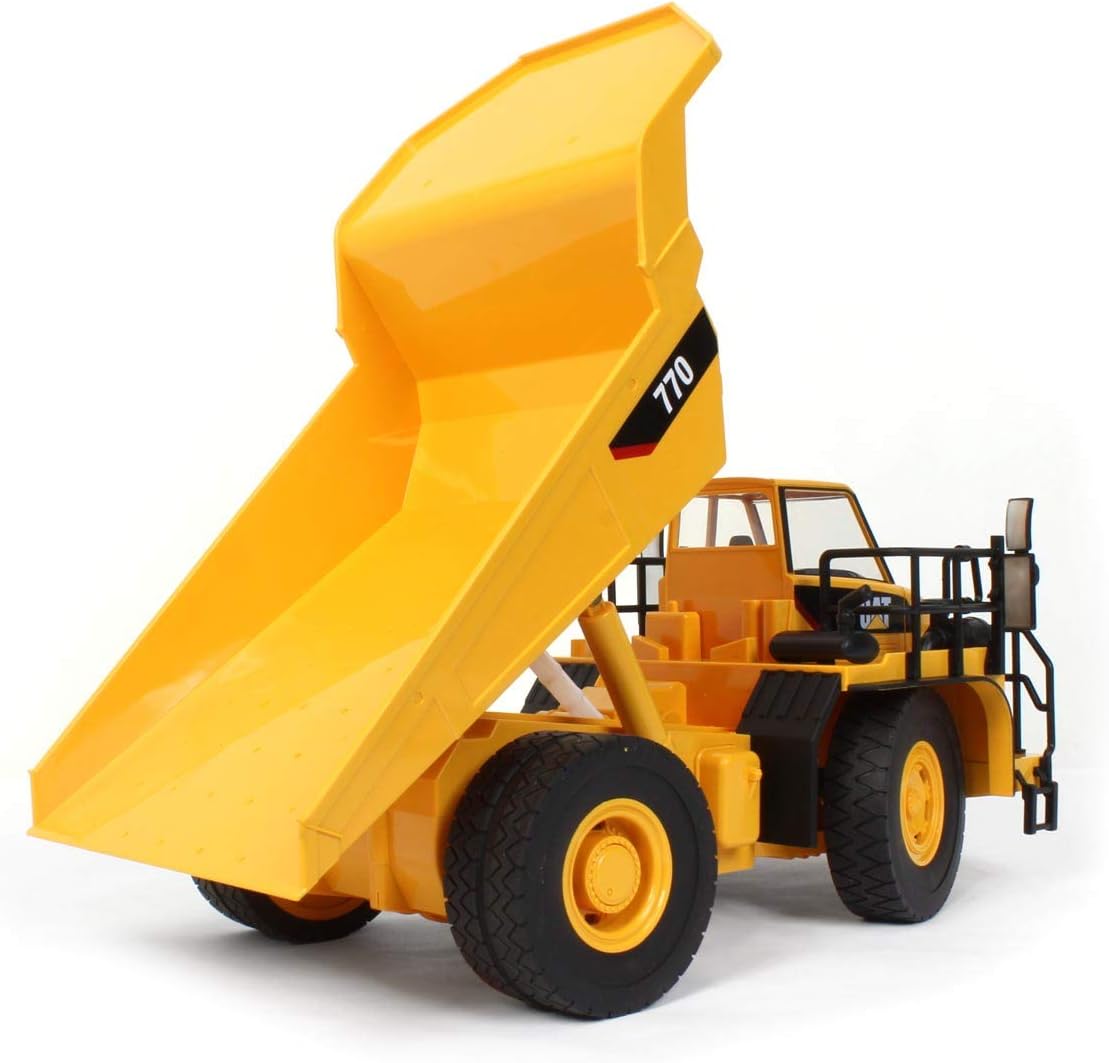
Image: Rear view of the truck with its dump bed raised.
Controller Functions:
- Left Joystick (Forward/Backward): Push forward to move the truck forward. Pull backward to move the truck backward.
- Right Joystick (Left/Right Steering): Push left to turn the truck left. Push right to turn the truck right.
- Dump Bed Control Buttons: Specific buttons on the controller (refer to controller diagram if available) will control the raising and lowering of the dump bed. Press the 'Up' button to raise the bed and the 'Down' button to lower it.
Basic Operation:
- Place the truck on a flat, clear surface.
- Turn on the truck and then the controller.
- Use the joysticks to drive the truck. Practice steering and moving forward/backward.
- Experiment with the dump bed controls to understand its full range of motion.
- When finished, turn off both the truck and the controller.
Maintenance
Cleaning:
- Wipe the truck and controller with a soft, dry cloth.
- Do not use water or chemical cleaners, as they may damage electronic components.
- Remove any debris from the wheels and axles to ensure smooth operation.
Storage:
- Store the truck and controller in a cool, dry place away from direct sunlight.
- Remove all batteries from both the truck and controller if storing for an extended period to prevent leakage and damage.
Troubleshooting
| Problem | Possible Cause | Solution |
|---|---|---|
| Truck does not respond to controller. | Low batteries in truck or controller; Not paired; Out of range. | Replace batteries; Re-pair the devices; Bring truck closer to controller. |
| Truck moves slowly or erratically. | Low batteries; Obstruction in wheels/gears. | Replace batteries; Clear any obstructions. |
| Dump bed does not raise/lower. | Low batteries; Mechanical obstruction. | Replace batteries; Check for any physical obstructions. |
| Short control range. | Low batteries; Environmental interference. | Replace batteries; Move to an area with less interference. |
Specifications

Image: Approximate dimensions of the Diecast Masters Caterpillar 770 Mining Truck.
- Brand: Diecast Masters
- Model Number: 25006
- Scale: 1:24 Scale
- Material Type: Plastic
- Color: Yellow
- Item Dimensions (L x W x H): Approximately 13 x 7.25 x 6 inches
- Batteries Required: 5 AA batteries (not included)
- Manufacturer Minimum Age: 96 months (8 years)
- Educational Objective: Engineering Interest
Warranty and Support
Diecast Masters products are manufactured to high-quality standards. For specific warranty information, please refer to the packaging or contact Diecast Masters customer support directly.
For technical assistance or inquiries, please visit the official Diecast Masters website or contact their customer service department. Keep your purchase receipt as proof of purchase.


