
KOPLO 93fe69ed-de5d-455e-a833-a60495089bc8
KOPLO Heated Jacket for Men - User Manual
Brand: KOPLO | Model: 93fe69ed-de5d-455e-a833-a60495089bc8
1. Introduction
This manual provides detailed instructions for the safe and effective use of your KOPLO Heated Jacket. Please read this manual thoroughly before operating the product and retain it for future reference. The KOPLO Heated Jacket is designed to provide warmth in cold conditions, featuring a 14400mAh rechargeable battery, waterproof and windproof construction, and multiple heating zones.
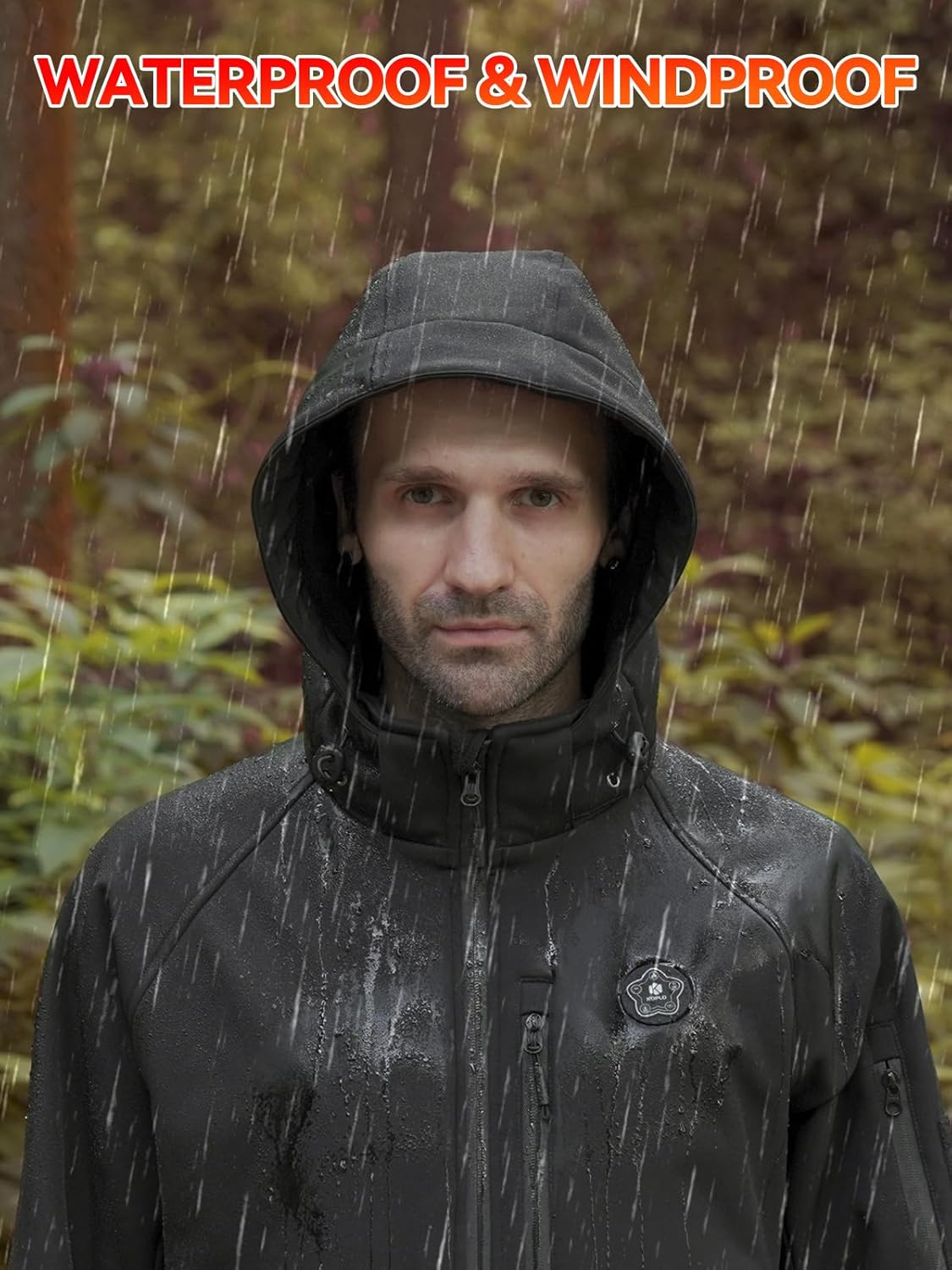
Image: Front view of the KOPLO Heated Jacket.
2. Product Features
- Fast Heat-Up, Prolonged Warmth: The 7.4V UL/CE-certified 14400mAh battery heats the garment to its set temperature in approximately 10 seconds, providing warmth in cold conditions. On a full charge, the low-temperature mode can sustain heat for up to 8 hours across all zones. The battery can also be used to charge smartphones.
- Full-Area Heating: Features independent heating circuits for the chest, back, and collar. These zones can be operated together or separately to provide targeted warmth.
- 5-in-1 Smart Switch: A plum blossom-shaped switch with 5 buttons. Three buttons control temperature adjustment for different zones, one flame button turns all heating areas on or off, and one light button controls the panel light.
- Waterproof and Windproof Design: Constructed with materials that are waterproof, windproof, and scratch-proof. The detachable hood provides additional protection in cold weather. The jacket is machine-washable.
- YKK Zippers and 9 Pockets: Equipped with high-quality YKK double-ended zippers for durability and convenience. Nine multifunctional pockets offer storage for personal items like mobile phones, bank cards, and wallets.

Image: Illustration of the 5-in-1 Smart Switch and jacket heating zones.

Image: Demonstrating the waterproof and windproof capabilities of the jacket.
3. Package Contents
Upon opening your KOPLO Heated Jacket package, please ensure all the following items are present:
- KOPLO Men's Heated Jacket
- 14400mAh Battery Pack
- Type-C Charging Cable
- Power Adapter
- User Manual (this document)
- Washing Bag
- Oxford Storage Bag

Image: Visual representation of all items included in the package.
4. Setup
4.1 Charging the Battery Pack
- Connect the provided Type-C charging cable to the 14400mAh battery pack.
- Plug the other end of the cable into the power adapter.
- Insert the power adapter into a standard wall outlet.
- The battery pack's display will indicate charging status. Charge until fully charged (display shows 100).

Image: Battery pack being charged and used to charge a phone.
4.2 Inserting the Battery Pack
- Locate the hidden battery pocket inside the jacket, typically on the left side.
- Connect the jacket's internal USB cable to the charged 14400mAh battery pack.
- Place the battery pack securely into the pocket and zip it closed.

Image: Close-up of the hidden battery pocket inside the jacket.
4.3 Attaching/Detaching the Hood
The jacket features a detachable hood for versatility. To attach or detach, use the zipper and snap buttons located around the collar of the jacket.

Image: Detail of the detachable hood attachment.
5. Operating Instructions
5.1 Using the 5-in-1 Smart Switch
The KOPLO Heated Jacket is controlled by a 5-in-1 smart switch located on the chest. This switch allows for precise control over heating zones and temperature levels.
- Flame Button (Center): Long press for 3 seconds to turn on or off all heating areas simultaneously.
- Collar Heating Button: Controls the heating element in the collar area.
- Chest Heating Button: Controls the heating elements in the chest area.
- Back Heating Button: Controls the heating elements in the back area.
- Light Button: Controls the panel light on the switch.

Image: Detailed view of the 5-in-1 Smart Switch.
5.2 Temperature Settings
Each heating zone (collar, chest, back) can be adjusted to three temperature levels:
- Red (High): 140-149°F (60-65°C)
- White (Medium): 122-140°F (50-60°C)
- Blue (Low): 113-122°F (45-50°C)
Press the respective zone button to cycle through the temperature settings (Red > White > Blue > Off). The LED indicator on the button will change color to reflect the current setting.

Image: Temperature ranges for High, Medium, and Low heat settings.
5.3 Battery Life
The 14400mAh battery provides varying durations of warmth depending on the selected temperature and active heating zones. Refer to the chart below for estimated battery life:

Image: Battery life chart based on heating zones and temperature.
6. Maintenance
6.1 Washing Instructions
The KOPLO Heated Jacket is machine washable. Follow these steps for proper cleaning:
- Ensure the battery pack is removed from the jacket before washing.
- Zip up all zippers and close any hook-and-loop fasteners.
- Place the jacket in the provided washing bag to protect it during the wash cycle.
- Machine wash on a gentle cycle with cold water.
- Do not bleach, iron, or dry clean.
- Tumble dry on low heat or hang dry. Ensure the jacket is completely dry before reinserting the battery or using.
Image: Jacket being prepared for machine washing in a laundry bag.
6.2 Battery Care and Storage
- Store the battery pack in a cool, dry place when not in use.
- Avoid exposing the battery to extreme temperatures or direct sunlight.
- If storing for extended periods, charge the battery to approximately 50% every 3-6 months to maintain its lifespan.
- Do not puncture, disassemble, or modify the battery pack.
7. Troubleshooting
| Problem | Possible Cause | Solution |
|---|---|---|
| Jacket not heating. | Battery not connected, battery depleted, heating elements malfunction. | Ensure battery is fully charged and properly connected. Press and hold the flame button for 3 seconds. If issues persist, contact customer support. |
| Battery not charging. | Faulty cable/adapter, power outlet issue, battery malfunction. | Check cable and adapter for damage. Try a different power outlet. If the problem continues, contact customer support. |
| Heating zones not responding. | Loose connection, switch malfunction. | Ensure the battery is securely connected. Try resetting the jacket by turning it off and on. If specific zones remain unresponsive, contact customer support. |
8. Specifications
| Feature | Detail |
|---|---|
| Brand | KOPLO |
| Model Number | 93fe69ed-de5d-455e-a833-a60495089bc8 |
| Battery Capacity | 14400mAh, 7.4V |
| Heating Zones | Chest, Back, Collar |
| Temperature Settings | High (Red), Medium (White), Low (Blue) |
| Fabric Type | 100% Nylon |
| Care Instructions | Machine Wash (remove battery) |
| Certifications | UL/CE certified battery |
| Package Dimensions | 14.72 x 11.46 x 6.34 inches |
| Item Weight | 3.92 Pounds |
8.1 Size Chart
Please refer to the following size chart for accurate fitting:

Image: KOPLO Men's Heated Jacket size chart.
9. Official Product Video
Video: An overview of the KOPLO Heated Jacket features and use in outdoor settings.
10. Warranty and Support
For warranty information, product registration, or technical support, please refer to the official KOPLO website or contact KOPLO customer service directly. Contact details can typically be found on the product packaging or the brand's official online presence.
Please retain your proof of purchase for any warranty claims.
Ask a question about this manual
Ask about setup, troubleshooting, compatibility, parts, safety, or missing instructions. Manuals+ will review the question and use this page’s manual context to help answer it.