
1. Introduction
The TOALLIN WL568 Wireless PTZ Conference Camera is designed for high-quality video conferencing, live streaming, and online teaching. It features 10X optical zoom, 1080P Full HD resolution, and 5.8Ghz wireless connectivity, offering flexibility and clear visuals for various professional and educational environments.
2. Product Overview
Familiarize yourself with the components and ports of your TOALLIN WL568 camera.
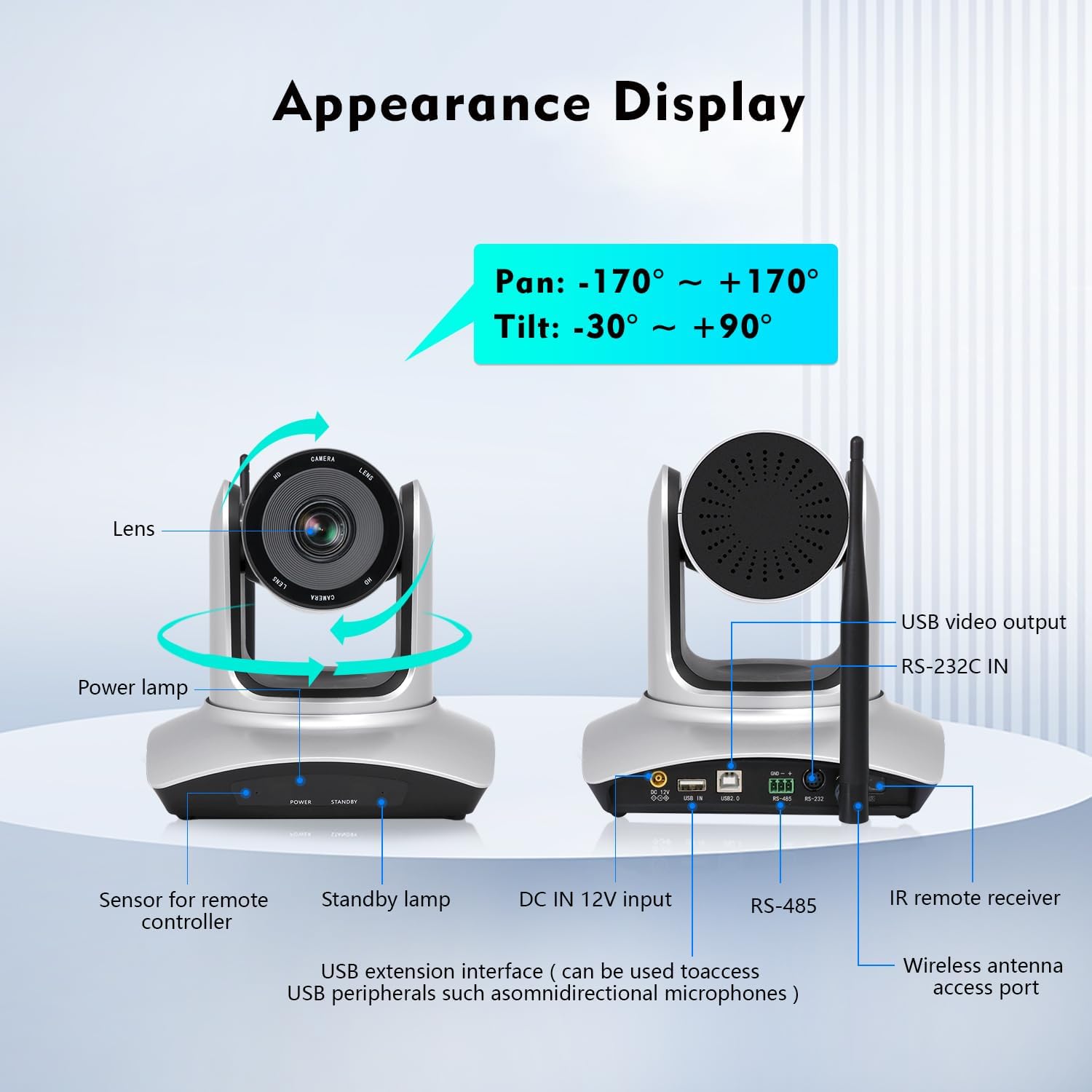
Image: TOALLIN WL568 Camera Appearance Display with labeled ports and features.
- Lens: Captures video feed.
- Power Lamp: Indicates power status.
- Sensor for Remote Controller: Receives signals from the IR remote.
- Standby Lamp: Indicates standby status.
- DC IN 12V Input: Power connection port.
- USB Extension Interface: Can be used to connect USB peripherals like omnidirectional microphones.
- RS-485 / RS-232C IN: Control interfaces for advanced integration.
- Wireless Antenna Access Port: For connecting the wireless antenna.
- USB Video Output: For wired connection to a computer.
3. What's in the Box
Verify that all items are present in the package:
- Camera body
- IR Remote Controller
- Wireless Antenna (x2)
- USB Receiver
- Power Adapter
4. Setup Guide
4.1 Wireless Connection
- Connect one wireless antenna to the camera body.
- Connect the second wireless antenna to the USB receiver.
- Plug the USB receiver into an available USB port on your computer.
- The camera and receiver will automatically pair. This process may take several seconds to complete before the video feed appears.

Image: Steps for wireless connection setup.
Note: For wired connection mode, turn off the wireless mode switch located at the bottom of the camera and connect via the provided USB cable.
4.2 Camera Placement
The camera offers flexible placement options:
- Directly on a conference room desktop.
- Mounted on a tripod.
- Installed on a wall mount support.

Image: Various camera placement options.
4.3 Initial Power On
Connect the power adapter to the camera and a power outlet. The power lamp will illuminate, indicating the camera is receiving power.
Video: Demonstrates the initial setup process, including connecting antennas and the USB receiver, and showing the camera's functionality with remote control.
5. Key Features
- 5.8Ghz Wireless Connectivity: Offers stable transmission up to 15 meters indoors with low latency, allowing flexible camera placement without cables.
- Pan & Tilt & 10X Optical Zoom: Pan angle of ±170° and Tilt angle of -30° to +90°. The 10X optical zoom with auto-focus (manual focus optional) ensures clear visuals at any distance.
- FHD 1080P Resolution: Built-in 1/2.8" CMOS Sensor delivers 2 million pixels high-quality video.
- 71° Wide Angle View: Ensures all participants are visible during meetings.
- Plug and Play Setup: No drivers or apps required for installation.
- Wide Compatibility: Compatible with Windows 7 or above, MacOS, Linux, Android, and major conferencing software like Zoom, Skype, Webex, GoToMeeting, and Microsoft Teams.
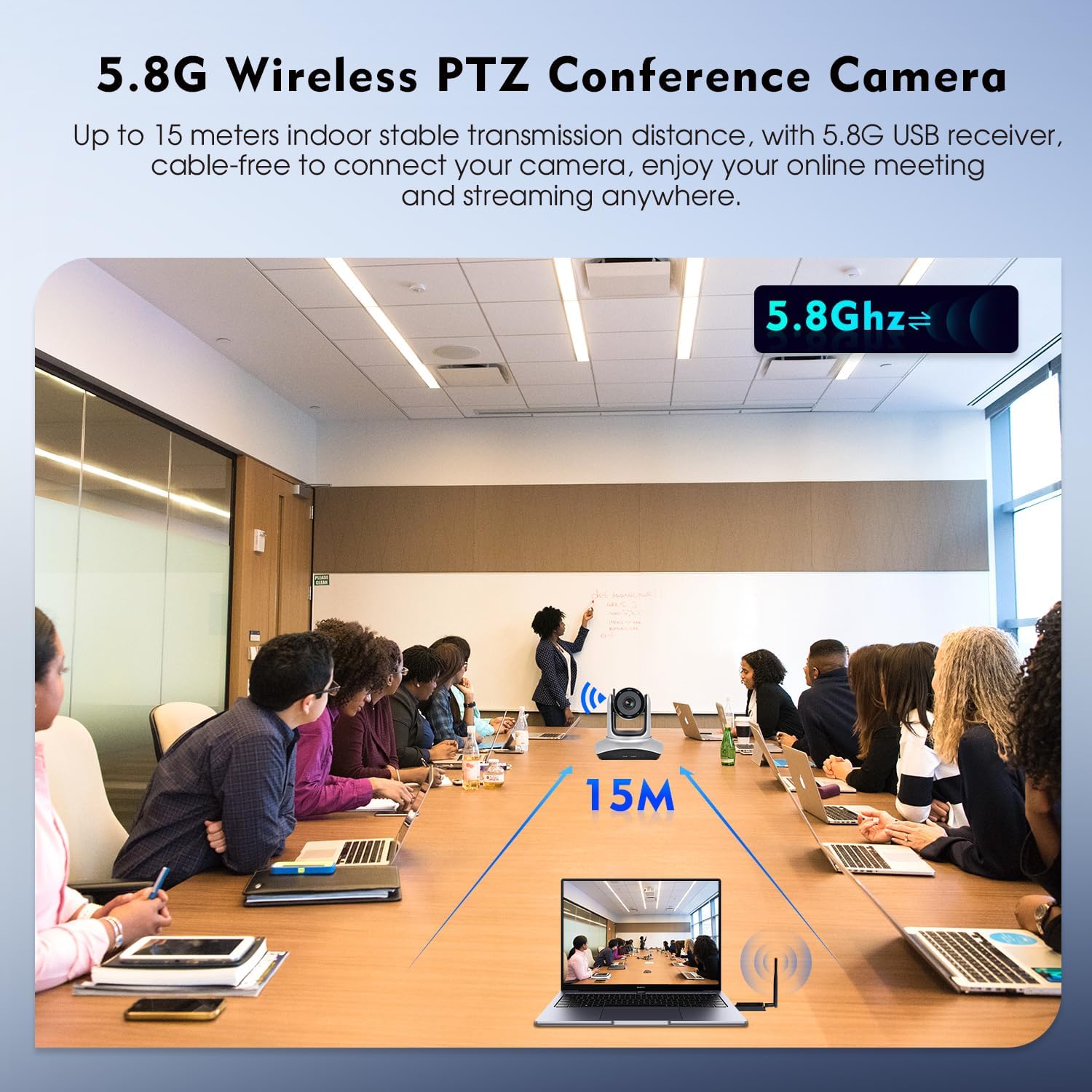
Image: 5.8G Wireless Connectivity in a conference setting.
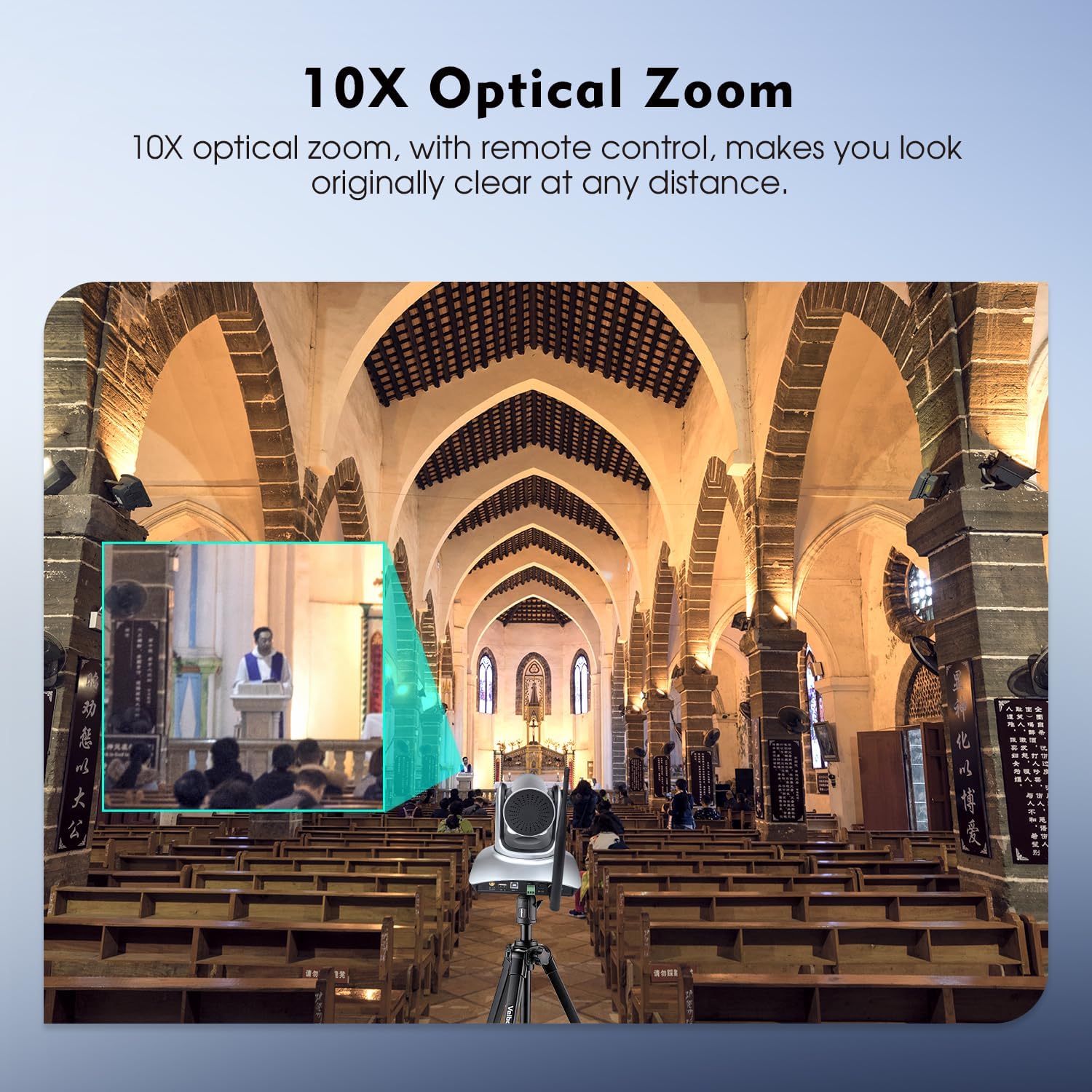
Image: 10X Optical Zoom in action.
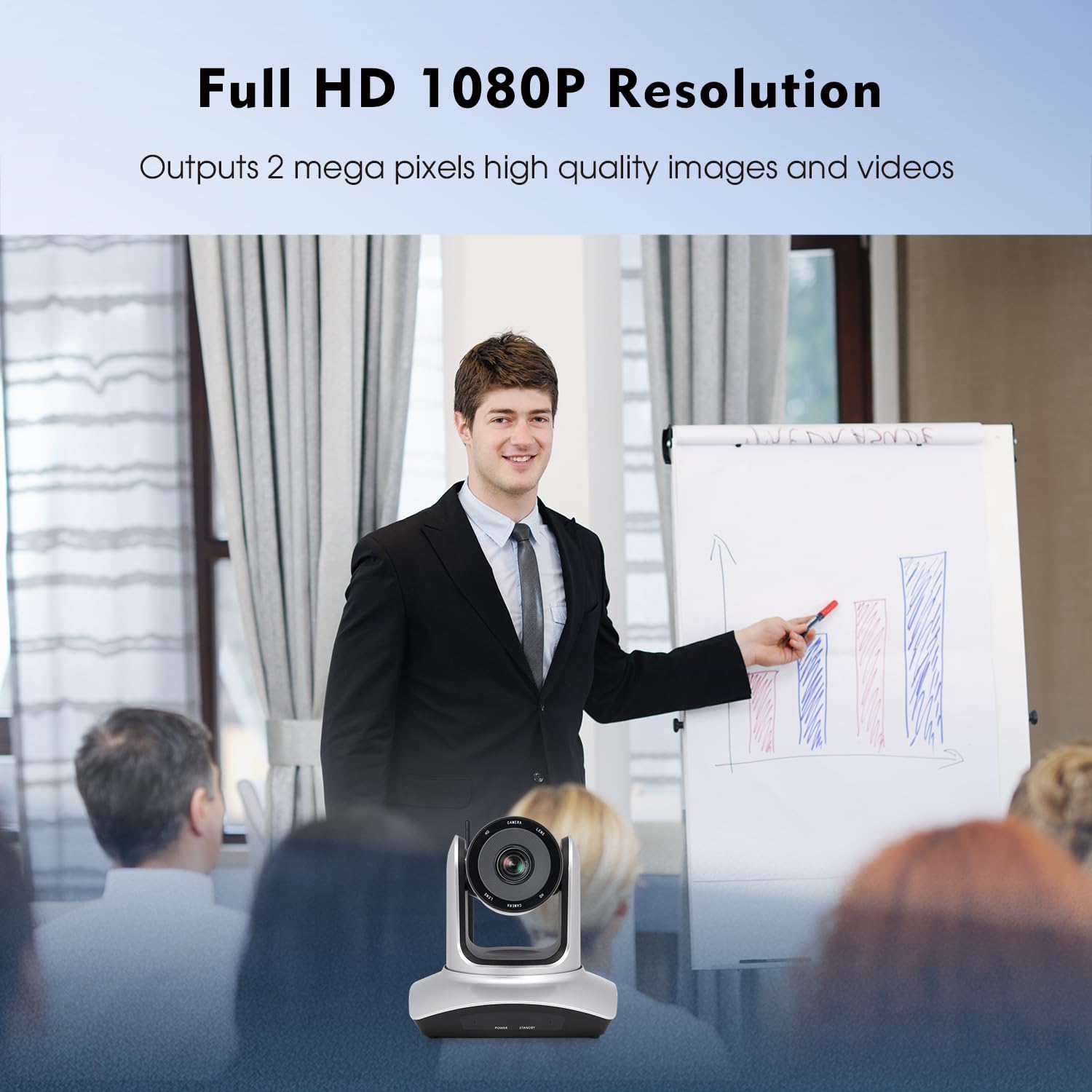
Image: Full HD 1080P Resolution output.
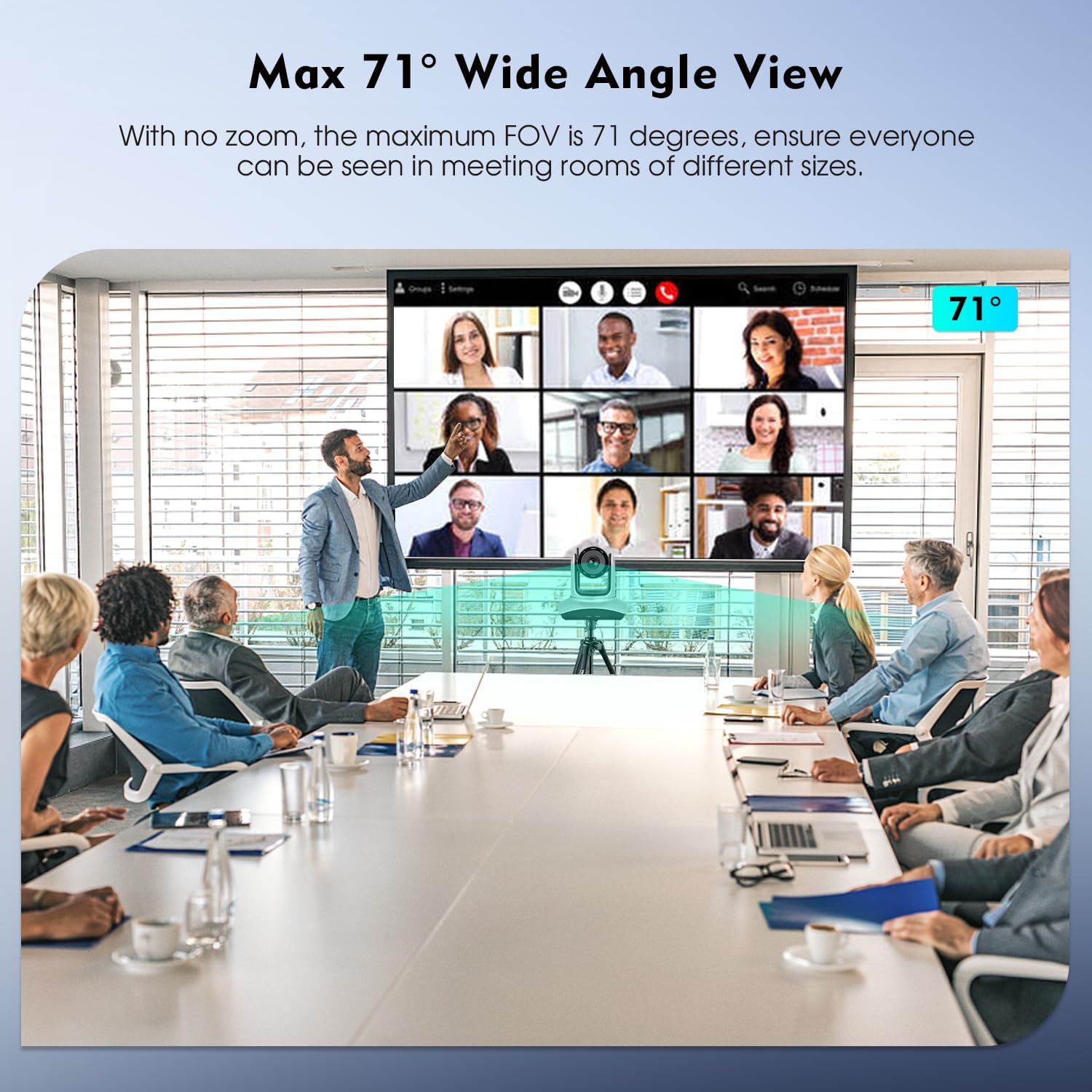
Image: Max 71° Wide Angle View.
6. Operation
6.1 Remote Control Functions
The camera's Pan, Tilt, and Zoom (PTZ) functions are controlled using the included IR remote controller. Point the remote at the camera's IR receiver.

Image: IR Remote Control layout and functions.
Key remote functions include:
- POWER: Turns the camera on/off.
- PAN-TILT RESET: Resets the camera's pan and tilt position.
- POSITION (1-9): Use to set and recall preset camera positions. Press PRESET then a number (1-9) to save. Press a number (1-9) to recall.
- RESET: Press RESET then a number (1-9) to eliminate a preset position.
- MENU: Accesses the camera's on-screen menu.
- PAN-TILT: Moves the camera horizontally (pan) and vertically (tilt). HOME returns the camera to its middle position.
- ZOOM: Adjusts the optical zoom (Telephoto for zoom in, Wide Angle for zoom out).
- FOCUS: Adjusts focus (auto or manual).
- F1: Press and hold for 3 seconds to quickly switch image normal and inversion.
- F2: Press and hold for 3 seconds to quickly restore factory settings.
- F3: Press and hold for 3 seconds to quickly switch image normal and mirror.
- BRIGHTNESS: Adjusts image brightness.
- BACK LIGHT: Controls backlight compensation.
6.2 Software Compatibility
Once connected, the camera functions as a standard webcam and is compatible with most video conferencing and streaming software. Select "TOALLIN WL568 Camera" as your video input device within your chosen application settings.
7. Maintenance
To ensure optimal performance and longevity of your TOALLIN WL568 camera:
- Keep the camera lens clean using a soft, dry, lint-free cloth. Avoid abrasive cleaners.
- Store the camera in a cool, dry place away from direct sunlight and extreme temperatures.
- Avoid exposing the camera to moisture or liquids.
- Do not attempt to disassemble or repair the camera yourself, as this will void the warranty.
8. Troubleshooting
| Problem | Possible Cause | Solution |
|---|---|---|
| No video output after connection. |
|
|
| Remote control not responding. |
|
|
| Video quality is poor or blurry. |
|
|
9. Specifications
| Feature | Detail |
|---|---|
| Brand | TOALLIN |
| Model Number | WL568 |
| Connectivity Technology | Wi-Fi (5.8Ghz) |
| Video Capture Resolution | 1080p Full HD |
| Effective Still Resolution | 2 MP |
| Photo Sensor Technology | CMOS (1/2.8-inch) |
| Optical Zoom | 10x |
| Pan Angle | ±170° |
| Tilt Angle | -30° to +90° |
| Field of View (FOV) | 71° (max) |
| Focus Type | Auto Focus, Manual Focus |
| Operating System Compatibility | Windows 7+, MacOS, Linux, Android |
| Form Factor | Desk/Tabletop, Wall/Ceiling Mountable |
| Item Weight | 2.6 Kilograms |
10. Warranty and Support
The TOALLIN WL568 Wireless PTZ Conference Camera comes with a 1-Year Warranty from the date of purchase.
For any product-related issues, technical assistance, or warranty claims, please contact TOALLIN customer support. We provide 7*24-hours customer support to assist you.
You can find contact information on the official TOALLIN website or through your purchase platform.
