
1. Introduction
This manual provides instructions for the safe and efficient operation of your Emerson Portable CD Player Boombox, Model EPB-3003-BL. This unit features a top-loading CD player, cassette player, tape recorder, and AM/FM radio. Please read this manual thoroughly before use and retain it for future reference.
2. Safety Information
- Do not expose the unit to rain or moisture.
- Do not block ventilation openings.
- Use only attachments/accessories specified by the manufacturer.
- Unplug the unit during lightning storms or when unused for long periods.
- Refer all servicing to qualified service personnel.
3. Product Overview
The Emerson Portable CD Player Boombox is a versatile audio system designed for home, indoor, and outdoor use. It includes a convenient carrying handle for portability.

Figure 3.1: Front view of the Emerson Portable CD Player Boombox, showing the main controls, display, and dual speakers.
Components and Controls:
- Top-Loading CD Compartment: For playing audio CDs.
- Cassette Deck: For playing and recording cassette tapes.
- AM/FM Radio Tuner: For receiving radio broadcasts.
- Dual Speakers: Integrated for stereo sound output.
- Control Buttons: Play, Stop, Pause, Fast Forward, Rewind, Record, Function, Scan, Memory, Program, P-Mode.
- Volume Control: Adjusts audio output level.
- Tuning Control: Adjusts radio frequency.
- AUX Input Jack: For connecting external audio devices.
- Headphone Jack: For private listening.
- Telescopic Antenna: For AM/FM radio reception.
- Carrying Handle: For easy transport.
4. Setup
4.1 Powering the Unit
The boombox can be powered by either AC power or batteries.
AC Power Operation:
- Ensure the unit is turned off.
- Connect the included AC/DC power adapter cord to the DC IN jack on the unit.
- Plug the other end of the adapter into a standard AC wall outlet.
Battery Operation:
- Ensure the unit is turned off and disconnected from AC power.
- Open the battery compartment cover on the bottom of the unit.
- Insert the required number of C-size batteries (not included), observing the correct polarity (+/-).
- Close the battery compartment cover securely.
4.2 Antenna Setup
For optimal FM radio reception, fully extend the telescopic antenna. For AM reception, rotate the unit for the best signal.

Figure 4.1: The boombox with its telescopic antenna extended for improved radio reception.
5. Operating Instructions
5.1 CD Player Operation
- Press the FUNC. button repeatedly until 'CD' appears on the display.
- Open the top-loading CD compartment cover.
- Place a CD (CD, CD-R, or CD-RW compatible) onto the spindle with the label side facing up.
- Close the CD compartment cover.
- Press the PLAY button to start playback.
- Use the SKIP buttons (◀◀ / ►►) to navigate between tracks.
- Press the STOP/EJ. button to stop playback.

Figure 5.1: A user inserting a compact disc into the top-loading CD player of the boombox.
5.2 Cassette Player and Recorder Operation
Playing a Cassette:
- Press the FUNC. button repeatedly until 'TAPE' appears on the display.
- Press the STOP/EJ. button to open the cassette compartment.
- Insert a cassette tape.
- Close the cassette compartment.
- Press the PLAY button to start playback.
- Use F.FWD (Fast Forward) and REW (Rewind) buttons to quickly move through the tape.
- Press the STOP/EJ. button to stop playback.

Figure 5.2: A user inserting a cassette tape into the boombox's cassette player.
Recording to Cassette:
- Insert a blank cassette tape into the cassette compartment.
- Select the desired audio source (CD, Radio, or AUX) using the FUNC. button.
- Start playback of the audio source.
- Press the RECORD button on the boombox. The PLAY button will also engage.
- To stop recording, press the STOP/EJ. button.
5.3 AM/FM Radio Operation
- Press the FUNC. button repeatedly until 'AM' or 'FM' appears on the display.
- Extend the telescopic antenna for FM reception.
- Use the TUN. + or TUN. - buttons to tune to your desired radio station.
- Press and hold the SCAN button to automatically scan for available stations.
- To save a station as a preset, tune to the station, then press the PROG./P-MODE button, use MEM. + or MEM. - to select a preset number, and press PROG./P-MODE again to confirm.
5.4 AUX Input
- Press the FUNC. button repeatedly until 'AUX' appears on the display.
- Connect an external audio device (e.g., smartphone, MP3 player) to the 3.5mm AUX IN jack using an audio cable (not included).
- Start playback on your external device. The audio will play through the boombox speakers.
5.5 Headphone Use
- Locate the headphone jack on the unit.
- Plug in a standard 3.5mm stereo headphone (not included).
- Audio will automatically switch from the speakers to the headphones.
- Adjust the volume using the VOL. + or VOL. - buttons.
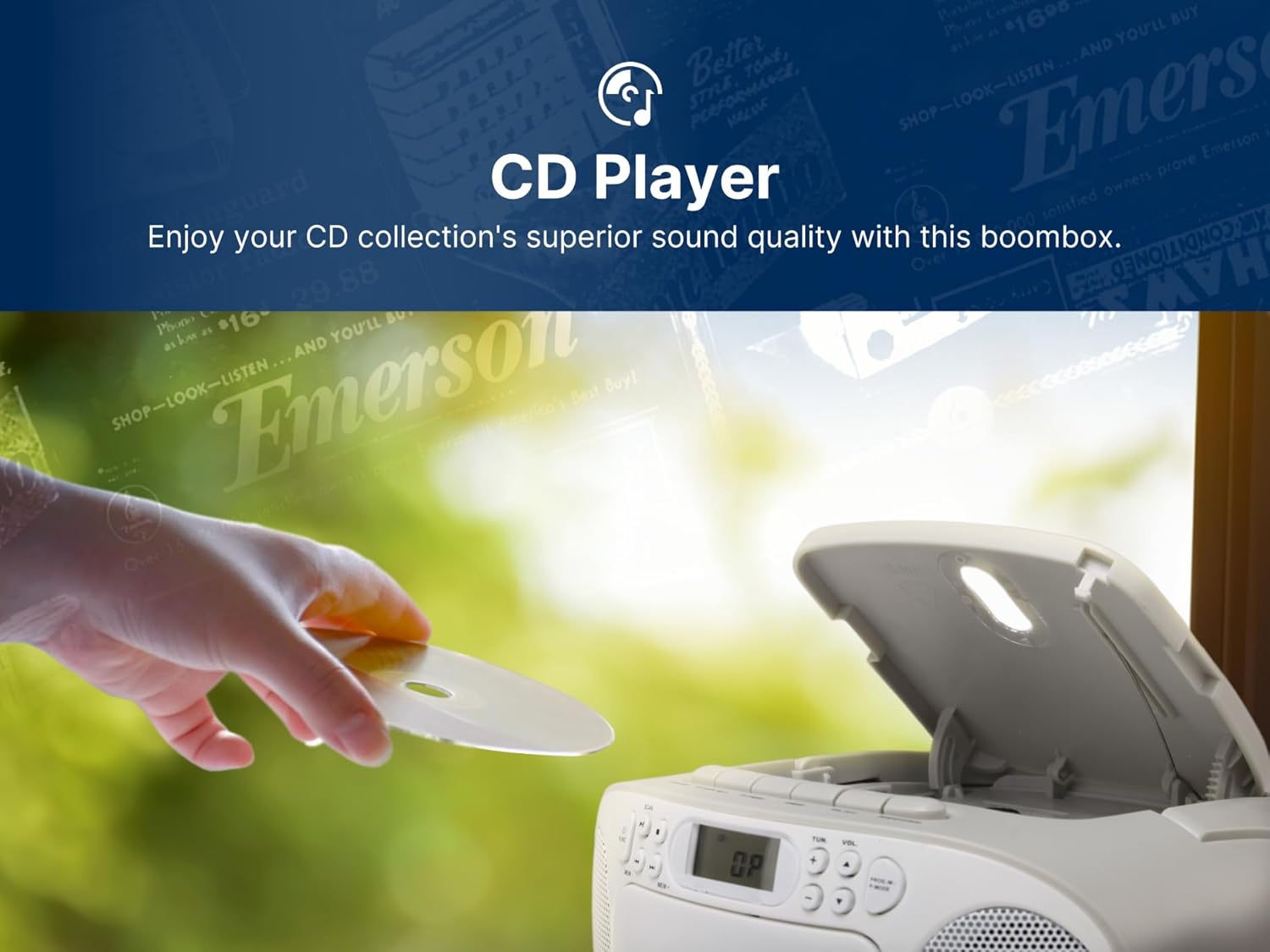
Figure 5.3: The boombox with headphones connected for personal audio enjoyment.
6. Care and Maintenance
Cleaning the Unit:
- Wipe the exterior of the unit with a soft, damp cloth. Do not use abrasive cleaners or solvents.
- For the CD lens, use a specialized CD lens cleaner.
- For the cassette deck, periodically clean the tape heads and pinch rollers with a cotton swab lightly moistened with isopropyl alcohol.
Battery Replacement:
When the unit's performance degrades during battery operation, replace all batteries with new ones, ensuring correct polarity.
7. Troubleshooting
| Problem | Possible Cause | Solution |
|---|---|---|
| No power | AC adapter not connected; Batteries depleted or incorrectly inserted. | Check AC connection; Replace batteries, ensuring correct polarity. |
| No sound from speakers | Volume too low; Headphones connected; Incorrect function selected. | Increase volume; Disconnect headphones; Select correct function (CD, TAPE, AM/FM, AUX). |
| CD skips or does not play | CD dirty or scratched; CD inserted incorrectly; CD compartment open. | Clean or replace CD; Insert CD with label side up; Close compartment securely. |
| Poor radio reception | Antenna not extended; Unit position. | Extend FM antenna; Rotate unit for AM reception. |
| Cassette tape does not play or record | Tape damaged; Incorrect function selected; Record tab removed (for recording). | Try another tape; Ensure 'TAPE' function is selected; Check record tab on cassette. |
8. Specifications
- Product Dimensions: 9.1 x 8.5 x 4.5 inches
- Item Weight: 2.86 pounds
- Model Number: EPB-3003-BL
- Power Source: AC/DC Adapter or Batteries (C-size, not included)
- Connectivity: Auxiliary Input
- Speaker Type: Stereo
- Supported Media: CD, CD-R, CD-RW, Cassette Tape
- Radio Bands: AM/FM

Figure 8.1: Dimensions and weight of the Emerson Portable CD Player Boombox.
9. Warranty and Support
For warranty information and customer support, please refer to the warranty card included with your product or visit the official Emerson website. Keep your purchase receipt as proof of purchase for warranty claims.
Manufacturer: Naxa Electronics, Inc.


