
Introduction
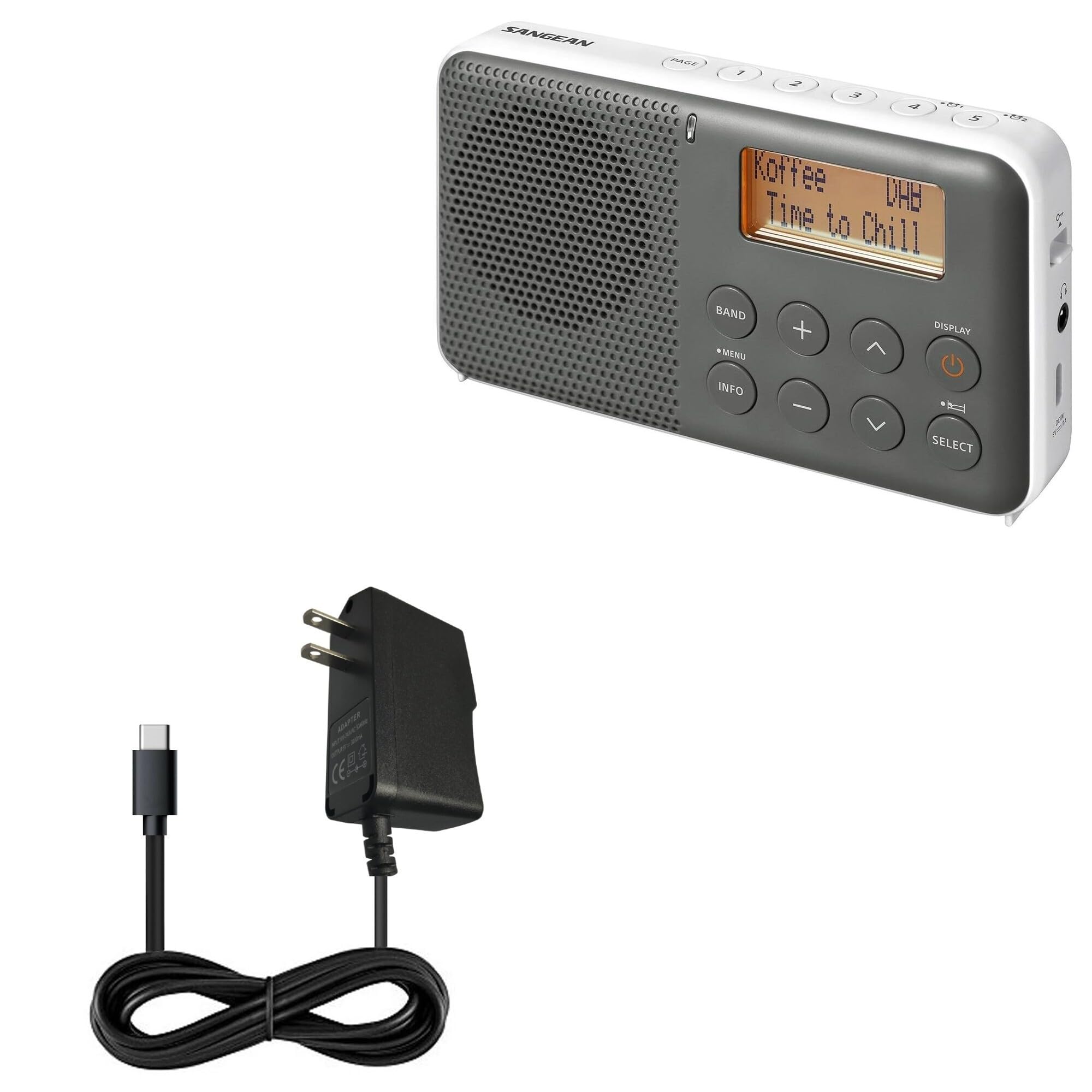
The BoxWave Wall Charger Direct (15W) is designed to provide rapid and safe charging for your Sangean DPR-64 device. This charger features a built-in 3-foot USB Type-C cable, eliminating the need for separate cables or adapters. Its adaptive circuitry ensures compatibility with North American and international voltage standards, making it suitable for travel. The robust design includes reinforced strain relief to enhance durability and prevent cable damage.
Setup
- Unpack the Charger: Carefully remove the BoxWave Wall Charger Direct (15W) from its packaging.
- Locate Device Port: Identify the USB Type-C charging port on your Sangean DPR-64 device.
- Connect Cable: Insert the built-in USB Type-C cable from the charger firmly into your Sangean DPR-64 device's charging port.
- Plug into Outlet: Plug the wall charger into a standard, functional electrical outlet.
Your device will automatically begin charging once a secure connection is established with the power outlet.

Operating Instructions
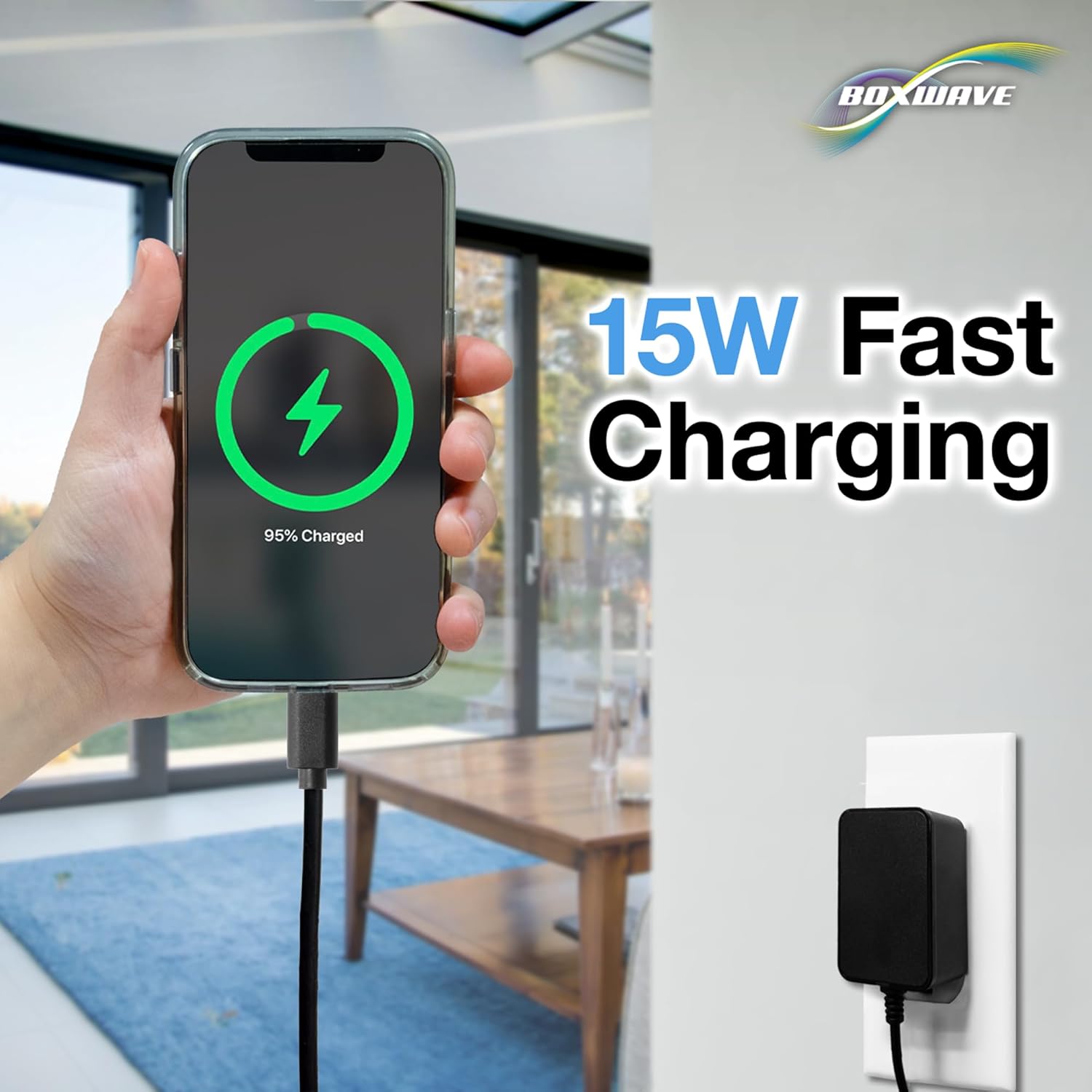
The BoxWave Wall Charger Direct operates with simple plug-and-play functionality. Once connected to a power source and your Sangean DPR-64 device, it will automatically deliver 15W of power for rapid charging. The integrated cable design ensures a stable and reliable connection throughout the charging process. There are no buttons or complex settings required for operation.
Maintenance
- Cleaning: Use a soft, dry cloth to clean the charger. Do not use liquid cleaners or solvents.
- Storage: Store the charger in a cool, dry place away from direct sunlight and extreme temperatures.
- Cable Care: Avoid sharp bends or kinks in the cable. The reinforced strain relief is designed to protect against wear, but excessive force can still cause damage.
- Disassembly: Do not attempt to open or disassemble the charger. This can void any potential support and may cause electrical hazards.

Troubleshooting
Device Not Charging
- Check Power Outlet: Ensure the wall charger is securely plugged into a functional electrical outlet. Test the outlet with another device if necessary.
- Verify Cable Connection: Confirm that the USB Type-C cable is fully and firmly inserted into your Sangean DPR-64 device's charging port.
- Inspect for Damage: Visually inspect the charger and cable for any signs of damage, such as frayed wires or bent pins. Do not use if damaged.
- Device Compatibility: Ensure your Sangean DPR-64 device is designed to charge via a USB Type-C port.
Slow Charging
- Background Activity: Excessive use of the device or running many background applications during charging can slow down the process. Close unnecessary apps.
- Cable Integrity: While designed for durability, a compromised cable can affect charging speed. Ensure the cable is not damaged.
- Environmental Factors: Charging in extremely hot or cold environments can impact battery performance and charging speed.
Specifications
| Model Number | BW-WCD |
| Input | 100-240V ~ 50/60Hz 0.55A Max |
| Output | 5V === 3000mA (15W) |
| Cable Length | 3 feet (0.91 meters) |
| Item Weight | 3.3 ounces (93.5 grams) |
| Manufacturer | BoxWave |
Support
For technical assistance or inquiries regarding your BoxWave Wall Charger Direct (15W), limited third-party technical support is available. This support is provided via messaging for up to three inquiries. Please note that this support is not affiliated with or endorsed by Sangean.
For further assistance, please refer to the contact information provided with your purchase or visit the official BoxWave website.