
Introduction
Welcome to the Portronics Harmonics Twins S19 Truly Wireless Earbuds. These earbuds are designed to provide a premium audio experience with advanced features for both music and gaming. This manual will guide you through the setup, operation, and maintenance of your new earbuds.

Image: Portronics Harmonics Twins S19 earbuds in their charging case.
What's in the Box
- 2N Earbuds (Left and Right)
- 1N Documentation (User Manual)
- 1N Charging Cable (Type C)
Video: A short preview demonstrating the unboxing of the Portronics Harmonics Twins S19 earbuds, showing the contents of the package including the earbuds, documentation, and charging cable.
Setup
Initial Charging
Before first use, fully charge the earbuds and the charging case. Connect the provided Type C charging cable to the charging port on the case and a compatible USB power source. The LED indicator on the case will show charging status.

Image: The Portronics Harmonics Twins S19 charging case being charged via a Type C cable, highlighting the fast charging capability.
Pairing with a Device
- Ensure the earbuds are in the charging case and the case has sufficient battery.
- Open the charging case lid. The earbuds will automatically enter pairing mode.
- On your device (smartphone, tablet, laptop), enable Bluetooth.
- Search for available Bluetooth devices and select "Portronics Harmonics Twins S19" from the list.
- Once connected, you will hear an audio prompt, and the earbuds' indicator lights will change.

Image: Portronics Harmonics Twins S19 earbuds next to a smartphone, illustrating instant Bluetooth V5.3 connectivity.
Operating Instructions
Touch Controls
The Harmonics Twins S19 earbuds feature intuitive touch controls for easy management of music, calls, and voice assistance.

Image: A detailed diagram illustrating the touch control functions on the Portronics Harmonics Twins S19 earbuds.
- Single Click Left Earbud: 1. Pick/End Calls, 2. Play/Pause Music
- Single Click Right Earbud: 1. Pick/End Calls, 2. Play/Pause Music
- Double Click Left Earbud: Previous Track Song
- Double Click Right Earbud: Next Track Song
- Triple Press: Game/Music Mode Switch
- Long Press: Call Reject
- 3s Long Press: Voice Assistant Activation
Game/Music Mode
Switch between Game Mode for low-latency audio during gaming and Music Mode for an optimized listening experience by performing a Triple Press on either earbud.
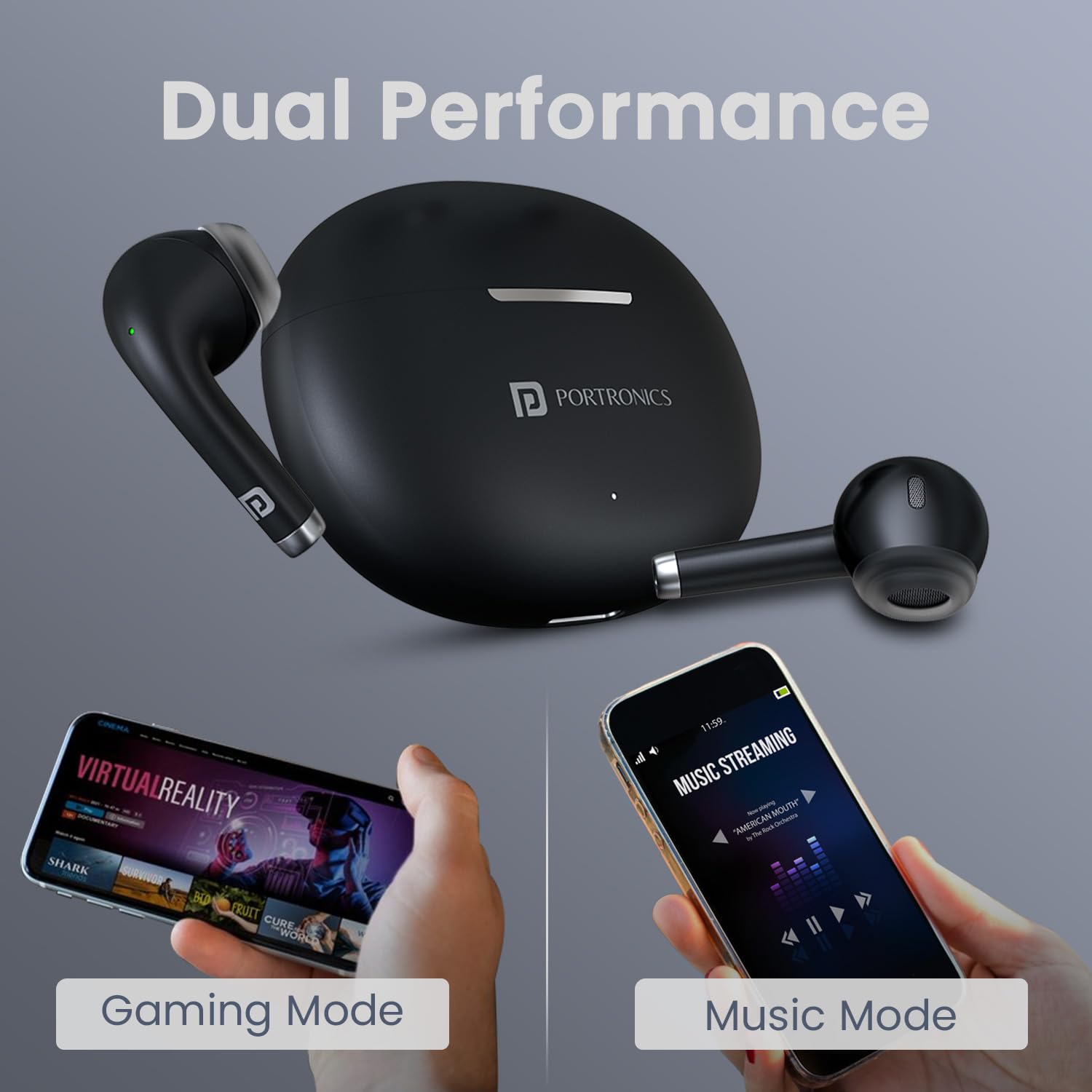
Image: The earbuds and charging case alongside two smartphones, one displaying 'Gaming Mode' and the other 'Music Mode', highlighting the dual performance feature.
Battery and Charging
The earbuds offer up to 30 hours of playtime with the charging case. The case supports Type C fast charging, allowing for quick power-ups.

Image: The Portronics Harmonics Twins S19 earbuds in their charging case, emphasizing the 30 hours of playtime.
Maintenance
Cleaning
Regularly clean the earbuds and charging case with a soft, dry cloth. Avoid using harsh chemicals or abrasive materials. Ensure the charging contacts on both the earbuds and the case are clean and dry.
Water Resistance
The earbuds feature an IPX5 water-resistant rating, making them resistant to rain, splashes, and sweat. However, they are not designed for submersion in water. Avoid exposing them to excessive moisture.

Image: The Portronics Harmonics Twins S19 earbuds and charging case with water droplets, illustrating their IPX5 water-resistant rating.
Comfort and Fit
The unique earbuds design is crafted for a soft, secure, and effortless fit, ensuring comfort during extended use.

Image: A close-up view of the Portronics Harmonics Twins S19 earbud, highlighting its unique design for a soft, secure, and effortless fit.
Troubleshooting
Earbuds Not Pairing
- Ensure both earbuds are charged.
- Turn off Bluetooth on your device and turn it back on.
- Forget the device from your Bluetooth list and try pairing again.
- Place earbuds back in the case, close the lid, wait a few seconds, then open to re-enter pairing mode.
No Sound or Low Volume
- Check the volume levels on both your device and the earbuds.
- Ensure earbuds are properly connected to your device.
- Clean any debris from the earbud speakers.
Charging Issues
- Verify the charging cable is securely connected to both the case and the power source.
- Ensure the charging contacts on the earbuds and case are clean.
- Try a different charging cable or power adapter.
Specifications
| Feature | Detail |
|---|---|
| Brand | Portronics |
| Model Name | Harmonics Twins S19 |
| Model Number | POR-2214 |
| Ear Placement | In Ear |
| Bluetooth Version | 5.3 |
| Playtime | Up to 30 Hours (with charging case) |
| Driver Size | 13mm Dynamic Driver |
| Control Method | Touch |
| Charging Type | Type C Fast Charging |
| Water Resistance | IPX5 (Rainproof, Splashproof, Sweatproof) |
| Material | ABS Plastic |
| Weight | 110 Grams |
Image: An exploded view of the earbud highlighting the 13mm dynamic bass driver for superior sound.
Warranty and Support
Warranty Information
The Portronics Harmonics Twins S19 earbuds come with a 1-Year Standard Warranty from the date of purchase. Please retain your purchase receipt for warranty claims.
Customer Support
For any queries, technical assistance, or warranty claims, please contact Portronics customer support:
- Email: help@portronics.com
- Phone: +91 9555-245-245