1. Introduction
Thank you for choosing the NineLeaf KS-SF19 Door and Window Alarm Sensor. This device is designed to enhance the security of your home, office, garage, or apartment by detecting unauthorized entry through doors and windows. It features a compact design, easy installation, and multiple operating modes to suit various security needs.
The KS-SF19 alarm system integrates four distinct modes: Normal Alarm, Constant Alarm, Closing Reminder Alarm, and Doorbell Mode, providing versatile protection and convenience. With a loud 110dB alarm, it effectively deters intruders and alerts occupants.
2. Product Features
- 4 Operating Modes: Includes General Magnetic Alarm, Constant Alarm, Closing Reminder Alarm, and Doorbell Mode.
- Super Loud 110dB Alarm: Provides a powerful deterrent against intruders.
- Versatile Application: Suitable for doors, windows, mailboxes, cabinets, and various other entry points in homes, apartments, offices, and stores.
- Easy Operation: Simple button presses to switch modes and power on/off.
- Low Battery Warning: Alerts users with a "Du-Du-Du-Du" sound when batteries are low.
- Simple Installation: Self-adhesive tape allows for quick and tool-free setup.
- Compact and Portable Design: Discreetly blends with surroundings.

Figure 2.1: Illustration of the four distinct operating modes: Normal Alarm, Time-delay Mode (Constant Alarm), Constant Alarm Mode, and Doorbell Mode.
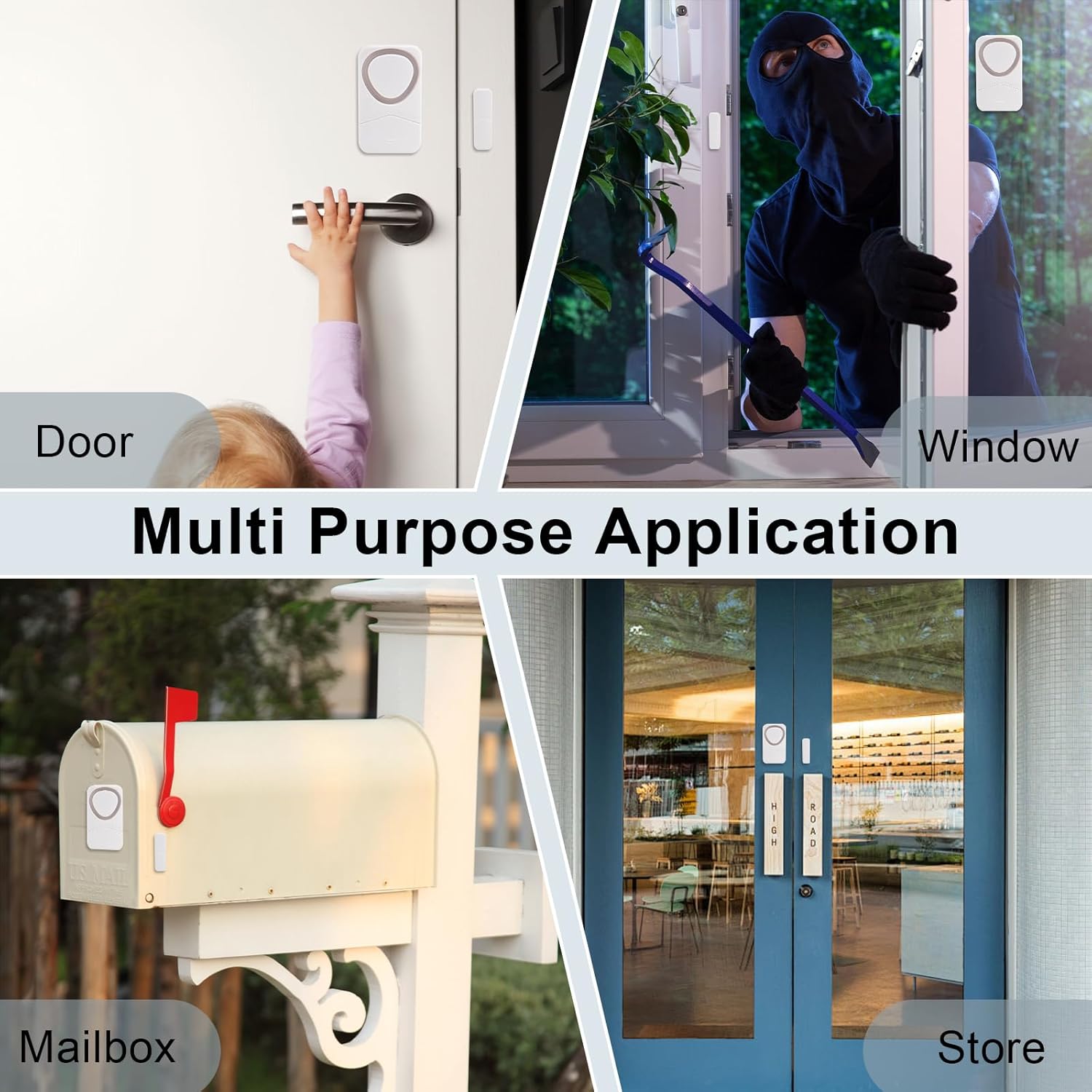
Figure 2.2: Examples of the alarm's multi-purpose application on various entry points such as doors, windows, mailboxes, and store entrances.
3. Product Specifications
| Parameter | Value |
|---|---|
| Model Number | KS-SF19 |
| Battery Type | 3 × AG13 or LR44 button cells (not included) |
| Battery Life (Standby) | Over 1 year (based on 5 activations per day, 5 seconds per activation) |
| Alarm Volume | 110dB |
| Operating Temperature | -10°C to +60°C (14°F to 140°F) |
| Operating Humidity | <80% |
| Storage Temperature | -20°C to +70°C (-4°F to 158°F) |
| Item Weight | Approximately 10.1 ounces (for a 10-pack) |
| Dimensions (Alarm Host) | Approx. 2.2in (5.5cm) H x 1.3in (3.3cm) W |
| Dimensions (Magnetic Strip) | Approx. 1.4in (3.5cm) H x 0.43in (1.1cm) W |
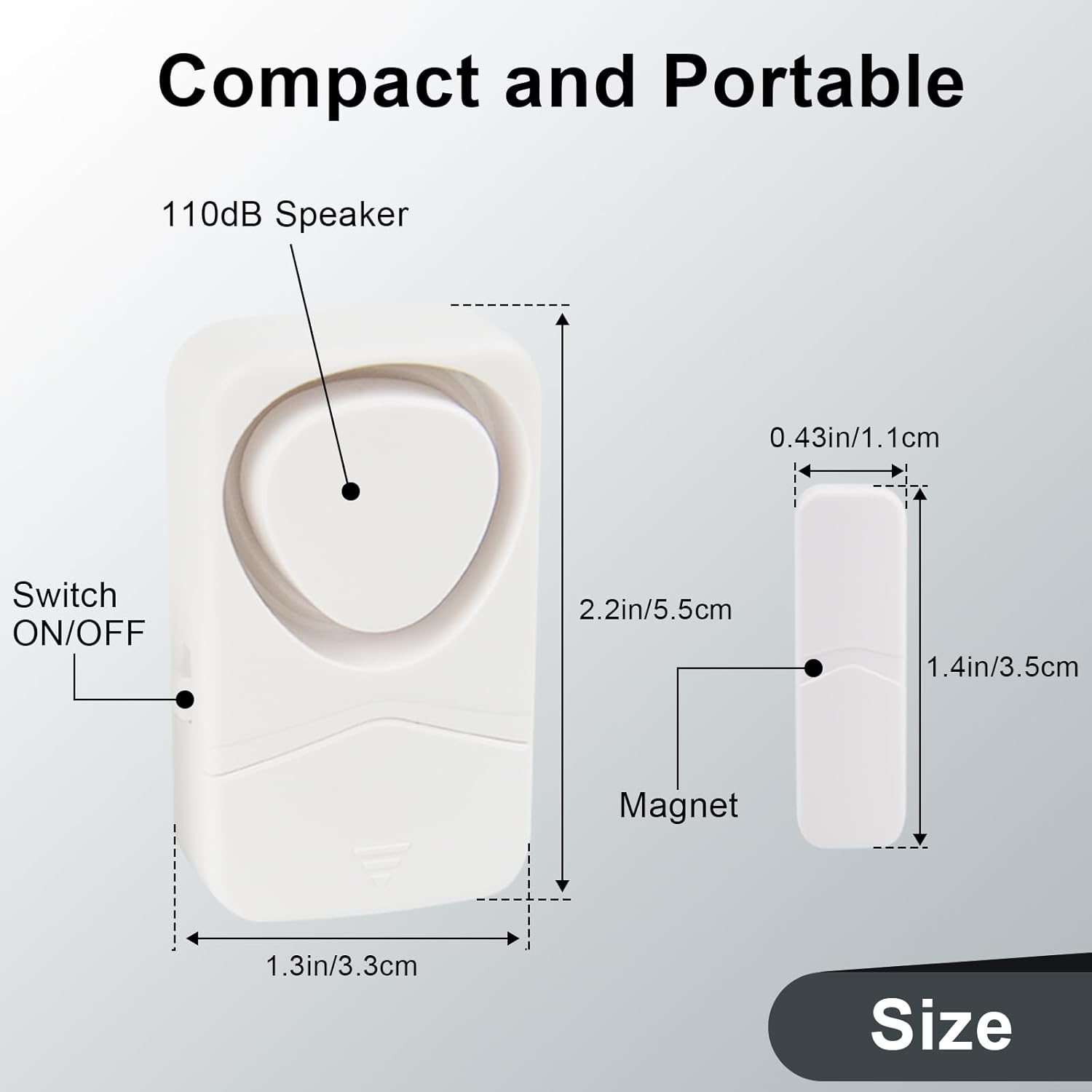
Figure 3.1: Detailed dimensions of the alarm host and magnetic strip, highlighting its compact and portable design.
4. Package Contents
Each NineLeaf KS-SF19 package typically includes:
- NineLeaf KS-SF19 Alarm Host Unit(s)
- Magnetic Strip(s)
- Self-adhesive tape for installation
- User Manual (this document)
Note: Batteries (3 x AG13/LR44 per unit) are not included and must be purchased separately.
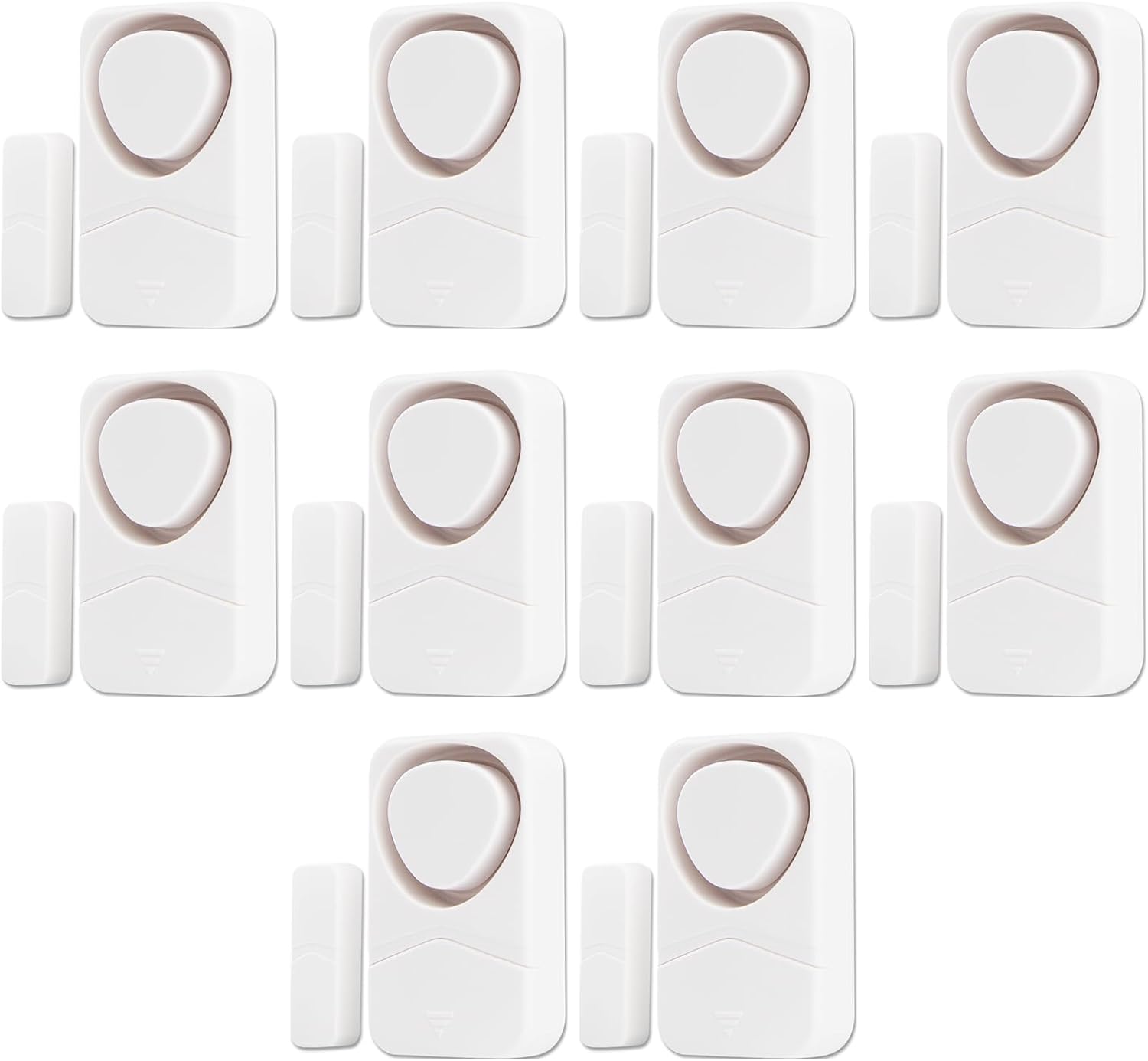
Figure 4.1: A typical package containing multiple NineLeaf KS-SF19 alarm units, each consisting of an alarm host and a magnetic strip.
5. Setup and Installation
Follow these steps for proper installation of your NineLeaf KS-SF19 alarm sensor:
- Prepare the Surface: Choose a clean, smooth, and dry installation surface on your door/window and its corresponding frame. Wipe the selected area with a wet cloth and allow it to dry completely before proceeding.
- Attach Adhesive to Alarm Host: Peel off the protective backing from the self-adhesive tape and firmly attach it to the back of the alarm host unit.
- Attach Adhesive to Magnetic Strip: Similarly, peel off the protective backing from the self-adhesive tape and firmly attach it to the back of the magnetic strip.
- Mount the Units: Carefully align and attach the alarm host to the door or window, and the magnetic strip to the corresponding frame. Ensure the alignment lines on both units are matched.
Important Installation Notes:
- Indoor Use Only: This device is designed for indoor use. Do not install it in direct sunlight, rain, or areas with high pollution or humidity.
- Magnetic Sensor Alignment: The magnetic sensor is built into the right side of the alarm host. Ensure the magnetic strip is installed on the right side of the alarm host, with their alignment lines precisely matched.
- Placement Flexibility: If the alarm host is installed on the door, the magnetic strip should be on the door frame. Conversely, if the alarm host is on the door frame, the magnetic strip should be on the door.
- Optimal Gap: The gap between the alarm host and the magnetic strip must be less than 1 cm (approximately 0.39 inches) for proper function.

Figure 5.1: Visual guide for the simple installation process: wipe surface, peel tape, stick alarm, and stick magnetic strip.

Figure 5.2: The alarm activates when the separation between the alarm host and magnetic strip exceeds 0.39 inches (1 cm).
6. Operating Modes
The NineLeaf KS-SF19 alarm offers four distinct operating modes. Press the ON/OFF switch button repeatedly to cycle through these modes. A short sound or indicator will confirm the mode change.
- 1. General Magnetic Alarm (Normal Alarm Mode):
When the door or window is opened, the alarm will sound. The alarm will stop automatically once the door or window is closed again. This mode is ideal for general security where immediate closure is expected. - 2. Constant Alarm Mode:
Once triggered by an opened door or window, the alarm will continue to sound for at least ten seconds, even if the door or window is closed. The alarm will only stop when manually turned off or after its set duration. This mode provides a more persistent alert. - 3. Closing Reminder Alarm:
If a door or window is opened and remains open for a certain period, the alarm will be triggered to remind you to close it. This is useful for preventing accidental prolonged openings. - 4. Doorbell Mode:
When the door or window is opened, the alarm will emit a pleasant "ding-dong" sound instead of a loud siren. This mode is perfect for welcoming guests or being notified of entry without causing alarm.
7. Maintenance
Battery Replacement:
The alarm unit is powered by 3 x AG13 or LR44 button cell batteries. When the battery level is low, the unit will emit a "Du-Du-Du-Du" sound as a warning. To replace the batteries:
- Carefully open the battery compartment on the back of the alarm host unit.
- Remove the old batteries.
- Insert three new AG13 or LR44 batteries, ensuring correct polarity (+/-).
- Close the battery compartment securely.
Cleaning:
To clean the alarm unit, gently wipe the exterior with a soft, dry cloth. Do not use abrasive cleaners, solvents, or immerse the unit in water.
8. Troubleshooting
- Alarm not triggering:
- Check the gap between the alarm host and magnetic strip. It must be less than 1 cm (0.39 inches).
- Ensure the alignment lines on both units are perfectly matched.
- Verify that the batteries are correctly installed and not depleted. Replace if necessary.
- Confirm the unit is powered on.
- Low battery warning ("Du-Du-Du-Du" sound):
- Replace the batteries with new AG13 or LR44 button cells as soon as possible.
- Alarm sounds continuously in Normal Alarm Mode:
- Ensure the door/window is fully closed and the magnetic strip is in close proximity to the alarm host.
- Check if the unit is accidentally set to Constant Alarm Mode. Press the ON/OFF button to cycle through modes.
9. Warranty and Support
NineLeaf products are manufactured with quality and reliability in mind. For any issues, questions, or support needs regarding your KS-SF19 Door and Window Alarm Sensor, please contact NineLeaf customer service.
You can typically find contact information on the product packaging or by visiting the official NineLeaf store on Amazon: NineLeaf Store.


