
1. Introduction
The Resiners Purair Air Purifier is designed to create a cleaner and safer environment, especially for epoxy resin artists. It effectively removes harmful volatile organic compounds (VOCs) from epoxy resin fumes and other airborne particles, ensuring a healthier workspace. This manual provides essential information for the proper setup, operation, and maintenance of your Purair device.

Image 1.1: Resiners Purair Air Purifier in use, demonstrating its compact design.
2. Important Safety Information
Please read all safety instructions before operating the device. Keep this manual for future reference.
- Ensure the device is placed on a stable, level surface.
- Do not block air inlets or outlets.
- Keep the device away from water or other liquids.
- Unplug the device before cleaning or performing any maintenance.
- This air purifier complies with California CARB requirements.
Legal Disclaimer:
Statements regarding dietary supplements have not been evaluated by the FDA and are not intended to diagnose, treat, cure, or prevent any disease or health condition. This product is an air purification device and not a medical treatment.
3. Package Contents
Verify that all items are included in your package:
- 1 x Resiners Purair Air Purifier (filter included)
- 1 x Detailed Manual
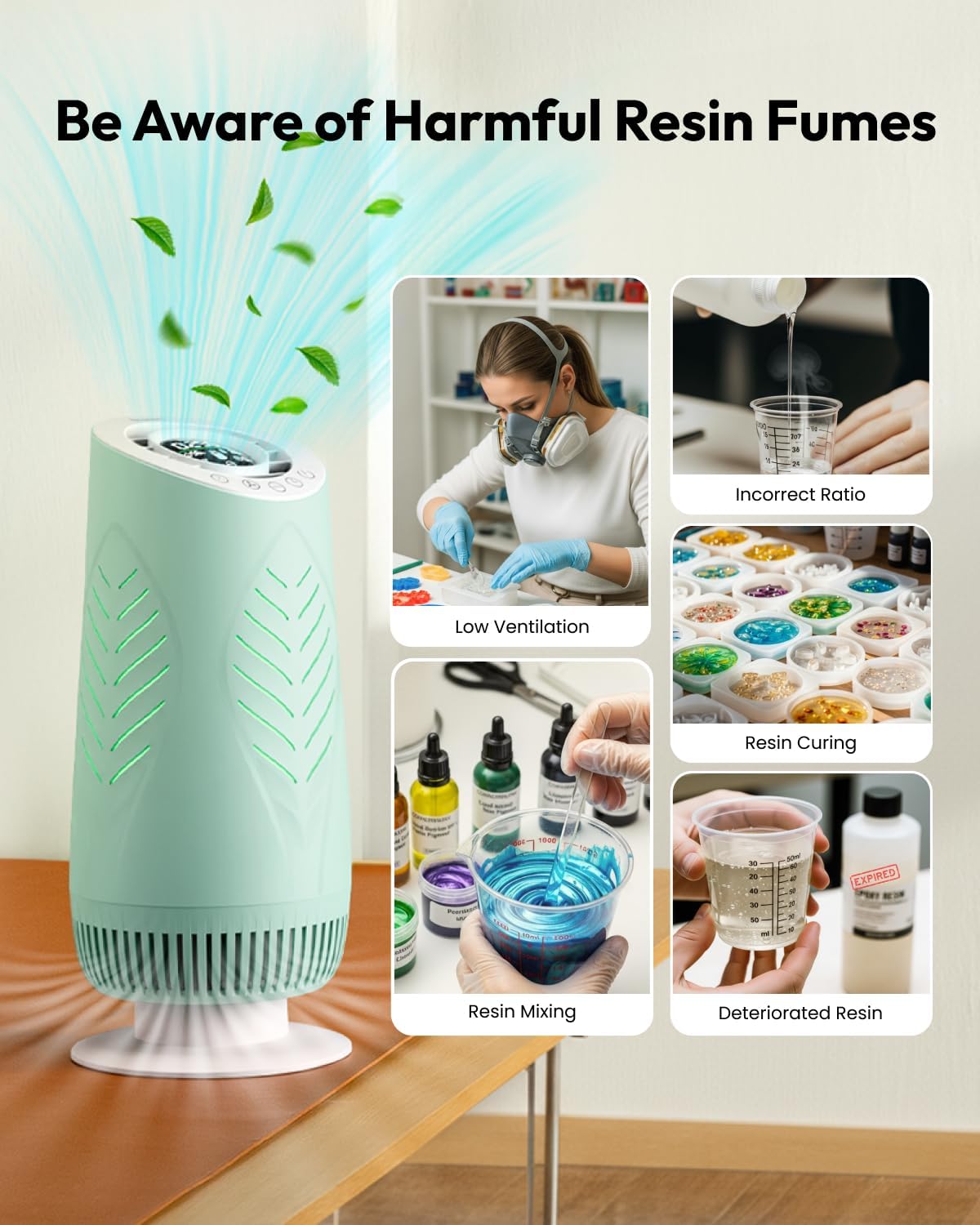
Image 3.1: The Resiners Purair Air Purifier and its included accessories.
4. Product Overview
The Resiners Purair features an advanced 2-stage filtration system and smart monitoring capabilities to ensure optimal air quality.
Key Features:
- Advanced 2-Stage Filtration:
- Pre-Filter: Captures large particles such as dust, fibers, and hair.
- H13 HEPA & Resin Fumes Purifying Filter: Removes 99.97% of airborne particles as small as 0.3 µm, including fine dust, allergens, smoke, and pollen. It also thoroughly decomposes harmful VOCs from resin fumes without secondary pollution.
- Real-Time Air Quality Monitoring: An integrated sensor detects harmful resin pollutants and provides instant air quality updates via LED indicators (green, yellow, or red) and TVOC data.
- Effortless Operation: Features an Auto Mode that adjusts fan speeds based on air quality, and a simple one-button operation.
- Customizable Control: Select from 3 manual fan speeds and set a timer for 1-9 hours.
- Additional Functions: Displays indoor temperature and humidity.
- Efficient Air Circulation: 360-degree intake and 45° angled outlet enhance air circulation in spaces up to 158.76 ft² (14.4 m²).

Image 4.1: Internal structure and air purification process.

Image 4.2: LED air quality indicators (green, yellow, red) and display.
5. Setup Instructions
Follow these steps for initial setup:
- Unpack: Carefully remove the air purifier and all components from the packaging.
- Filter Installation: Open the filter compartment (usually at the bottom or back of the unit). Remove the new filter from its protective plastic bag. Insert the filter into the compartment, ensuring it is seated correctly.
- Internal Power Cable: After installing the filter, remember to plug in the internal power cable to start the machine. This step is crucial for operation.
- Close Compartment: Securely close the filter compartment cover.
- Placement: Place the air purifier on a flat, stable surface in your desired location, ensuring adequate space around the air inlets and outlets for optimal circulation.
- Power Connection: Plug the external power cord into a suitable electrical outlet.

Image 5.1: Visual guide for filter installation.
Video: How to Install and Replace the Filter
Video 5.1: This video demonstrates the process of installing and replacing the air filter in your Resiners Purair Air Purifier.
6. Operating Instructions
The Resiners Purair Air Purifier offers both automatic and manual control options.
Control Panel:

Image 6.1: The touch control panel of the air purifier.
Power On/Off:
- Press the power button once to turn the unit on.
- Press and hold the power button to turn the unit off.
Auto Mode:
- When in Auto Mode, the purifier automatically adjusts fan speed based on detected air quality.
- The LED indicator will change color (green for good, yellow for moderate, red for poor) to reflect real-time air quality.
Manual Fan Speed:
- Press the fan speed button to cycle through 3 available fan speeds (Low, Medium, High).
Timer Function:
- Press the timer button to set the operating duration from 1 to 9 hours. The unit will automatically shut off after the set time.
Temperature and Humidity Display:
- The display shows current indoor temperature and humidity levels.
Video: Resiners Purair Air Purifier for Epoxy Resin
Video 6.1: An overview of the Resiners Purair Air Purifier's features and operation.
7. Maintenance
Regular maintenance ensures optimal performance and extends the life of your air purifier.
Filter Replacement:
- The filter has a life expectancy of up to 2000 hours.
- It is recommended to replace the filter every 3-6 months for optimal performance, depending on usage and air quality.
- The Purair provides filter replacement reminders on its display.
- Refer to the "Setup Instructions" (Section 5) and Video 5.1 for detailed steps on how to install and replace the filter.

Image 7.1: The H13 True HEPA and Resin Fumes Purifying Filter.
Cleaning the Unit:
- Always unplug the air purifier before cleaning.
- Wipe the exterior of the unit with a soft, dry cloth.
- Do not use abrasive cleaners or solvents.
- Periodically clean the air inlet and outlet grilles with a soft brush or vacuum cleaner attachment to remove dust buildup.
8. Troubleshooting
If you encounter any issues with your Resiners Purair Air Purifier, please refer to the following common solutions:
| Problem | Possible Cause | Solution |
|---|---|---|
| Unit does not power on | Power cord not properly connected; Internal filter power cable disconnected. | Ensure the external power cord is securely plugged into an outlet. Check that the internal power cable for the filter is connected (refer to Setup Instructions). |
| Poor air purification performance | Filter is dirty or expired; Air inlets/outlets are blocked; Unit is too far from the source of pollution. | Replace the filter. Ensure no obstructions around the unit. Reposition the purifier closer to the work area. |
| LED indicator always red/yellow despite no obvious pollution | Sensor may be dirty or malfunctioning; High background VOCs. | Gently clean the sensor area (refer to manual for sensor location). Ensure proper ventilation in the room. If the issue persists, contact customer support. |
If the problem persists after attempting these solutions, please contact Resiners customer service for further assistance.
9. Specifications
| Feature | Detail |
|---|---|
| Model Number | AP01 |
| Product Dimensions (D x W x H) | 8.27 x 8.27 x 18.78 inches |
| Item Weight | 8.25 Pounds (3.74 Kilograms) |
| Power Source | Electric |
| Control Method | Touch Control |
| Filter Type | H13 True HEPA Filter |
| Floor Area Coverage | 158.76 ft² (14.4 Square Meters) |
| Particle Retention Size | 0.3 Micron |
| Contaminant Filtration Capability | Volatile Organic Compounds (VOCs) |
| Special Features | Auto Purification, For Allergies, LED Monitor, Resin Fumes Targeted Filtration System, Smart Operations |
| Color | Green |
10. Warranty and Support
Warranty Information:
If you encounter any issues with your Resiners Purair Air Purifier, please contact our customer service team for assistance. The product is sold by Resiners Direct.
Customer Support:
For technical support, warranty claims, or general inquiries, please contact Resiners Direct through the platform where you purchased the product or visit the official Resiners website for contact details.
