
Product Overview
Thank you for choosing the Beeasy AW05 Digital Sports Watch. This manual provides detailed instructions for setting up and operating your watch. Please read it carefully to ensure proper use and to enjoy all the features of your new timepiece.
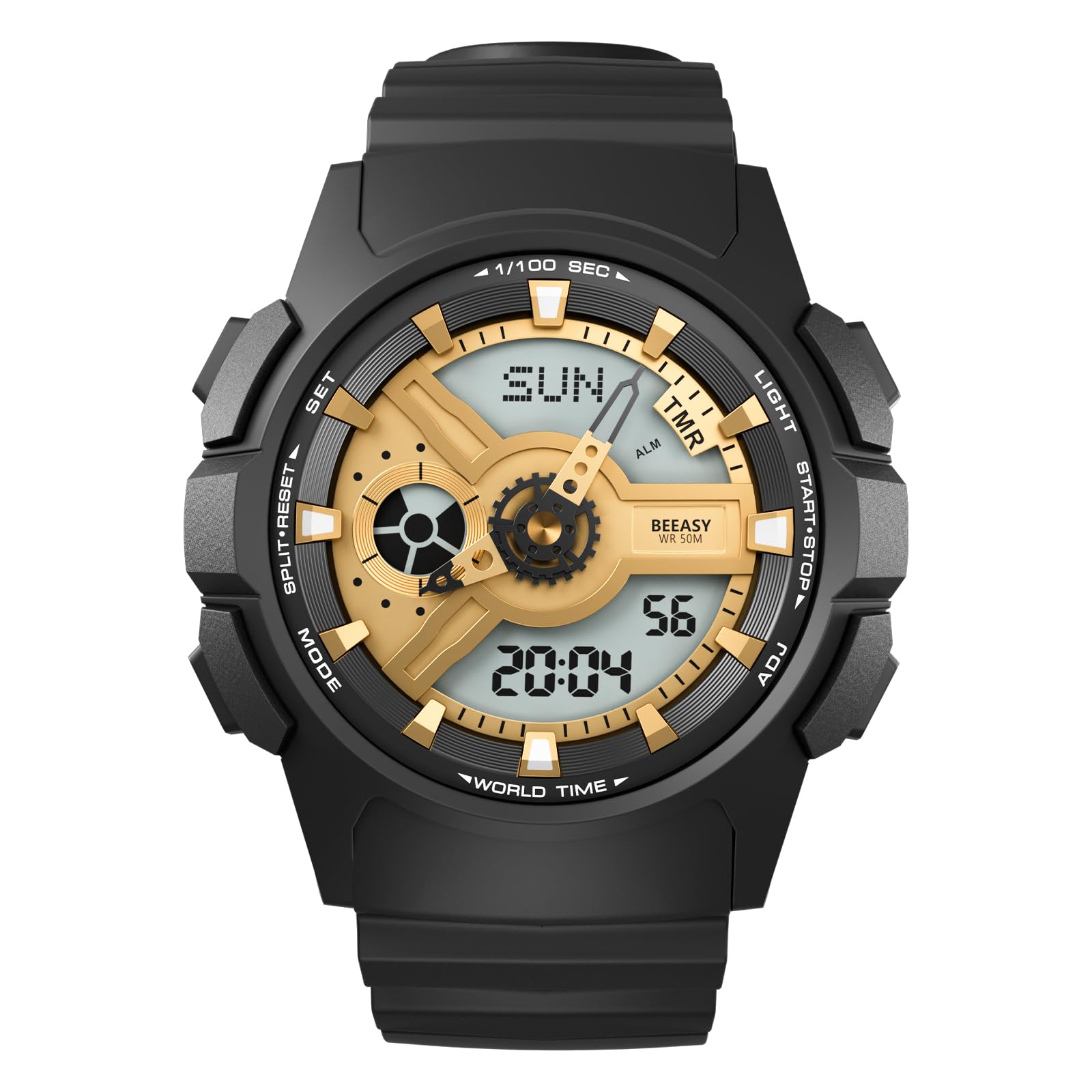
Figure 1: Front view of the Beeasy AW05 Digital Sports Watch, showcasing its dual display.
Key Features:
- Multi-functionality: Stopwatch, 12/24 Hour format, snooze mode, 4 alarms, split time, LED delay backlight, calendar (date, week display), dual time.
- Water Resistance: 5ATM (50 meters / 164 feet) for daily use, swimming, and rain. Not suitable for hot water or steam. Do not press buttons underwater.
- Dual Display: Japan Quartz Synchronized Movement with both analog and digital time display for accurate timekeeping.
- Durable Design: Features a comfortable and durable PU rubber strap, classic metal design, steel back-case, and stainless steel buckle.
- EL Backlight: Electro-Luminescent backlight for clear visibility in low-light conditions.
Setup and Initial Configuration
Setting Date and Time:
Follow these steps to set the year, month, and date on your Beeasy AW05 watch:
- Press and hold the RESET button for 3 seconds to enter setting mode.
- Press the MODE button 6 times to navigate to the year setting.
- Press the ST/STOP button to adjust the year to the correct value.
- Press the MODE button to cycle through and set the month, date, hour, and minute. Use the ST/STOP button to adjust each value.
- Press RESET when all settings are complete.
Note: If the current year is exceeded during adjustment, press ST/STOP to set it to 99, then continue adjusting to the present year. This watch has an auto calendar function; once the date and year are set correctly, the day of the week will be automatically displayed.

Figure 2: Visual guide for setting the date and time on your watch.
Adjusting the Analog Hands:
The analog hands are synchronized with the digital time. If they are not aligned, refer to the 'H-SET' mode in the detailed instructions provided with your watch to manually adjust them.
Operating Modes
Your Beeasy AW05 watch features several operating modes accessible via the MODE button:
- Time Mode: Displays current time, day, and date.
- Alarm Mode: Set up to 4 daily alarms and a snooze function.
- Stopwatch Mode: Measure elapsed time with split functions.
- Countdown Timer: Set a countdown for specific activities.
- Dual Time Mode: View a second time zone simultaneously.
Using the EL Backlight:
To illuminate the display in dark conditions, press the LIGHT button. The EL backlight will activate for a few seconds, allowing you to read the time clearly.
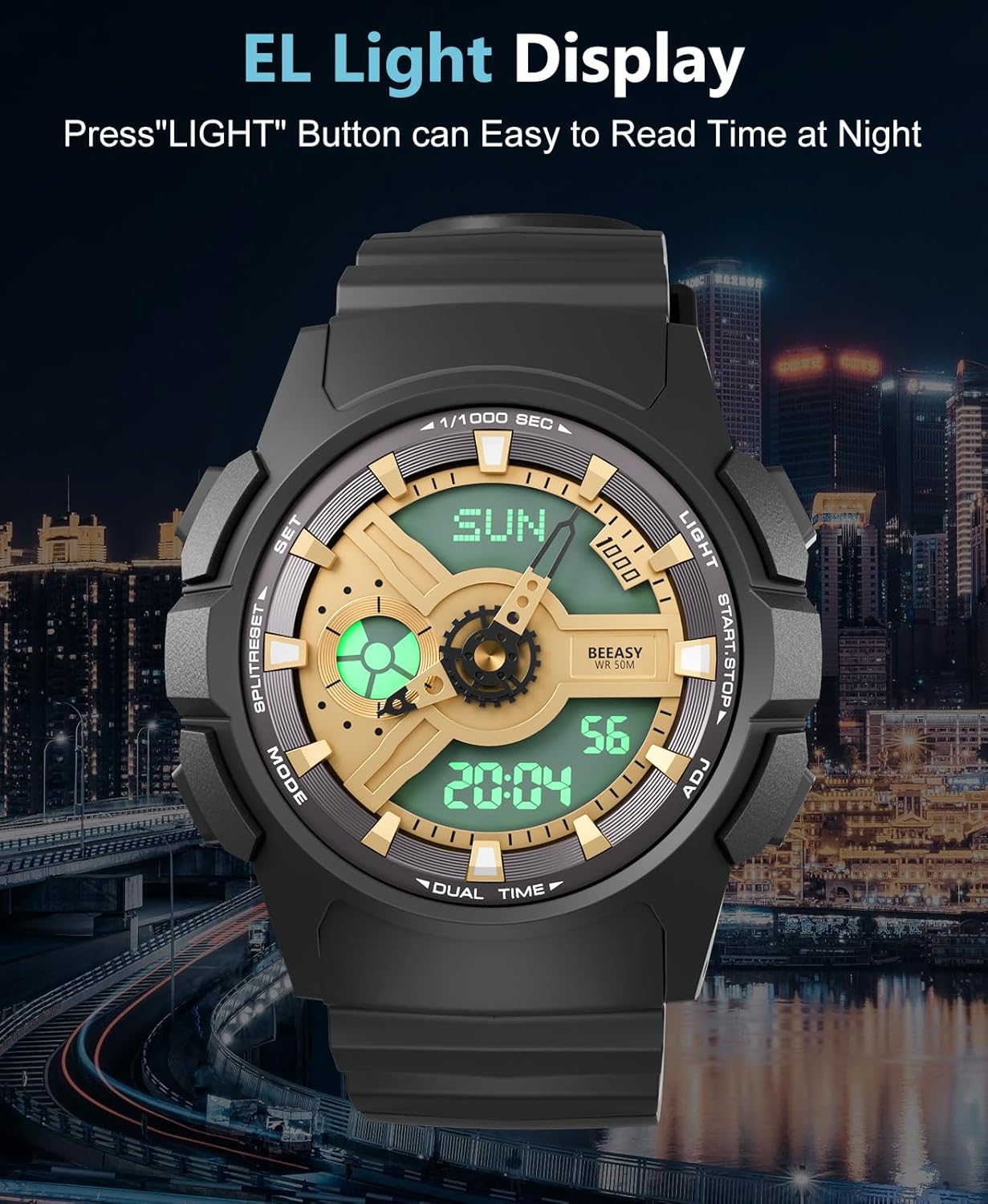
Figure 3: The watch display illuminated by the EL backlight for night visibility.
Demonstration of Watch Functions:
Video 1: An official Beeasy video demonstrating the various functions of the digital tactical watch, including time display, alarms, and stopwatch features.
Water Resistance
The Beeasy AW05 watch is rated 5ATM, meaning it is water resistant up to 50 meters (164 feet). This makes it suitable for:
- Daily use and accidental splashes.
- Showering (cold water only).
- Swimming in shallow water.
- Rain exposure.
Important Precautions:
- DO NOT press any buttons while the watch is submerged in water.
- Avoid exposure to hot water, steam, or saunas, as this can compromise the watch's water resistance.
- Do not use the watch for diving or high-pressure water activities.

Figure 4: The watch demonstrating its 5ATM water resistance during various water activities.
Maintenance
Cleaning Your Watch:
To maintain the appearance and longevity of your watch, regularly clean the case and strap. Use a soft, damp cloth to wipe away dirt and sweat. For the rubber strap, mild soap and water can be used, ensuring to rinse thoroughly and dry completely.
Battery Replacement:
The watch uses a CR2032 battery. When the display dims or functions become erratic, it may be time to replace the battery. It is recommended to have battery replacement performed by a qualified watch technician to ensure the water resistance seal is properly maintained.


Figure 5: Details of the watch's steel back-case and comfortable rubber strap.
Troubleshooting
Common Issues and Solutions:
- Time Inaccuracy: If the watch runs fast or slow, ensure the time and date settings are correct. Extreme temperature changes can sometimes affect quartz movement accuracy. If persistent, a battery replacement or professional inspection may be needed.
- Display Not Visible: In low light, activate the EL backlight by pressing the LIGHT button. If the display is completely blank, the battery may need replacement.
- Buttons Not Responding: Ensure the watch is not submerged in water when pressing buttons. If buttons are stiff or unresponsive, gently clean around them. If the issue persists, contact support.
- Water Inside Watch: If you notice condensation or water inside the watch, stop using it immediately and seek professional repair to prevent further damage.
Specifications
| Feature | Detail |
|---|---|
| Model Number | AW05 |
| Display Type | Analog & Digital (13 Digits LCD) |
| Movement | Japan Quartz Synchronized Movement |
| Water Resistance | 5ATM (50 meters / 164 feet) |
| Case Material | Resin |
| Strap Material | PU Rubber |
| Clasp Type | Buckle |
| Battery Type | CR2032 |
| Watch Dimensions | 44mm (width) x 13mm (thickness) |
| Wrist Girth | 165-230mm (5.8-8.2 inches) |

Figure 6: Product size parameters and how to measure wrist girth.
Warranty and Support
Warranty Information:
Beeasy products are designed for durability and performance. For specific warranty details regarding your AW05 Digital Sports Watch, please refer to the warranty card included in your product packaging or visit the official Beeasy website. Typically, manufacturing defects are covered for a specified period from the date of purchase.
Customer Support:
If you encounter any issues or have questions not covered in this manual, please contact Beeasy customer support through the retailer where you purchased the watch or visit the official Beeasy store on Amazon for assistance.
Thank you for choosing Beeasy!

